

Stellaris 4.5.1 — Mac version
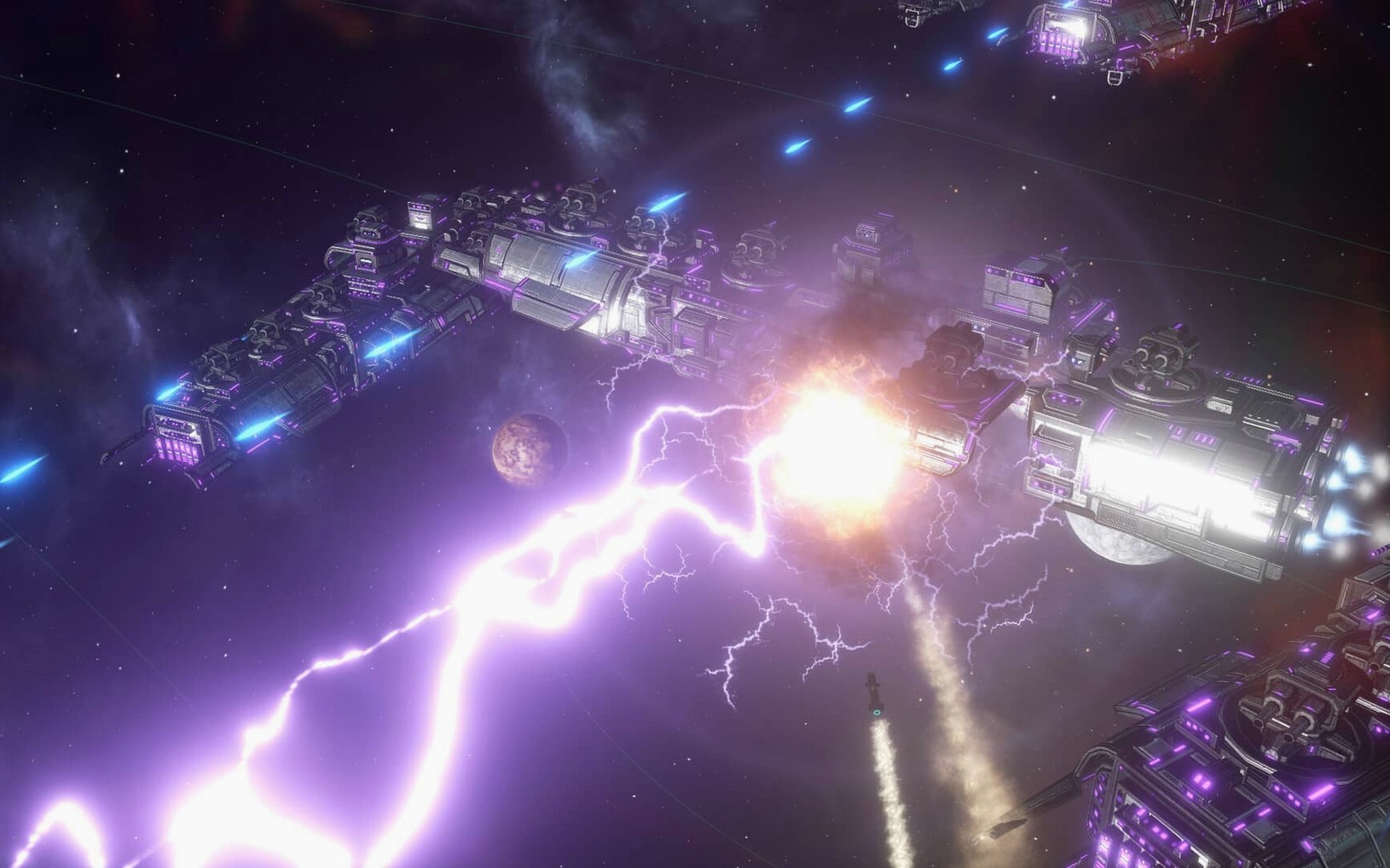
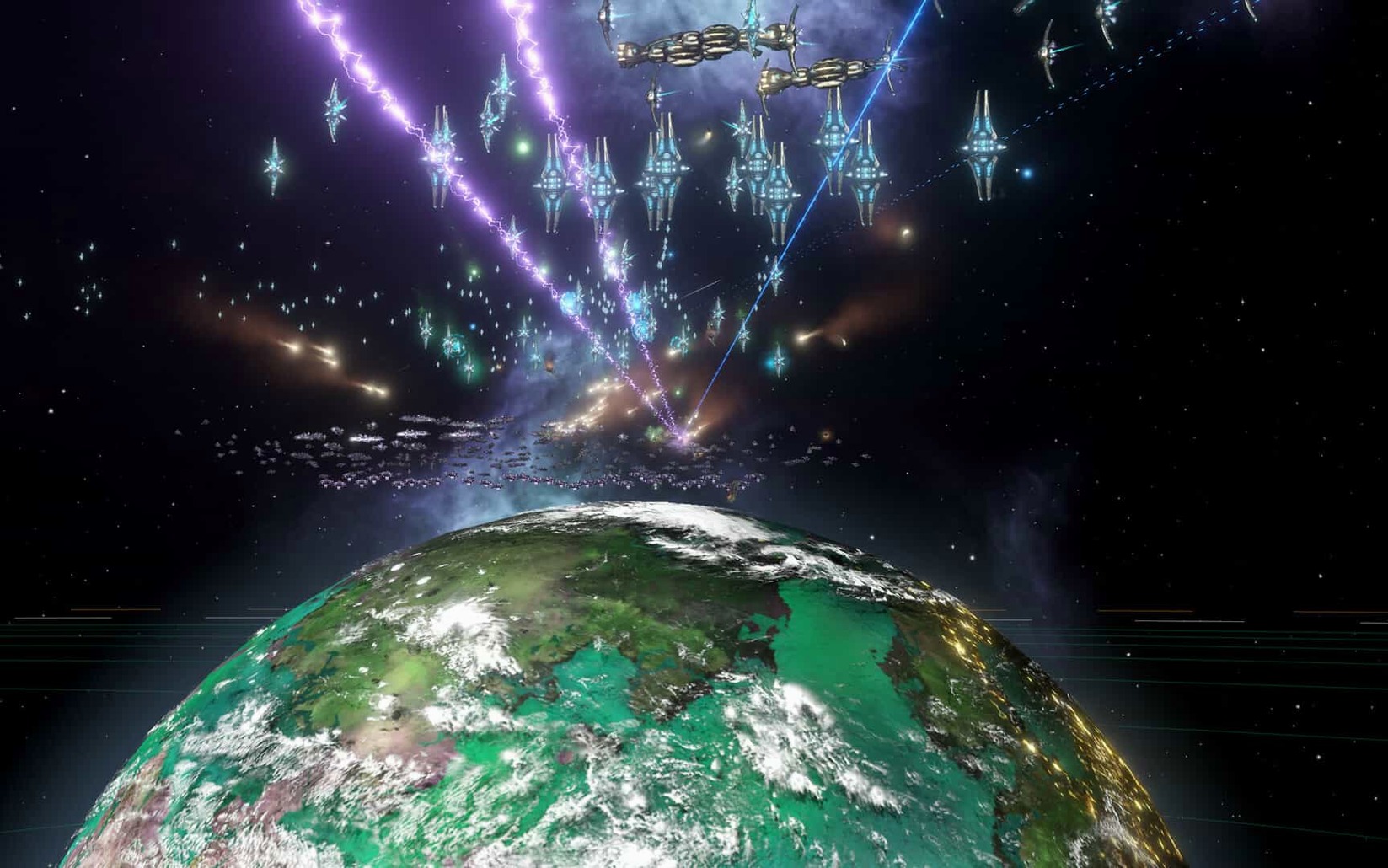
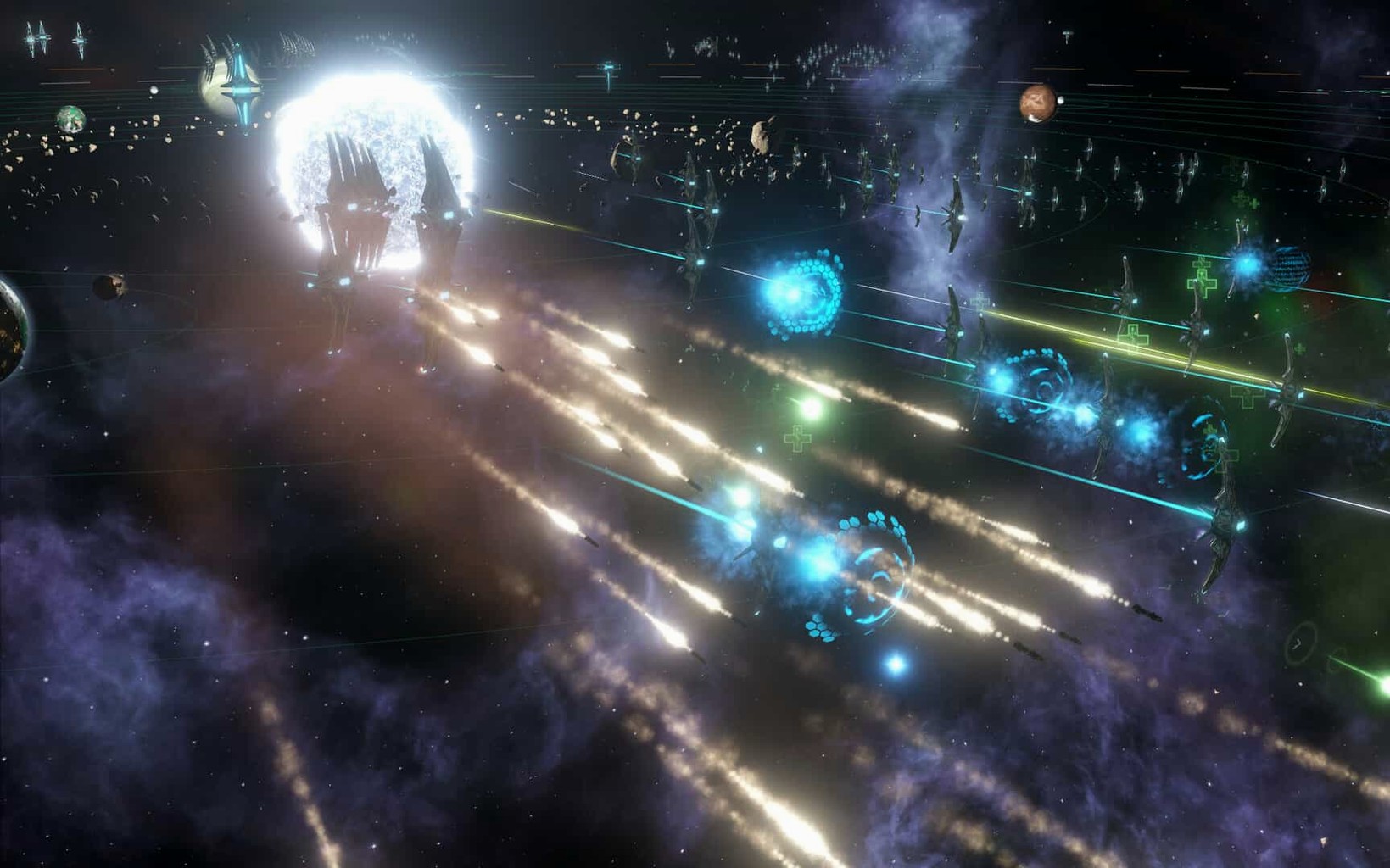
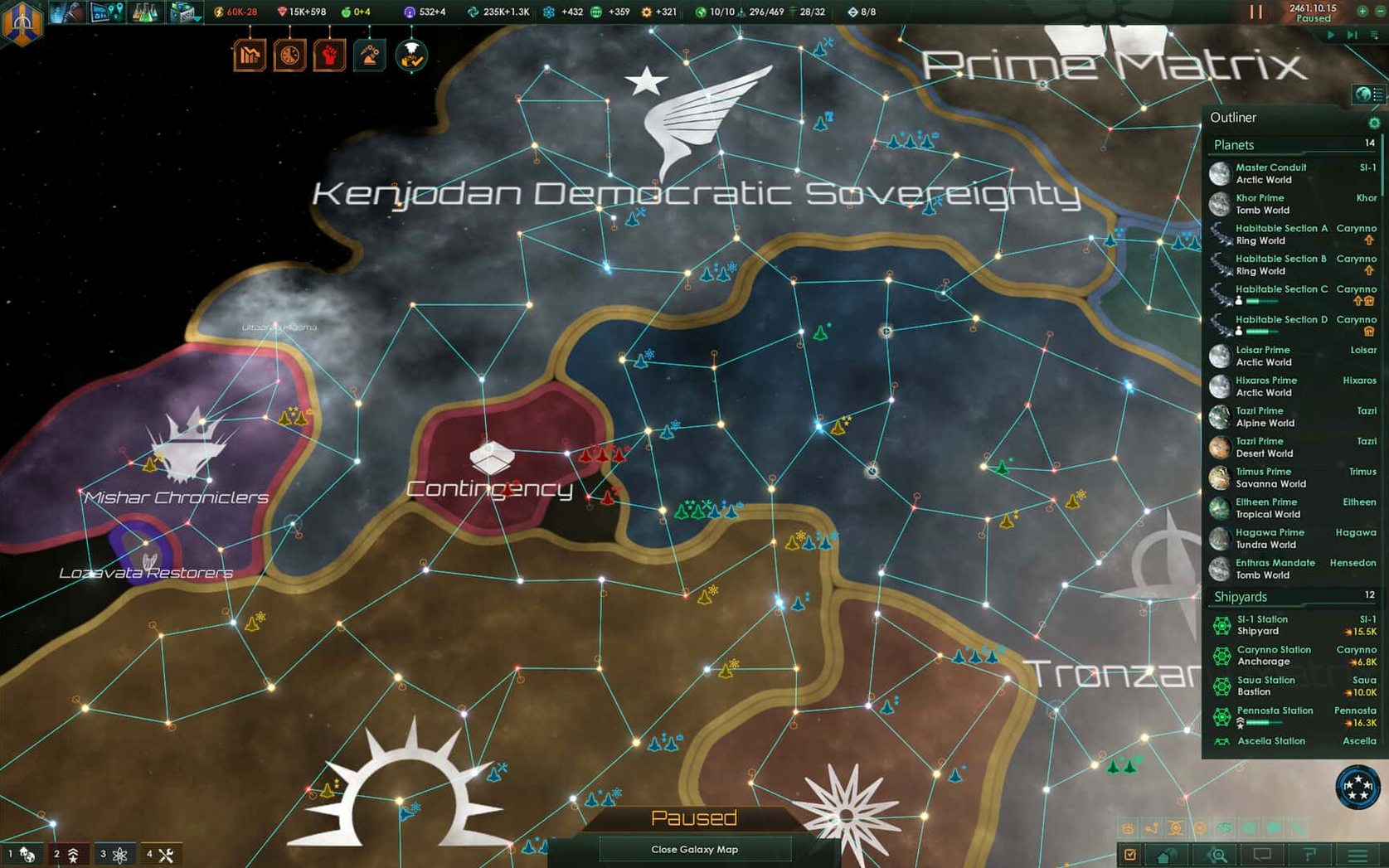
Stellaris is a real-time 4X grand strategy game where you lead a fledgling spacefaring civilisation out into an unpredictable galaxy. You chart unknown systems, meet alien races and slowly grow a handful of colonies into a sprawling empire that tests your ability to govern.
Runs natively on Intel Macs, no emulation needed
Paradox built this as a 64-bit x86 title, so it runs on Intel Macs without emulation. The interface is mouse-and-keyboard driven, as you would expect from a deep strategy game. You spend most of your time zooming across the star map, queuing research and responding to events that pop up organically. Early-game exploration feels snappy on most machines built in the last six or seven years. Once the map fills with hundreds of ships, trade routes and autonomous sectors with their own governors, the simulation load climbs. Dropping the galaxy size and turning down nebula effects keeps late-game turns moving on older hardware.
Getting a foothold in space
- Every planet must be surveyed before you can use it, and plenty turn out to be uninhabitable.
- Successful colonies let you build starbases and industrial facilities, but larger populations make settlements harder to manage.
- Research unlocks travel to more distant worlds and opens up classic 4X mechanics — expand, exploit, and either befriend or fight the neighbours.
Play full campaigns offline with the DRM-free build
Does it demand an internet connection? Not for solo play. The DRM-free build sits quietly on your drive and launches without phoning home. Multiplayer obviously needs a connection, but you can play full campaigns offline.
Is it playable without a proper graphics card? Mostly yes. The galaxy map is more CPU-hungry than GPU-hungry. Intel Macs with integrated graphics from 2015 onward handle the default settings fine. The real bottleneck is the simulation engine when thousands of pops and fleet pathfinding calculations kick in around the mid-2300s.
Does it respect a trackpad, or do I need a mouse? You can play with a trackpad — pinch-to-zoom works nicely on the galaxy map — but a two-button mouse makes right-click orders and fleet selection far less fiddly. Anyone who has tried to split a fleet with a single-button trackpad knows the pain.
Can I pick up where I left off if I switch between a desktop and a laptop? The save files live in Documents/Paradox Interactive/Stellaris. Move that folder onto a USB stick or sync it with something like Syncthing and you can carry your empire anywhere.
Swipe to a wiki with Mission Control, no stuttering
Stellaris plays well with Mission Control. You can swipe to a browser to check the wiki, then swipe back without the game stuttering. Fullscreen mode works, but windowed borderless gives you faster alt-tabbing if you keep a notes app open for colony planning. The game respects Do Not Disturb and won't ping you with notifications, though it does not natively hook into Focus modes.
If you use a clipboard manager, turn it off before launching. The game can get twitchy with apps that poll the pasteboard constantly. Discord overlay sometimes causes black screens on older Intel Macs — disabling hardware acceleration in Discord fixes it.
Save files are plain-ish Paradox script, so tools like grep and sed can pull galaxy stats for spreadsheet heads who track their empire outside the game. A few players pipe data into Numbers or Google Sheets to chart fleet strength over time.
Building a research outpost: a start-to-finish workflow
- Scout the neighbourhood. Send your science ship to survey every star within three jumps of your home system. You are looking for a world with at least 70% habitability and a science deposit — physics or engineering bonus is ideal.
- Lock in the system. Build an outpost on the starbase. This costs influence and alloys, so pause construction if a hostile fleet is sniffing around. The border expands by one hyperlane and stops neighbours grabbing the prize.
- Queue the colony ship. Back at your home starbase, order a colony ship and pick the species with the highest habitability for the target climate. While it builds, clear any hostile mining drones in the target system with your starting corvette fleet.
- Land and specialise. Once the colony ship touches down, the new world starts as a fledgling settlement. Immediately designate it as a tech-world — this boosts researcher output and shapes future building slots toward labs.
- Staff the labs. Build a research lab as soon as the first pop grows. Move an unemployed pop into the researcher job manually from the population tab. The monthly science bump shows in the top bar within a day tick.
- Feed it. The colony runs a food deficit early on. Set up a monthly trade deal with a friendly empire or build a hydroponics bay on a nearby starbase. Without food, the pops will decline and your research stalls.
- Repeat outward. Once the outpost is self-sufficient, the science ship moves to the next cluster. Three or four such outposts by year 2250 usually secures a comfortable tech lead over the AI.
The fleet automation changes in version 4.5.1 help here. With auto-disengagement after 15 days of inactivity now disabled, patrol fleets stay put instead of wandering off mid-crisis. If you grabbed the Stellaris Mac torrent to get this build, you will notice fewer crashes during galaxy generation too — one of the hotfix's quieter but welcome fixes.
- Fixes a Synaptic Lathe ownership bug.
- Fleet automation behaviour improved.
- Several multiplayer out-of-sync problems and crash cases sorted.
- Intel Mac with a 64-bit processor
- macOS version that supports the 64-bit x86 architecture
Questions from the bench
Can Stellaris run on Apple Silicon Macs?
The game is compiled for Intel 64-bit processors. It runs on Apple Silicon through Rosetta 2, though late-game performance depends on the Mac's single-core speed and cooling.
What languages does Stellaris support?
The interface ships in Russian, English, German, Spanish, Simplified Chinese, Polish, Portuguese and French.
What kind of game is this exactly?
It is a real-time 4X grand strategy game. You pause freely to issue orders, so the pace stays thoughtful rather than frantic.








 Back up
Bench talk (0)
Sign in or get a library card to pin up a note.
Nobody has chimed in on this card. If you have used it on an old Mac, say which one.