

HitPaw Univd 4.7.0 — Mac version
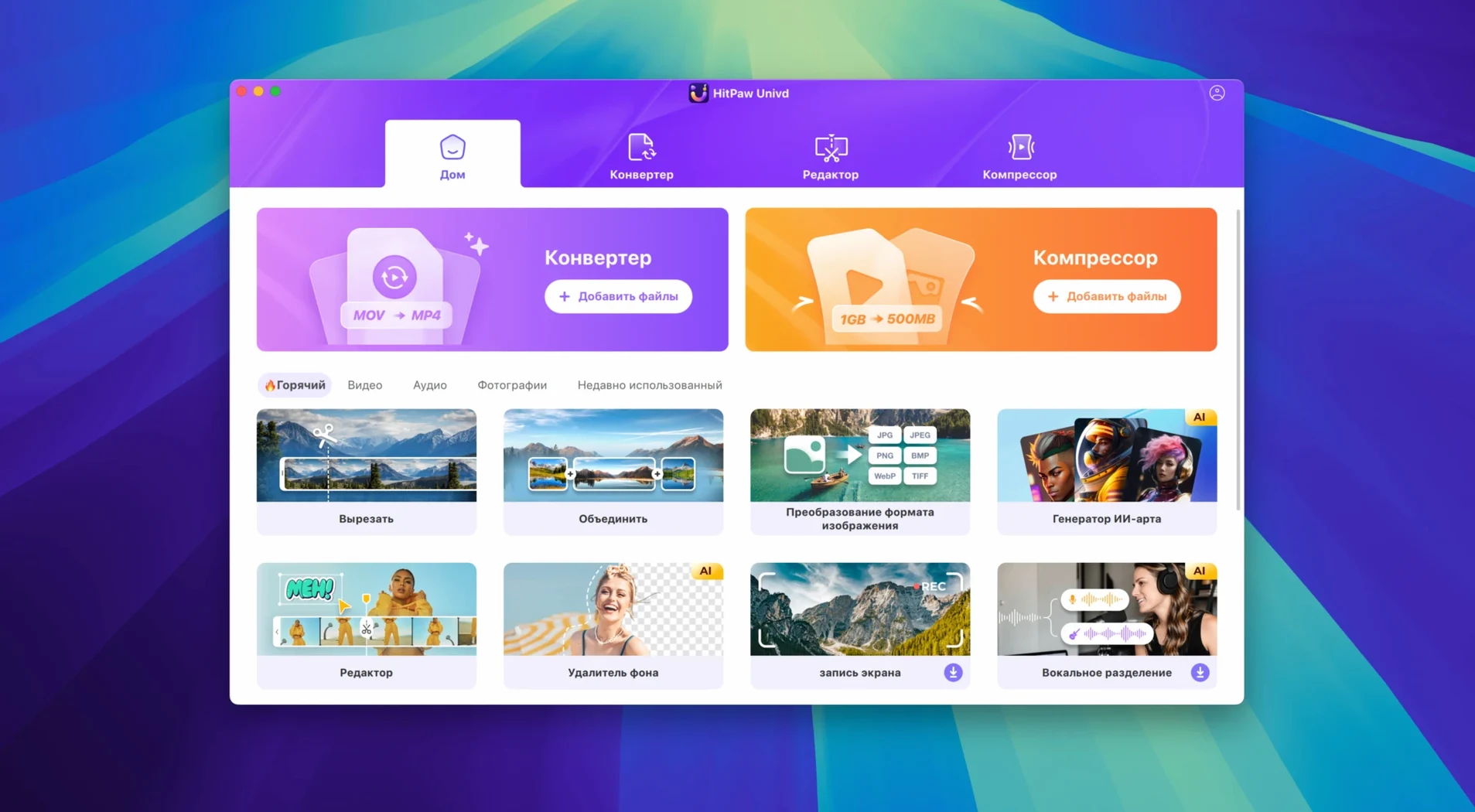
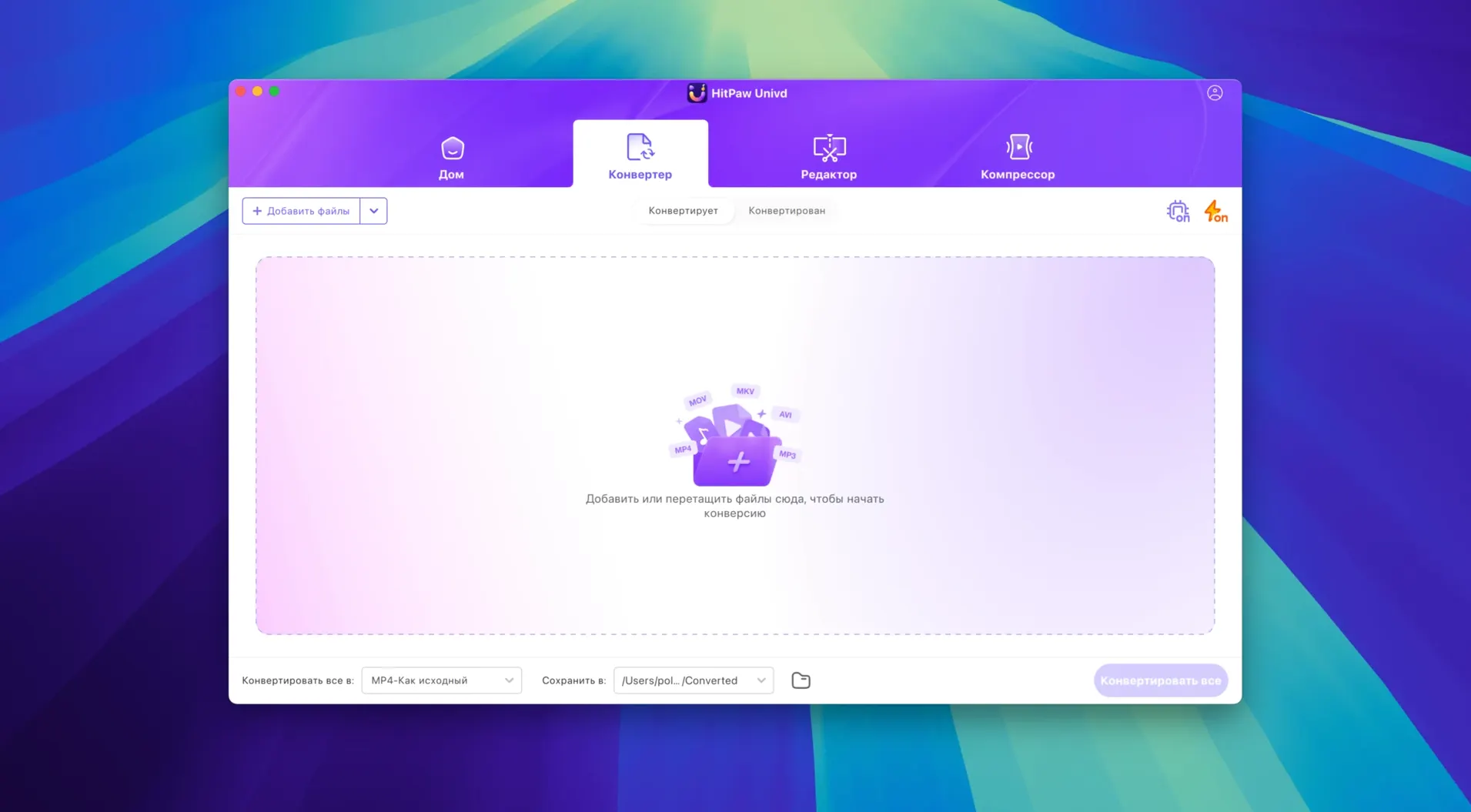
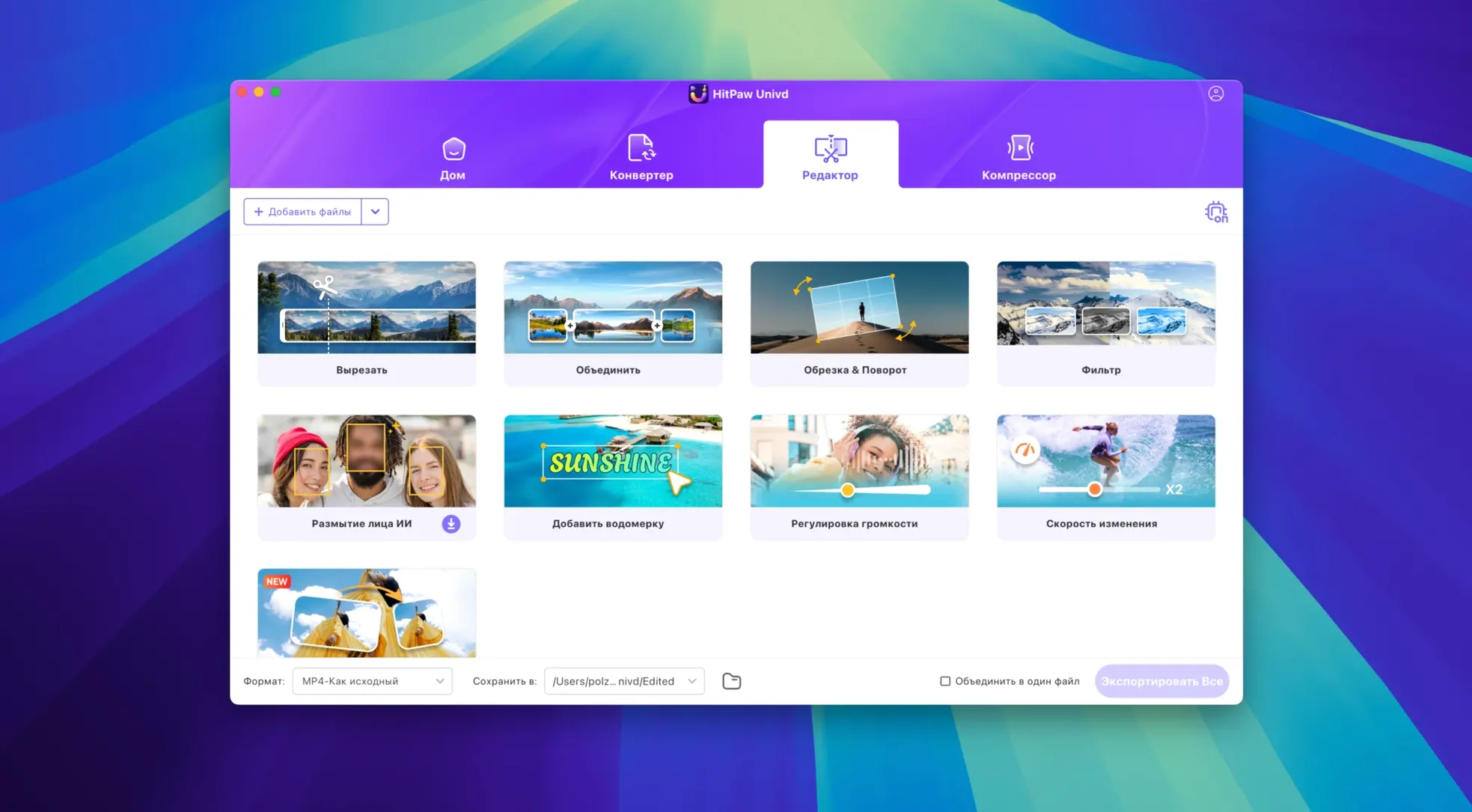
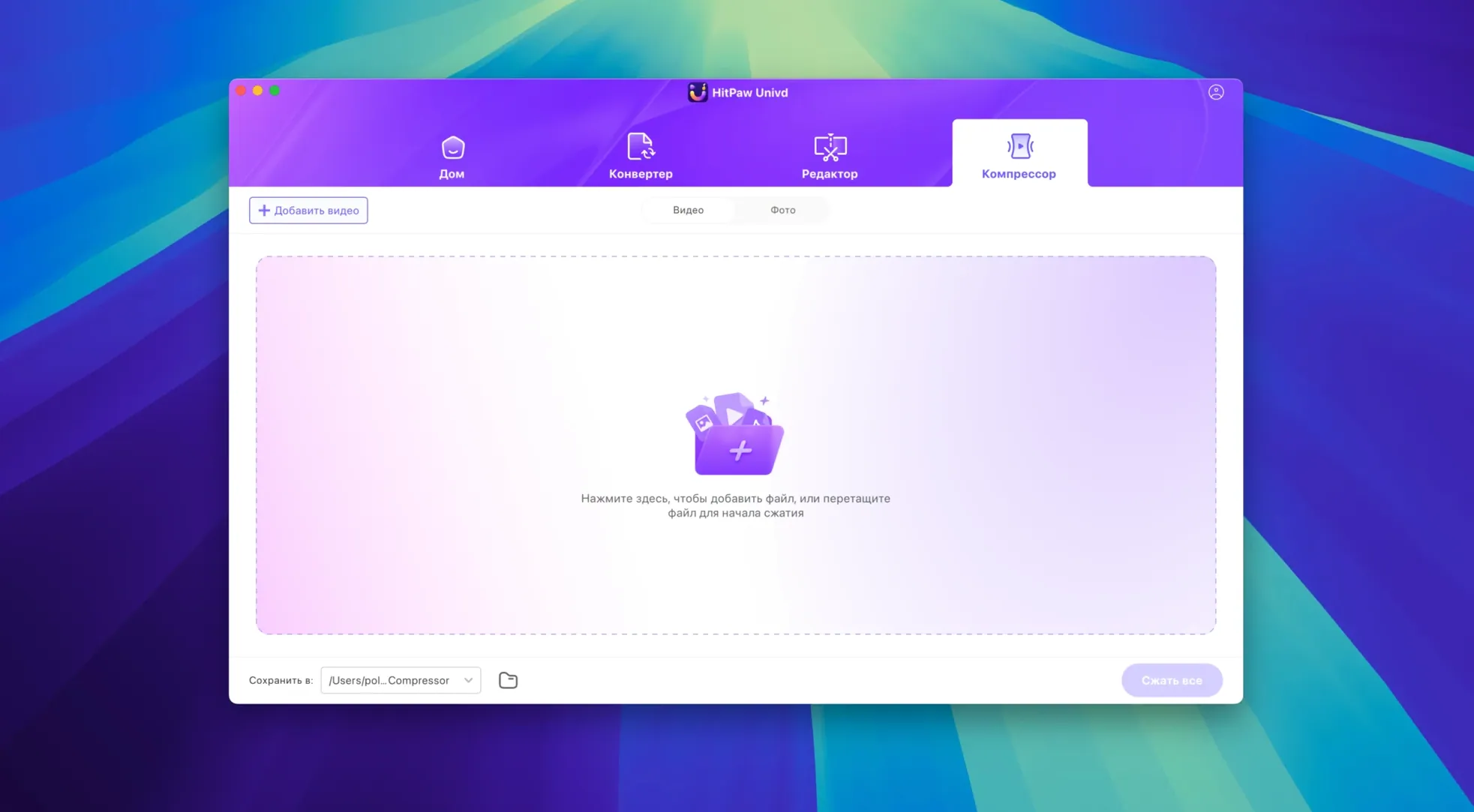
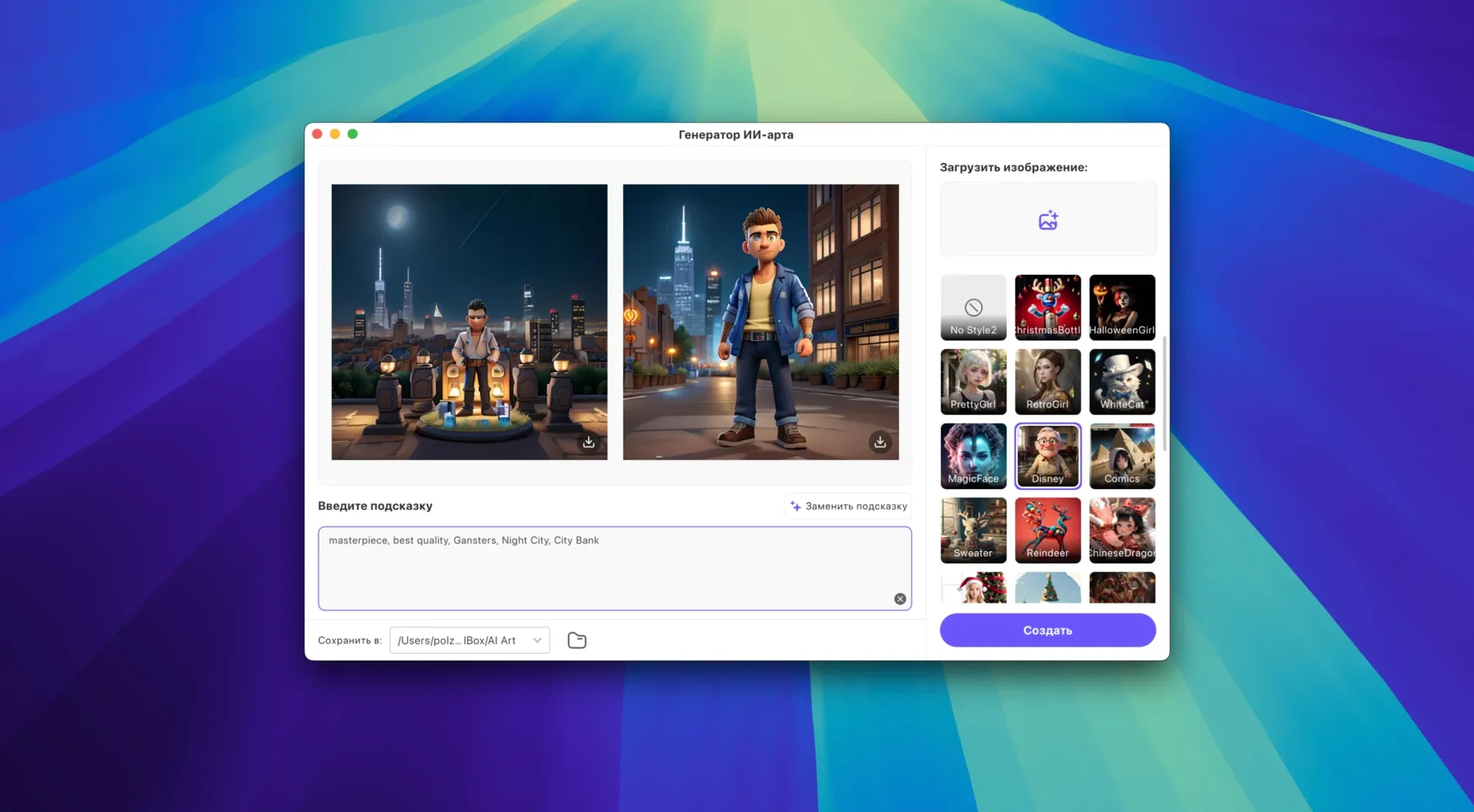
HitPaw Univd is a video converter that also grabs online clips, shrinks files and sharpens blurry footage — all from one window. It sits between the free tools you already use every day and the heavy pro software you open only for paid work.
Drag an MKV or AVI in, get an MP4 or MOV out
- Odd-format files. QuickTime won't open an old AVI or a downloaded MKV. Drag it into Univd, pick MP4 or MOV, and carry on editing in iMovie or playing in QuickTime.
- Before you edit. Trim dead air off a long screen recording or a phone clip before dropping it into Final Cut or DaVinci Resolve. The built-in snipper saves you a round-trip.
- Compressing for sharing. A ProRes master is huge. Univd can squish it to a sensible size with VP9 or H.264 so email or a messaging app won't choke.
- AI cleanup. Old family videos looking soft? The enhancer gives them a nudge without sending files to a web service.
A fresh coat of paint
Version 4.7.0 brought a redesigned UI that feels less cluttered. The whole product model got rebuilt, so the layout now puts the three main jobs — convert, download, enhance — right where you expect them. It runs on macOS 10.15 and later, covering a wide spread of Intel Macs still doing useful work.
Runs 4K-to-ProRes conversions on a 2018 Mac mini without choking
On a 2018 Mac mini with 8 GB of RAM, Univd stays responsive even while it's chewing through a 4K MKV to ProRes 422. Memory hovers around 300–400 MB during conversion — not featherweight, but low enough that you can keep a browser and a lightweight editor open without swapping. Converting a two-hour film to H.264 took about the same wall‑clock time as a HandBrake run on the same machine, which is a pleasant surprise for a tool that also downloads and trims.
Launch time is under three seconds once the app has been opened once after a reboot. It doesn't install background helpers or login items, so idle resource use is zero. That matters on older hardware where every launch daemon eats a slice of CPU.
Stability has held up across a week of mixed tasks. No crashes when queuing ten short downloads or switching between the converter and the enhancer while a file was processing. The only wobble was a momentary beachball when previewing a 40 GB ProRes file, but it recovered on its own.
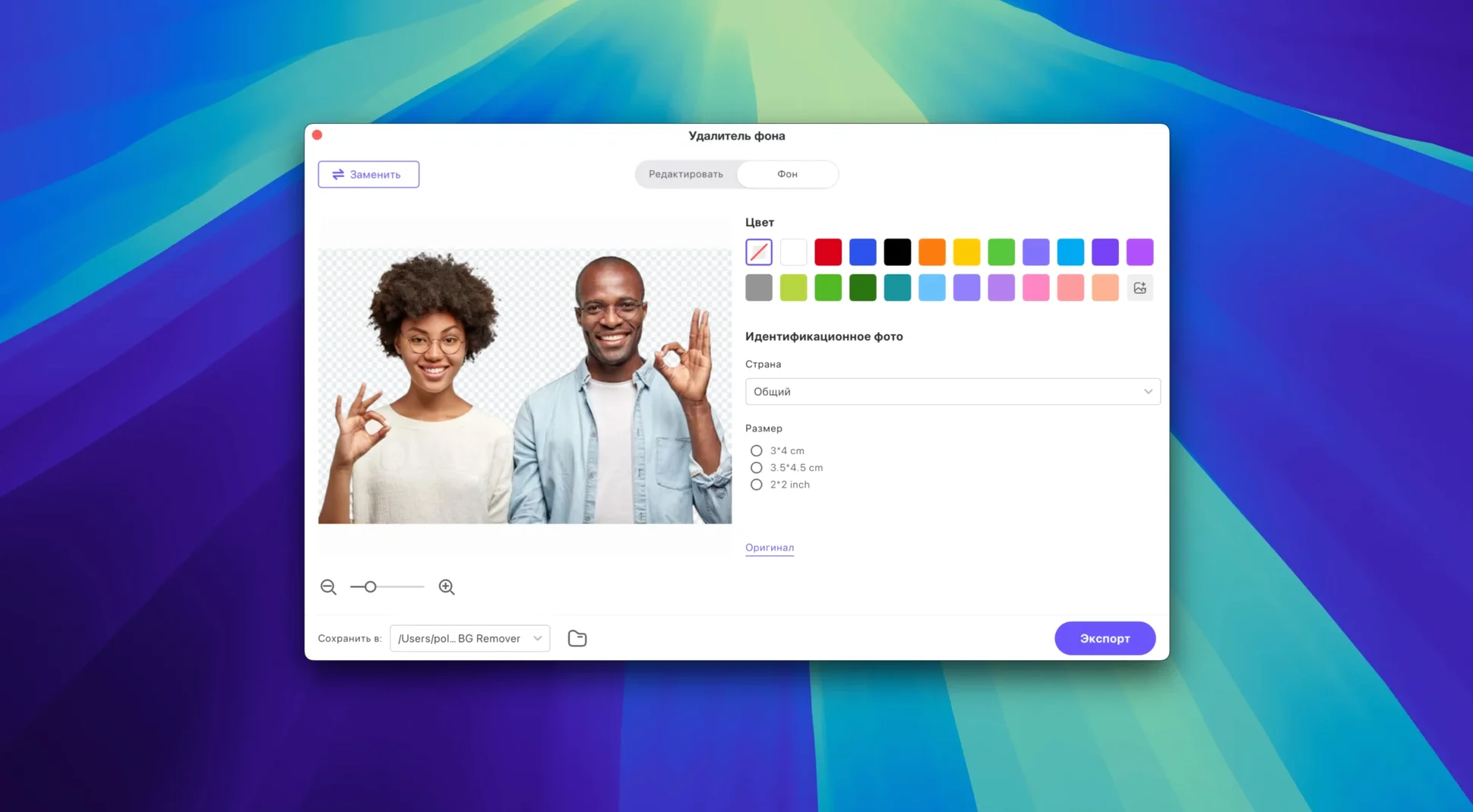
Downloader and conversion presets now live in distinct, collapsible zones
Version 4.7.0 didn't just rearrange the furniture. The new product model split the workspace into clearer zones, so you're not hunting for the downloader behind a tab labelled something vague. The conversion presets now sit in a collapsible sidebar rather than a floating panel that got lost behind other windows. The downloader recognises YouTube playlists more reliably and pulls subtitles in one click — a small change that saves a separate tool like yt-dlp for quick grabs. The AI enhancer preview window is bigger now, so you can actually judge the sharpening before committing.
Pin your go‑to device preset and pull video links straight from Safari
- Drag‑and‑drop from Safari. Hover over a video link, drag it straight into the Univd window and the downloader catches it. No copy‑paste dance.
- Preset pinning. If you regularly convert to the same format for a specific device, right‑click a preset and pin it to the top. Saves scrolling through the long format list every time.
- Keyboard shortcut.
Cmd‑Dopens the downloader from anywhere in the app.Cmd‑Ejumps to the enhancer. Not advertised, but they're there. - Batch rename pattern. The built‑in editor lets you append a suffix to output files in a batch — handy for marking test exports without renaming each one later.
- Audio‑only mode. When you only need a soundtrack, set the output to M4A or MP3 and Univd skips the video stream entirely. Faster than extracting audio in a timeline.
If you've grabbed a HitPaw Univd torrent to try the app, take a minute to set the default output folder in preferences — it'll save you from fishing converted files out of a temp directory later. The same goes for HitPaw Univd torrent downloads where the download folder defaults to the system Movies folder instead of somewhere you'd actually look.
- Redesigned UI that's easier to scan
- New product model and smoother overall feel
- macOS 10.15 or later
- Intel 64-bit processor
- Interface: Russian, English, German, Arabic, Indonesian, Spanish, Italian, Chinese (Traditional), Chinese (Simplified), Korean, Dutch, Portuguese, Turkish, French, Hindi, Japanese
Questions from the bench
What codecs does HitPaw Univd handle?
It supports VP9, ProRes and Opus, and handles common containers like MP4, MOV, AVI, VOB and MKV.




 Back up
Bench talk (0)
Sign in or get a library card to pin up a note.
Nobody has chimed in on this card. If you have used it on an old Mac, say which one.