

Affinity Designer 2.6.5 — Mac version
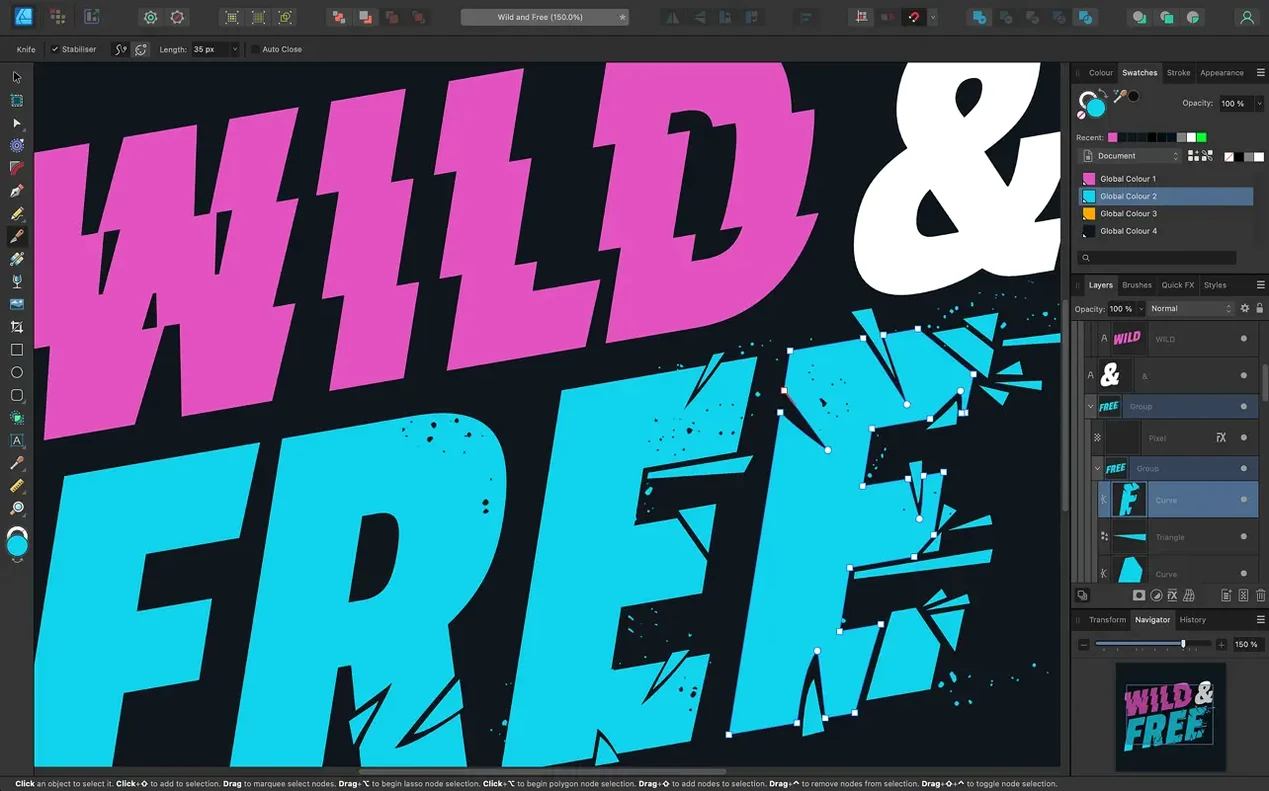
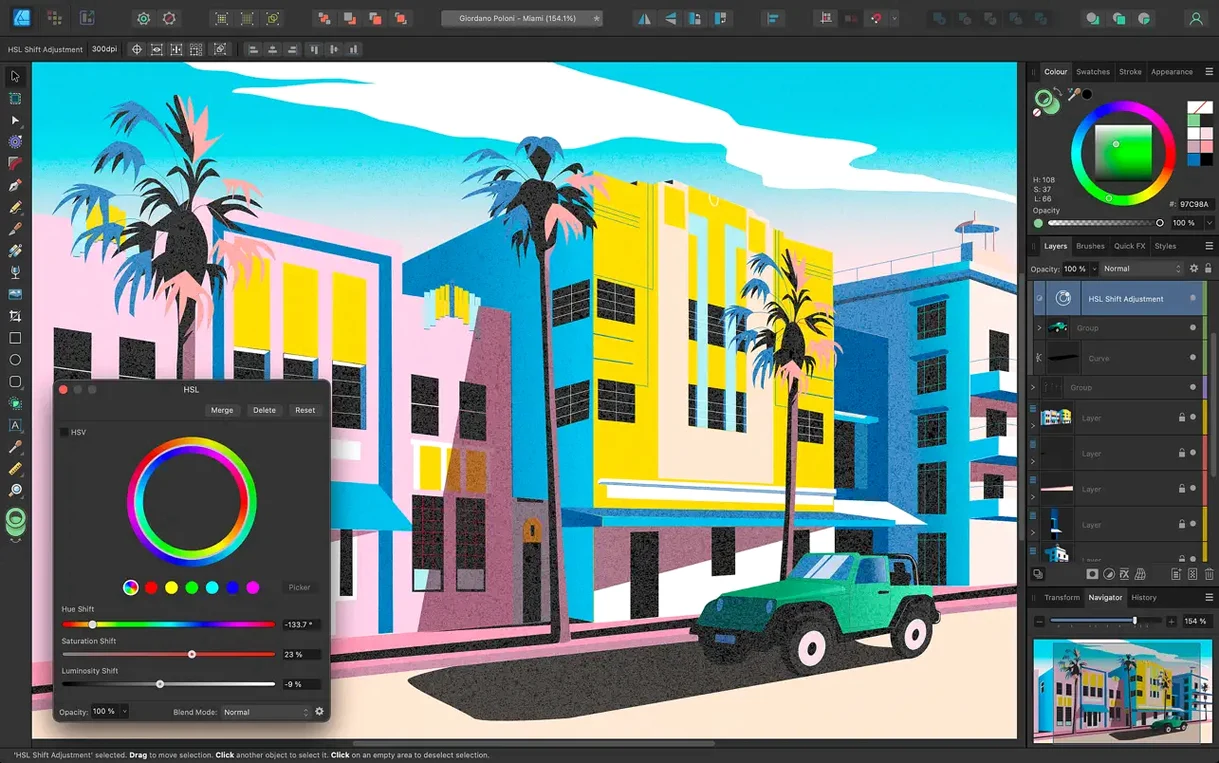
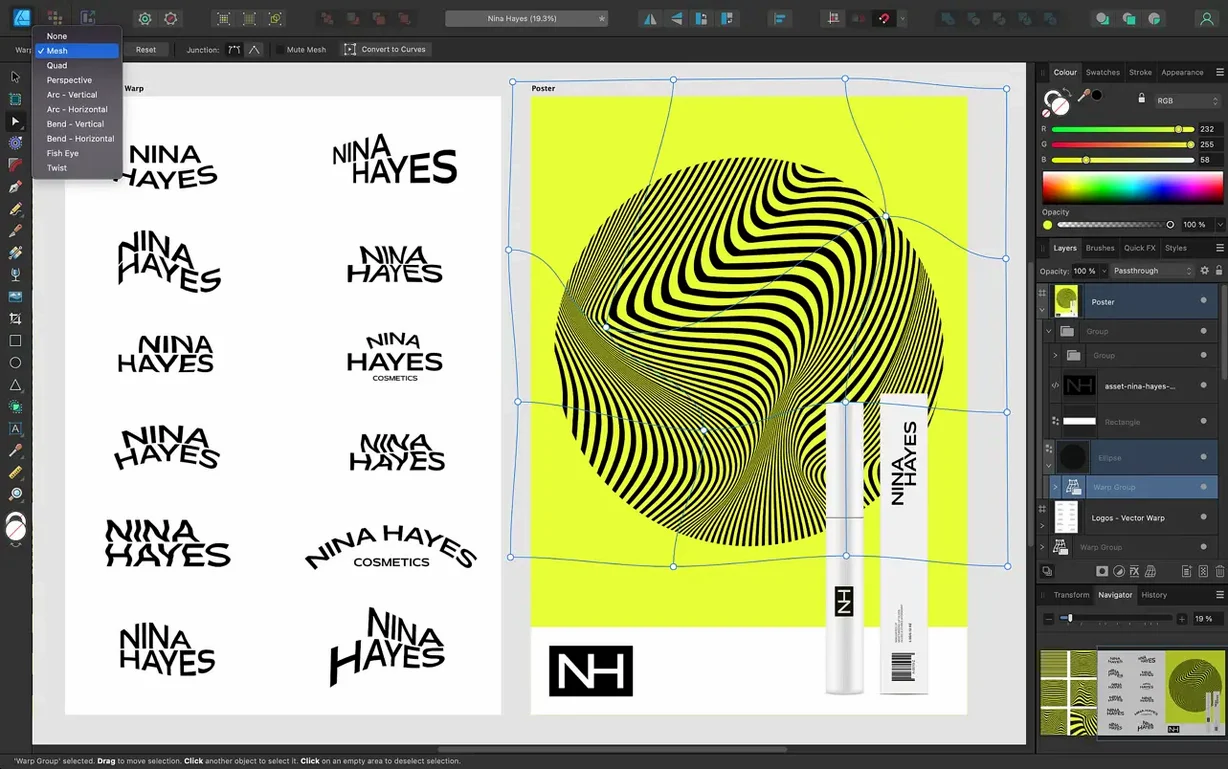
A proper vector drawing app for illustrators, layout bodgers and anyone who wants artwork that stays sharp at any size.
Vector graphics — drawings made from points and curves instead of dots. Scale them up to billboard size without losing quality.
Artboards — think of them as separate pages inside one document. Affinity Designer lets you have as many as you need, great for multi-screen app mockups or a full brand kit in one file.
16-bit per channel — richer colour than the standard 8-bit you get in most apps. Fewer banding issues in gradients and skies.
Text handling — includes artistic text for headlines, text frames for body copy, and the ability to run words along a curved path. Full OpenType support means ligatures, swashes and alternate glyphs work if your font includes them.
Stabilisation — brush and pencil tools have built-in smoothing. Handy if you're drawing freehand with a mouse or a wobbly graphics tablet.
Languages — interface comes in English, German, Spanish, Italian, French, Portuguese, Japanese and Simplified Chinese.
Inkscape familiarity without the XQuartz lag
If you've used Inkscape you'll recognise the feel — nodes, bezier handles, boolean shape operations. Inkscape is open-source and surprisingly capable, but it runs through XQuartz on macOS and never quite feels at home. Menus lag. The interface looks like 2005. Affinity Designer feels native: Metal-accelerated panning at 60 fps, proper trackpad gesture support, a toolbar that belongs on a Mac.
Then there's Sketch — a darling of UI designers for years. Sketch is purpose-built for screens: symbols, artboards, export presets. Affinity Designer covers that ground but doesn't stop there. You can jump into a raster workspace for pixel-level texture work, something Sketch never offered. And Designer handles CMYK and spot colours for print without third‑party plugins. If your work bounces between screen mockups and a printed flyer, Sketch would need a friend. Designer just switches persona.
The obvious comparison is Adobe Illustrator. Illustrator's plugin ecosystem is vast; nobody disputes that. But Illustrator on macOS has felt heavy for a decade. Affinity Designer launches in a couple of seconds, not half a minute. It doesn't phone home with background services. For a community repair volunteer or a freelancer nursing an older iMac, that lightness matters. You lose some niche features — live trace, envelope distortions — but gain a cleaner workspace and file compatibility that covers PSD, AI, PDF and SVG without fuss.
Metal renderer keeps hundreds of curves responsive on 8 GB
On an M1 Mac mini with 8 GB of RAM the app opens cold in under four seconds. Complex files — hundreds of curves, multiple artboards, live adjustment layers — stay responsive while panning and zooming. The Metal renderer does the heavy lifting; you can feel the difference if you toggle it off in Preferences and fall back to OpenGL. Intel Macs from 2016 onward handle it fine, though a dense document with live pixel previews will spin the fans on a dual-core machine.
Memory use is modest by design‑app standards. A blank document sits around 180 MB. With twenty artboards and embedded raster images you'll see 600–800 MB, well within reach of older hardware. It doesn't leak memory after hours of work — a quiet compliment that Illustrator and Inkscape don't always earn.
Stability is solid. Crashes are rare in daily use, and the recovery feature pulls back unsaved work reliably. The one weak spot: large PSD imports with smart objects can slow things down while the app translates layer effects. Saving your own files to the native .afdesign format avoids that entirely.
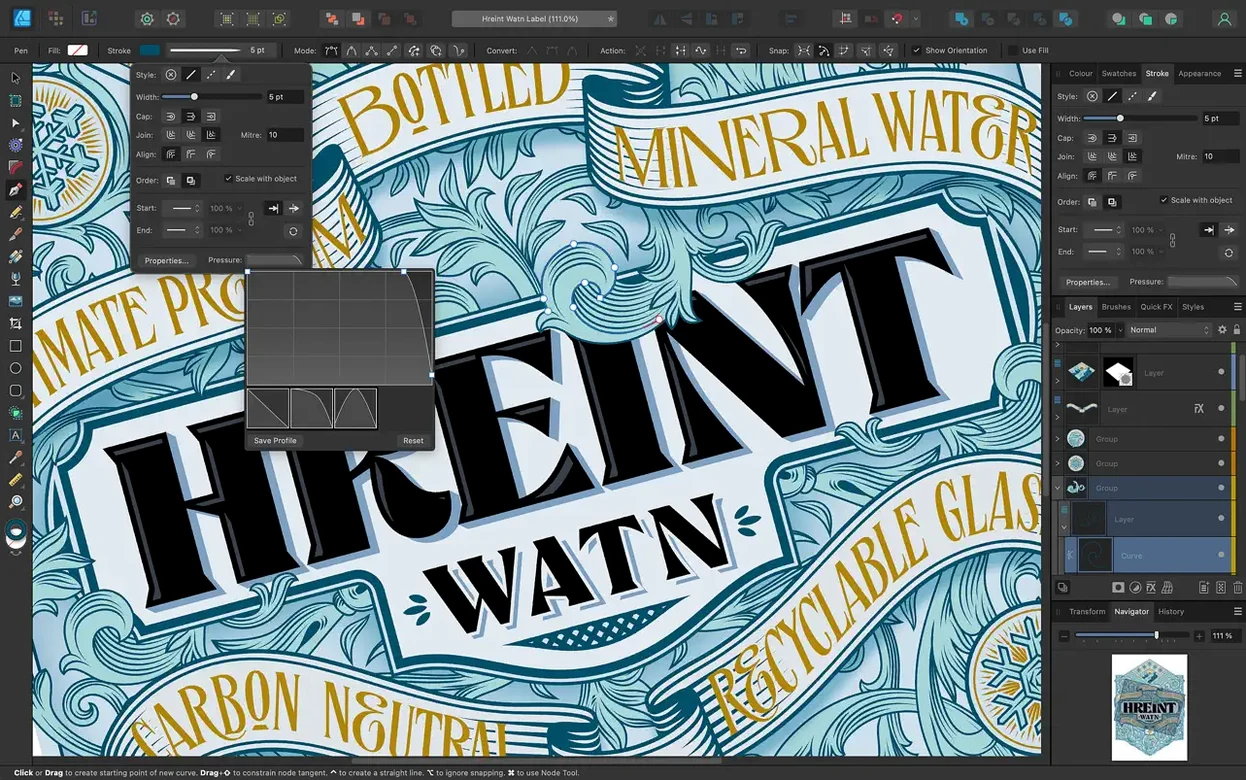
Stroke Width Tool now has finer variable-width control and a reset option
The 2.6 release wasn't flashy, but it tidied up tools you use constantly. The Stroke Width Tool got profiling improvements — you can now tweak variable-width strokes with finer control, and the Reset Profile option lets you scrap a messy width curve without undoing everything else. If you draw tapered lines for lettering or map illustration, that's a real time‑saver.
Pencil tool improvements landed in the same update. The smoothing algorithm feels more predictable; fewer sudden kinks when you draw quickly, and the stabilisation doesn't fight your hand as much. Paired with a drawing tablet, freehand line work now stays closer to what you intended.
The marquee select toggle is one of those small changes that rewires muscle memory. Holding Command (or Ctrl) while dragging a marquee now switches between adding to a selection and intersecting it, depending on your settings. If you do a lot of node selection across overlapping shapes, this cuts down the back‑and‑forth with the toolbar.
Version 2.6.5 itself was a maintenance update — bug fixes and stability improvements. Nothing glamorous, but the kind of polish that keeps the app feeling trustworthy on a production machine.
Runs on any Mac with macOS 10.15 or newer, Intel or Apple Silicon.
- Stroke Width Tool profiling got smarter, with a Reset Profile option to undo all your tweaks in one go
- Pencil tool improvements make freehand sketching feel a bit more predictable
- Hold Command or Ctrl to toggle marquee selection between intersect and replace behaviour
- Bug fixes and stability improvements for version 2.6.5
- macOS 10.15 Catalina or newer
- Intel 64-bit or Apple Silicon Mac
Questions from the bench
Does Affinity Designer 2 work on older Intel Macs?
Yes, it runs on 64-bit Intel Macs and Apple Silicon machines as long as they have macOS 10.15 Catalina or later.







 Back up
Bench talk (0)
Sign in or get a library card to pin up a note.
Nobody has chimed in on this card. If you have used it on an old Mac, say which one.