

Affinity Publisher 2.6.5 — Mac version
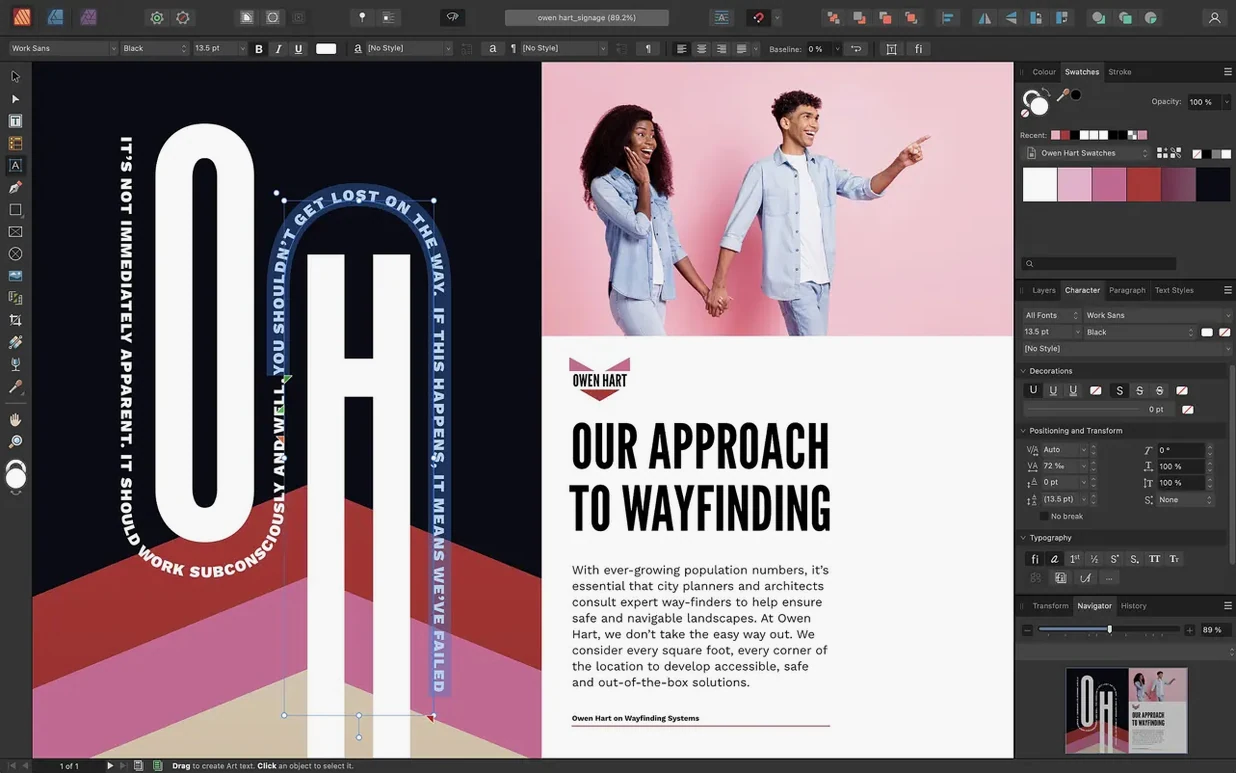
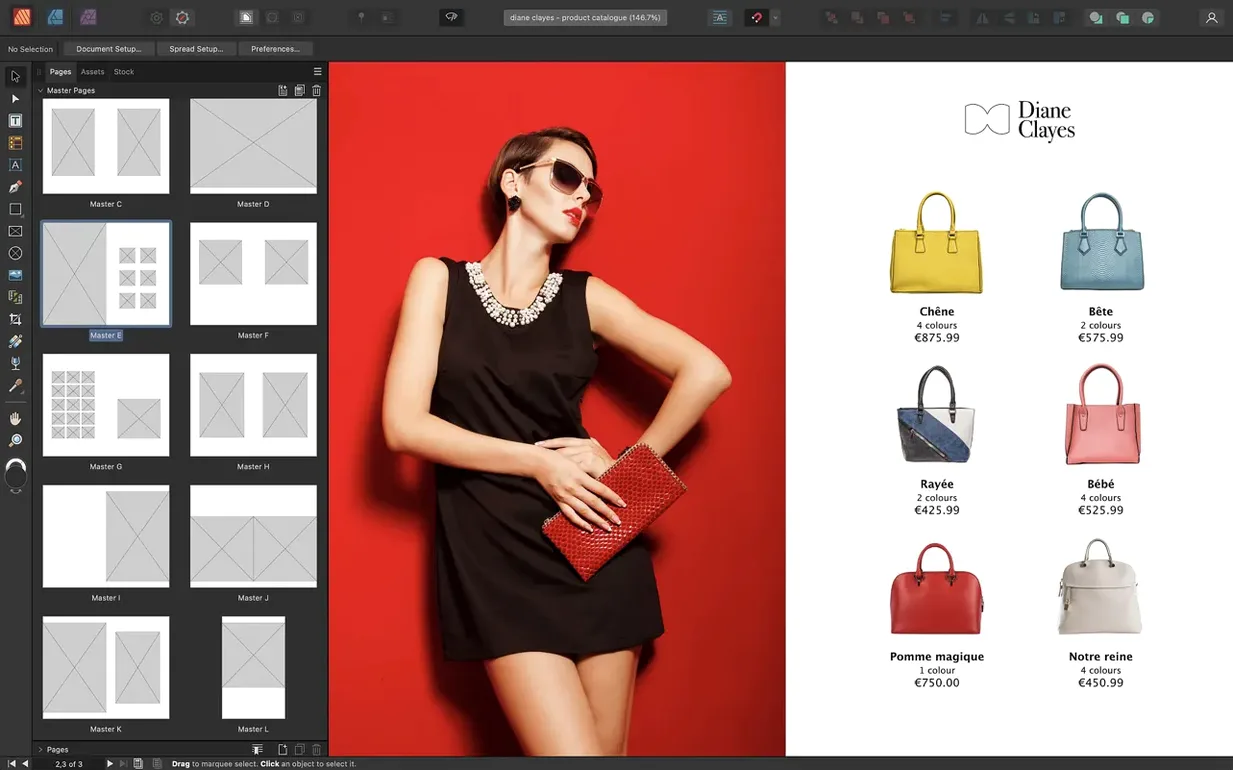
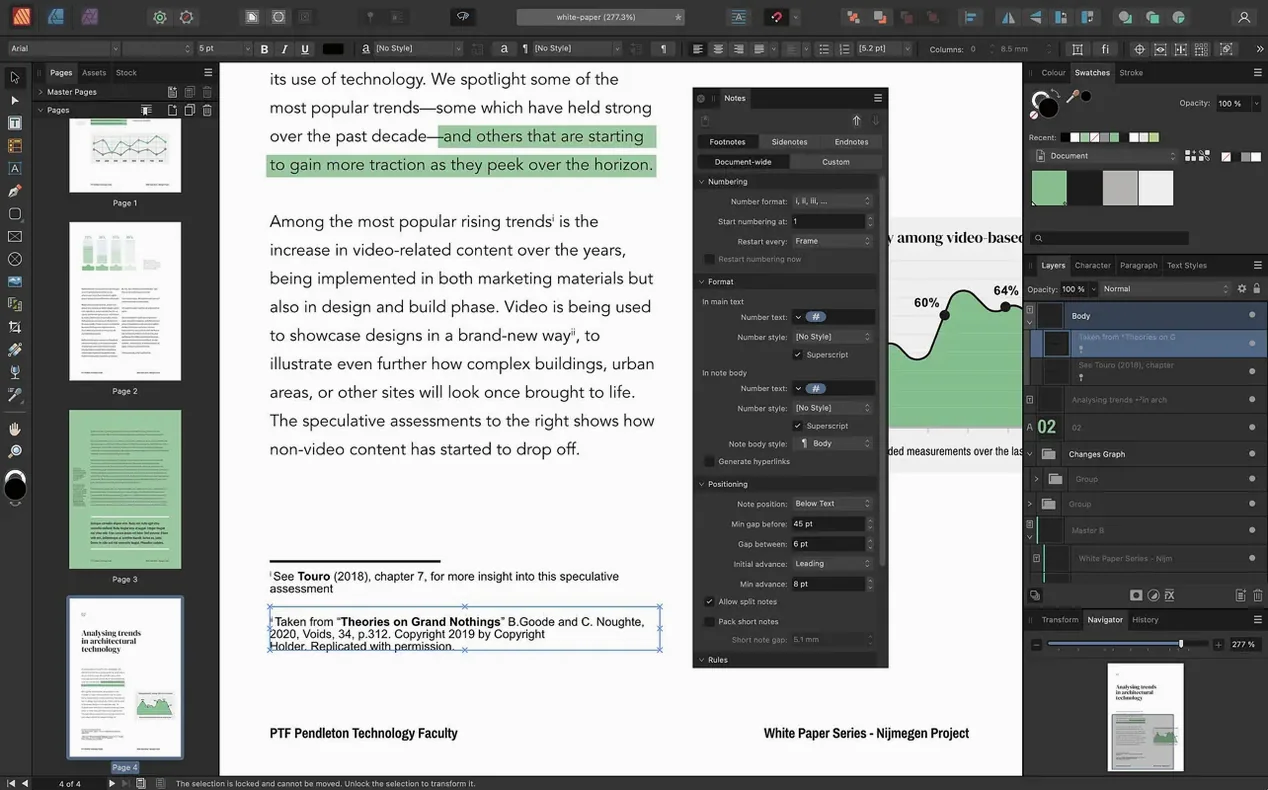
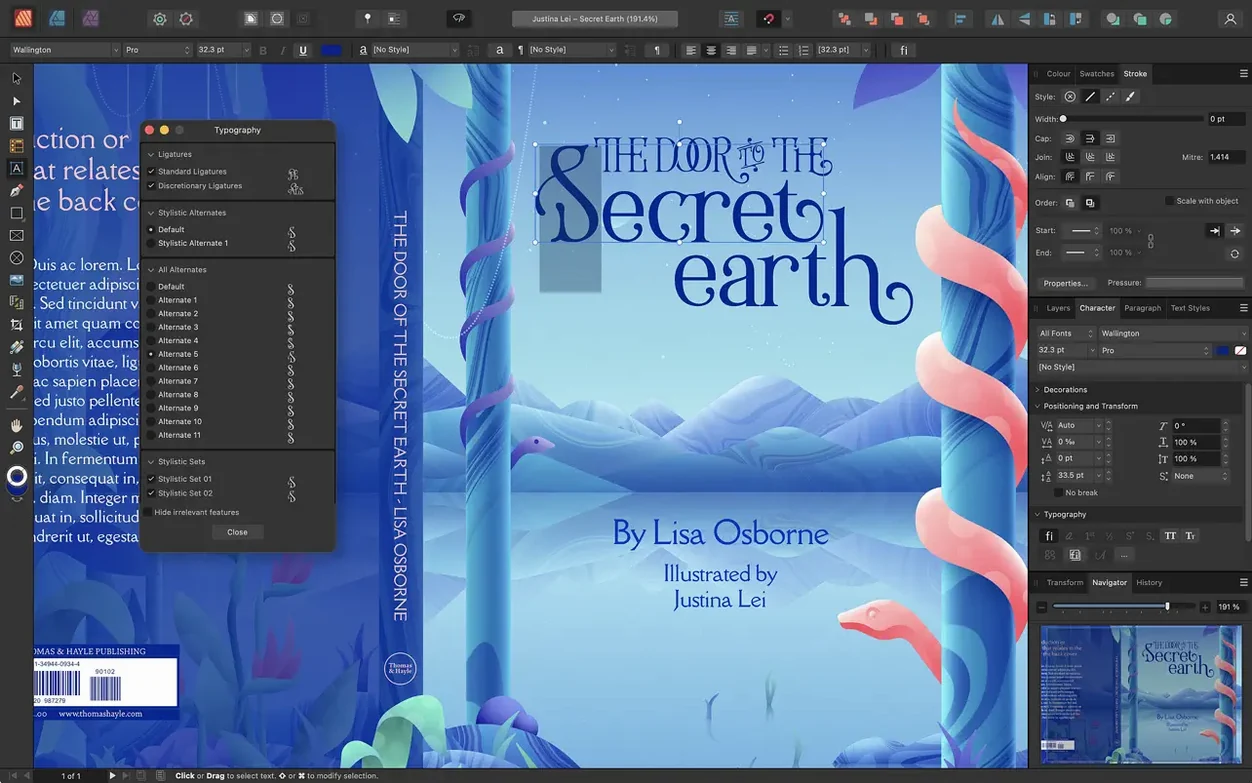
Most people start a newsletter or a programme booklet in a word processor, run into fiddly image placement, and wish they had proper layout tools. That’s the gap Affinity Publisher 2 fills. It gives you a proper desktop publishing workspace—spreads, bleed, text styles—without the subscription model some rivals insist on. If you lay out magazines, brochures, posters or long documents that need consistent design, this is the app built for that job.
- Spreads and dynamic master pages, including nested masters, so changing a parent layout updates every linked page automatically
- Non-destructive adjustment layers let you tweak images right in the layout without switching apps or damaging the original file
- Full text-wrap controls around objects and images, with fine fill adjustments
- StudioLink integration lets you hop into Affinity Designer and Affinity Photo without closing the document
- Export to press-ready PDF/X-1a, PDF/X-3 and PDF/X-4 formats
- Boolean shape operations, Pantone library support, and advanced guides, grids and snapping for precise compositions
It runs on both Intel and Apple Silicon Macs, and the 2.6 release brought multiple-page spreads, foldable layouts like gatefolds, and a Reading Order panel to help make PDFs more accessible. A solid pick if you need a page-layout tool you can actually own.
Building your first master page instead of a blank document
Don’t try to recreate your old workflow step for step. Publisher thinks in spreads and master pages, not in single documents. Start by setting up a master page with your recurring elements—page numbers, running headers, column guides. That’s half the battle won before you’ve placed a single image.
Next, pin down your text styles early. Create paragraph styles for body copy, headings, captions and pull quotes in the first hour. It feels like admin but pays back every time you flow text across twenty linked frames and realise nothing needs manual tweaking. Save the file as a template if you’ll revisit the same format later.
If you’ve used Affinity Designer or Photo before, open the StudioLink personas straight away—even just to see how the tools change. The Photo persona inside Publisher handles quick image adjustments without the round trip. And when you place a PSD or AI file, right-click and choose Edit Document to tweak it in its native persona. It stays non-destructive, so there’s no risk of ruining the original.
One habit worth building: use the Resource Manager panel (under the Window menu) to keep tabs on linked images. If you move a folder later, Publisher tells you what’s missing and lets you relink in a couple of clicks. Better to know on day three than the day of a deadline.
If the app won’t open after dragging it to Applications, right-click and choose Open the first time. Gatekeeper sometimes blocks it on newer macOS versions; that extra click tells the system you trust the app.
Watching text thread itself across a multi-column spread
Anyone producing multi-page layouts regularly will feel the difference within a week. Newsletter editors, zine makers, small-press typesetters, event programme designers—people who need text to flow across columns and pages without wrestling the software. If you’ve ever cursed at images jumping around in a word processor, Publisher is aimed squarely at you.
Designers moving away from subscription tools often settle here. The adjustment layers, vector tools and colour controls are deep enough for commercial print jobs, and CMYK plus Pantone spot-colour support matter if you’re sending files to a print shop. The affinity publisher 2 mac download route appeals especially to freelancers and small studios who want the tool on their own terms.
Collaborators who share assets between Affinity apps get a speed boost that solo-Publisher users might not notice. If you already sketch layouts in Designer or retouch photos in Photo, StudioLink cuts out the export-import dance. It’s not a bonus feature—it changes how fast you can iterate on a spread. People who find publisher torrent or affinity torrent sources often do so because they want the whole suite working together without friction.
What the 2.6 changes actually mean day to day
The Reading Order panel isn’t flashy, but if you export PDFs that need to meet accessibility standards, it’s the kind of thing that saves an afternoon. You can tag headings, paragraphs and images in the correct reading sequence without leaving Publisher—a job that used to mean opening Acrobat and doing it there.
Multiple-page spreads changed how I set up concertina booklets. Instead of faking a three-panel spread with three single pages and hoping the printer understands, you now build a three-page spread as one unit. Gatefolds work the same way: the outer panels fold in, and you see the full layout while you work. For anyone searching Affinity Publisher Mac torrent because they print unusual formats, this alone justifies the update.
Foldable spreads like trifolds and accordion folds are set up from the Spread Properties dialog. Pick your fold type, set the page count, and the canvas adapts. You can still edit each panel individually—the master-page logic still applies—but the visual relationship between panels stays obvious. No more mental maths about which way page three folds.
One small daily win: linked text frames across a multi-page spread behave more predictably now. Overflow text in a gatefold panel flows naturally to the next frame, and the preflight check catches layout problems that used to slip through until export.
- Multiple-page spreads—no more being limited to two-page pairs
- Foldable spreads: gatefolds, trifolds and accordion folds built right in
- A new Reading Order panel for tagging content in accessible PDFs
- macOS 10.15 or newer
- Intel or Apple Silicon Mac (64-bit)
- 8 GB RAM recommended
- Up to 2.8 GB free hard drive space (more during install)
- Display 1280 × 768 or larger








 Back up
Bench talk (0)
Sign in or get a library card to pin up a note.
Nobody has chimed in on this card. If you have used it on an old Mac, say which one.