

Arctico 2.8m — Mac version
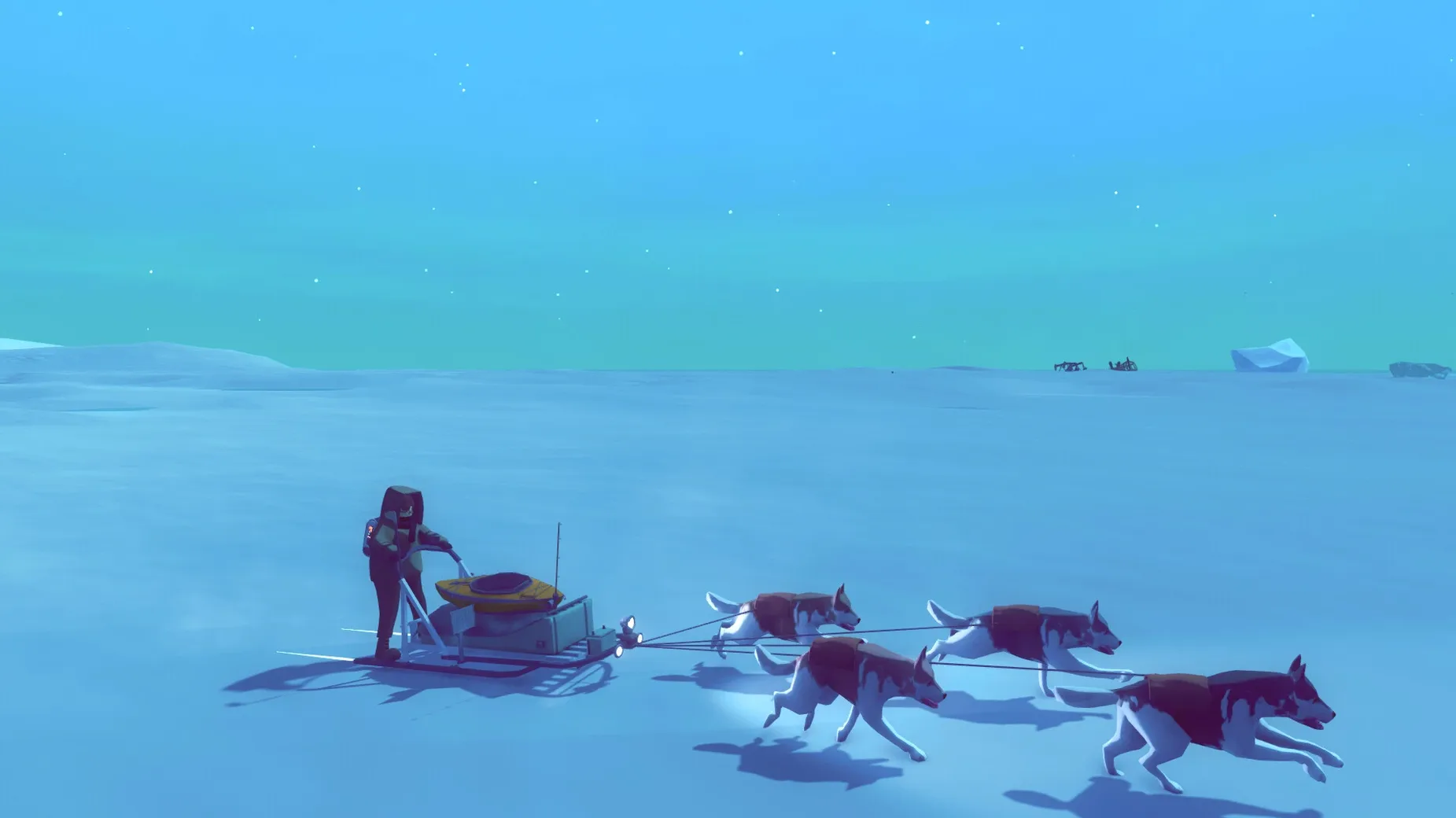
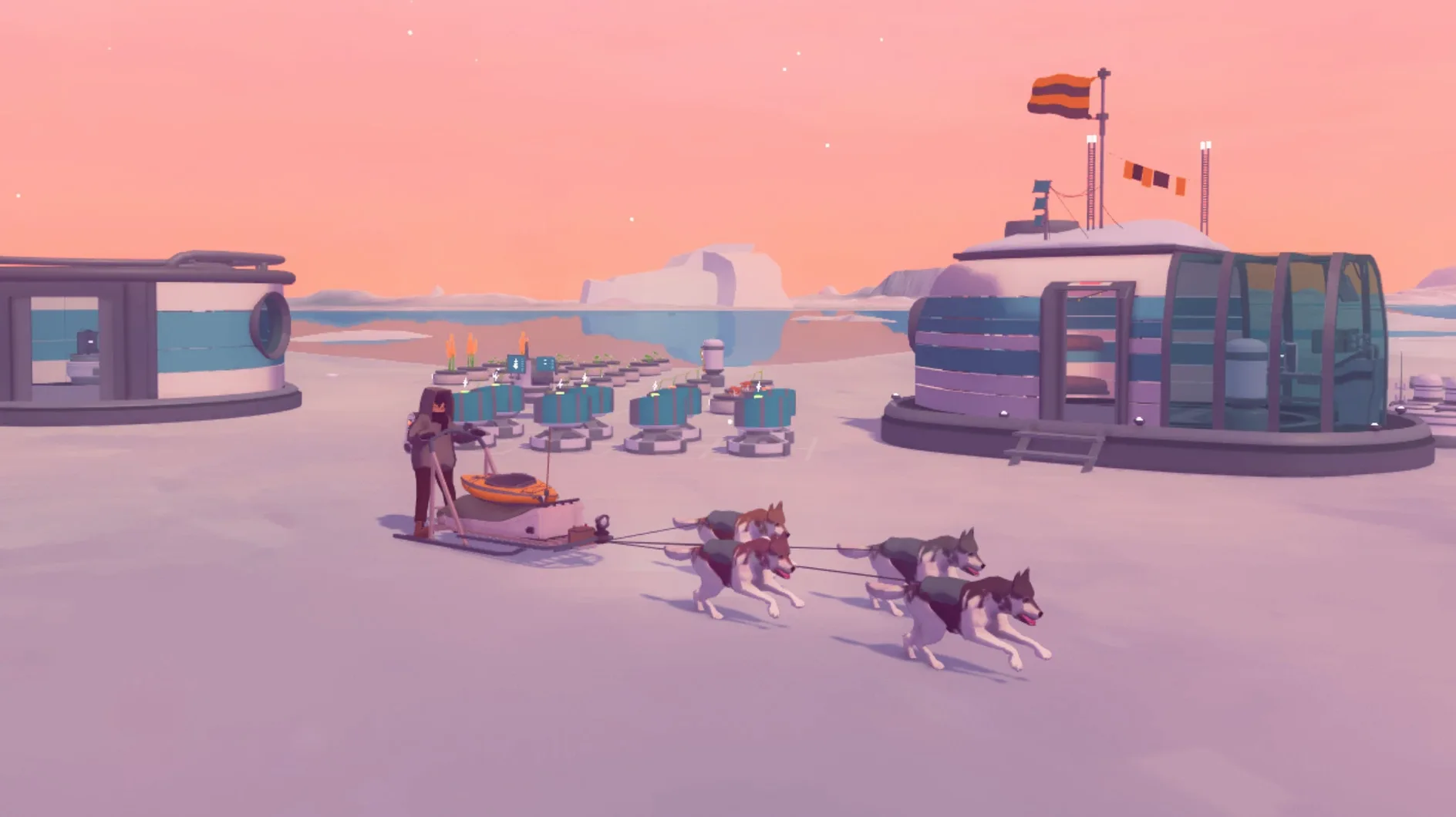
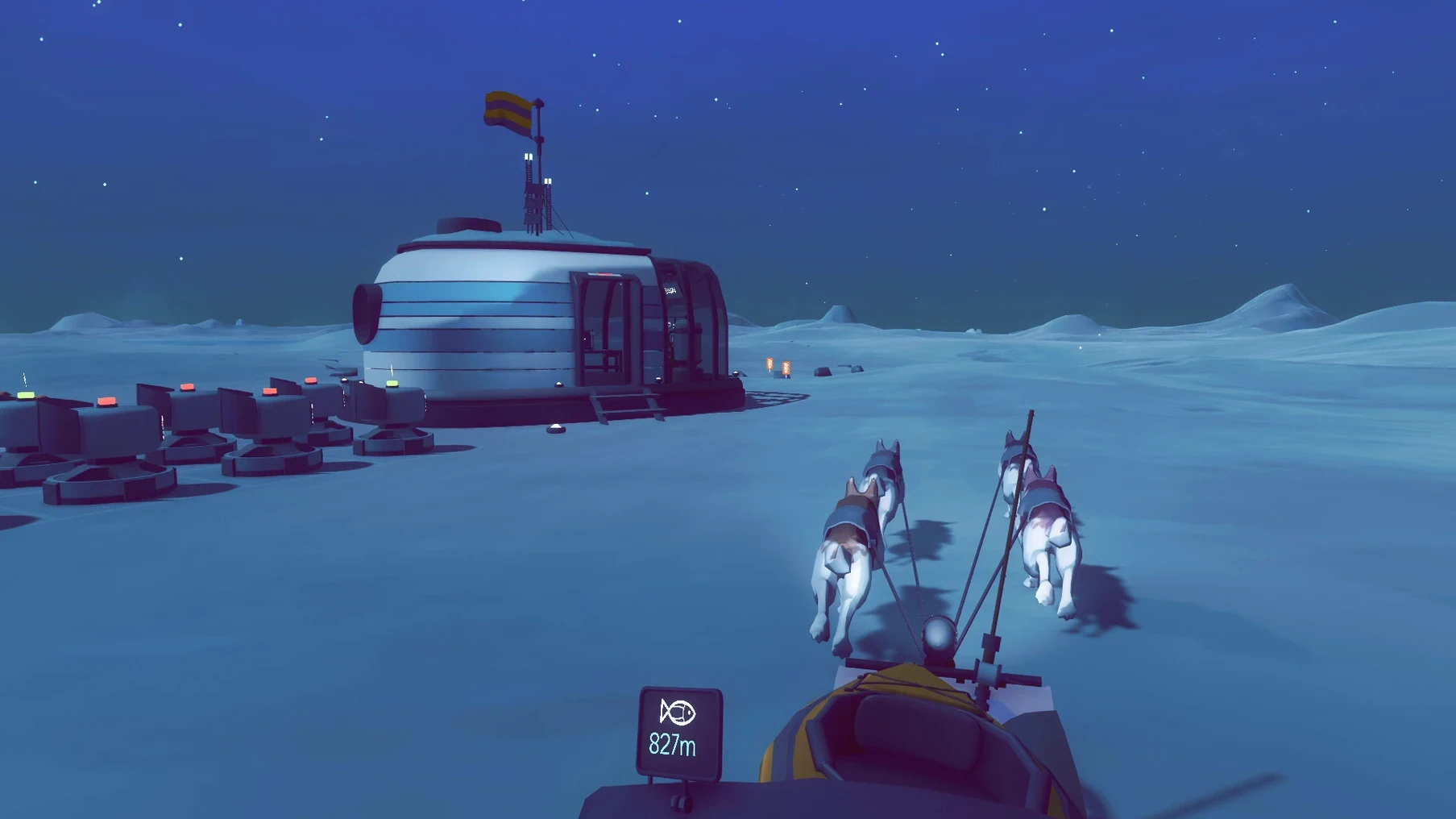
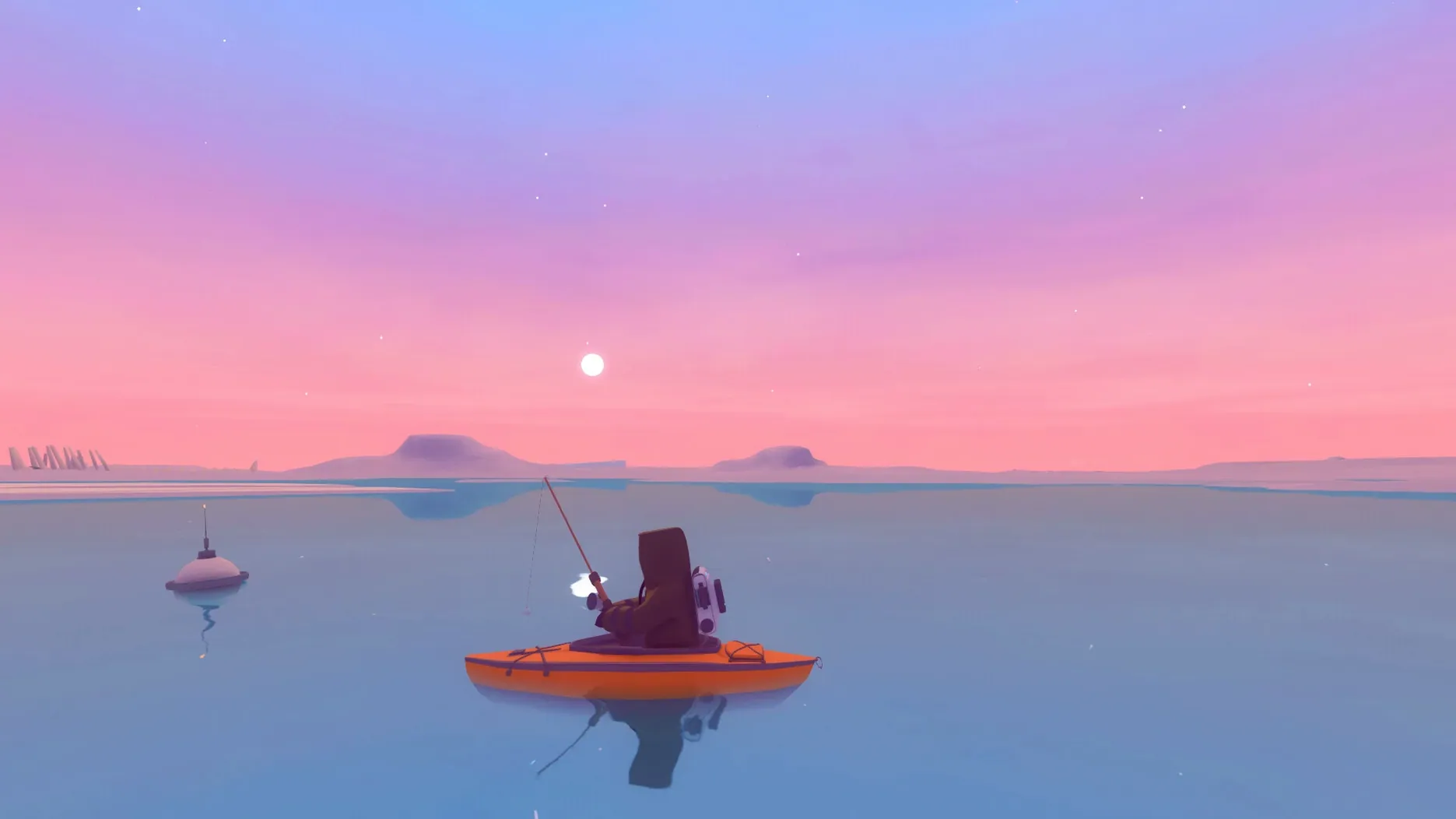
Arctico drops you onto a quiet island with a single mission that never shouts: recover what your late mentor left behind. There are no timers, no enemies, just a sled, a few dogs and a landscape scattered with ancient letters and forgotten research sites. You improve your camp, paint your gear a different colour and gradually push further across the map, one sled ride at a time.
- Four distinct island locations to explore at your own pace
- Base-building that feeds directly into exploration — better structures mean longer, safer trips
- Custom paint jobs for your sled and equipment
- Dozens of ancient items and handwritten letters to piece the story together
- Runs on Intel Macs back to macOS 10.9.3, so plenty of older machines can handle it
On an M4 Mac mini under macOS Tahoe the game runs smoothly, though you are playing Intel code through Rosetta — no native Apple Silicon build exists yet. The soundtrack is wordless, all music, so the island does the talking. If you want a game that rewards pottering about as much as planning a supply route, it fits the bill.
Drop the mouse sensitivity before mushing out
Before you mush the dogs out, open the settings panel. A few tweaks make the island feel less like a tutorial and more like your own place.
- Mouse sensitivity. The default is set quite high. Dropping it a notch or two stops the camera swinging wildly when you glance at a plant pot.
- Graphics quality. On older Intel Macs, knock shadows down to medium and turn off motion blur. You gain a smoother framerate and lose nothing that matters — the island’s charm is in the low-poly shapes and soft light, not in shadow detail.
- Auto-save interval. Crank it down to five minutes. The game already saves at base, but a shorter interval catches those long sled runs where you forget to stop.
- Key bindings. If you are used to WASD, leave them. If you come from trackpad gaming, rebind accelerate and brake to the arrow keys — your fingers will thank you halfway up the mountain trail.
A typical session on the ice
You load in at the research hut just as dawn breaks. Last night you parked the sled by the greenhouse with a half-full inventory of seeds and a dog who needs feeding. First job: water the experimental plot. The soil-moisture meter blinks red on three pots, so you top them up and harvest the ripe cloudberries — those sell well enough to fund a new sled runner.
Then you check the letter you found yesterday, crumpled in a cave beyond the eastern ridge. It hints at a supply cache near the frozen lake. You load the dogs, pack four dried rations and point the sled north-east. The music swells as you crest the ridge; the lake glints below, ringed by pines. You stop twice to dig up seed samples and once to photograph a stone tablet — those fetch good data at base.
Back home by late afternoon. The plant data goes into the analyser, the seeds into storage. You order the new sled runner from the workbench, paint it mustard yellow and call it a day. Nothing rushed, nothing wasted. That is the rhythm Arctico settles into after a few hours: a loop of small tasks that slowly push the map wider.
If you ever struggle to find an Arctico Mac torrent that includes the latest build, this one is kept current and runs without any fiddling on Intel hardware.
Tip: Keep one dog sled slot free for carrying animal carcasses back to base. They rot fast, but sell well if you reach the trader the same day.
- macOS 10.9.3 or later
- Intel processor (Apple Silicon supported via Rosetta 2)
- 4 GB RAM
- 1 GB available storage
Questions from the bench
Does Arctico run on Apple Silicon Macs?
Yes, it runs through Rosetta 2 on Apple Silicon Macs. There is no native ARM build yet, but performance on an M4 Mac mini is smooth.








 Back up
Bench talk (0)
Sign in or get a library card to pin up a note.
Nobody has chimed in on this card. If you have used it on an old Mac, say which one.