

Celeste 1.4.0.0 — Mac version
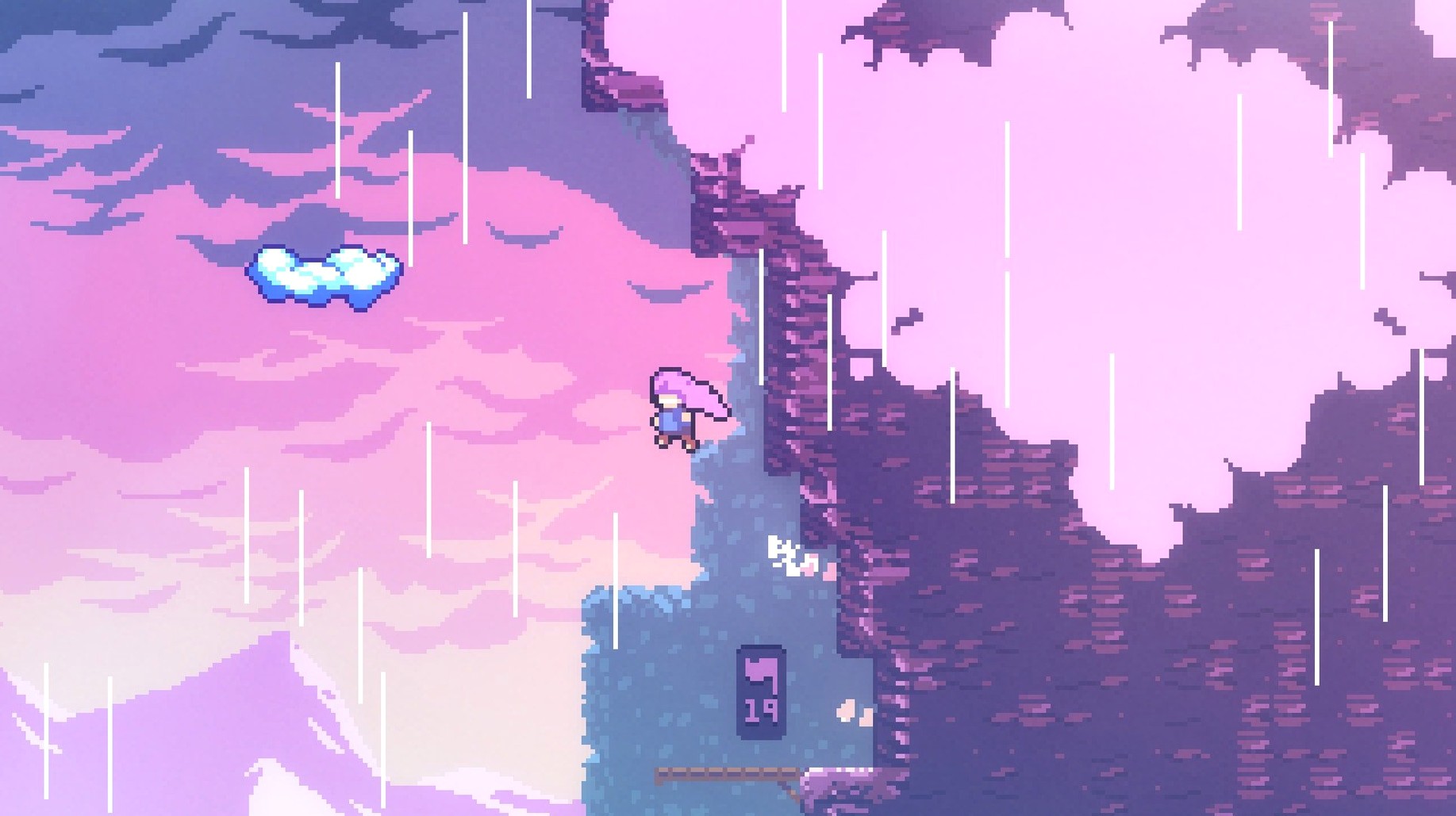
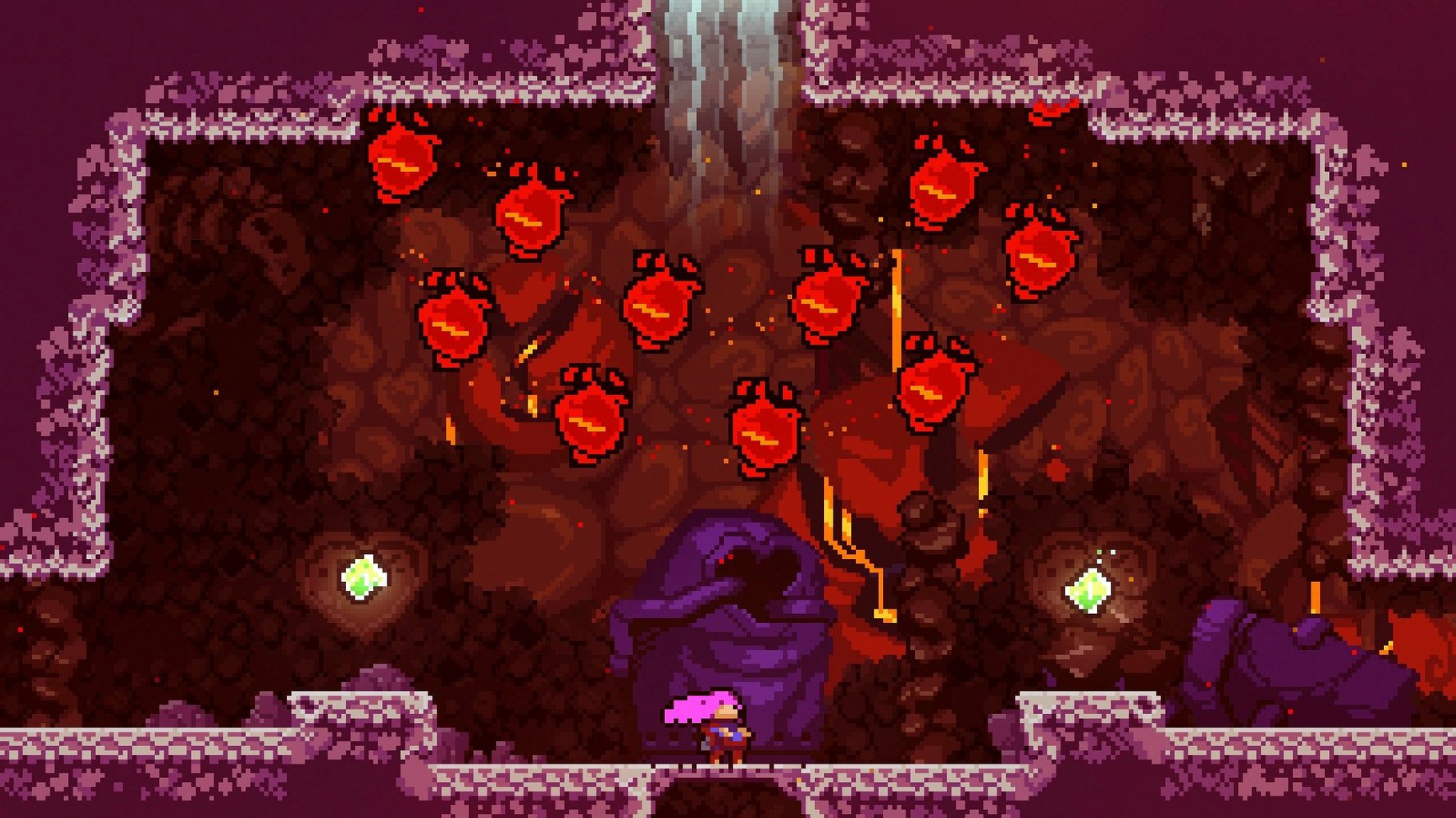
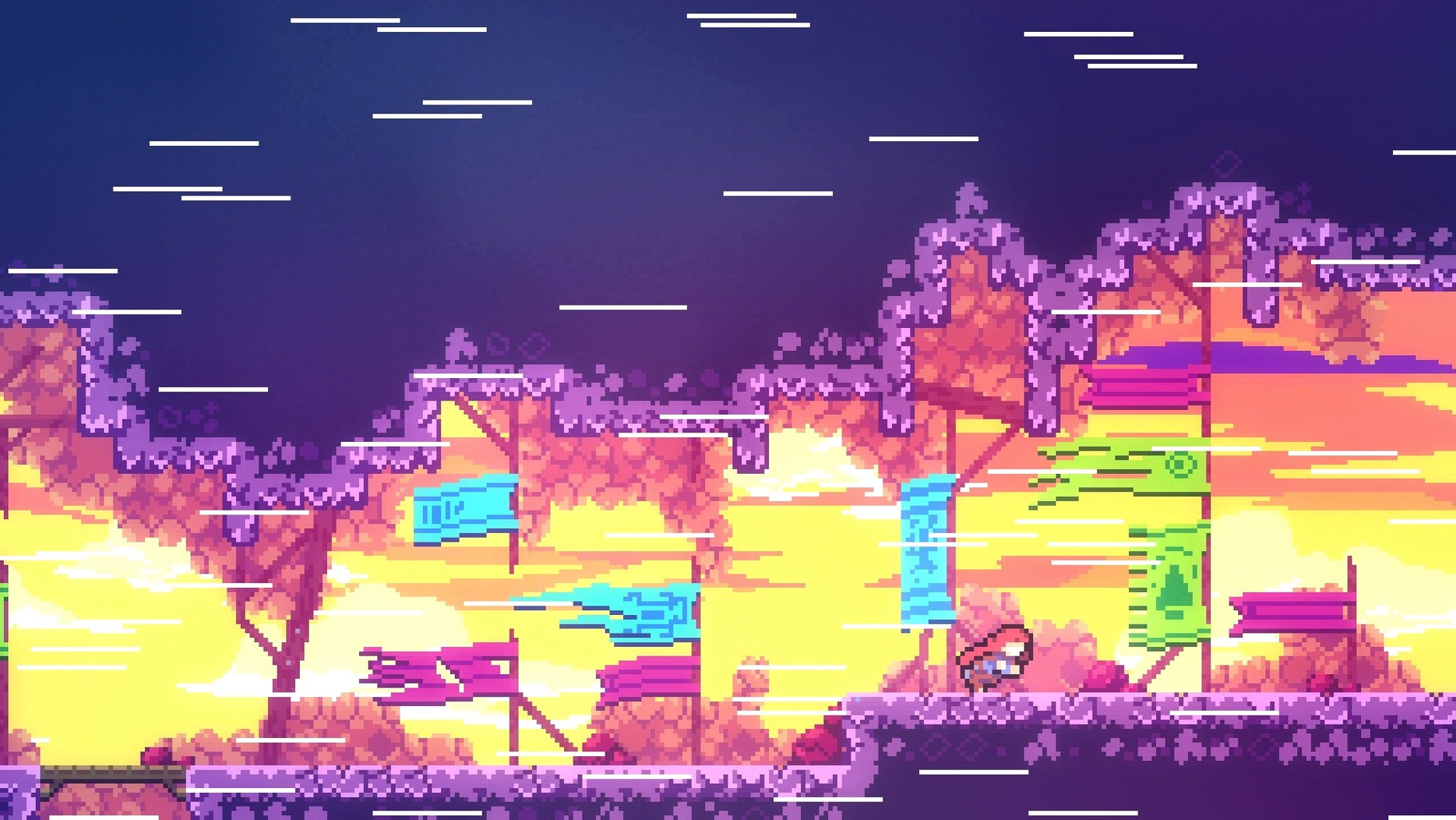
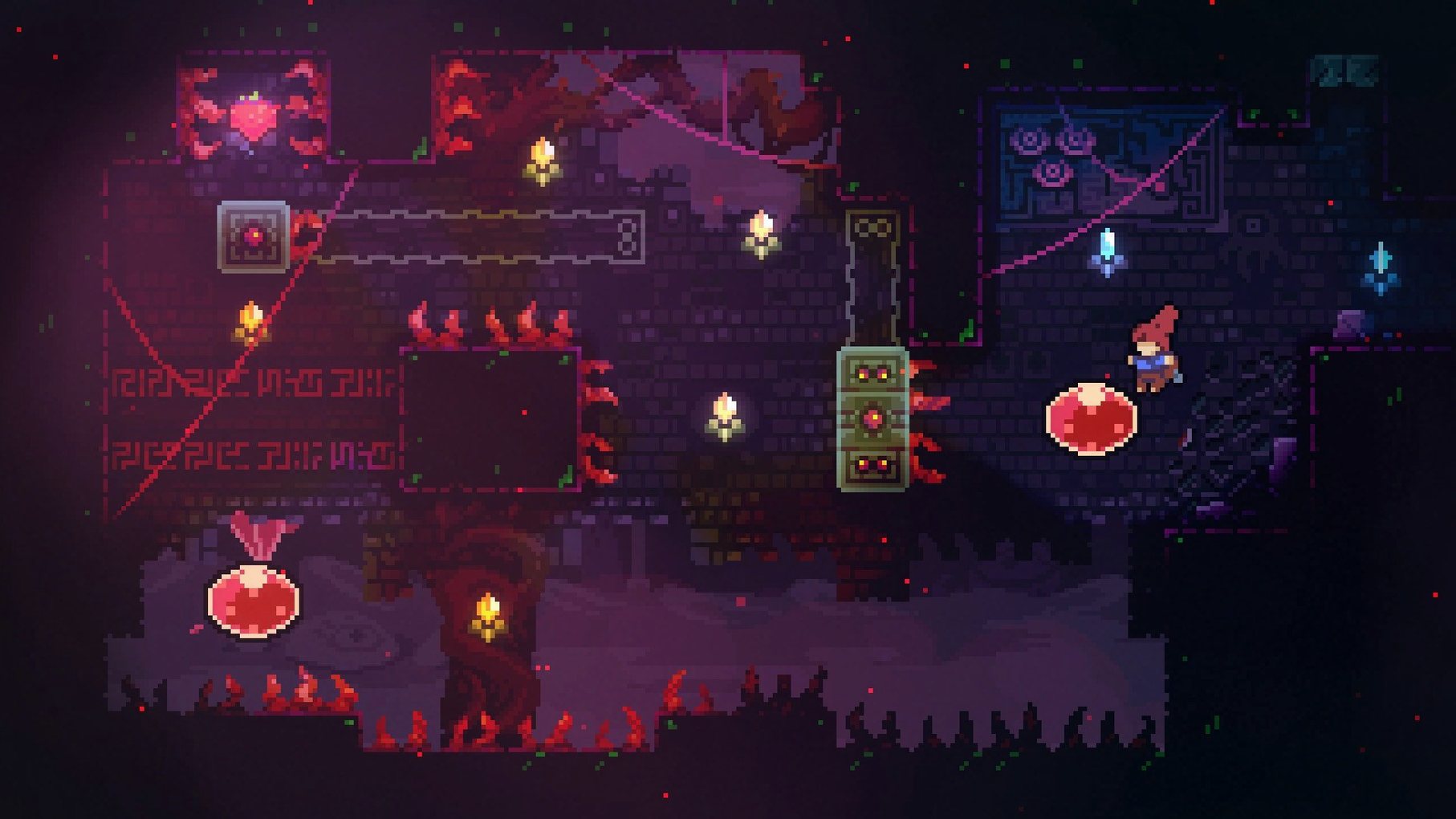
If you've played TowerFall, you already know the tight, responsive feel the developers bake into their games. Celeste takes that same care and pours it into a single-player climb.
Madeline — the climber you guide up Celeste Mountain, wrestling with her own doubts and fears along the way.
Celeste Mountain — the route itself, over 700 screens of platforming built around a dash, a jump and a wall-cling.
Inner demons — a literal part of the story; a shadow version of Madeline that chases and challenges you through several chapters.
Music — two hours of it, shifting with the mood of each area as you climb higher.
Controls — simple: jump, dash and climb. The depth comes from chaining them together, not from extra buttons.
Languages — English, German, Spanish, Italian, Simplified Chinese, Portuguese, French and Japanese are all in the box.
What the café crowd trips on most and the real fixes
Even a game as polished as this one trips up sometimes. Here are the things I hear about most often at the café and what actually fixes them.
Game won't open after copying to Applications
macOS Gatekeeper sometimes blocks apps that didn't come through the usual channels. The quickest fix: right-click (or Control-click) the game icon and pick Open from the menu. You'll get a prompt asking if you're sure — click Open again and macOS remembers your choice next time.
If that doesn't do it, head to System Settings > Privacy & Security. Scroll down and you'll spot a message about Celeste being blocked, with an Open Anyway button alongside it.
Keyboard layout trouble at launch
Some players report the game freezing or not responding to keys on the title screen. The culprit is usually a non-US keyboard layout. Switch to a US layout before launching — you can flip it back once you're past the menus. On a British Mac, go to System Settings > Keyboard > Input Sources and add "U.S." if it isn't already there, then use the menu bar switcher or a shortcut to toggle.
Controller not detected
Celeste works with most USB and Bluetooth controllers, but it helps to connect the controller before you launch the game. If the d-pad or buttons feel off, open the in-game controls menu and remap them. The game remembers per-controller settings, so you only need to do it once.
Stuttering on older Intel Macs
The game isn't demanding, but integrated graphics on machines from 2012–2015 can cough on busy screens. Try dropping the resolution scale in the video settings — 50% still looks crisp enough on the pixel-art style and gives a big framerate lift. Disabling screen shake and reducing particle effects also helps. If you grabbed the celeste mac download for a machine with a Retina display, running at native resolution is overkill; half-res is your friend.
Switching to windowed mode for quick breaks between tasks
Celeste plays nicely with most macOS conveniences, which matters when you're squeezing in a few screens between other tasks.
Mission Control and Spaces. The game runs in fullscreen by default, but you can switch it to windowed mode in the video settings if you want to keep an eye on Discord or a walkthrough. Swiping between Spaces works smoothly — the game pauses when it loses focus.
Screen recording and streaming. OBS and the built-in macOS screen recorder (Cmd-Shift-5) capture Celeste without fuss. If you're sharing a particularly cruel screen over Discord, the game's low CPU footprint leaves headroom for encoding.
Backup and save files. Your progress lives in ~/Library/Application Support/Celeste/. If you're migrating to a new Mac or sharing saves between machines, copy that folder across and you're sorted. Time Machine picks it up automatically.
Game controllers and Steam Input. Even if you got the Celeste torrent that runs standalone, macOS recognises Xbox and PlayStation controllers over Bluetooth without extra drivers. The game maps them sensibly, though you may want to swap dash to a shoulder button if you're coming from Hollow Knight muscle memory.
Accessibility. Celeste includes an Assist Mode that lets you tweak game speed, dash count and invincibility. macOS's own accessibility zoom (Cmd-Option-8) works over the game window too, which is handy for spotting hidden berry paths on smaller screens.
Clearing three screens in a lunch break feels just right
Not every Mac user needs a punishing platformer. But a few kinds of player will find this one sticks.
Players who like short, dense sessions. Each screen is its own puzzle. You can fire up the game, clear three or four rooms, and walk away feeling you did something. No cutscenes to sit through, no inventory to manage — just pure movement. If your Mac is a workhorse and gaming happens in twenty-minute bursts, the structure suits you.
People who enjoy failing as a mechanic. Death in Celeste costs you about one second. The game resets you at the start of the current screen, and that instant loop makes dying feel like part of the learning, not a punishment. If you're the type who restarts a level in a strategy game just to do it cleaner, you'll find the rhythm here.
Mac users with older hardware. The celeste for mac build runs on Intel machines without breaking a sweat. If you're nursing along a 2013 MacBook Pro that can't handle modern 3D titles, this is exactly the sort of game that keeps the machine feeling useful. Pixel-art platformers age gracefully, and this one's no exception.
Speedrunners and completionists. The in-game timer, chapter select and hidden collectibles (strawberries, B-sides, crystal hearts) are designed for people who want to squeeze every drop from the mountain. The community around the game is still active, and if you picked up the celeste mac free download, you get the same full feature set as any other version — nothing locked away.
- macOS (tested on Sonoma with Apple Silicon)
- Intel architecture (x86 64-bit)
Questions from the bench
Does Celeste run on a Mac with an Intel chip?
Yes, the game is built for Intel Macs and has been tested on Apple Silicon Macs running macOS Sonoma too.
What languages does the game support?
It includes English, German, Spanish, Italian, Simplified Chinese, Portuguese, French and Japanese.







 Back up
Bench talk (0)
Sign in or get a library card to pin up a note.
Nobody has chimed in on this card. If you have used it on an old Mac, say which one.