

Football Manager 2026 26.3.2.2329565 — Mac version

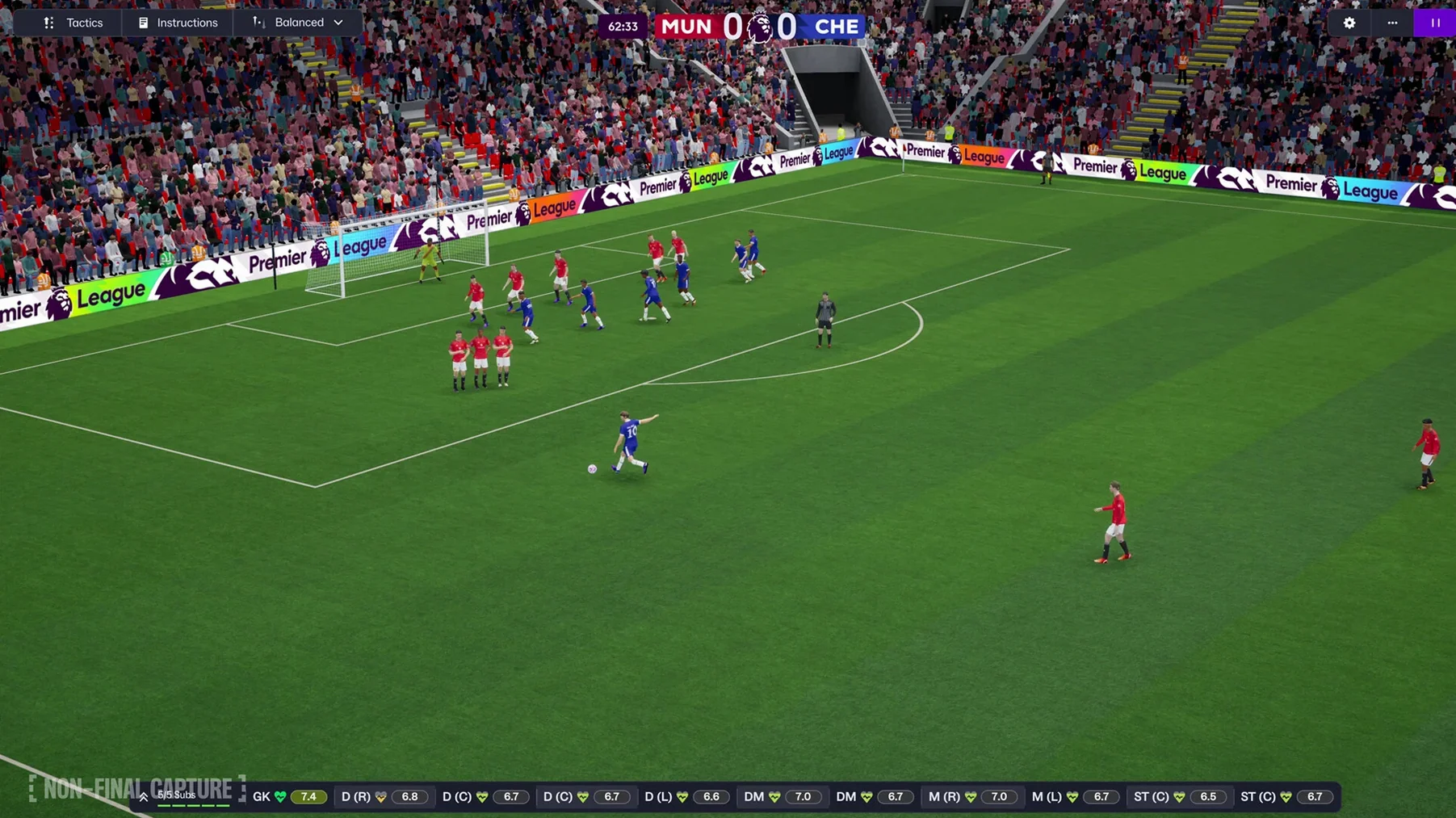
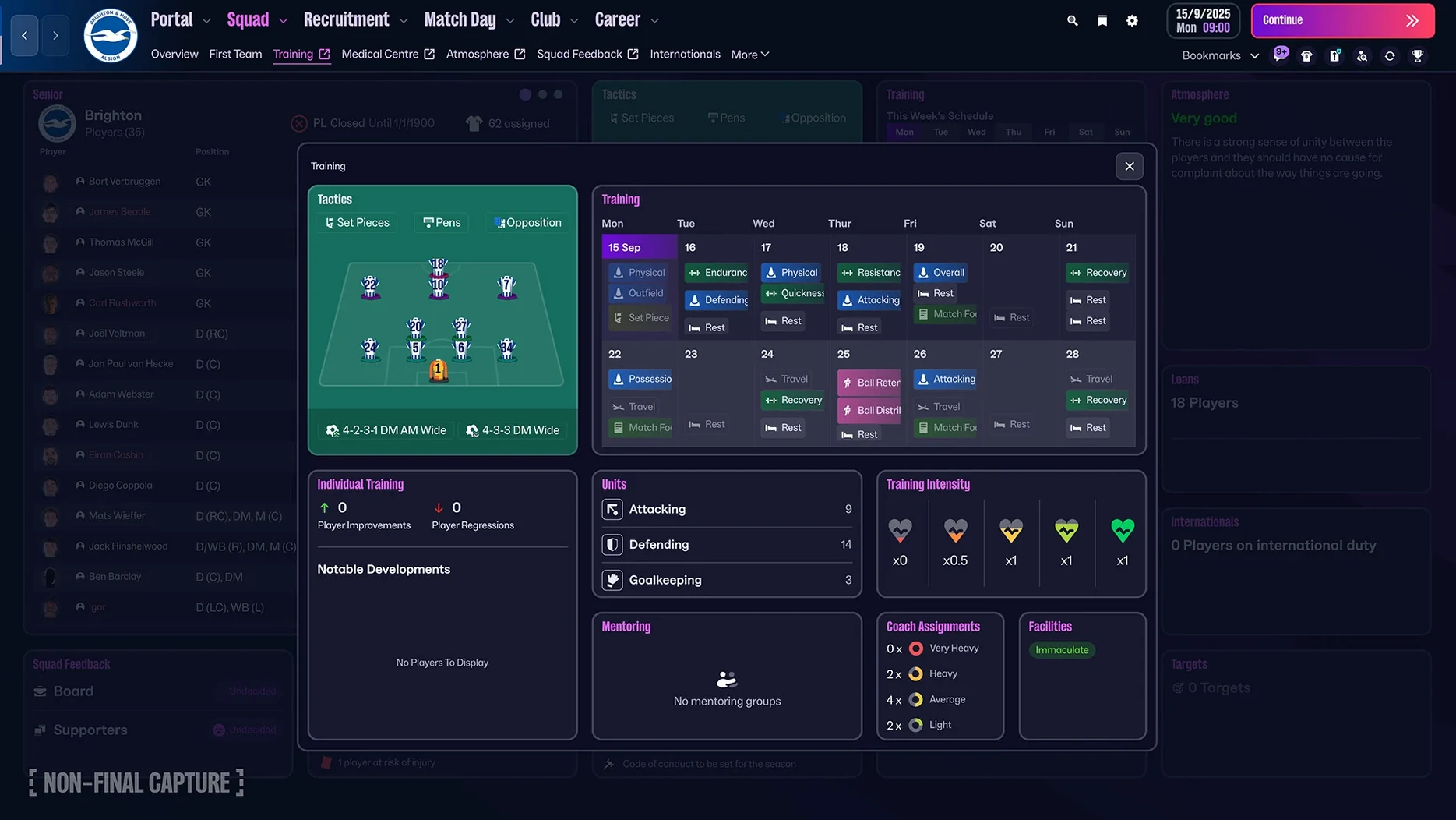
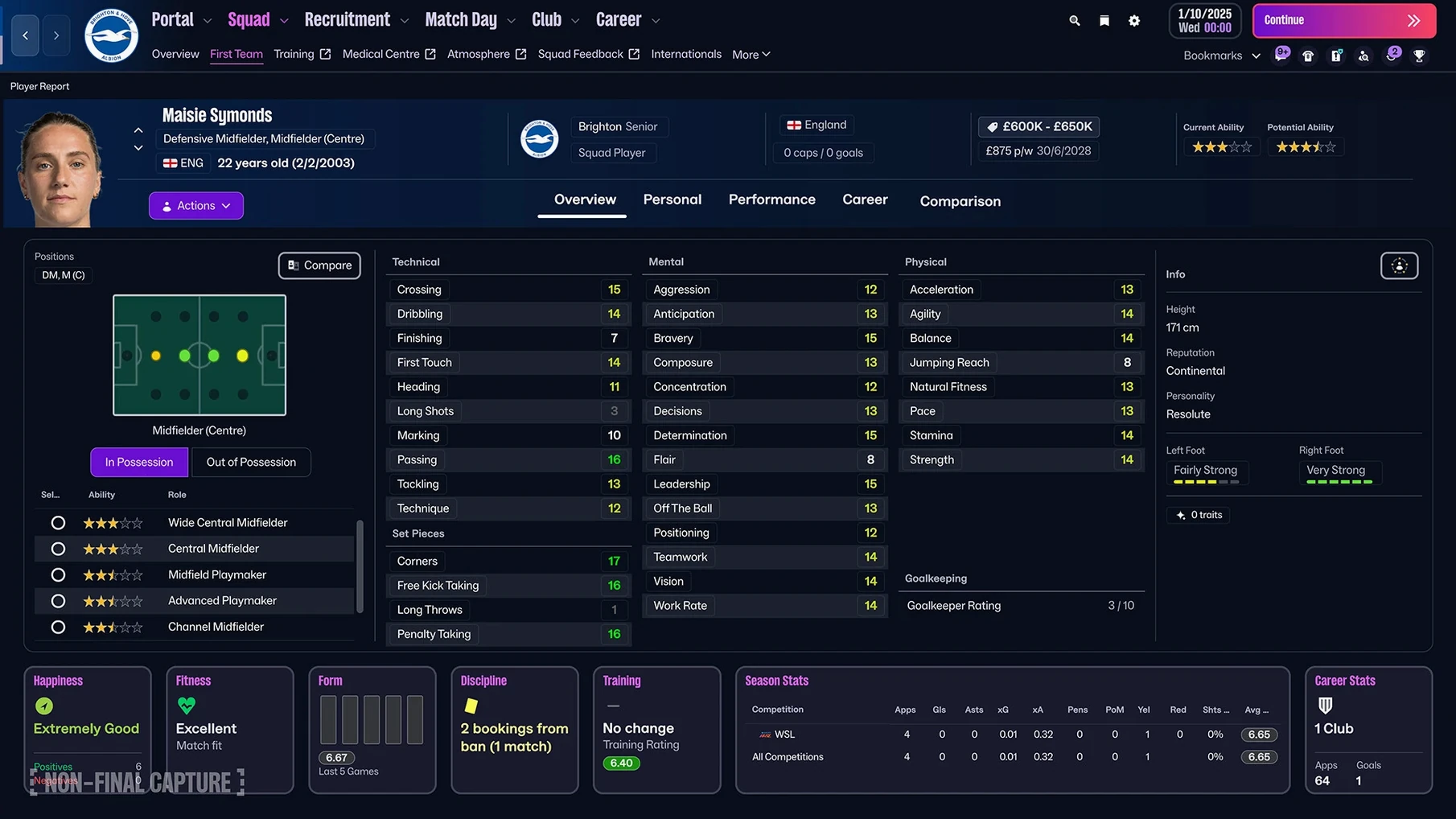
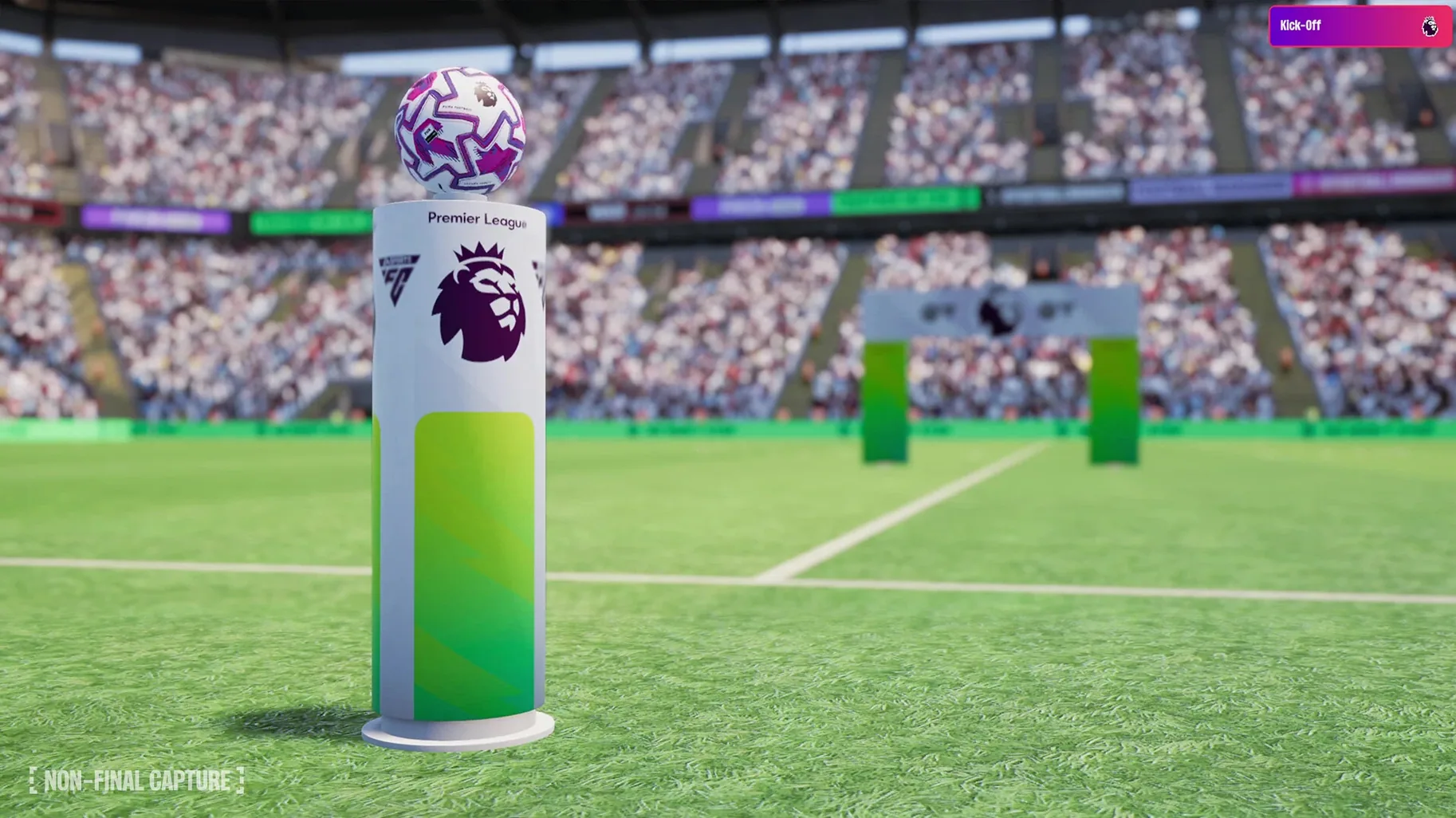
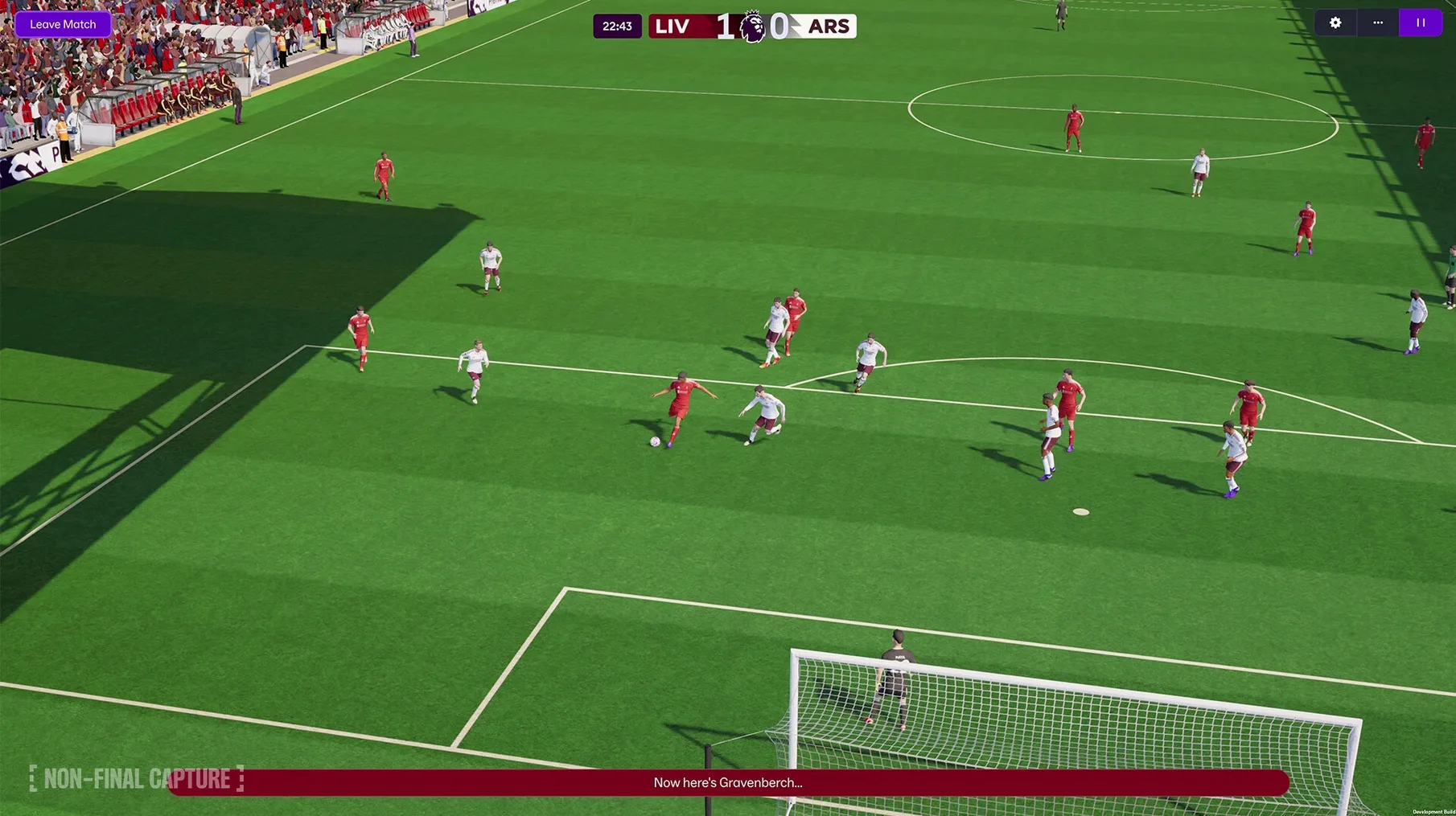
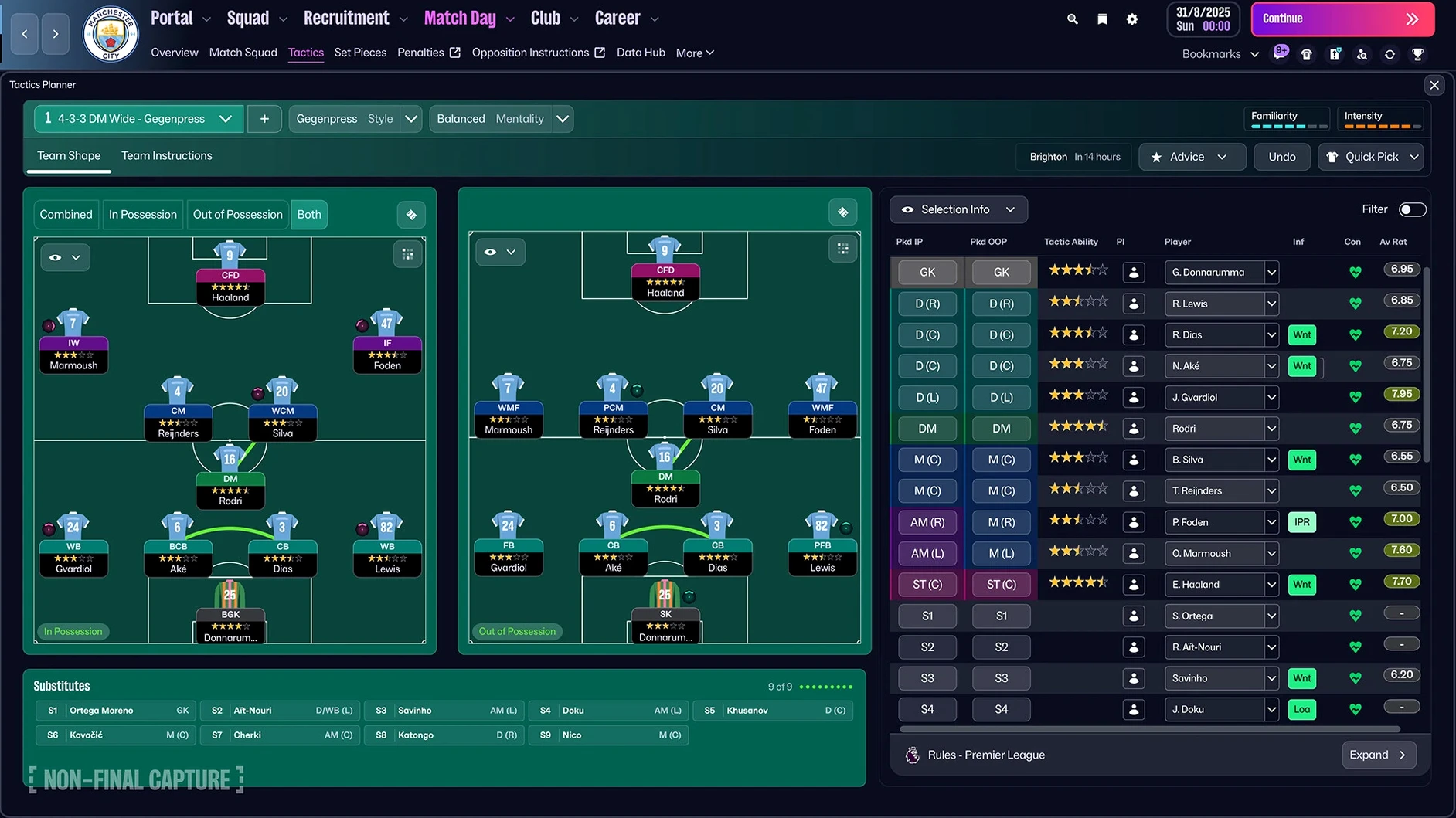
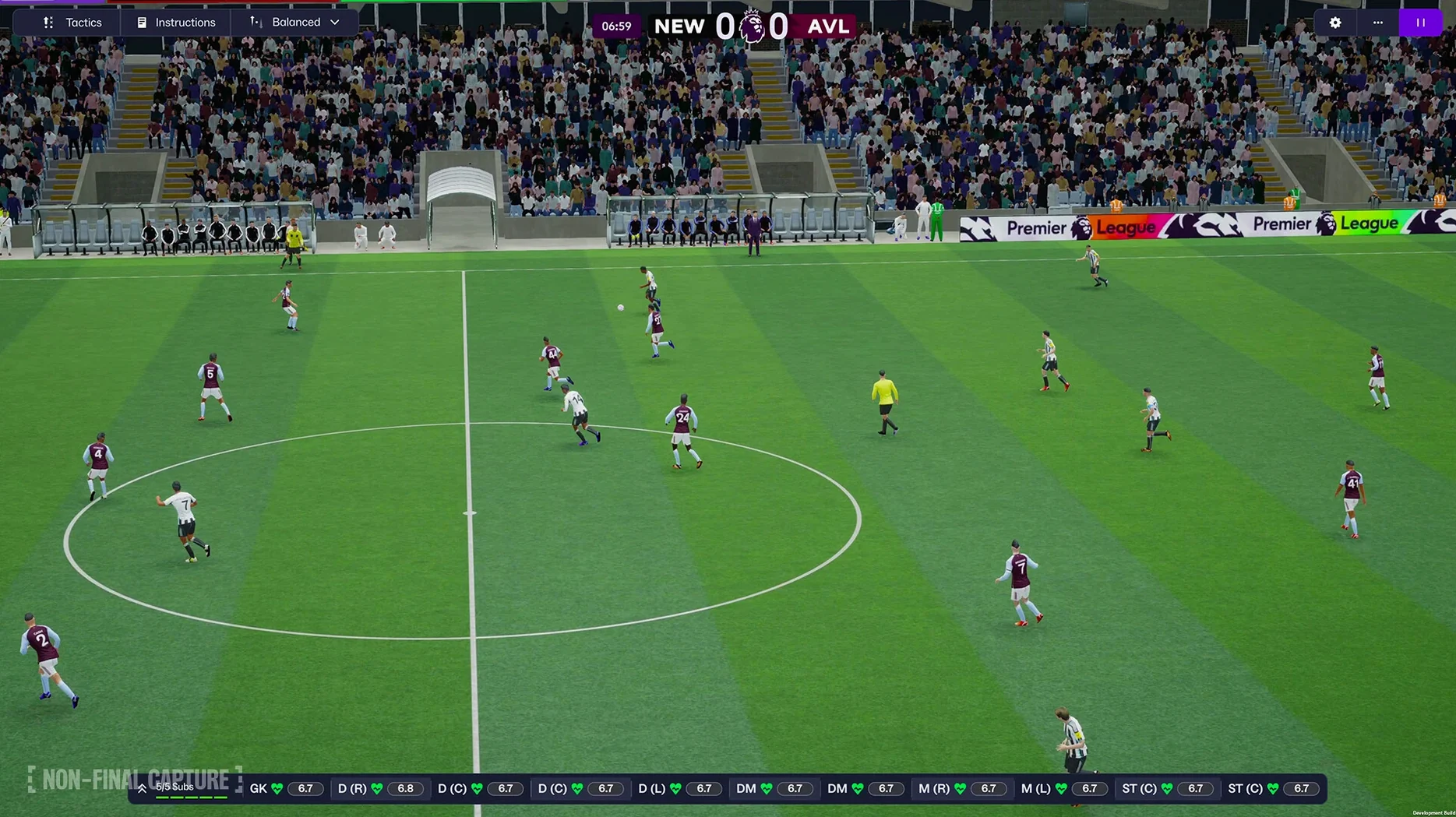
This year’s update feels different. The switch to the Unity engine is the biggest under-the-bonnet change, making the match presentation sharper and the interface snappier. But the headline grabber is the proper introduction of women’s football, with 14 leagues across 11 countries finally getting the detail they deserve. You’ll also spot Premier League licensing for the first time, with official badges, kits and player faces, plus a reworked portal that gets you to your squad faster.
What’s the match engine like now?
It’s a noticeable step up from the old one. The Unity engine brings smoother animations and more believable player movement, so a well-worked passing move actually looks like one. The enhanced match presentation makes it easier to read the flow of the game without constantly checking the stats panel.
How do the new tactics work?
You now set separate attacking and defensive shapes. That means your team can press in a 4-4-2 out of possession but shift into a 3-2-5 when you win the ball, which is how modern football actually works. It stops the feeling of your tactic being a compromise between two phases of play.
What does the Premier League licence add?
It adds proper visual identity. Instead of generic kits and made-up badges, you get the real club crests, home and away strips, and official player photos for every top-flight side. It’s a small touch that makes a long-term save feel more grounded.
Is the women’s game fully fleshed out?
Yes, it’s not a token addition. Updated player roles, dedicated scouting knowledge, and a full database behind the 14 leagues mean it plays like a proper simulation rather than a reskin of the men’s game.
Drag your go-to panels into the bookmarks bar
Don't panic at the new interface. The portal is genuinely useful once you give it ten minutes. Drag your most-used sections into the quick bookmarks bar and you'll cut out three clicks every time you want to check the loan list or the youth intake preview.
A few things worth doing early:
- Set up your staff responsibilities straight away. The new manager creator dumps you in faster than before, but the default delegation settings hand you too much busywork. Let your assistant handle press conferences and friendly match team selection unless you enjoy answering the same three questions every week.
- Spend a session with the FMPedia glossary. It's not just for newcomers. Even if you've played since the Championship Manager days, the tactical terminology has shifted. Knowing exactly how the match engine interprets "regista" versus "deep-lying playmaker on support" saves you from building a midfield that cancels itself out.
- Tweak the scouting assignments before you hit continue. The new TransferRoom-style recruitment tools give you much sharper filters, but the default scope is too broad. Narrow it to the positions you actually need and your inbox will be less of a landfill by November.
If it won't open after copying to Applications
macOS sometimes quarantines large apps from disk images. Head to System Settings → Privacy & Security and look for the "Open Anyway" button. You only need to do this once.
Separate attacking and defensive tactics reward long saves
The obvious answer is the dedicated long-term save player: the person who takes a National League South side to the Champions League over fifteen seasons. The separate attacking and defensive tactics reward that kind of patience, because you can now build a system that defends compactly away at the Etihad and morphs into a different shape when you're chasing a goal against relegation fodder.
But it also suits a less obvious group: players who burned out on recent versions. If you drifted away because the match engine felt stale or the tactics system made every 4-2-3-1 play identically, this is the one worth a fresh download. The Unity engine doesn't just look better; it makes the feedback loop clearer. You can actually see why your inverted wing-back keeps getting caught upfield, which means you fix problems by watching matches rather than squinting at the data hub.
It's also surprisingly good for the shorter-session player. The quick bookmarks and improved search mean you can get through a transfer window scramble in twenty minutes flat. The portal pulls news, squad info and scouting reports into one scrolling feed, so you're not clicking between five screens to decide whether to trigger a release clause.
Three left-backs and nobody who can finish
You take over a middling League Two side with a wage budget that wouldn't cover a Premier League under-23's monthly rent. First week of July, you're staring at a squad with three left-backs and nobody who can finish.
You open the TransferRoom-style recruitment tool and set a narrow filter: strikers, under 23, available for loan, wage contribution no more than £800 a week. The improved search returns six realistic options instead of the usual wall of Premier League teenagers who'd never drop four divisions. You shortlist two, bookmark the scouting reports, and task your chief scout with a one-week focus.
Meanwhile you switch to the tactics screen and build a basic 5-3-2. Defensive shape: compact mid-block, two banks that deny space between the lines. Attacking shape: the wing-backs push high, one midfielder joins the front two, making a 3-4-3 that overloads the channels. It's a simple plan, but the new setup lets you build it in five minutes without wrestling the old slider-heavy screen.
By the time your first friendly kicks off, the enhanced match presentation shows your wing-back arriving late at the far post exactly as drawn up. You still lose 2-0 to a Championship reserve side, but you can see the system working. That's the hook.
Run spreadsheets on a second display without tabbing out
The game plays nicely with Stage Manager on larger screens. Keep it full-screen on one display and run a browser with squad spreadsheets on another, and you can cross-reference without constantly tabbing out. On a single screen, the portal layout means you rarely need to leave the game to check a player's real-world form or a fan forum meltdown.
If you like keeping notes, the Quick Notes shortcut (Globe key + Q) works in windowed mode for jotting down transfer targets or tactical tweaks mid-match. Some players run a lightweight spreadsheet in Numbers or Google Sheets to track youth intake attributes across seasons, and the improved search inside FM26 makes it faster to pull the data you need.
The women's leagues open up a natural pairing: you can run a men's and women's save side by side, comparing how the same tactical ideas translate across different databases. The player role updates apply to both, so a pressing forward in the NWSL behaves the same way as one in the Championship. That consistency makes switching between saves feel less jarring.
- Rebuilt with the Unity engine
- Women’s football introduced with 14 leagues
- Premier League licensing: official badges, kits and player photos
- Separate attacking and defensive tactics
- Reworked user interface and portal
- macOS version not formally listed; tested on macOS Tahoe
- Runs on both Intel and Apple Silicon Macs
- Football Manager 26 Touch (Apple Arcade) requires macOS 11.0 or later
Questions from the bench
What macOS version does Football Manager 26 Touch need?
The Apple Arcade version, Football Manager 26 Touch, requires macOS 11.0 or later and was tested on macOS Tahoe.
Which languages does Football Manager 2026 support?
The interface runs in Russian, English, German, Greek, Danish, Spanish, Italian, Simplified Chinese, Korean, Dutch, Norwegian, Polish, Portuguese, Thai, French, Swedish, and Japanese.








 Back up
Bench talk (0)
Sign in or get a library card to pin up a note.
Nobody has chimed in on this card. If you have used it on an old Mac, say which one.