

Tropico 5 1.11 — Mac version
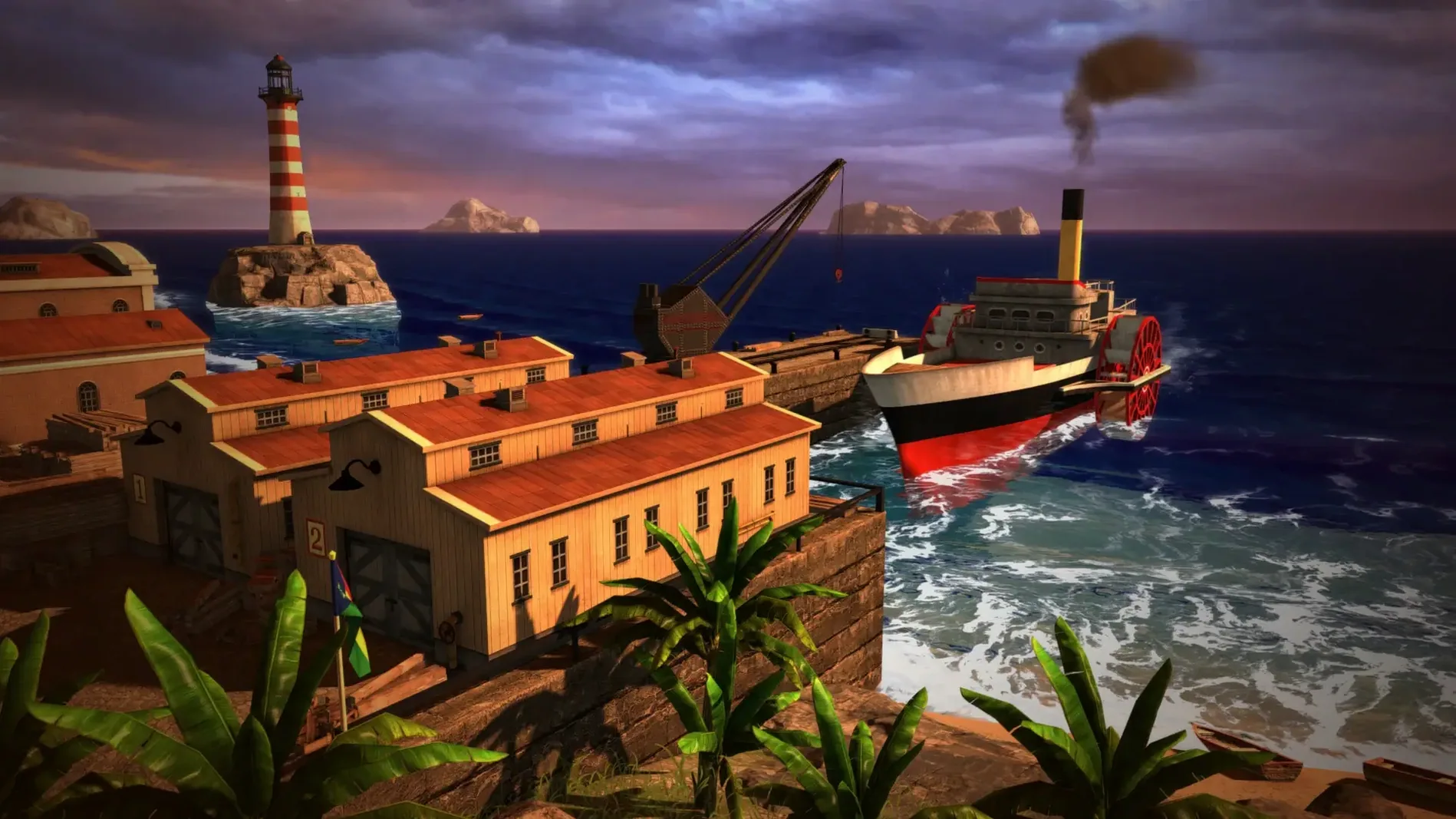
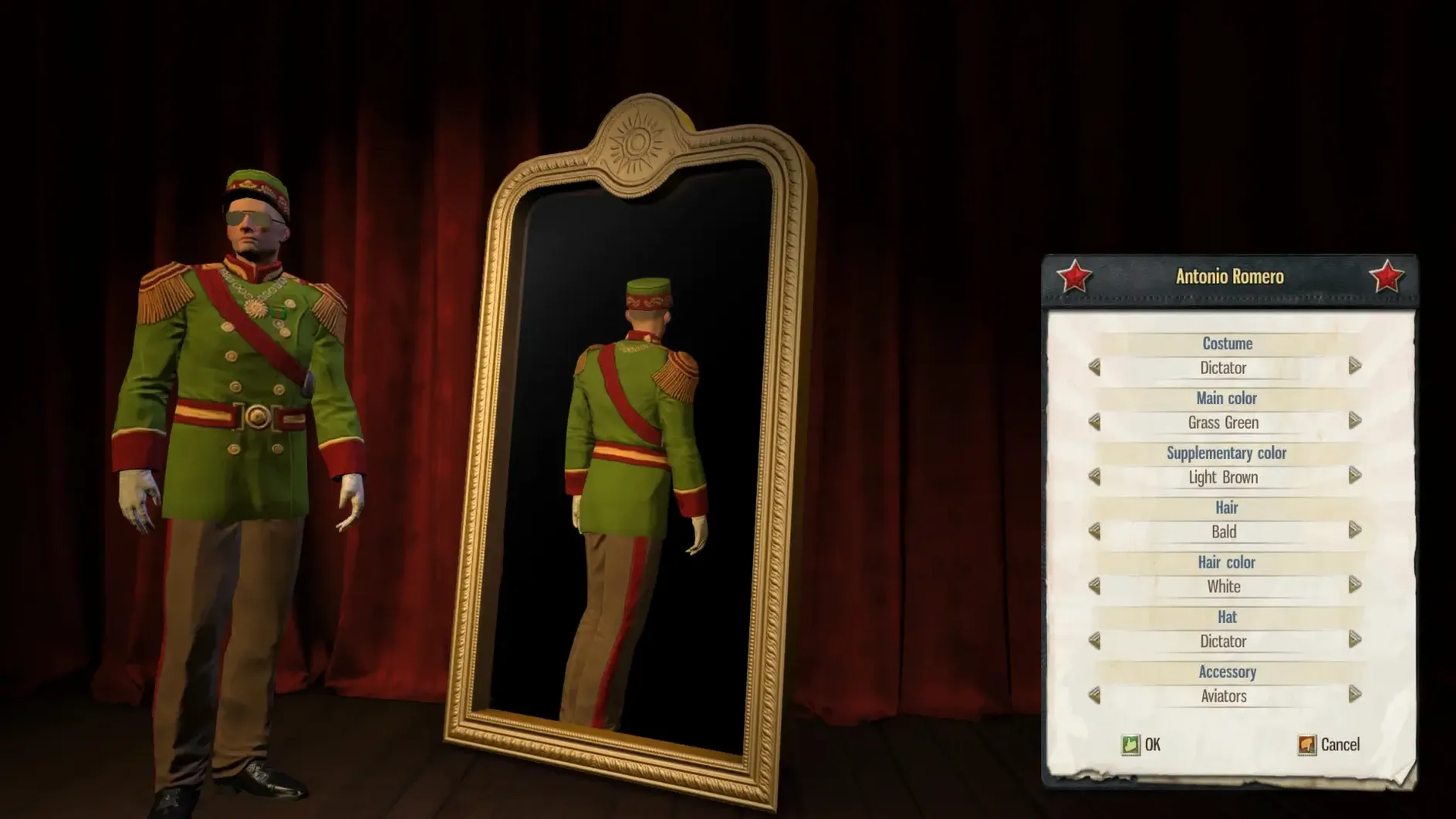
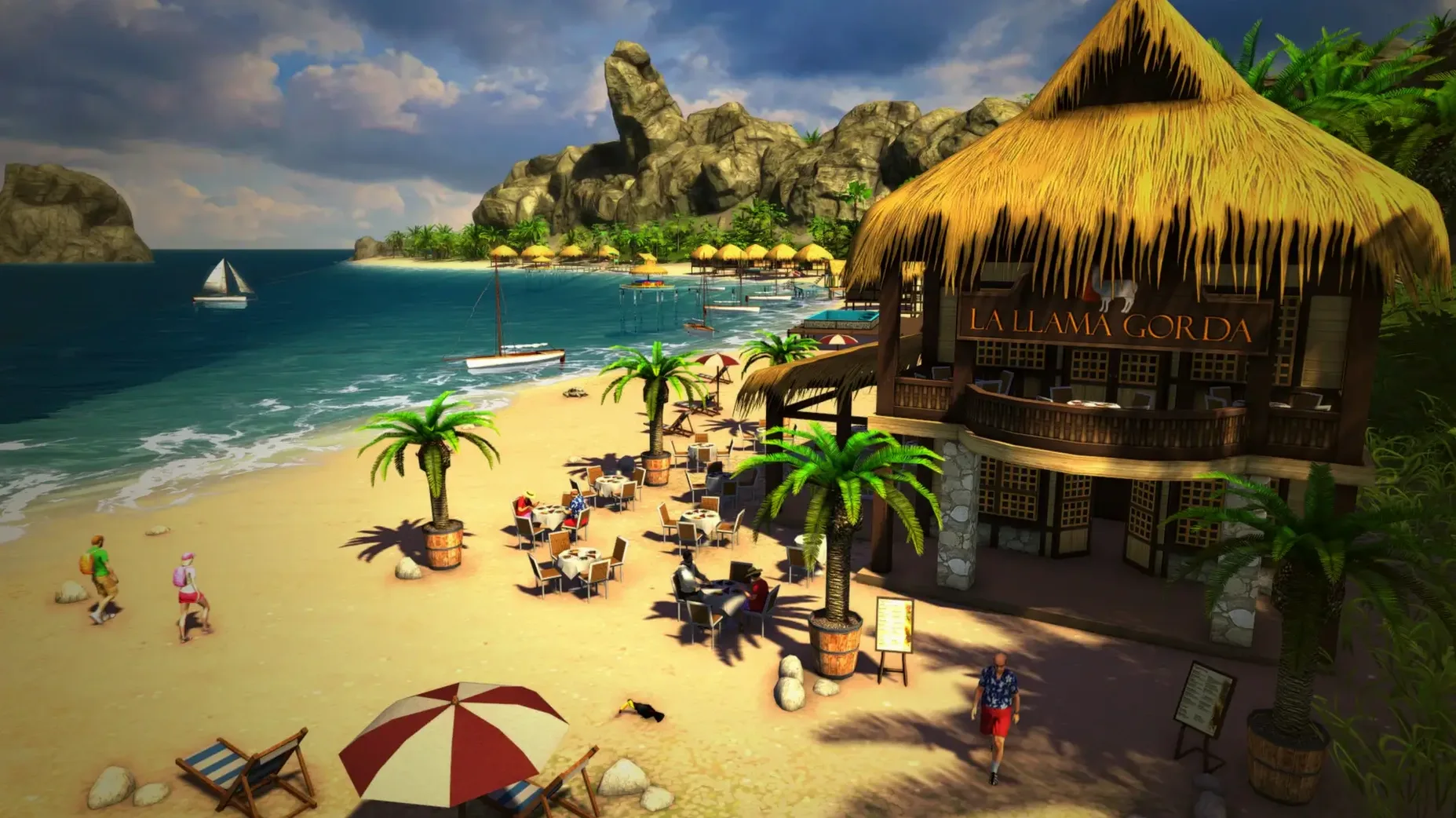
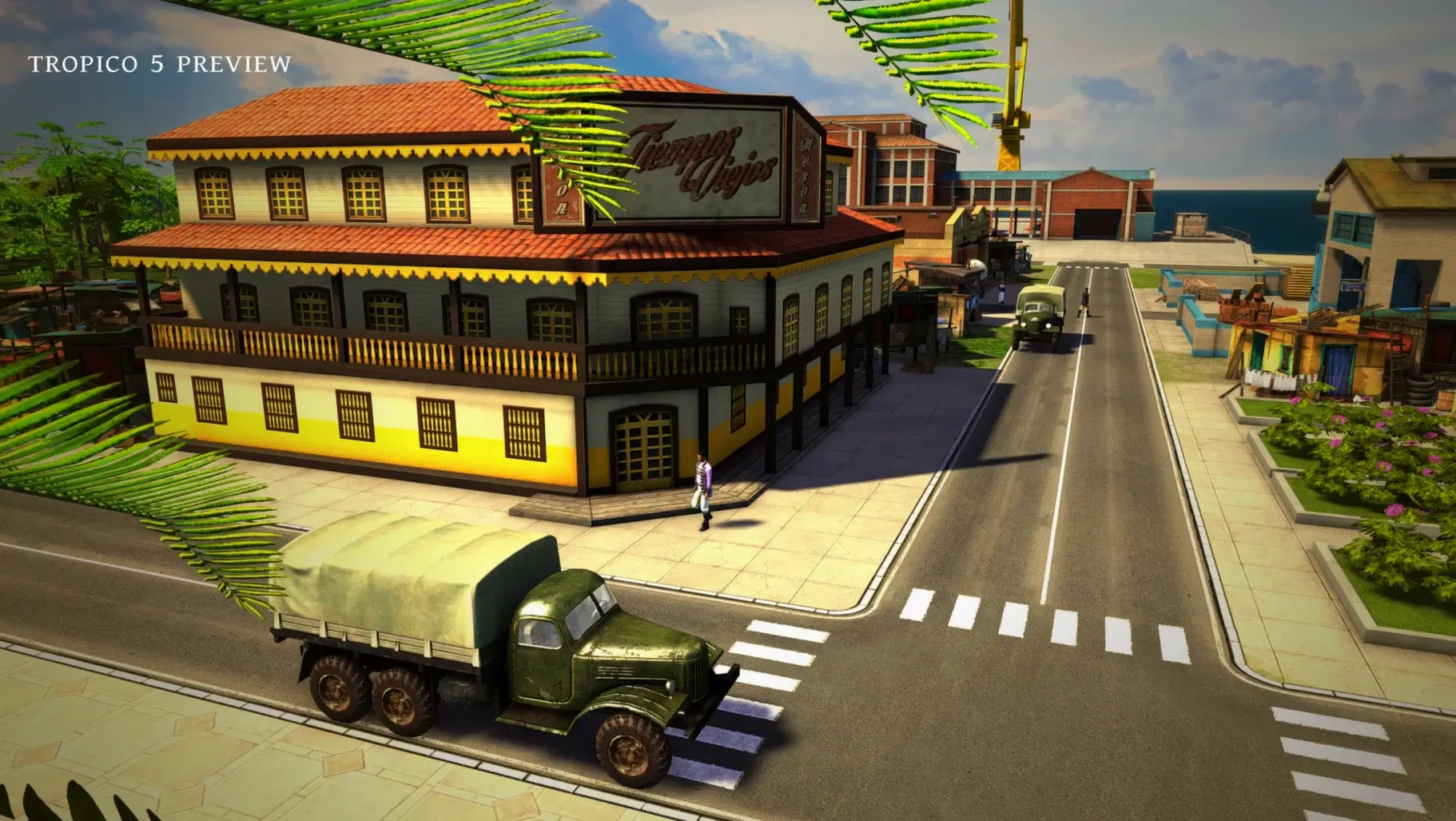
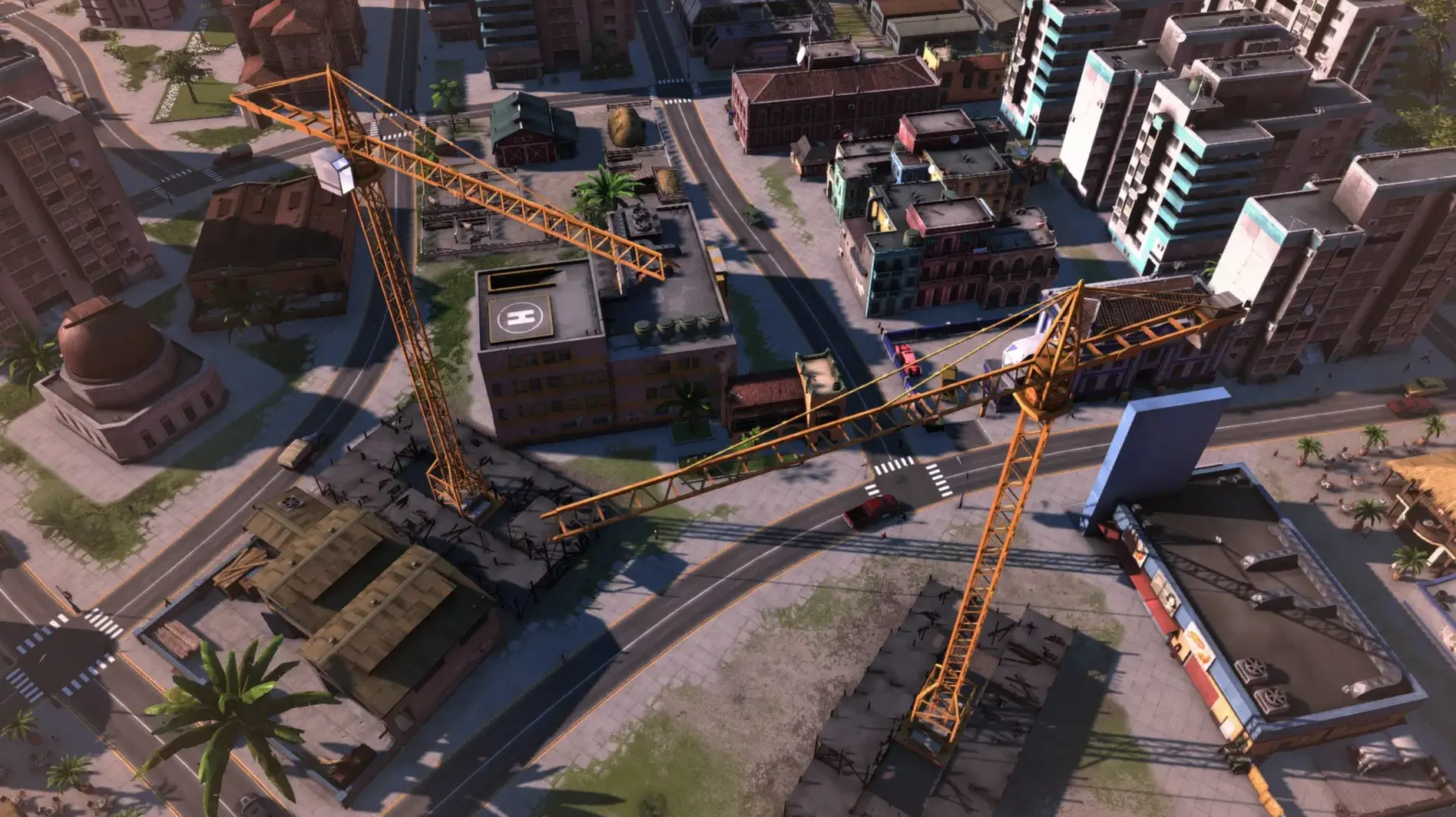
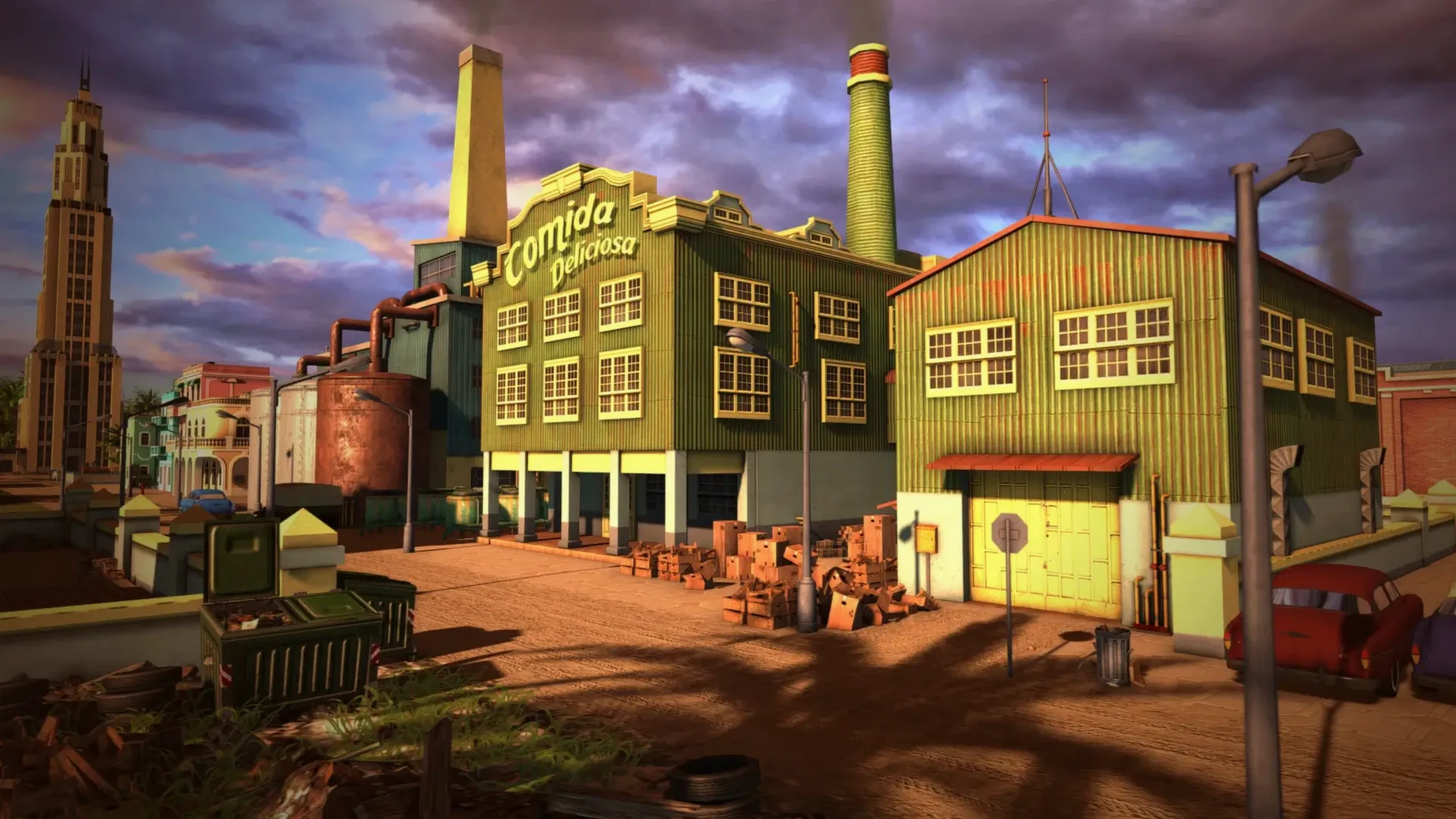
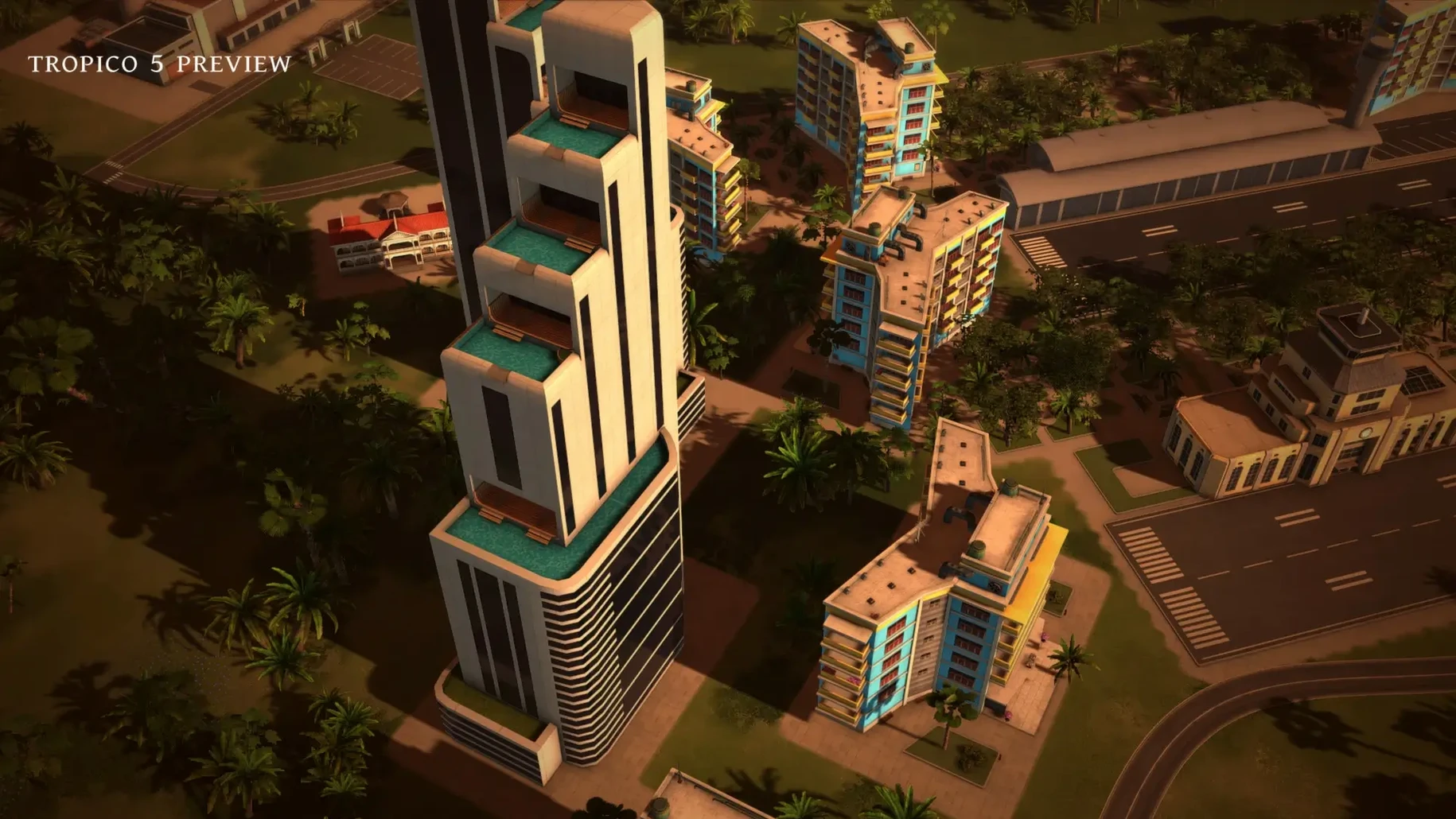
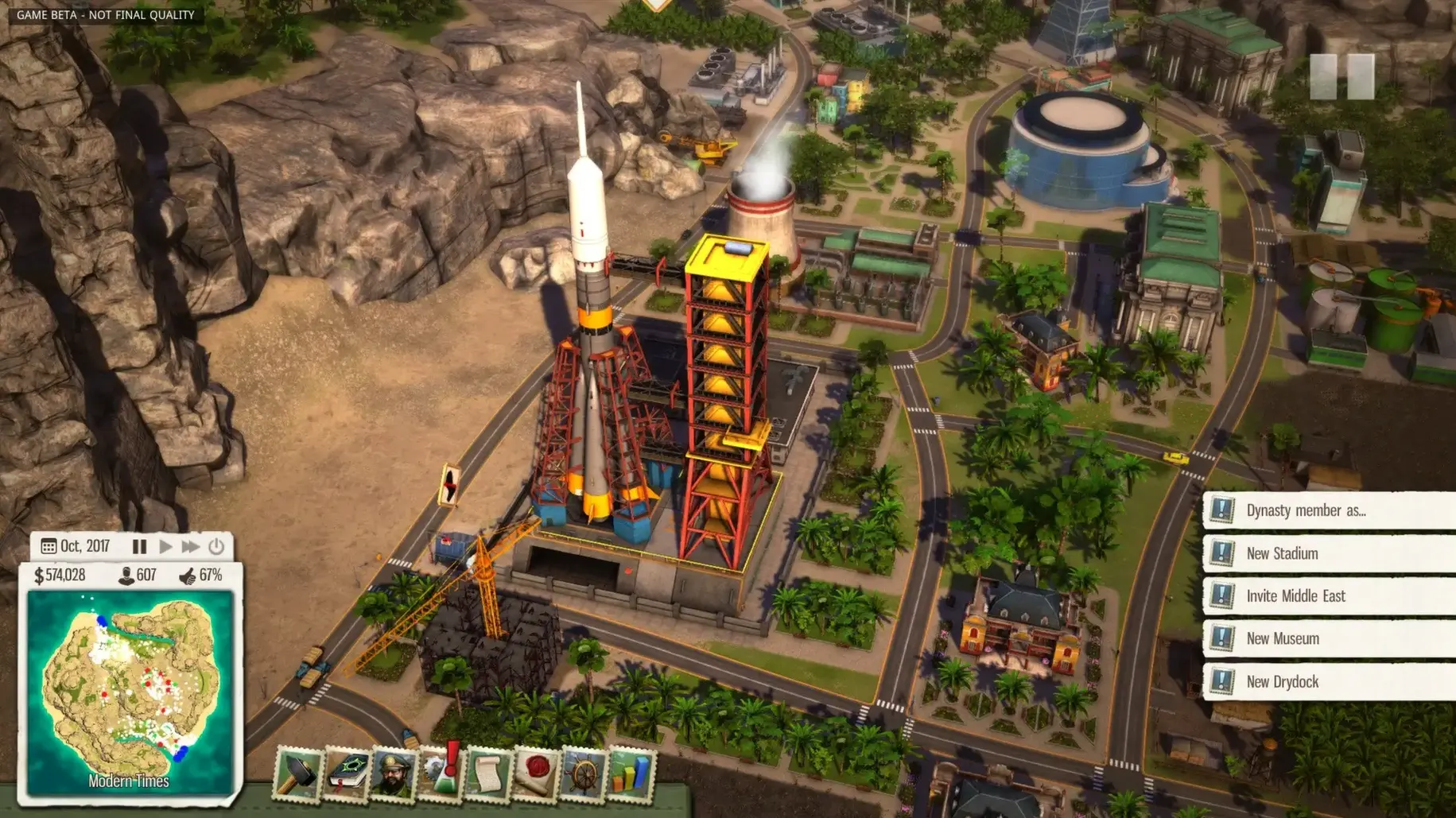
The campaign stretches across four centuries, from the 1800s through to the 21st century. The era system changes the rules as you go — early on you answer to a distant crown, later you face elections and global superpowers.
This is not a pure sandbox builder. Planning a city matters, but so does managing factions. Upset the religious bloc and your approval dips. Ignore the communists and the USSR stops trading. You are always one bad election from losing.
Where dry humour meets farm layout experiments
If you enjoy games where building and politics tangle together, it fits. The humour is dry — your radio host mocks your decisions while the army plots a coup. There is room to experiment with farm layouts, road networks and industry chains, but the game always pulls you back to the palace balcony.
Why transport nerds and zoning fans might leave early
If you want deep transport management or fine-grained zoning, look elsewhere. The simulation is lighter than a dedicated city builder. The politics can feel repetitive once you have seen every faction demand. Multiplayer works with up to four players, but the real draw is the solo campaign.
Bump the camera speed before your first game
A few defaults make the game harder to read than it needs to be. Open the options menu before you start a proper game and tweak these.
- Edge scrolling speed. The camera drifts too slowly by default. Bump it up a notch so you can sweep across the island without waiting.
- Tooltips delay. Set the delay to short. When you hover over a building output or a faction stat, you want the explanation to appear instantly, not a second later.
- Autosave frequency. The default interval is generous. Change it to save every five or ten minutes. Eras can turn suddenly, and a coup you did not see coming hurts less with a recent save.
Shift-click to queue construction and other click-savers
The tutorial covers the basics, then leaves you to discover the rest. These shortcuts save a surprising amount of clicking over a long campaign.
- Shift-click to queue construction. Hold
Shiftwhile placing buildings and roads. The game stacks the orders without cancelling the previous placement, so you can lay out a whole new farming district in one go. - Right-click the palace for quick decrees. You can issue edicts from the almanac, but right-clicking the presidential palace brings up the same menu without navigating through tabs. Handy when protesters are already outside.
- Ctrl-click a building to copy it. Need another tobacco plantation with the same upgrades?
Ctrl-click the existing one and the build tool picks up the matching blueprint. - Almanac hotkeys. The almanac tabs have their own key bindings —
F1throughF4jump straight to economy, politics, people and timeline. Faster than hunting for the icon on a crowded screen. - Pin a faction stat. Click the pin icon on any faction panel in the almanac. It stays visible on the main screen so you can watch communist support tick down while you sign a trade deal with the US.
- Cooperative and competitive multiplayer for up to 4 players
- Campaign spans eras from the colonial period to the 21st century
- Architecture: Apple Silicon
Questions from the bench
Does Tropico 5 include the colonial era?
Yes, the campaign starts in the colonial period and progresses through the world wars and Cold War into the 21st century.
Can I explore the whole island from the start?
No, a fog of war hides parts of the map. You reveal the island gradually as you explore and expand.






 Back up
Bench talk (0)
Sign in or get a library card to pin up a note.
Nobody has chimed in on this card. If you have used it on an old Mac, say which one.