

MacFamilyTree 11.3.2 — Mac version
Does this run on my Mac?
It does if you are on macOS 12 Monterey or newer. The app works natively on both Intel 64-bit Macs and Apple Silicon machines, so you are sorted whichever chip you have.
What sort of charts can I make?
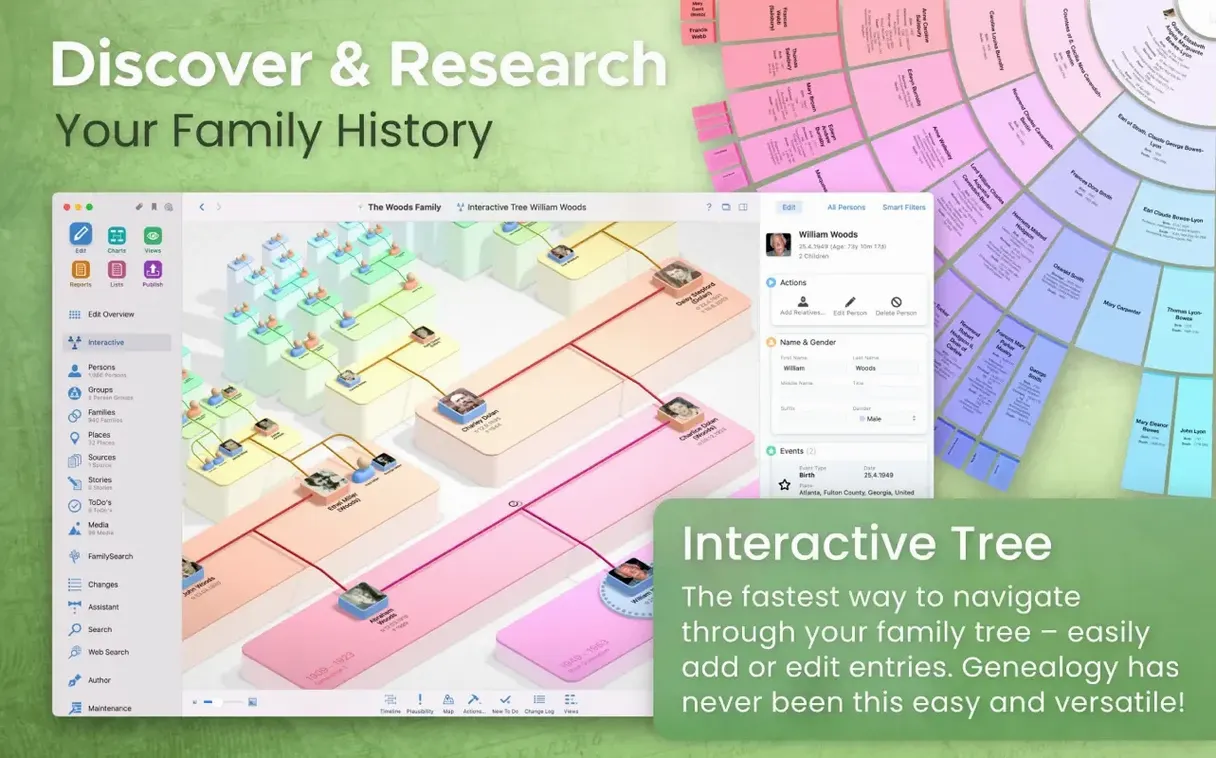
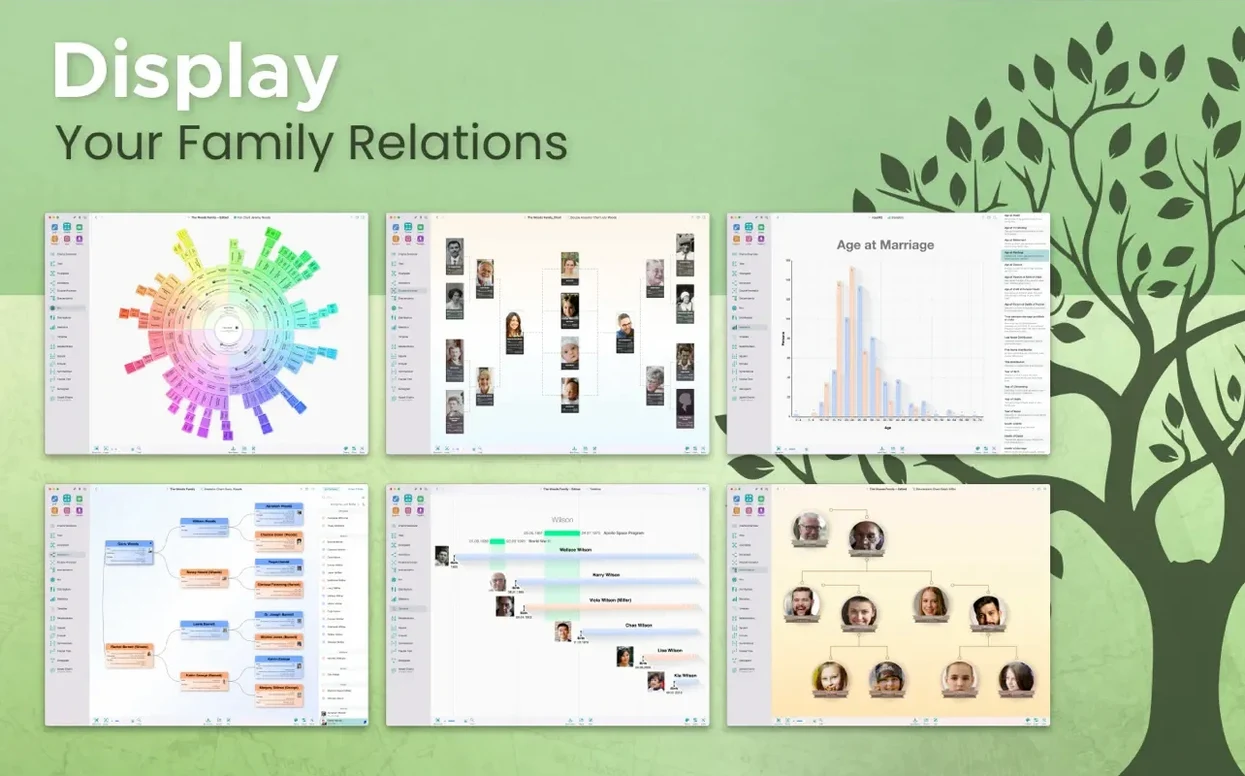
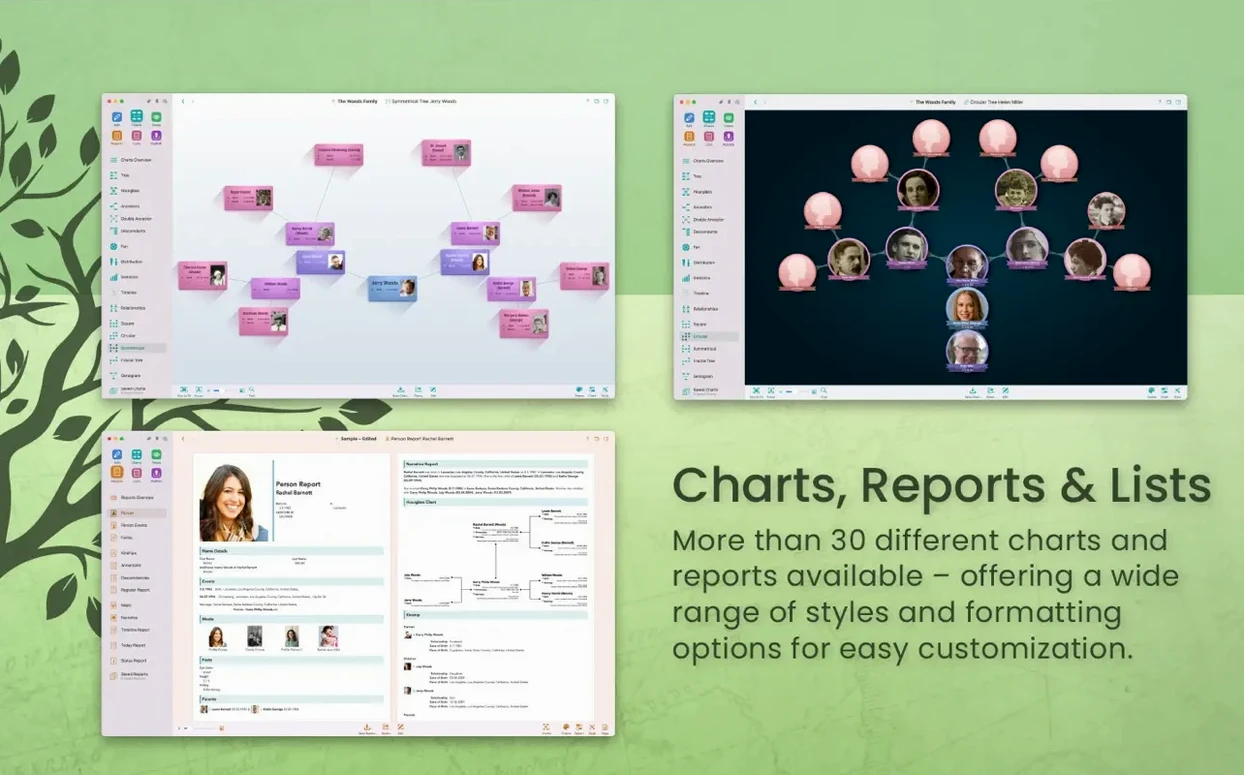
Plenty beyond the standard tree. You get hourglass, double pedigree, fan charts, virtual globe views, name distribution maps, and a genogram. The interactive tree view lets you drag and zoom around your research as it grows.
Can I share my research with a relative?
Yes, through CloudTree Sync & Share. It handles real-time collaboration, though bear in mind you both need an iCloud account for the syncing to work. You can also fall back on GEDCOM import and export to swap data with other family history apps.
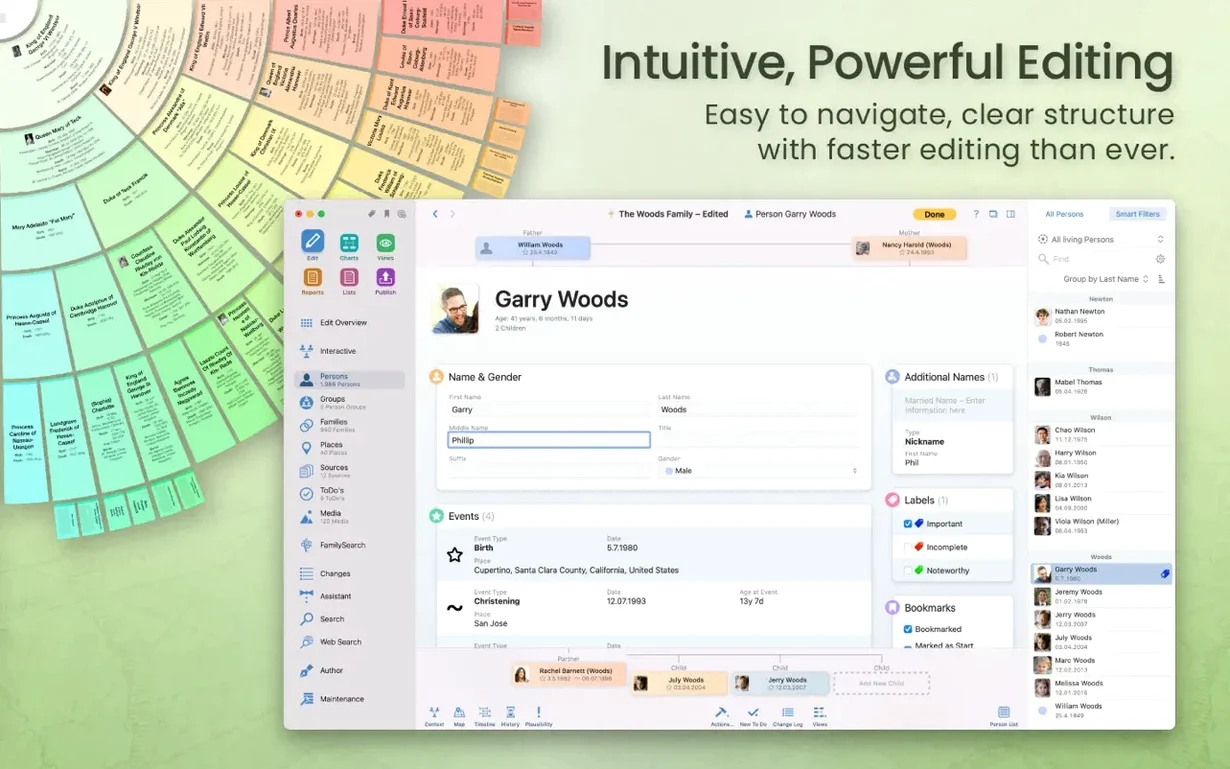
Drag a marriage certificate straight onto a person card
MacFamilyTree plays nicely with what is already on your Mac. Drag a marriage certificate from Finder straight onto a person card and it attaches as a source. The share button hooks into Mail and Messages, so firing off a quick tree snippet to a cousin takes two clicks. If you use the companion app MobileFamilyTree on an iPhone or iPad, changes sync through iCloud and pop up on the Mac without you doing a thing – open the lid and the updated tree is there.
It also taps into macOS accessibility features. VoiceOver reads chart labels aloud reasonably well, and the system-wide spell checker catches typos in notes and biographies. One small thing: the virtual globe view leans on Metal for rendering, so machines with older integrated graphics feel a touch sluggish when spinning the 3D tree. Not a dealbreaker, just something you notice.
Smooth fan charts on a second display
On an Apple Silicon Mac the app launches in roughly three seconds. Scrolling through a tree with a few hundred names stays smooth, even with the fan chart open on a second display. Memory use sits around 400–500 MB for a medium-sized database, creeping up if you leave the virtual globe spinning for a while.
Intel Macs from the late 2010s handle it fine for most tasks. Reports generate without beachballing, though the statistical maps take a second longer to crunch the numbers. CloudTree sync is the wildcard: with a fast connection it is nearly invisible; on patchy Wi‑Fi you might see a brief spinner after editing a person record. No crashes to report in 11.3.2 under Monterey or Ventura, which matches the stability improvements in the update notes. If you are running a large tree with thousands of media attachments, consider storing the database locally rather than in iCloud – it keeps the autosave pauses shorter.
A morning's research, start to finish
Say you have just found a great‑grandfather's 1901 census entry on FamilySearch. Here is how it slots into MacFamilyTree.
- Open the app and select the great‑grandfather's person card. The relationship report already shows his spouse and children from data you entered months ago.
- Hit Search FamilySearch from the sidebar. Type his name and birth year, then filter by census records. The match pops up in a few seconds.
- Click Merge to pull in the official date, address and occupation fields. MacFamilyTree flags the new occupation against the one you had typed manually – you keep the census version because it has a source attached.
- Drag the census image from the search result onto the source tab. The app copies it into the media folder and links it to the 1901 event. Now any report that mentions that year shows a thumbnail of the record.
- Switch to the hourglass chart to check the wider picture. The newly confirmed birth date shifts his position on the timeline. His parents' estimated marriage year automatically narrows by two years, which you might not have spotted without the visual cue.
- Right‑click his wife's card and choose Create Website Snippet. Tick only the descendants you want public, set a password, and upload. The link lands in your clipboard ready to paste into an email to your aunt.
- Close the lid. MobileFamilyTree on your phone already shows the new census source. On the bus you can tap through the fan chart and show your sister the update without lugging the Mac along.
The whole thing takes about ten minutes once you know where everything lives. Most of that time is reading the census return, not wrestling with the software. The app stays out of your way and lets the data do the talking.
- Stability improvements.
- macOS 12 Monterey or later
- Intel 64-bit or Apple Silicon Mac
- iCloud account (needed only for CloudTree syncing between devices)
Questions from the bench
What languages does MacFamilyTree support?
The interface is available in sixteen languages, including English, German, French, Spanish, Italian, Dutch, Polish, and Simplified Chinese.
Can I export a chart for a printed book?
Yes. You can export charts and reports in multiple formats, and the app includes layouts for diagrams, narrative reports, and family history books.
What is the CloudTree feature?
CloudTree Sync & Share keeps your tree updated in real time across your Macs, letting you collaborate with family. It requires signing in with an iCloud account.








 Back up
Bench talk (0)
Sign in or get a library card to pin up a note.
Nobody has chimed in on this card. If you have used it on an old Mac, say which one.