

MacGPT 3.21 — Mac version
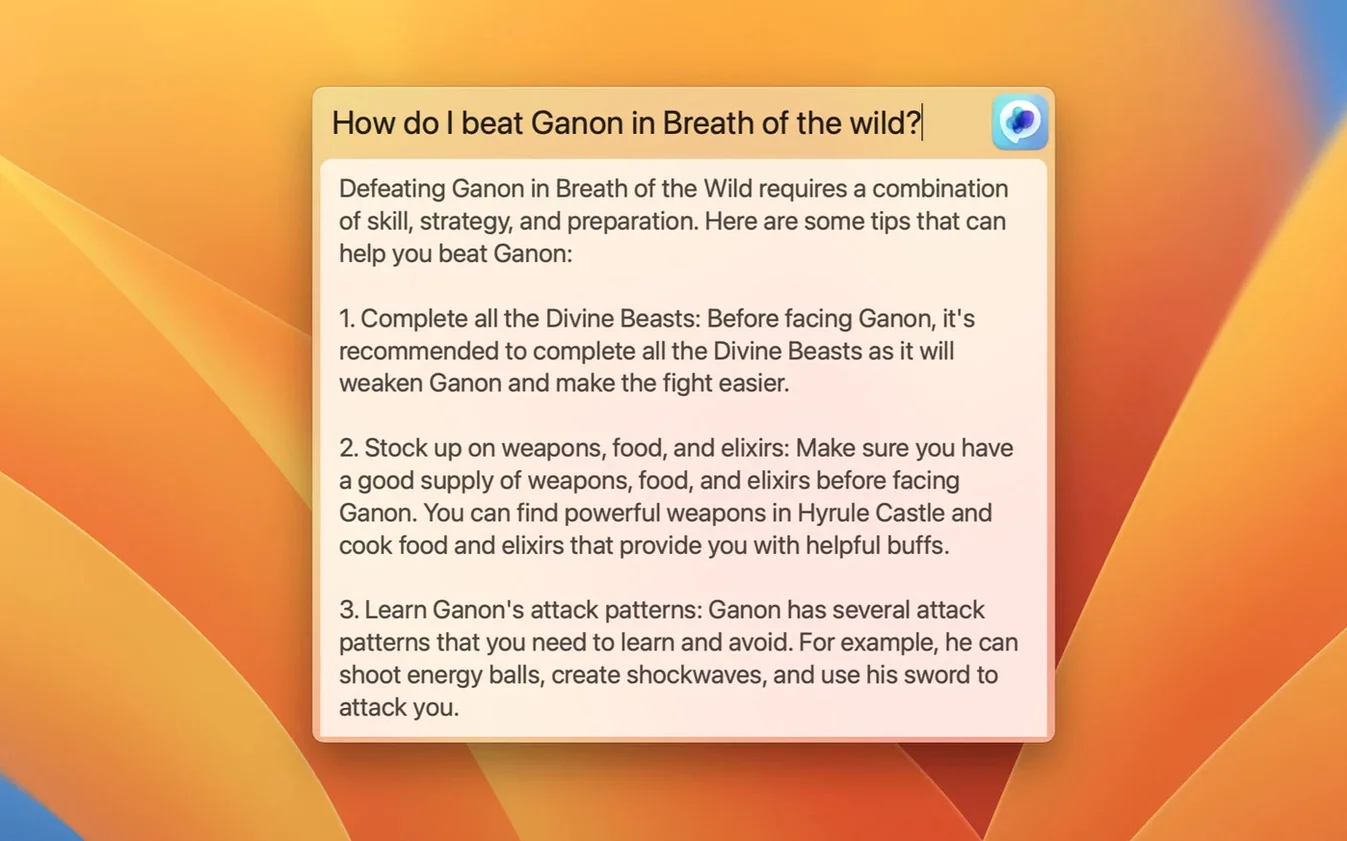
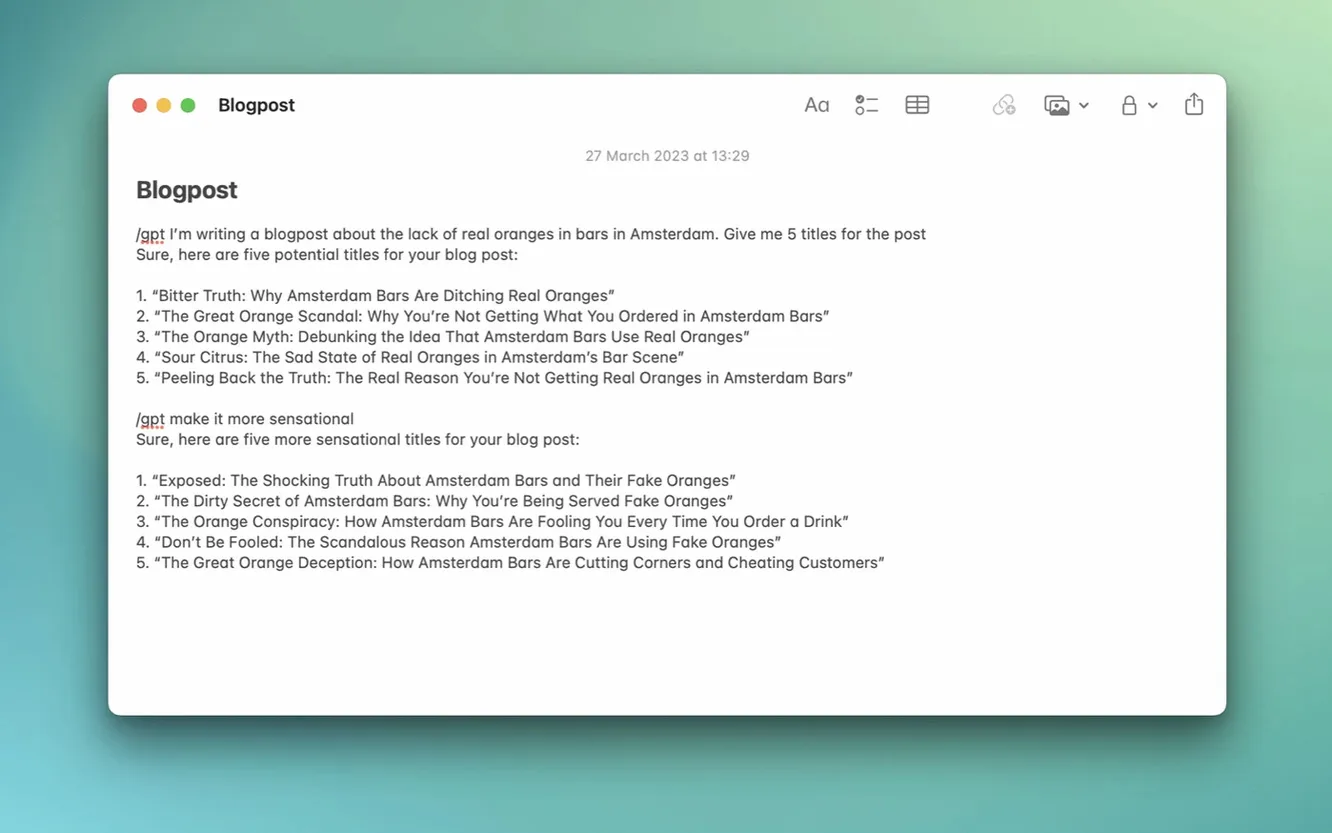
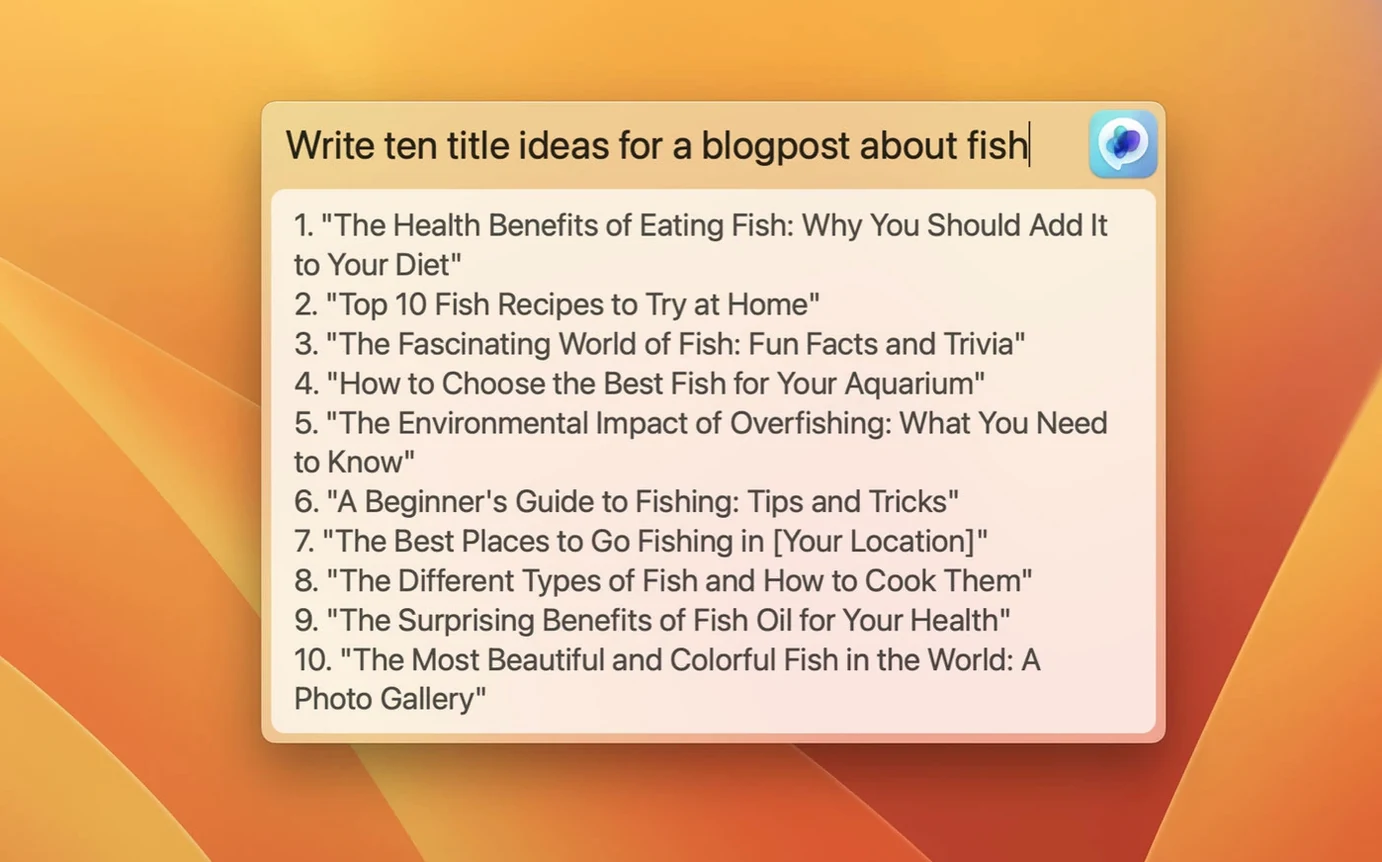
You're mid-flow in an email and need to rephrase a sentence. Without leaving the window, you hit a shortcut, type your request, and the reply drops right into the text field. That's the kind of access MacGPT gives you.
gpt-4o support and clearer API key errors
- Support for the gpt-4o model, so you can pick the latest engine if your account allows it
- Clearer error messages when the API key hasn't been set up properly, saving you from staring at a blank box wondering what's wrong
Menu bar, Inline, and Global shortcut are unchanged
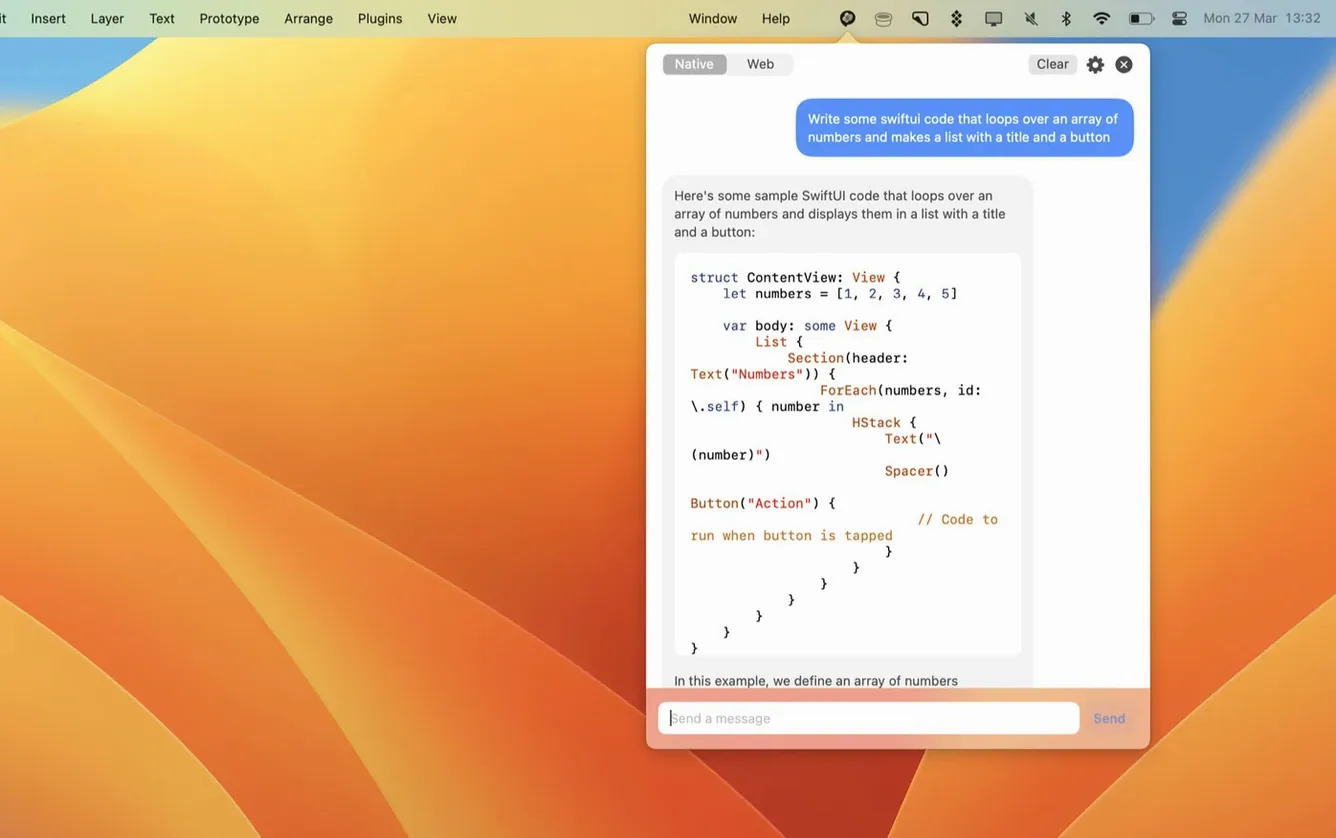
All the core bits are still here. The menu bar icon gives you one-click access to ChatGPT through the web interface or your own API key. An Inline feature works inside any text field, while the Global shortcut opens a centred input box from anywhere. You can set your own keyboard shortcut in the settings, and the app runs on both Intel and Apple Silicon Macs with Monterey or newer.
Pick a mode and drop in your API key
Open the preferences straight away and do three things.
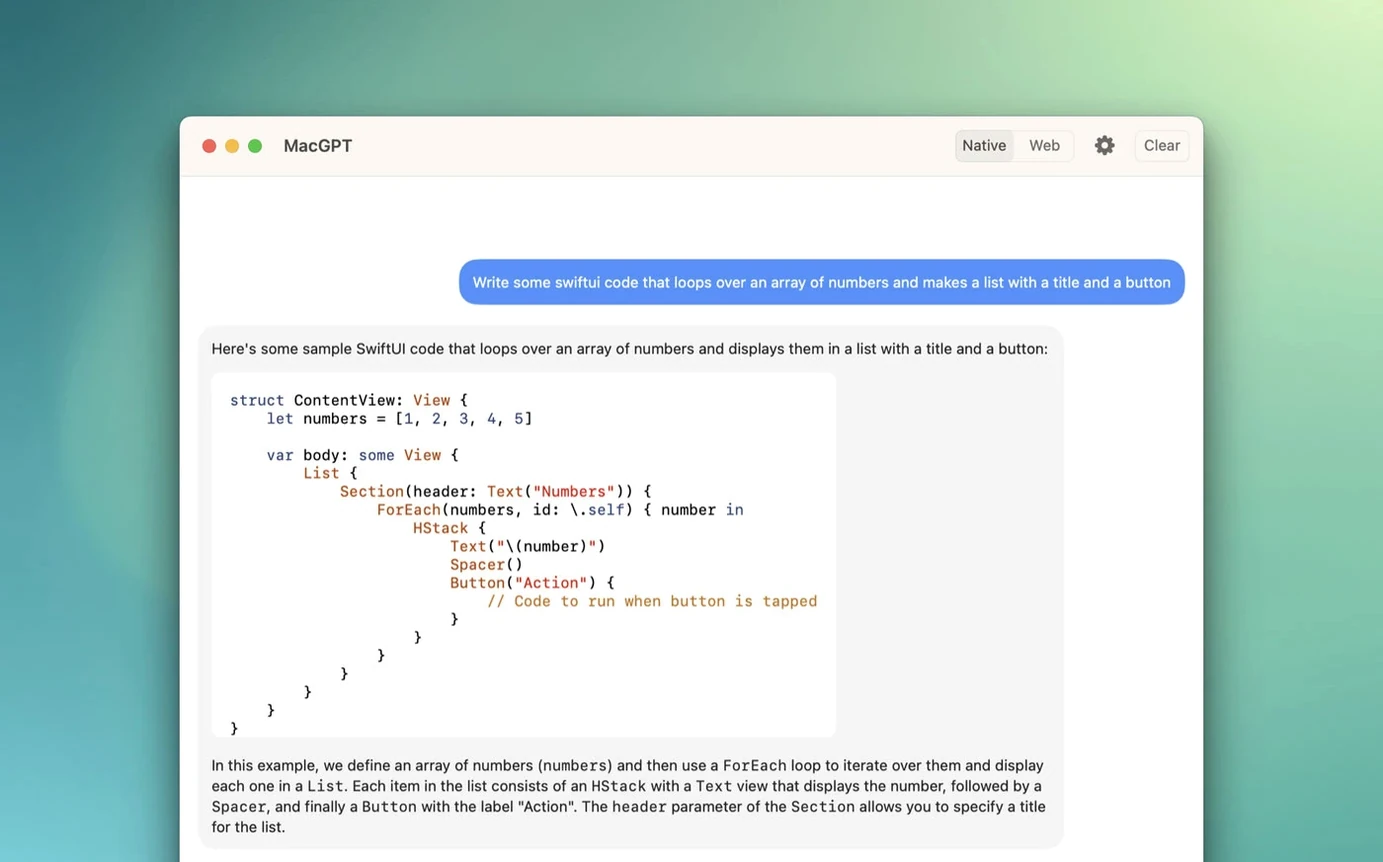
- Pick your mode. The app can use the web interface or an API key. Web mode signs you in with your OpenAI account and shows the familiar ChatGPT page. API mode talks directly to the service. If you have a key, pop it in — the messages feel snappier and the app warns you clearly if something's misconfigured.
- Set a keyboard shortcut. The default is there, but it rarely matches your muscle memory. I go for something like
Option+Space, tucked close to the thumb. Test it once in a text field and once on the desktop to make sure it doesn't clash with Spotlight or anything else. - Check the launch behaviour. You can have MacGPT start at login. Tick that box unless you're deliberately keeping your menu bar lean.
Snags you might hit
The inline feature does nothing
This one catches people out. Inline works inside text fields, but the app needs Accessibility permission to paste text for you. If you hit the shortcut and nothing lands, head to System Settings > Privacy & Security > Accessibility and make sure MacGPT is toggled on. Restart the app afterwards.
API key errors that don't make sense
Version 3.21 improved the error messages, but a bad key still shows a red warning. Double-check you haven't copied a trailing space or missed a character. Also, a key tied to an account with no credit will fail silently on some calls. Top up or generate a fresh one if calls suddenly stop working.
The menu bar icon vanishes
MacGPT is a menu bar app. If your bar is crowded, macOS might hide it behind the notch or push it into the overflow area Bartender or Hidden Bar would reveal. Hold Command and drag the icon leftwards to keep it visible.
The Global shortcut lowers the friction to ask anything
Try the Global shortcut for quick one-off questions — look up a date, reword a sentence, grab a snippet of code — without opening a browser tab. It keeps the friction low enough that you'll actually use it.
If you use macgpt in web mode, treat it like a pinned browser tab that follows you between desktops. The session stays logged in, so you can pick up a conversation from an hour ago without re-entering your credentials.
For anyone who grabbed a macgpt free download and wants to skip the API setup, web mode is the path of least resistance. You sign in once and the app remembers.
When you're writing in an app that supports markdown — say, a note in Obsidian or a reply in Slack — the Inline feature respects basic formatting. Ask for a list, and you'll often get one back with proper bullets.
- Added support for gpt-4o
- macOS 12 Monterey or newer
- Runs on Intel and Apple Silicon Macs
- An OpenAI account (for web mode) or an OpenAI API key
Questions from the bench
Does MacGPT need my own API key?
Not necessarily. You can run it in web mode which loads the ChatGPT site, or plug in your OpenAI API key for direct access.
Can I use MacGPT in any app?
Yes. The Global feature and Inline text-field tool let you call up ChatGPT without switching away from the app you're working in.








 Back up
Bench talk (0)
Sign in or get a library card to pin up a note.
Nobody has chimed in on this card. If you have used it on an old Mac, say which one.