

Millumin 5.14.j — Mac version
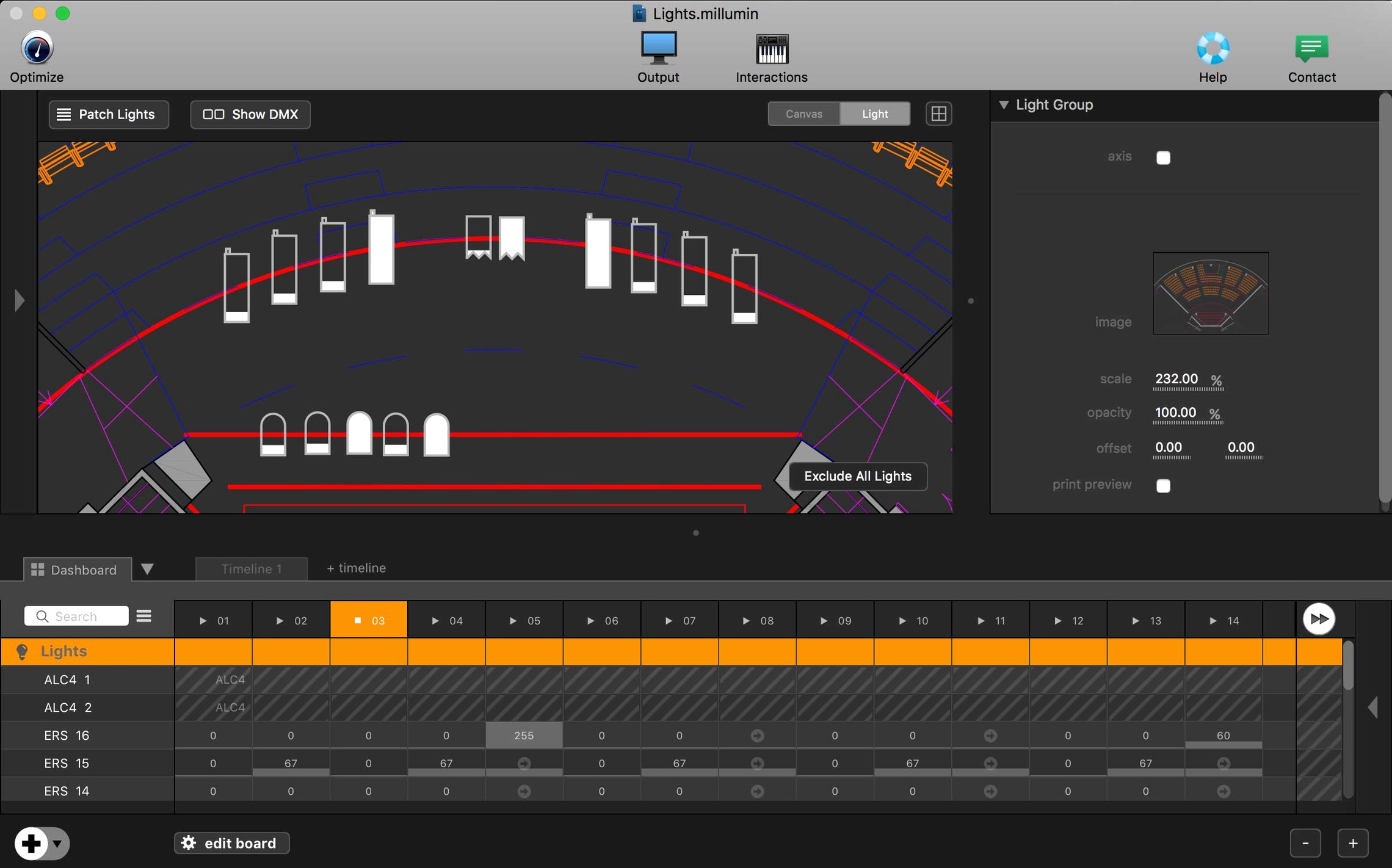
Millumin is a Mac app for building and running audiovisual shows where everything needs to click in real time.
Timecode and external control
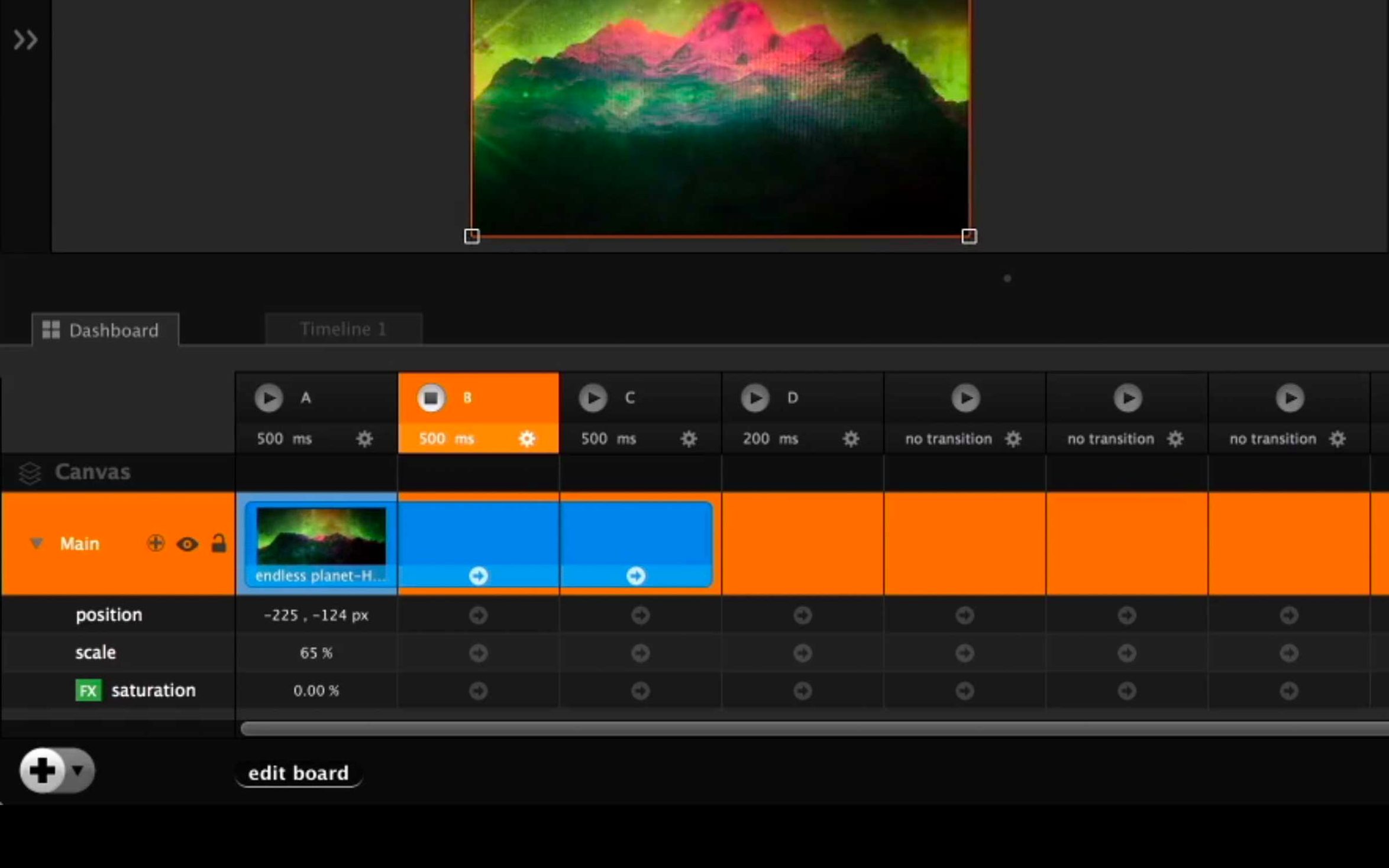
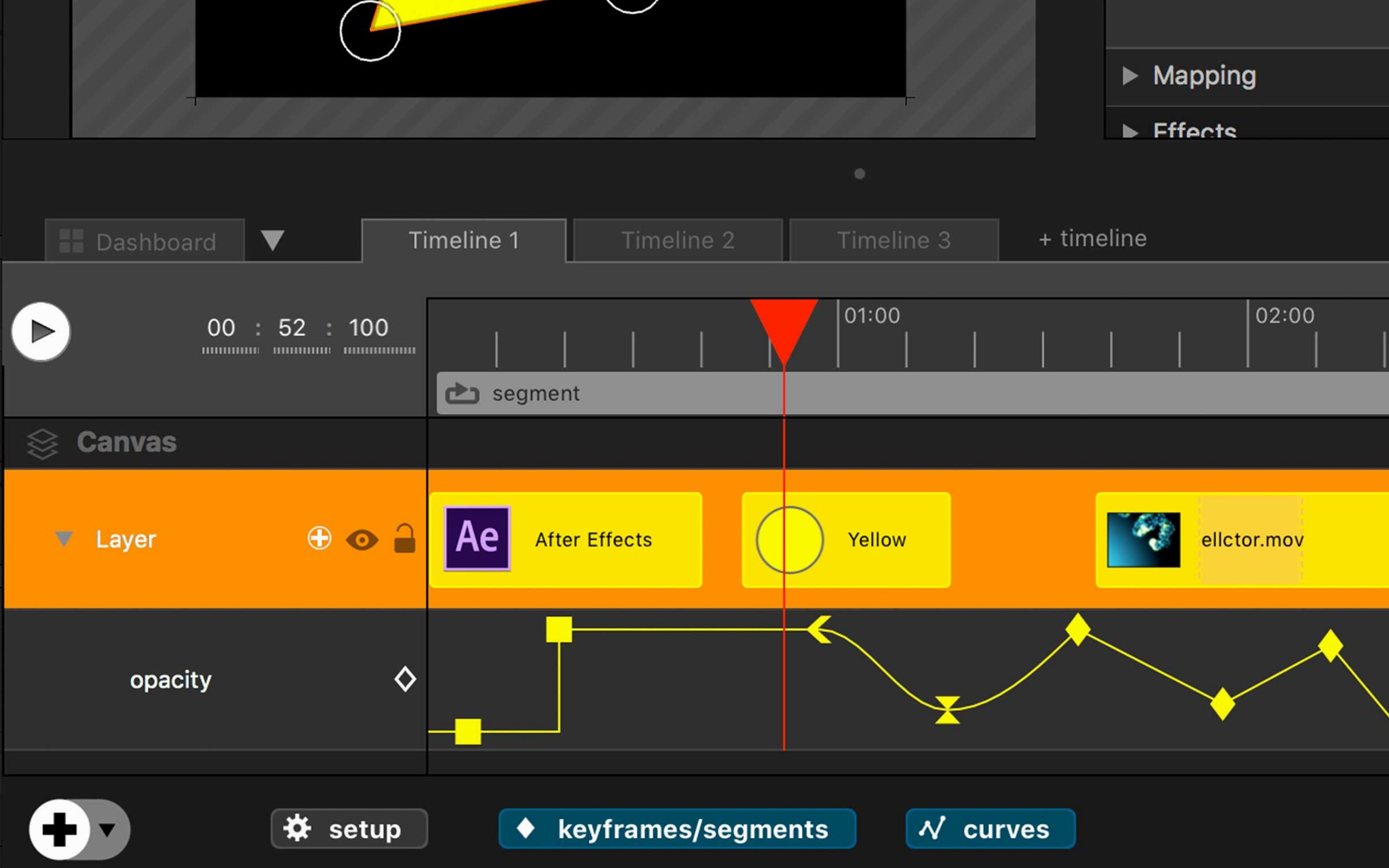
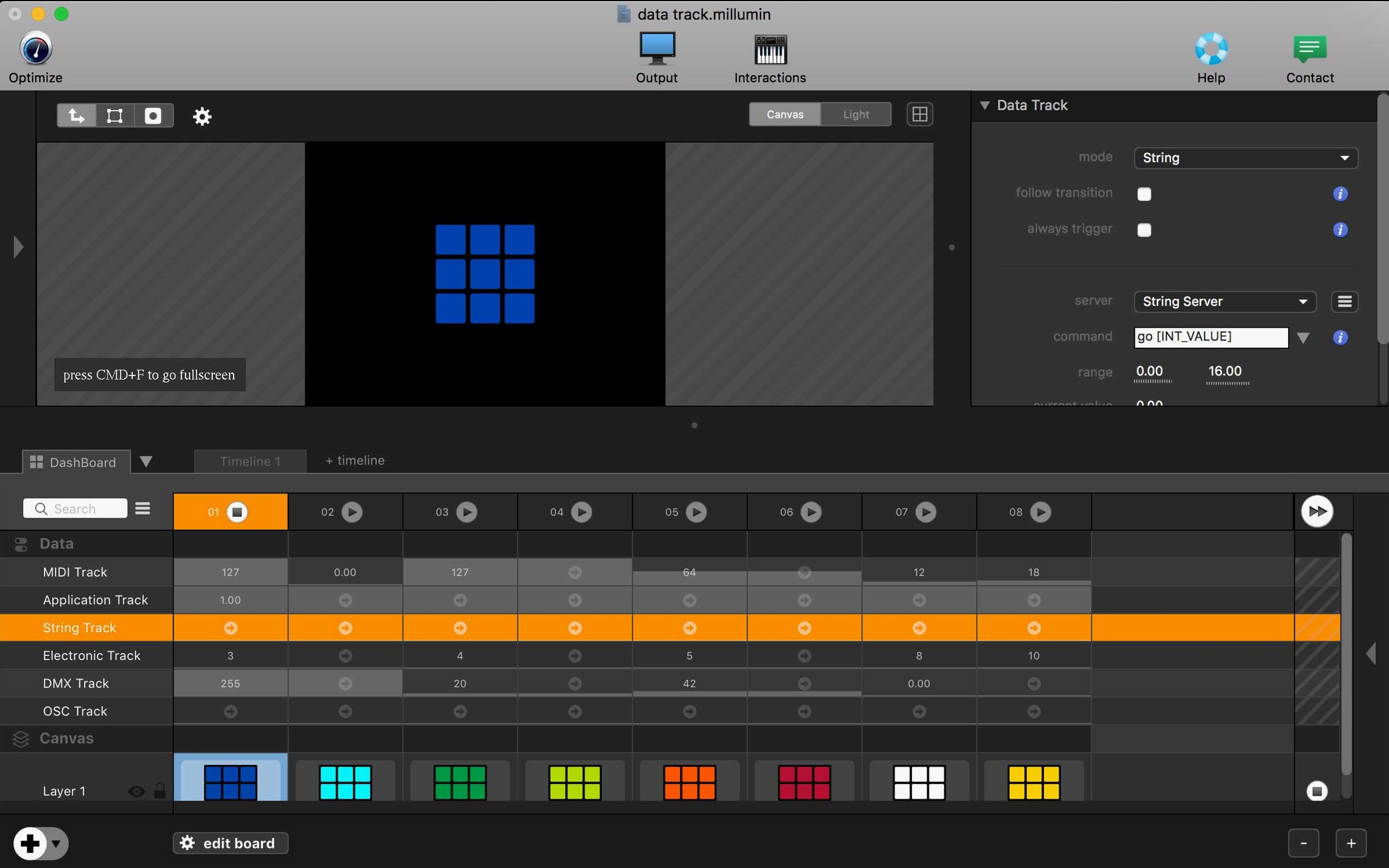
Once you move past simple playlist triggering, the MTC and MIDI clock support is what holds a show together. You can drive Millumin from a sound desk sending LTC or chase MIDI timecode from a lighting console. The cue list responds to MSC, so a single GO on a lighting desk can fire video, audio, and a blackout macro at once. OSC commands let you build a custom control surface from a tablet or a stream deck, mapping faders and buttons to layer opacity, transition speed, or timeline position without touching the mouse.
Mapping and the interactive layer
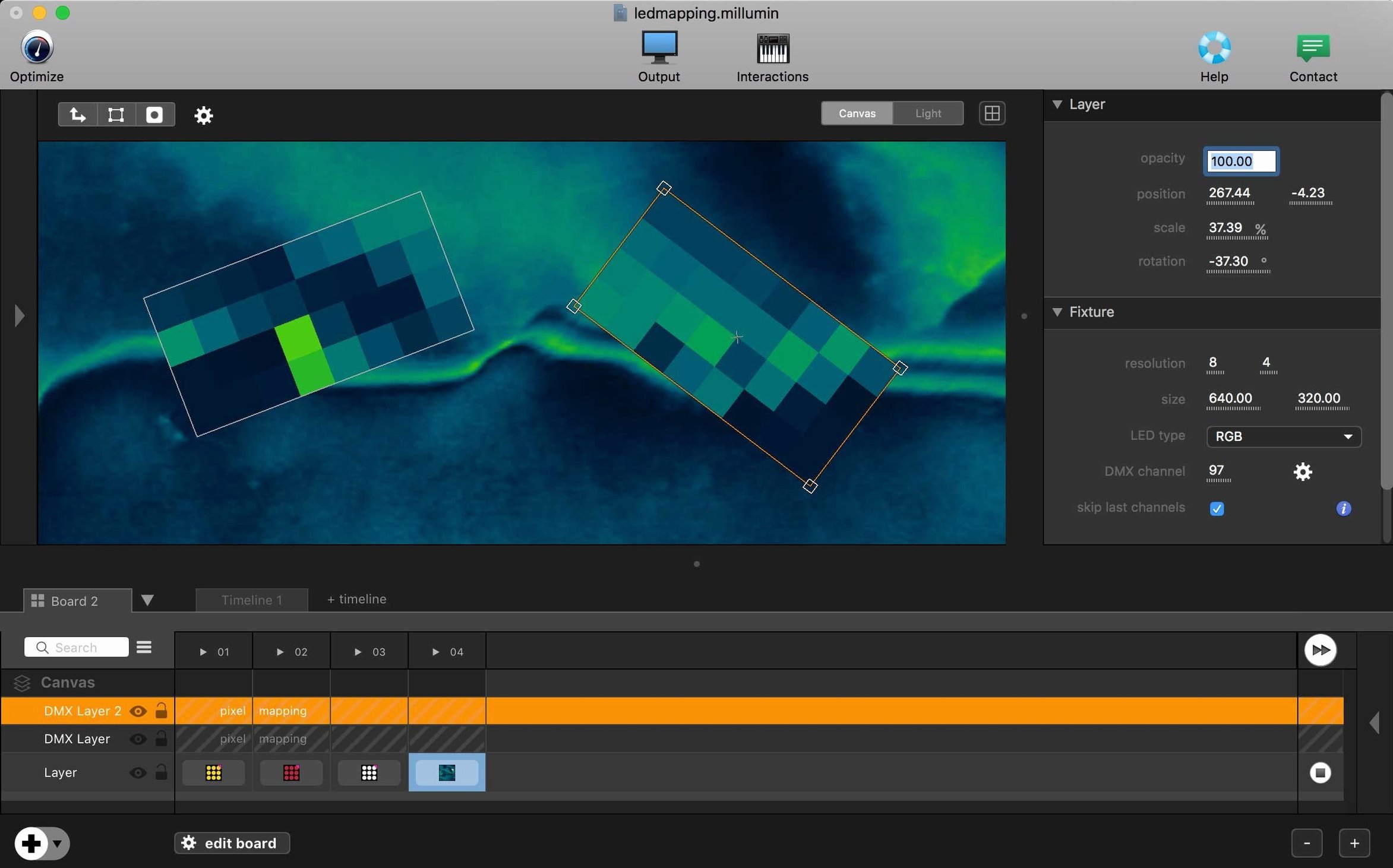
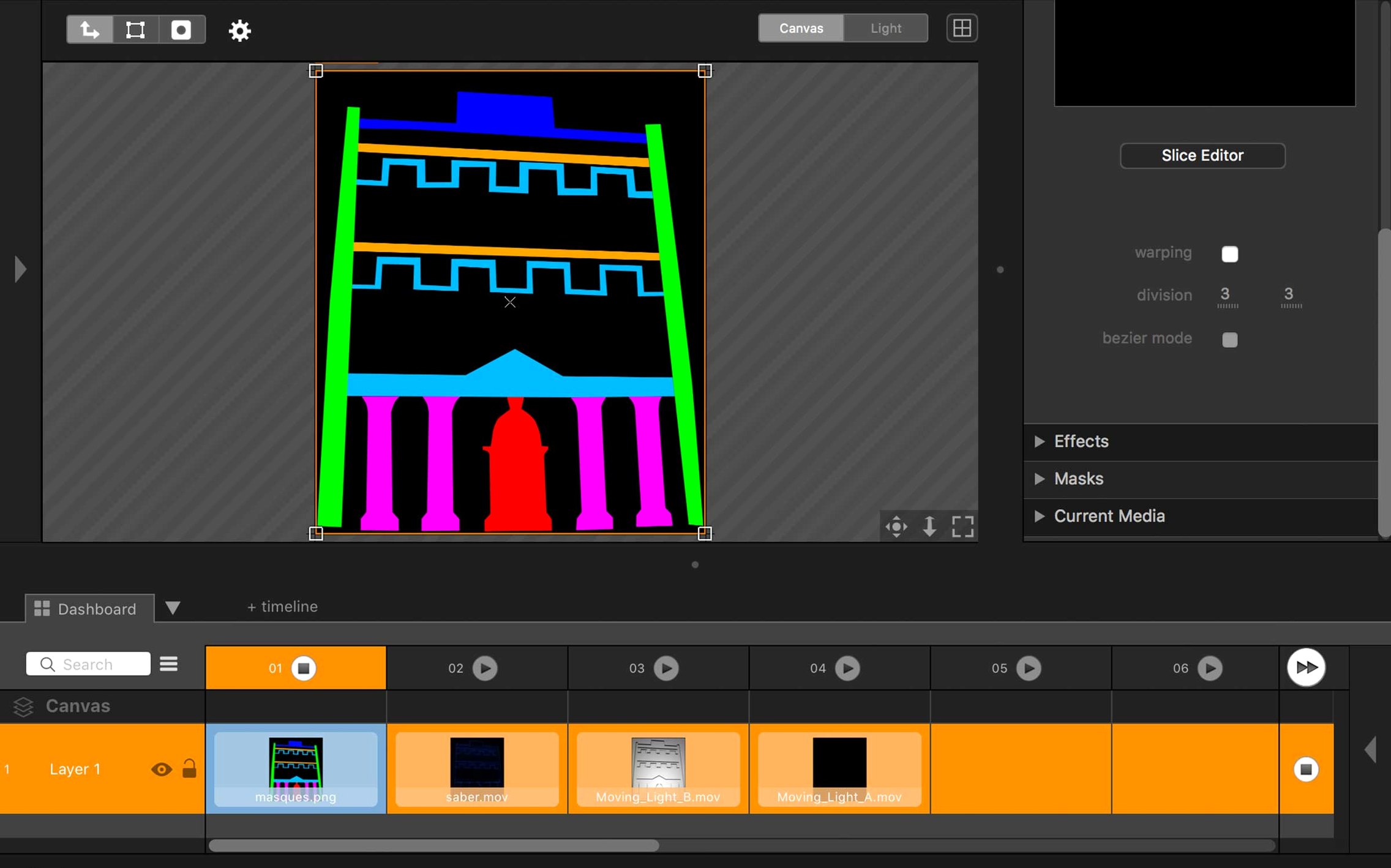
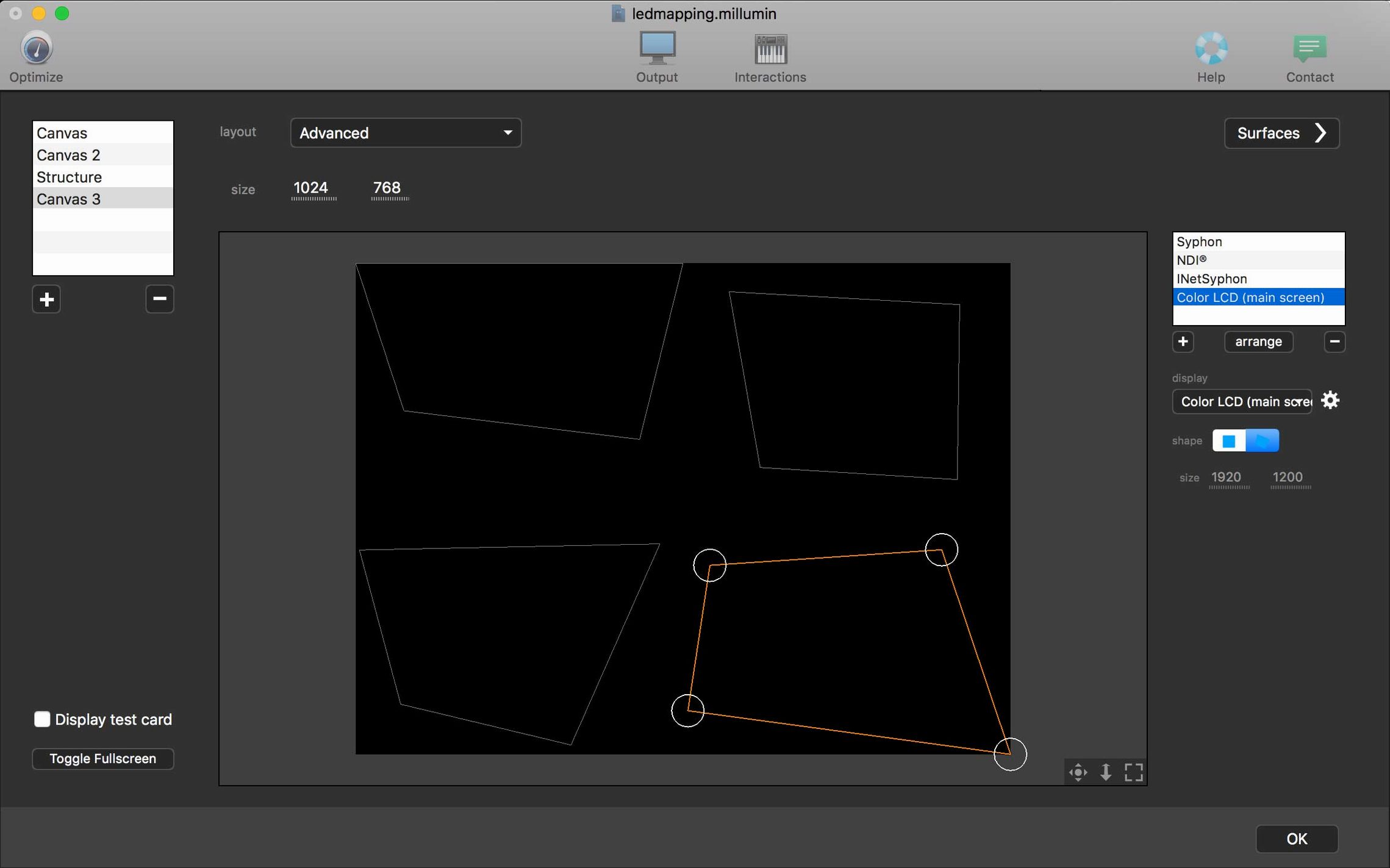
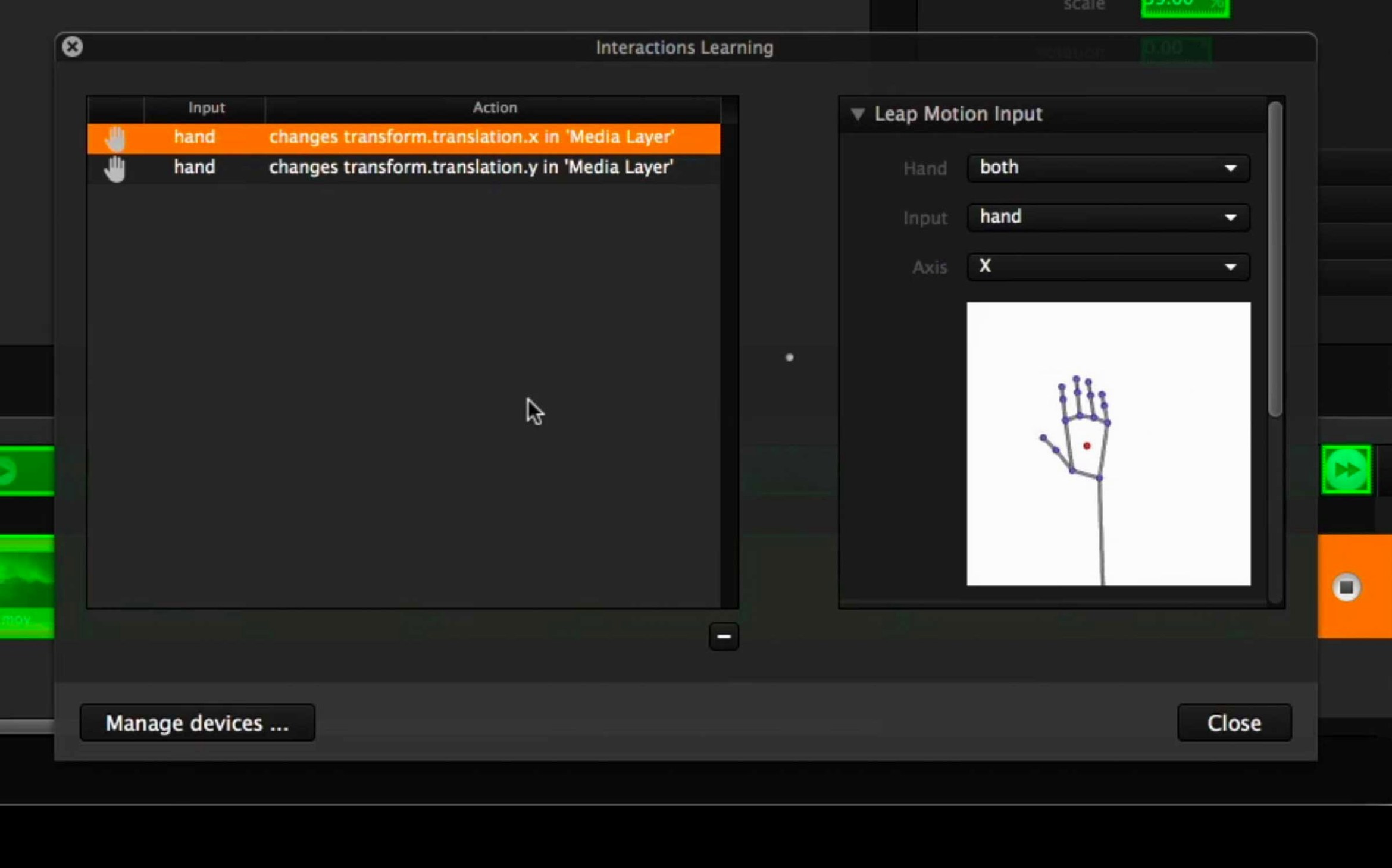
For projection onto set pieces or odd-shaped surfaces, the mesh warping and masking tools do the heavy lifting inside the app. You can slice a single output into multiple soft-edge blends or correct perspective on a curved flat. The interactive side is where Millumin steps beyond a media server. It reads Syphon and NDI feeds from other apps, and the tracking engine can follow a dancer's position or a prop via a webcam feed, letting you pin video content to a moving performer without external processing. That blend of timeline precision and live input mapping makes it useful for dance, devised theatre, and installations that react to an audience.
Can it run without a dedicated GPU
One question comes up every week at the repair café: does Millumin work without a dedicated GPU? It runs on any Intel Mac that meets the Big Sur baseline, but the more layers and effects you stack, the harder the integrated graphics have to work. If your MacBook has only Intel Iris graphics, stick to two or three 1080p layers and avoid heavy mesh warping until you know the fan noise you can live with.
Another regular: will it play nicely with QLab on the same machine? Yes, but you need to sort out who owns the audio device. Pick one app to handle sound output and route the other via Syphon or a virtual audio cable. The two programs won't fight over a FireWire interface if you set them up in a clear master-slave arrangement from the start.
People also ask whether a show built in an older Millumin version opens in V5. Projects from V4 will need some rebuilding—the timeline engine changed enough that a straight import isn't guaranteed. If you are mid-production, finish it in the version you started with.
Switch the default transition to a one-frame cut
Open Preferences before you place a single clip. Three things will save you later.
Under Playback, set the default transition to a one-frame cut rather than the crossfade it ships with. Crossfades eat a little render headroom on older machines, and you can always add them back per cue when you know the hardware copes.
Next, head to OSC and tick "Allow remote control." Even if you don't plan to use a tablet yet, leaving this off has caught out more than one technician mid-tech week. While you are there, note the port number—scribble it on the booth wall.
Finally, in the Canvas tab, set your default stage resolution to match your projector or LED wall natively. Leaving it at 1920×1080 when your output is a 1280×720 projector forces a real-time scale that costs you frame rate for no benefit.
How Millumin compares
Next to QLab, the biggest difference is that Millumin lives in the visual world first. QLab grew from audio playback and its video engine was added later; Millumin treats every cue as a visual object with audio attached if you want it. For projection mapping, mesh warping is built into Millumin's everyday toolset, whereas QLab relies on external mapping software. If your show is sound-led with a few projection cues, QLab feels more natural. If every scene involves mapped video across odd surfaces, Millumin gets there faster.
Against Isadora, the dividing line is the timeline. Isadora thinks in nodes and actors, which suits generative and heavily interactive work where every trigger path is unique. Millumin thinks in a linear timeline with interactive overrides, which suits a rehearsed show that needs to hit the same marks each night. You can do interactive work in Millumin—the tracking engine proves that—but Isadora gives you more granular control over every logic path.
Compared with Resolume Arena, the split is improvisation versus structure. Resolume excels at VJ sets where you trigger clips on feel; its layer-blending and effects are built for spontaneity. Millumin assumes you have a cue list and a running order, even if the show changes night to night. You can busk in Millumin, but it is like cooking in someone else's kitchen—possible, yet the tools are arranged for a different workflow.
A practical tip: if you're doing videomapping on a curved surface, place a still frame of your mesh-warped grid on a USB stick as a fallback. Projectors shift, venues run late, and having a reference image ready beats re-aligning from memory while the audience files in.
- macOS 11 Big Sur or later
- Intel 64-bit Mac (or Apple Silicon via Rosetta 2)
Questions from the bench
Does Millumin V5 run on Apple Silicon Macs?
The current build is for Intel 64-bit Macs, though it runs under Rosetta 2 on Apple Silicon machines.
What macOS does the latest version need?
Millumin V5 requires macOS 11 Big Sur or newer, and works on recent versions including Tahoe 26 and Golden Gate 27.
Where are the official learning resources?
The help centre covers V5, and online tutorials are included to get you started with mapping and show programming.







 Back up
Bench talk (0)
Sign in or get a library card to pin up a note.
Nobody has chimed in on this card. If you have used it on an old Mac, say which one.