
Mela 2.6.1 — Mac version
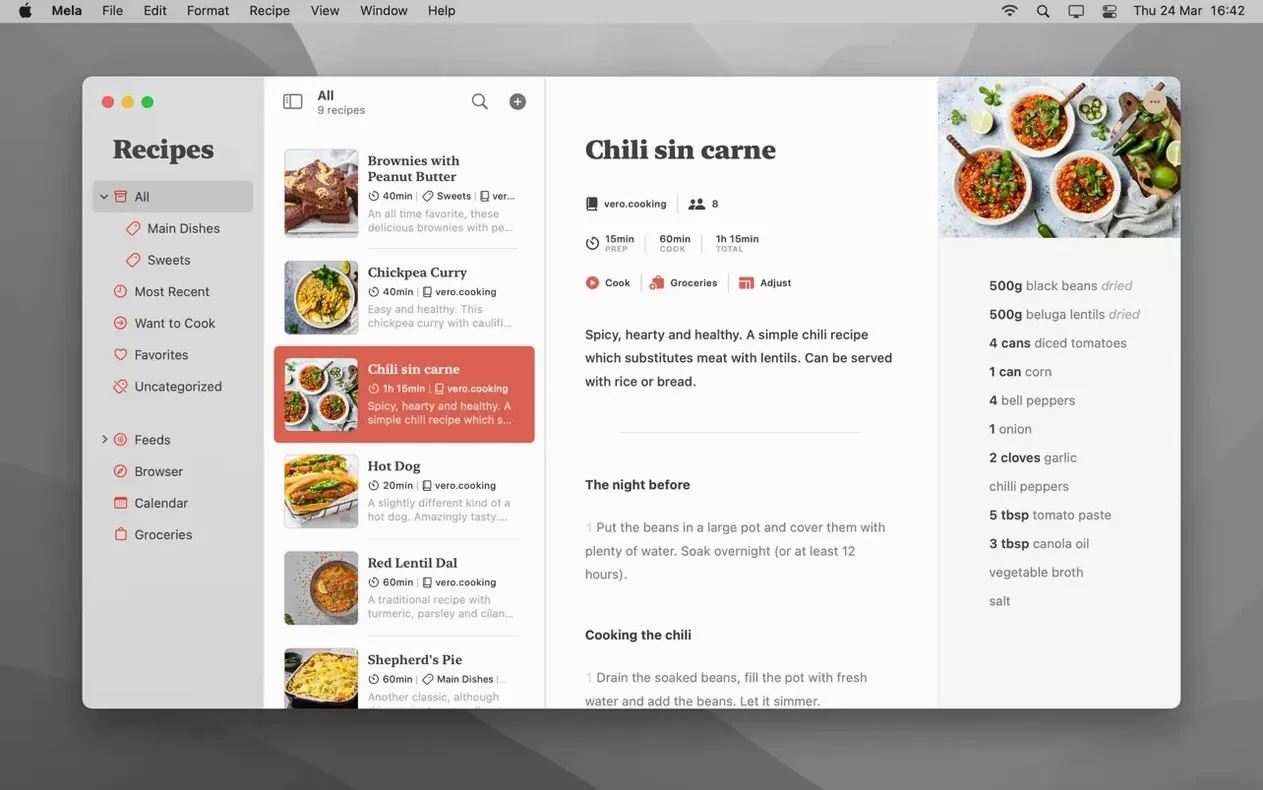
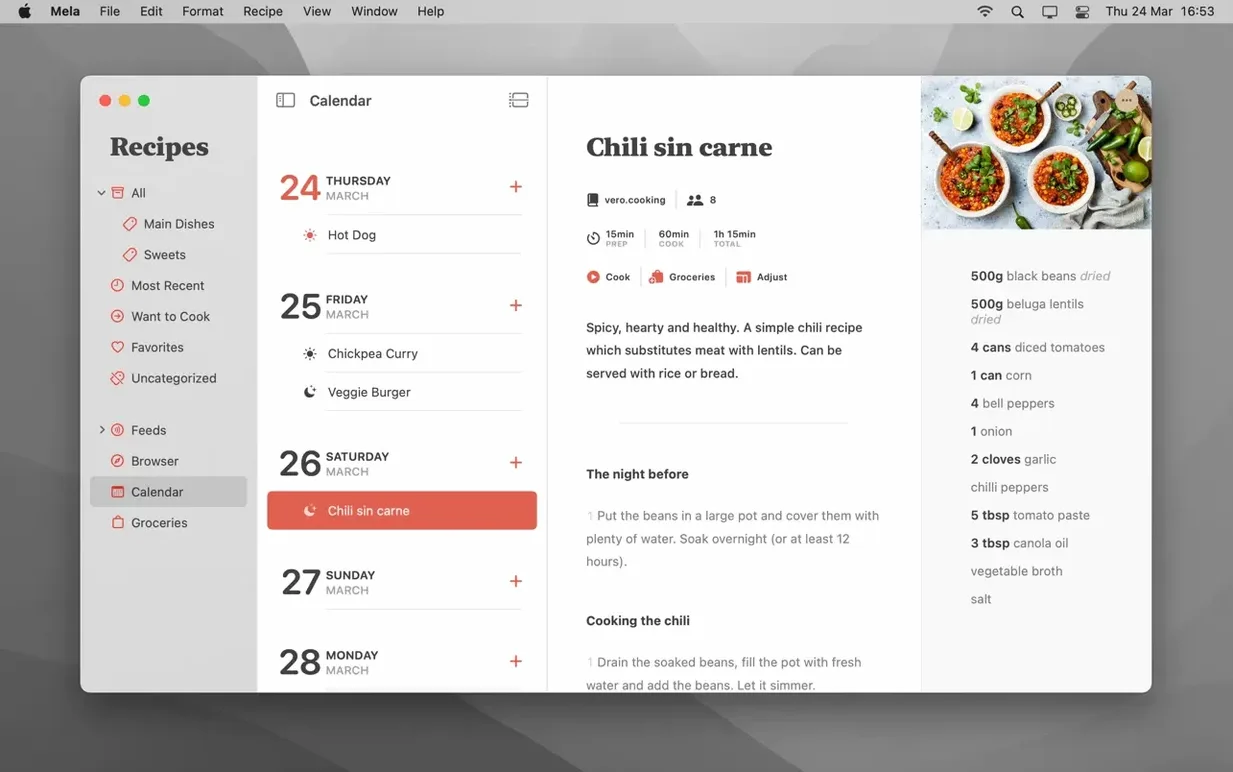
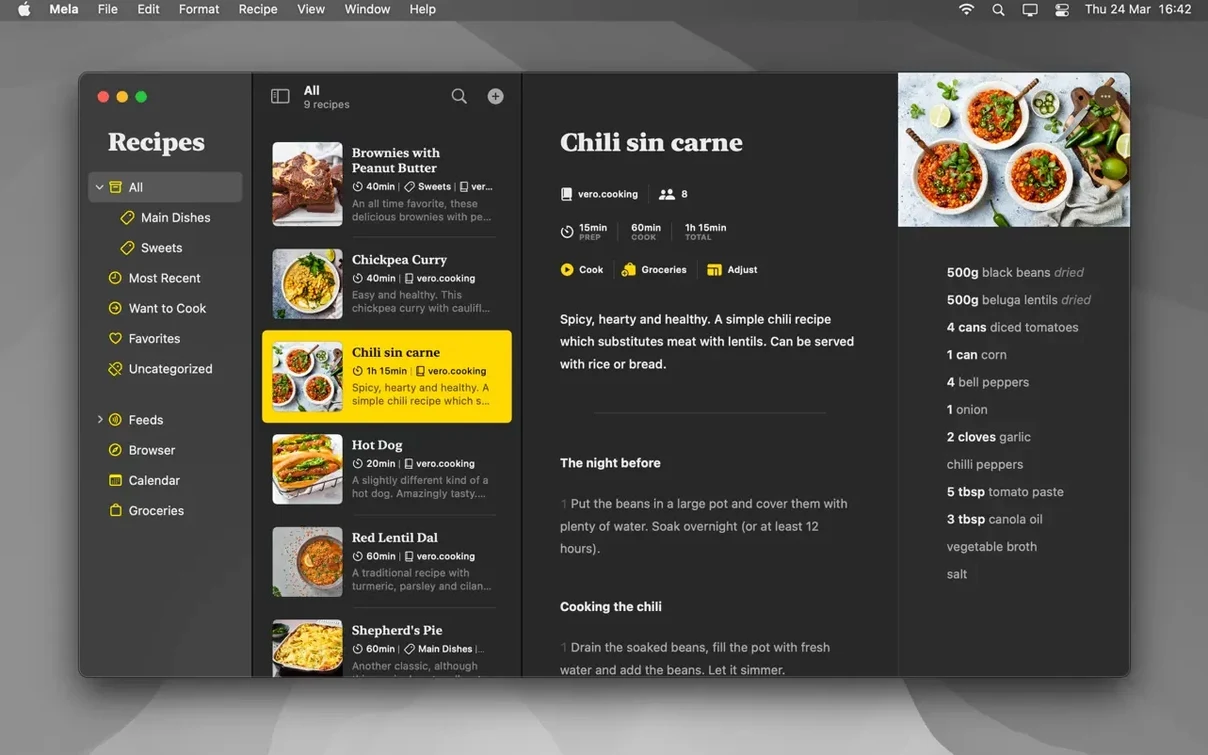
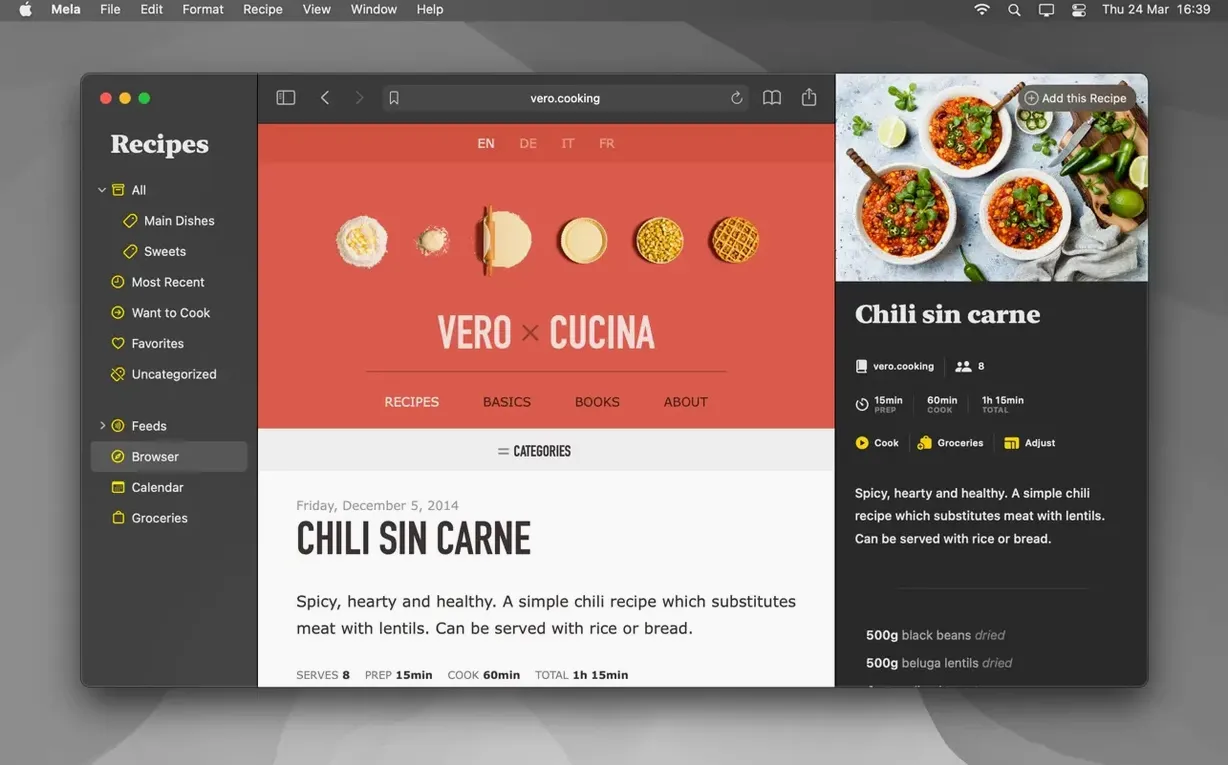
Mela is a recipe manager for your Mac that keeps everything in sync with iCloud.
Pull recipes straight from a webpage or scan them from paper
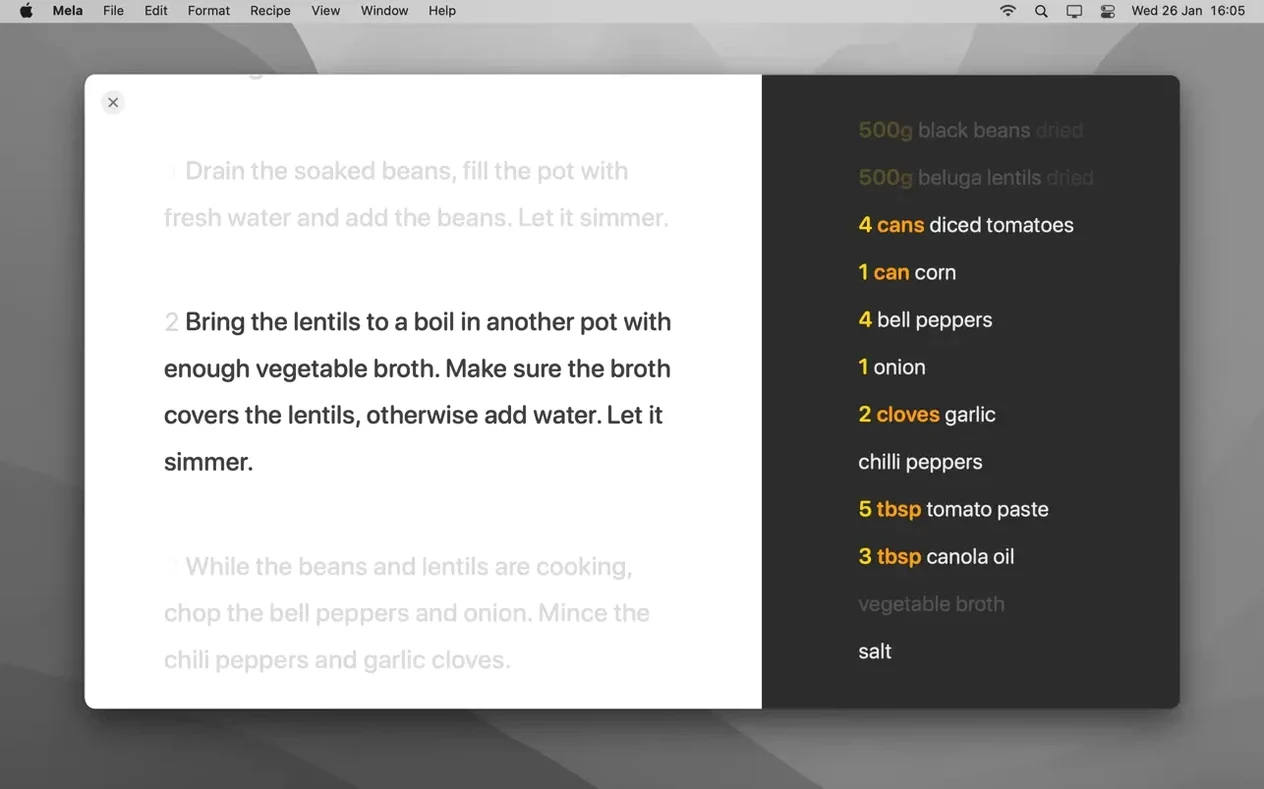
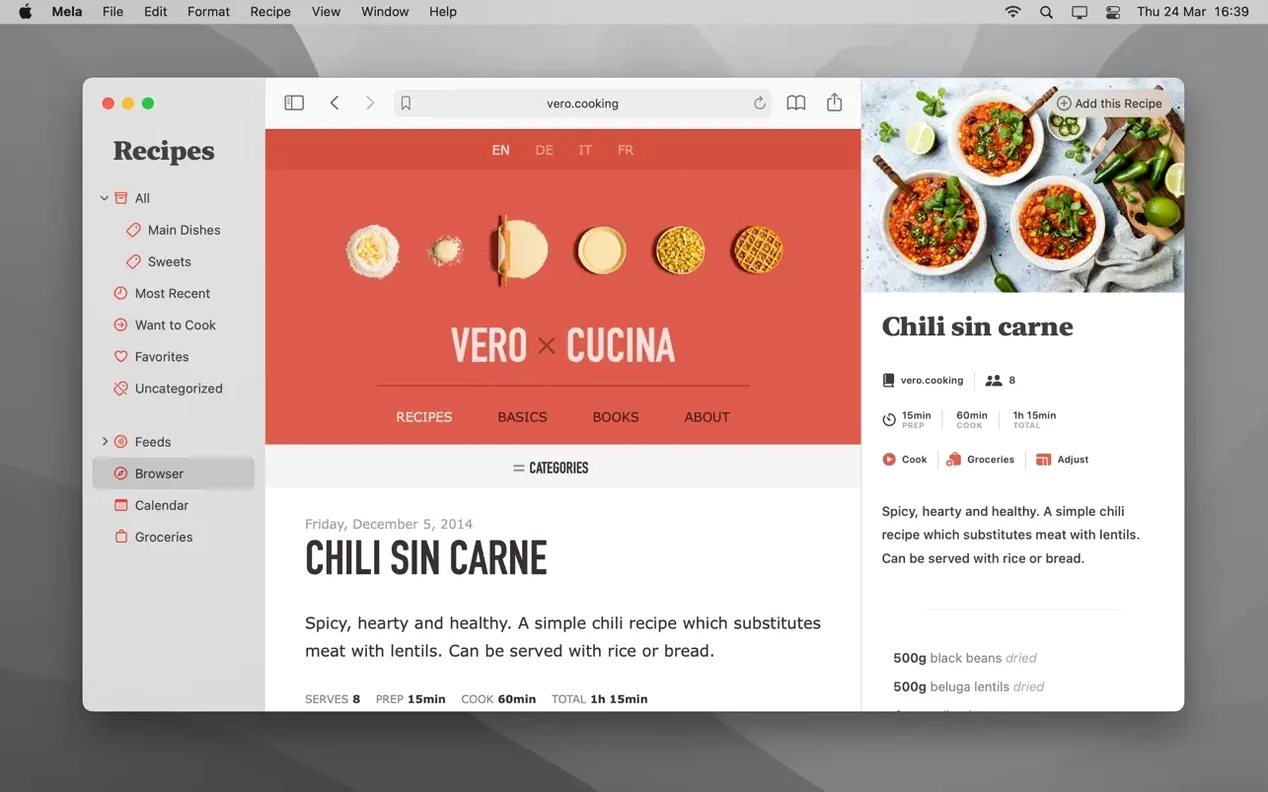
You collect recipes without typing them out. Mela can grab a recipe from the webpage you are looking at and show it in its own clean browser. If the recipe is on paper, you can scan it straight from a book using text recognition. All your recipes then sync across your devices through iCloud, privately by default. You can mark dishes as Favorites or pop them on a Want to Cook list for later. When it is time to get going, cooking mode steps up with built-in timers. Meal planning is surprisingly low-key: the app simply uses your existing Calendar to slot meals into the week. You can even print a hard copy if that is how you like to work in the kitchen.
Built for Apple-only cooks who want invisible iCloud sync
It is for home cooks who want their clippings, bookmarks and handwritten notes in one tidy place. If you already live inside Apple's world, the iCloud syncing feels invisible — no extra accounts, no fuss. The scanning feature is handy for anyone downsizing a shelf of cookbooks to a laptop on the counter. And because it comes from Silvio Rizzi, the developer behind the RSS reader Reeder, the app feels thoughtful rather than bloated. It does a few things properly instead of trying to be a food blog, a grocery list and a social network all at once.
No grocery lists or pantry tools, unlike kitchen-command-centre apps
Paprika has been around for ages and feels like it. It syncs through its own cloud service rather than iCloud, and it packs in grocery lists and pantry tracking. That is great if you want a kitchen command centre, but it can feel heavy. Mela is much lighter. You notice it most when you just want to browse a recipe blog, clip a dish and get out. Paprika's browser feels like a separate chore; Mela's in-app browser is quick and stays out of the way.
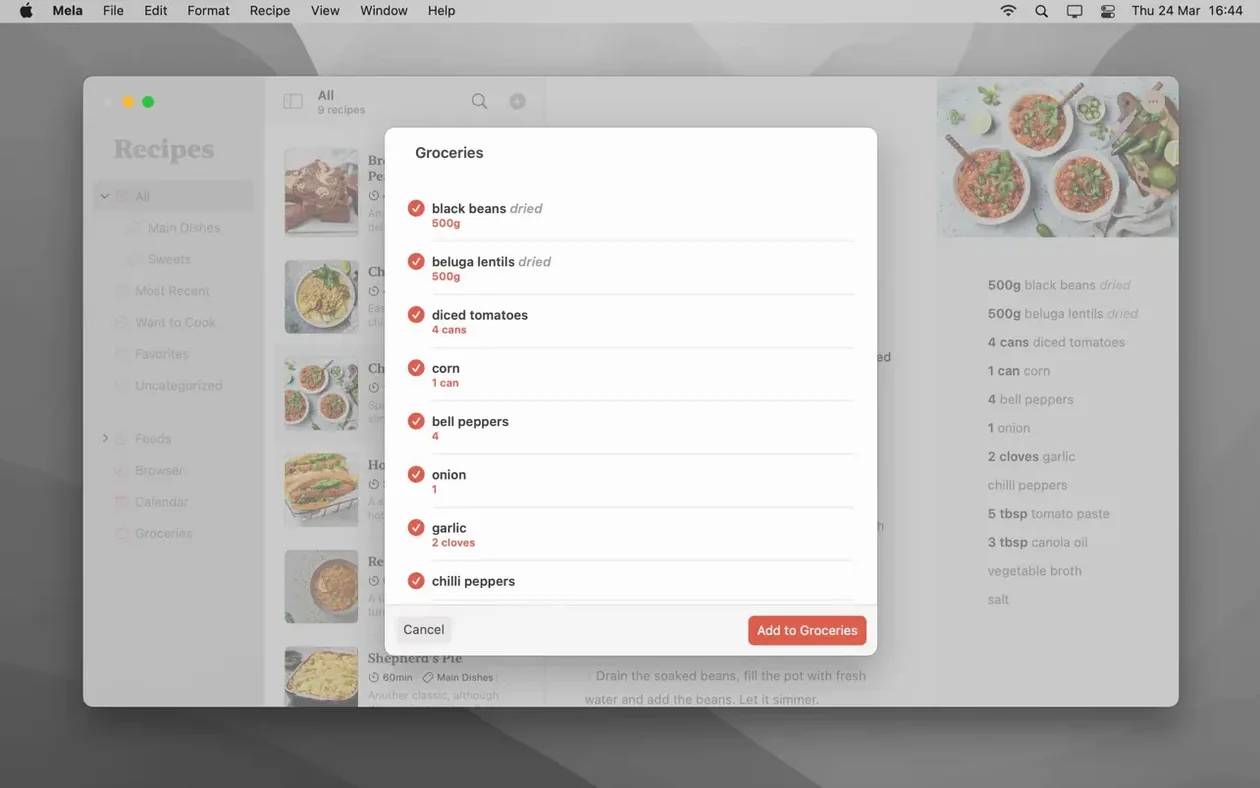
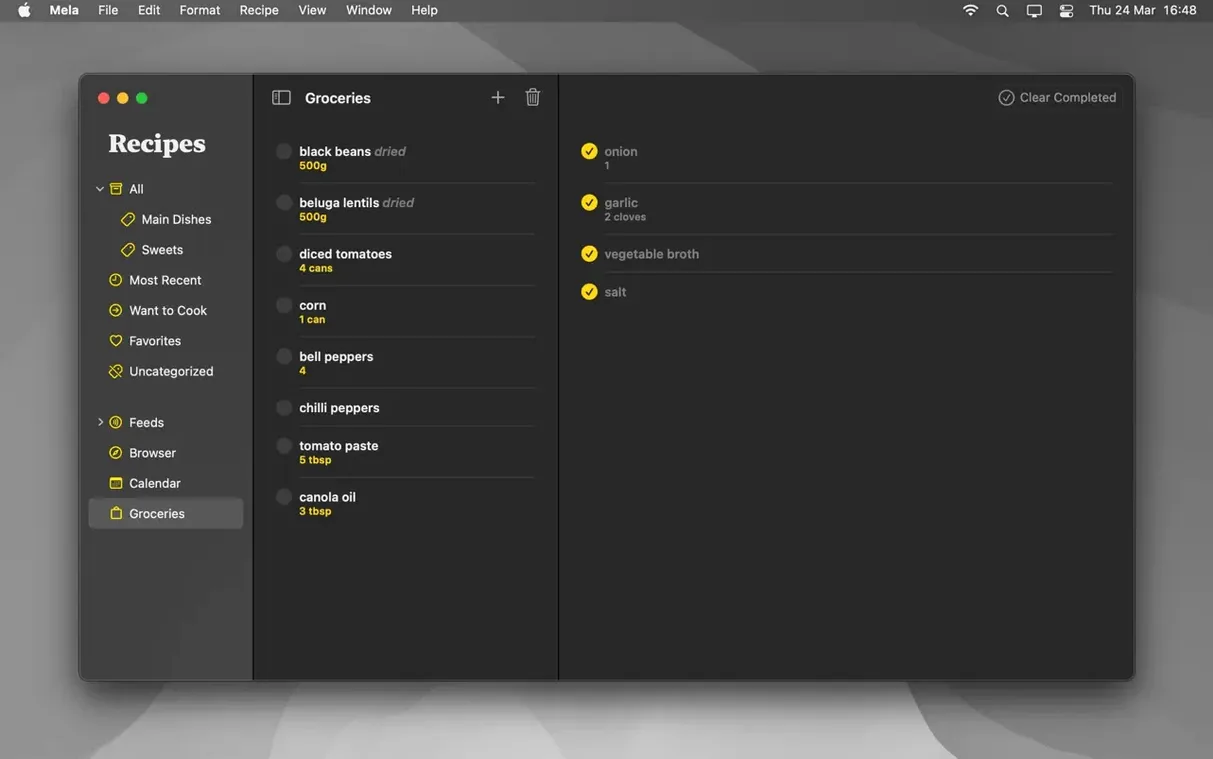
Crouton is another clean option, and it leans hard into meal planning with a drag-and-drop week view. Mela takes a quieter approach — it hands meal planning off to Calendar.app, which you already use. Crouton also ties grocery lists directly to meal plans, something Mela simply does not do. If you want an all-in-one planning hub, Crouton edges ahead. If you want a recipe keeper that does not try to run your whole kitchen, Mela fits better.
Munch is the closest in spirit — minimal, iCloud-synced, no grocery lists. Munch focuses on a single timeline of everything you have saved, like a personal recipe feed. Mela organises differently, with categories and Favorites you can filter. Munch also lacks scanning and calendar-based meal planning. Between the two, Mela gives you more ways to slice your collection without feeling cluttered.
Two quick answers about iCloud, calendars and lock-in
You can switch off iCloud and keep everything local
Yes. iCloud syncing is on by default but you can switch it off entirely. Your recipes stay local on your Mac. You lose the cross-device sync and shared libraries, but nothing forces you into the cloud.
Can I share recipes with someone who does not use Mela?
You can print a recipe or save it as a PDF and send that along. There is no built-in sharing to social platforms or a public link. If the other person also uses Mela, shared libraries make things much smoother — but that needs macOS 12 or later.
Meal-plan events stay in Calendar.app even if you delete Mela
The calendar entries live in your regular Calendar.app, so they stick around even if you delete Mela. The app just writes them there; it does not lock you in.
How well does the scanning actually work?
It uses on-device text recognition, so it handles clean printed recipes well. Handwritten notes or stained pages can trip it up. You will likely need to tidy up the ingredient list afterwards, but it beats typing the whole thing from scratch.
A baker's Saturday morning
Imagine a weekend baker who collects sourdough formulas from three different blogs, a library book and a handwritten card from a neighbour. On Saturday morning they open Mela and scan the card first — the text recognition pulls in the flour ratios but garbles "autolyse" into "auto lease." A quick edit fixes it. Then they pull up each blog in the in-app browser; Mela spots the recipes and offers to save them in one tap. They tag all four under a new category called "Fermentation experiments" and mark the rye variation as Want to Cook. Over coffee they drag the rye recipe to Thursday on the calendar, because that is when the starter peaks. By half past nine the whole collection is in one place, synced to their iPad for the counter, and the book goes back to the library with no sticky notes left behind.
- macOS 11 (Big Sur) or newer
- Works on both Apple Silicon and Intel Macs
Questions from the bench
Can Mela scan recipes from a physical book?
Yes, it can use text recognition to capture a recipe straight from a book or magazine page.
How does the syncing work?
It syncs all your recipes privately through iCloud, so they stay up to date on any Mac where you are signed in.
Does it have a meal planner?
It does. Mela uses your regular Calendar app to handle meal planning, rather than building a separate calendar.




 Back up
Bench talk (0)
Sign in or get a library card to pin up a note.
Nobody has chimed in on this card. If you have used it on an old Mac, say which one.