

RubyMine 2026.2.3 — Mac version
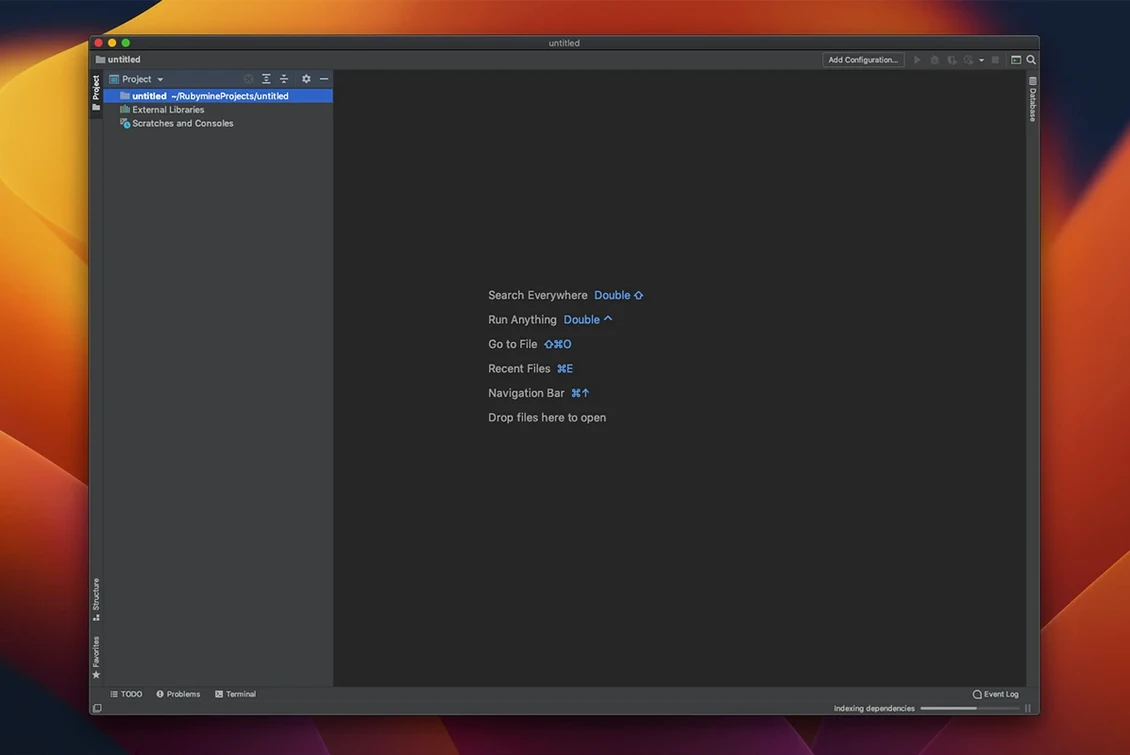
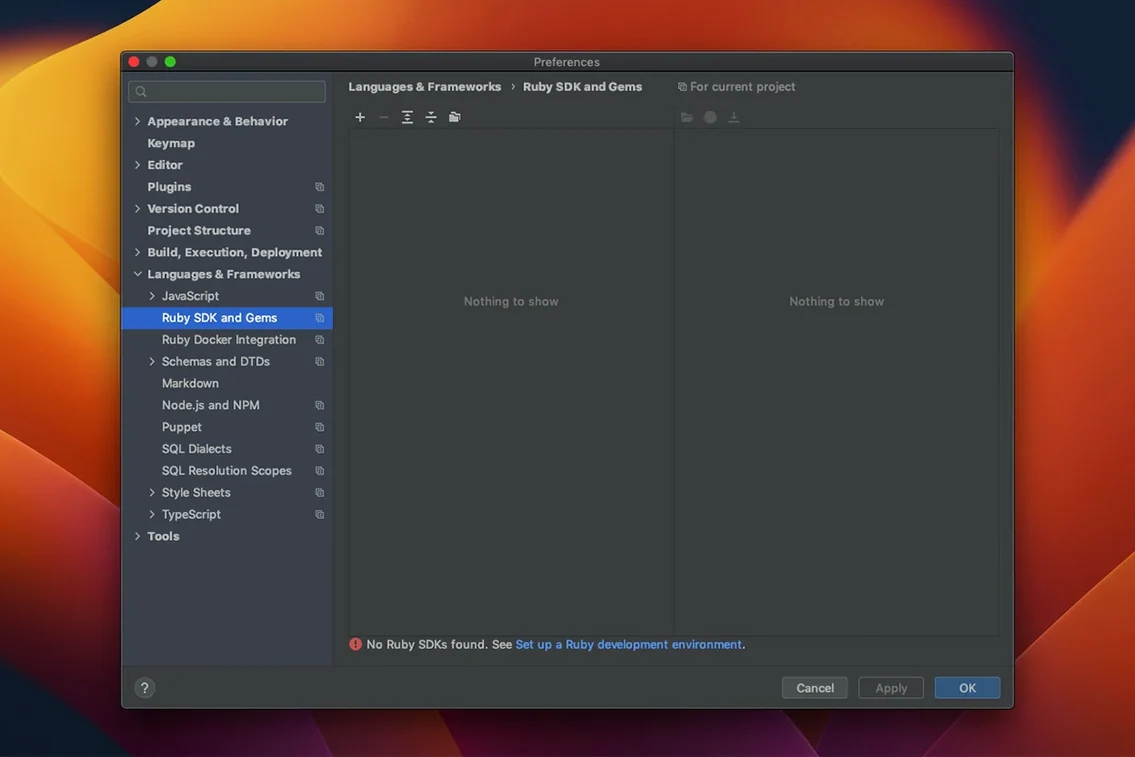
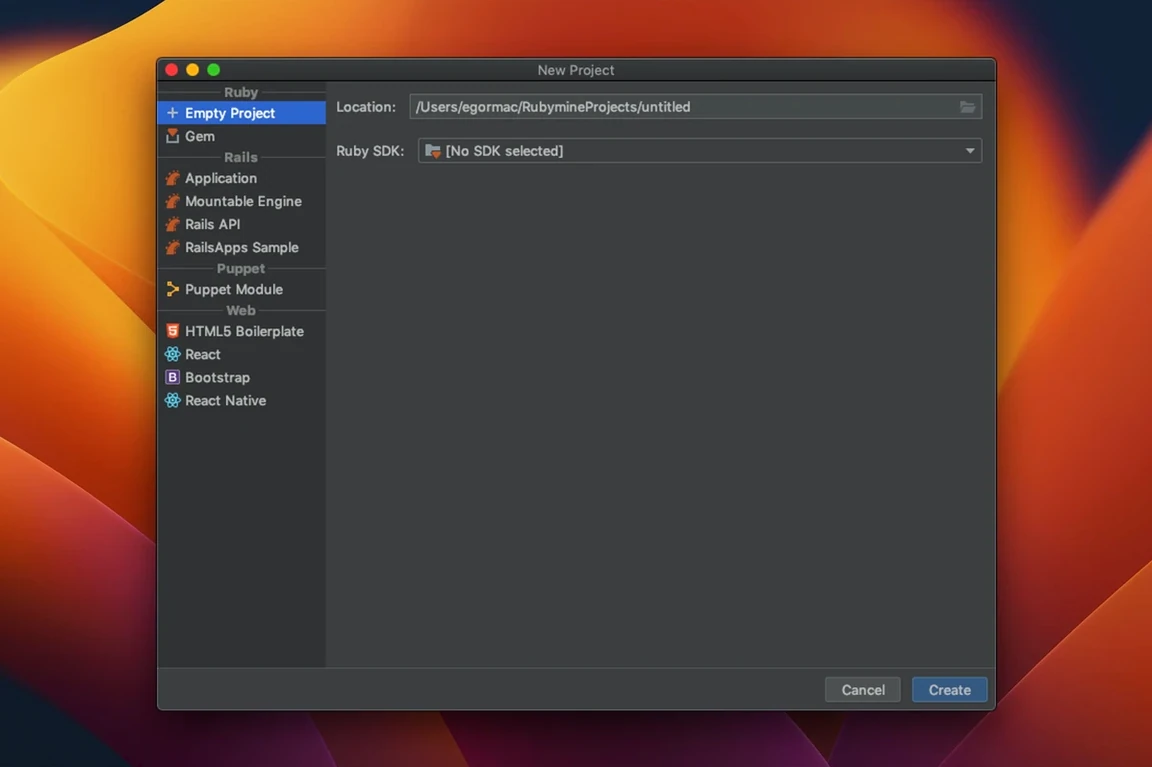
RubyMine 2026.2.3 adds two things that change how you fix bugs: agentic debugging and native GitHub Copilot integration. The debugger now suggests next steps as you step through code, and Copilot lives right in the editor without a plug-in. The symbol-based code insight engine is on by default too — navigation feels snappier.
Rails projects, not quick scripts
RubyMine is the full-fat IDE, not a text editor. If you already use BBEdit or Sublime Text for quick scripts, RubyMine covers the rest: Rails projects, deployment configs, and version control in one window. It talks Git, SVN and Mercurial without leaving the app, and understands Vagrant, Capistrano, Chef and Puppet for deployment. Code errors light up as you type, and Rails-specific refactorings save you from renaming things by hand.
Moving around a project
Navigation goes deep. Jump to a class, file or symbol with a few keystrokes. Follow a method to its declaration, its tests, or every place it’s used. The IDE indexes your whole project so those moves stay fast even in a sprawling Rails codebase. If you deploy over FTP or SFTP, you can set that up in the preferences and push from the same window.
Rails devs bouncing between MVC and migrations
RubyMine suits two sorts of Mac user particularly well. First, the Rails developer who works across models, views, controllers and database migrations in a single session. The IDE understands the framework’s folder layout, so jumping from a partial to its caller or from a route to its controller isn’t guesswork — it’s a keyboard shortcut. Second, anyone doing test-heavy work. The built-in runners for RSpec, MiniTest and Cucumber let you run a single test, a file, or the whole suite and see results colour-coded in the gutter.
Folks who dip into Ruby for short scripts won’t feel the benefit as much. A lightweight editor does that job fine. But once a project has more than a handful of files and a Gemfile that pulls in twenty dependencies, having code completion that knows the project’s own classes — not just the standard library — makes a real difference.
A session from a deployment day
Picture a developer debugging a staging issue on a Rails app deployed with Capistrano. A user report says orders aren’t processing. She opens the project, runs the failing MiniTest spec from the editor gutter, and sets a breakpoint in the order service. The graphical debugger stops at the line, and the new agentic debugging feature flags that a background job isn’t being enqueued — pointing her straight to the ApplicationJob subclass. She fixes the logic, runs the test again, and pushes the change via Git. Capistrano config is already wired into the project, so one rake task later the fix is live on staging. The whole loop — from bug report to deployed patch — happens inside RubyMine, no terminal juggling needed.
- Agentic debugging — the debugger suggests next actions as you work through code.
- AI completion now supports third-party model providers.
- Native GitHub Copilot integration, no extra plug-in needed.
- Symbol-based code insight engine switched on by default for faster navigation.
- macOS 11 or later
- Apple Silicon or Intel processor
Questions from the bench
Does RubyMine work on older Intel Macs?
Yes. It runs on any Mac with macOS 11 or later, Intel and Apple Silicon alike.
What languages does the interface come in?
The IDE interface is in English.








 Back up
Bench talk (0)
Sign in or get a library card to pin up a note.
Nobody has chimed in on this card. If you have used it on an old Mac, say which one.