

WiFiSpoof 4.3 — Mac version
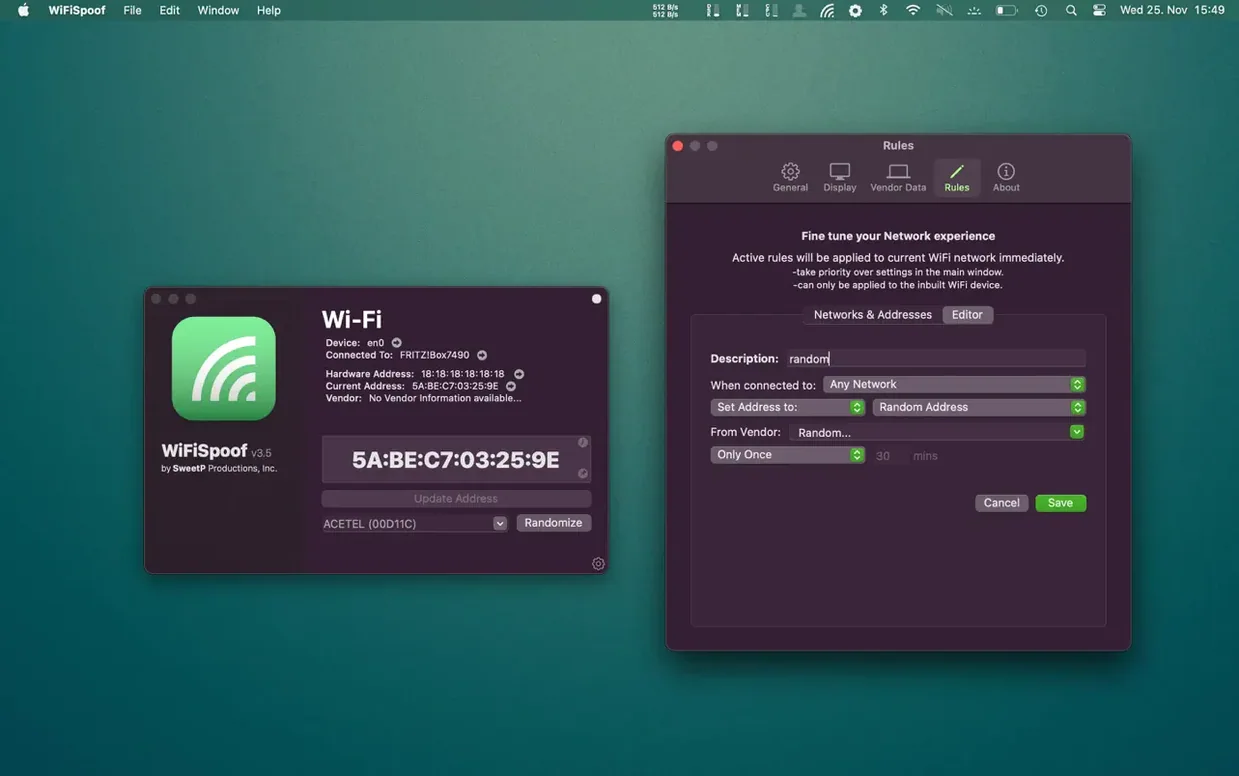
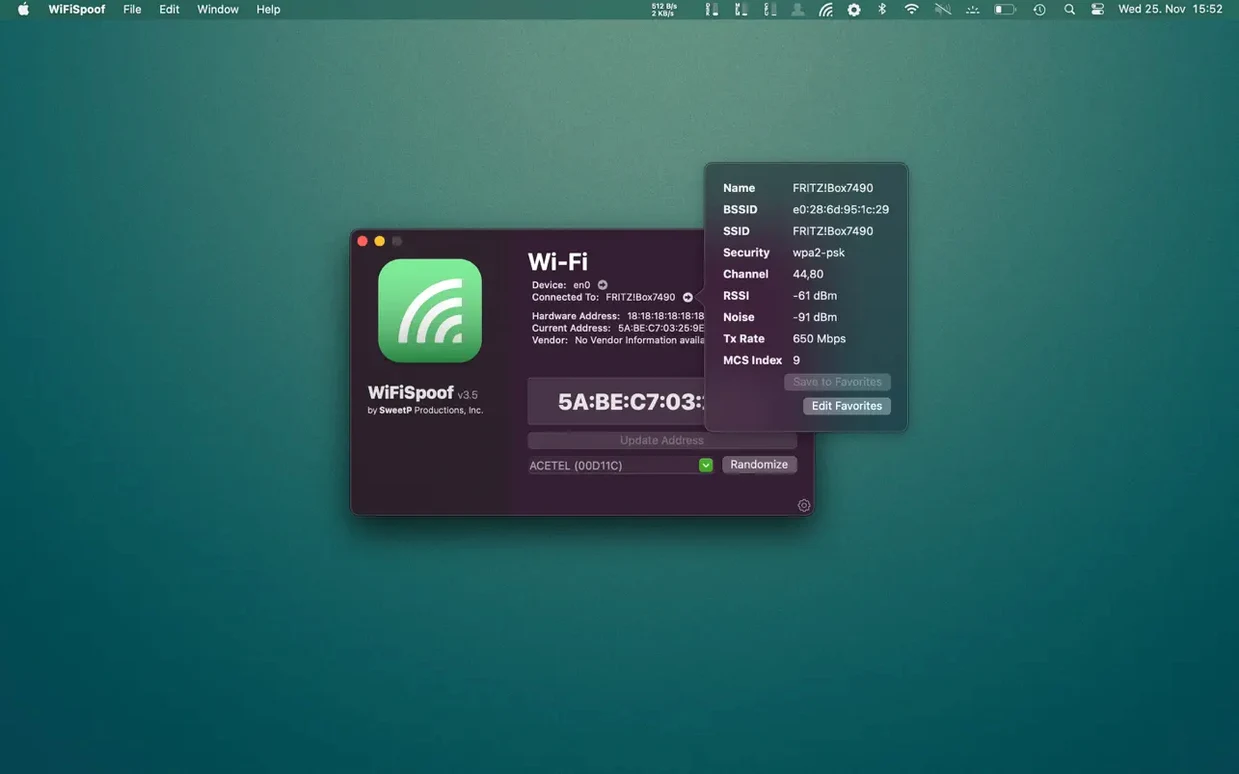
If you've ever opened Network Utility to eyeball your connection stats, WiFiSpoof is the next rung down the ladder. It picks up where that built-in tool stops, giving you a clear readout of everything from BSSID and channel to MCS index and transmit rate — the numbers that actually explain why your connection feels snappy or sluggish.
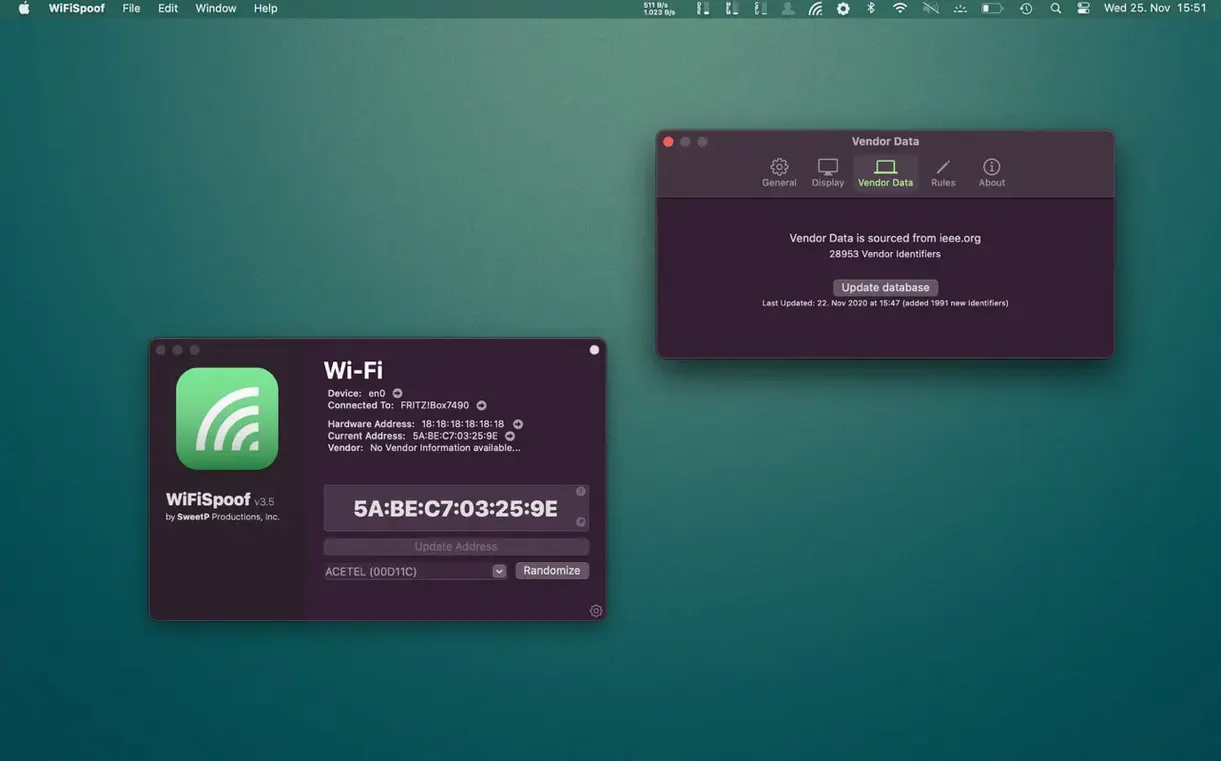
Beyond the live stats, the app shows your original hardware MAC alongside every available interface on your machine. The real draw for experienced folk is the vendor database. Instead of randomising a MAC blindly, you can generate an address that matches a real manufacturer — handy when you're testing how a router handles specific devices without setting up a whole lab.
Preferences let you refresh that vendor list, and the interface itself stays out of your way: pick an interface, pick a strategy, apply. It doesn't wrap the low-level bits in too much polish, which is exactly what you want when you're troubleshooting or running repeatable network tests on a Mac.
Filling the gap after Wireless Diagnostics
WiFiSpoof works alongside the tools you already have, rather than replacing them. When Wireless Diagnostics or airport in Terminal leaves you wanting a quicker way to act on what you see, this fills that gap. The vendor database ties into the same OUI lookup system that Wireshark uses, so if you're packet-sniffing later, the spoofed addresses will make sense in the capture rather than looking like noise.
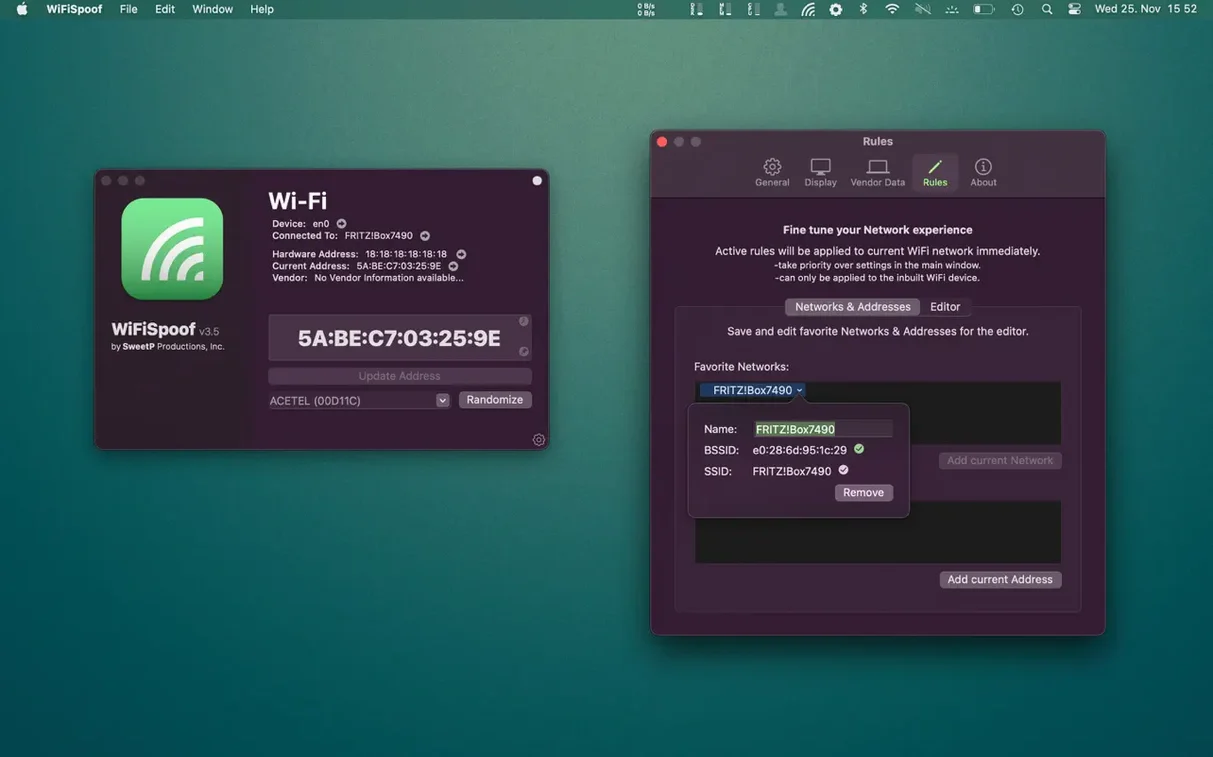
It also plays nice with macOS Location profiles. Switch to a network, apply a custom rule, and the app remembers your choice next time that SSID appears — no need to write a launchd script or mess with networksetup. Handy if you move a MacBook between a home lab, a coffee shop, and a client site where each network expects a different face from your machine.
How a session runs
Say you're on a hotel Wi-Fi that limits you to two devices per room. You've got a laptop and a phone connected, but you want the travel router to handle the captive portal instead. Here's how it plays out:
- Open WiFiSpoof. The main window lists your en0 interface with its current MAC and the hardware original beneath it — two strings that differ the moment you've spoofed before.
- Click the Wi-Fi row. The inspector pane fills with SSID, BSSID, channel width, RSSI, and Tx rate. You glance at the noise floor; the channel's crowded, so you make a mental note to switch later.
- Hit Random to generate a fresh MAC, or pick Vendor and type "Intel" to mimic the travel router's own chipset. The app pulls a matching OUI from its local database — no web lookup needed.
- Click Apply. The Wi-Fi drops for two seconds, reconnects, and the hotel portal sees a brand-new device. You log in through the router's browser page, and now all three gadgets share one slot behind the spoofed address.
- Before you pack up, open Preferences and tick Restore on disconnect. The moment you leave the hotel's SSID, your MAC snaps back to hardware, so the home network doesn't treat your laptop like a stranger.
The whole thing takes under a minute once you know the buttons. If you've ever hunted through a wifispoof torrent mac search looking for a working build, having the app ready on your drive saves that hassle next time you're stuck behind a restrictive portal.
Do note you're mucking about with network identifiers, so it's a spanner for the toolbox, not a toy for the dashboard.
- macOS 14 or newer
- Intel and Apple Silicon Macs
Questions from the bench
Does WiFiSpoof show my original hardware MAC address?
Yes, the app clearly displays your system's original, burned-in hardware MAC so you can always see what you started with.
Can I pick a MAC address from a specific manufacturer?
It includes a built-in vendor database and can generate randomised addresses that match a chosen vendor, rather than just a random string.








 Back up
Bench talk (0)
Sign in or get a library card to pin up a note.
Nobody has chimed in on this card. If you have used it on an old Mac, say which one.