

Mini Motorways 1.21.1 — Mac version
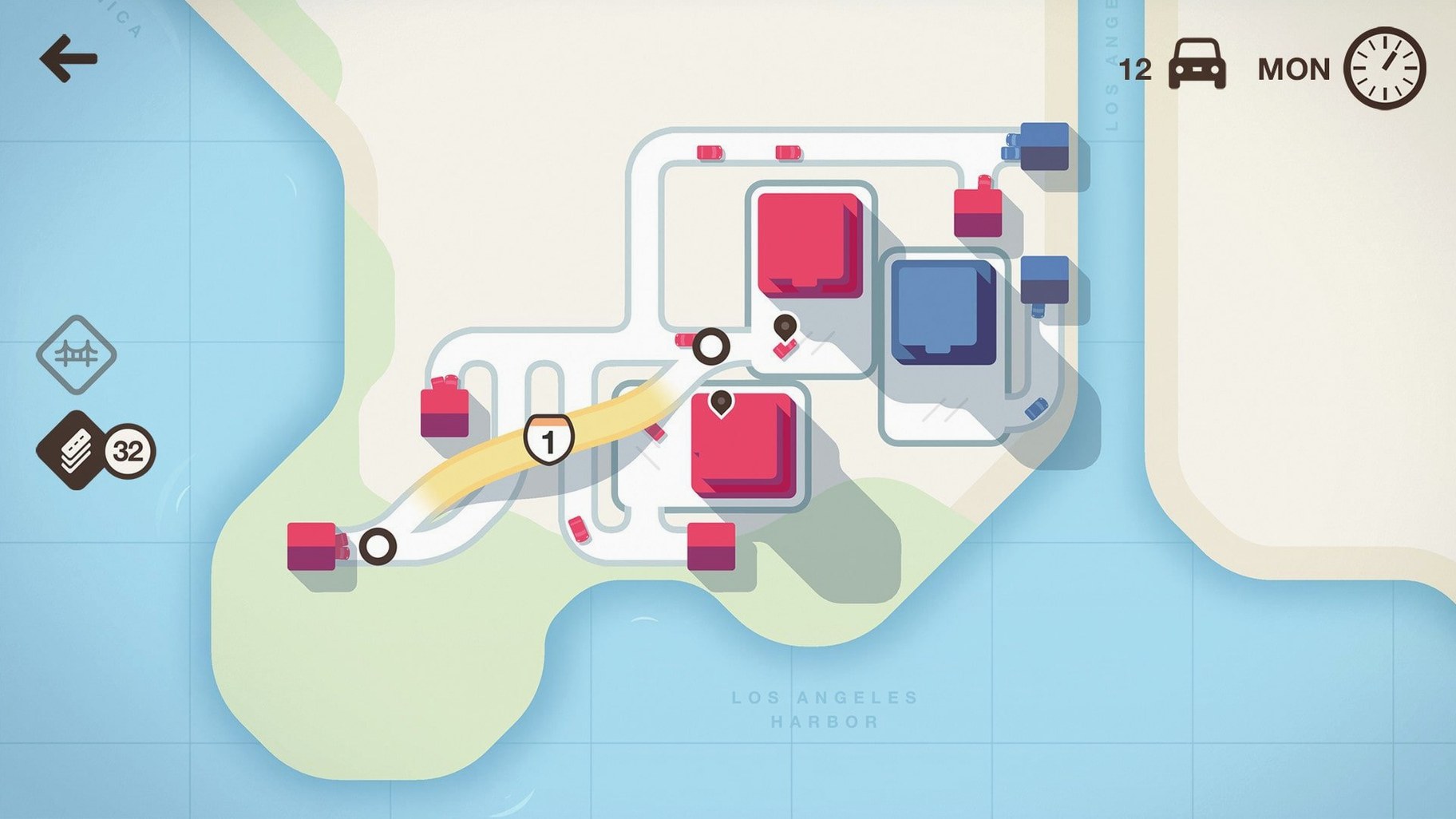
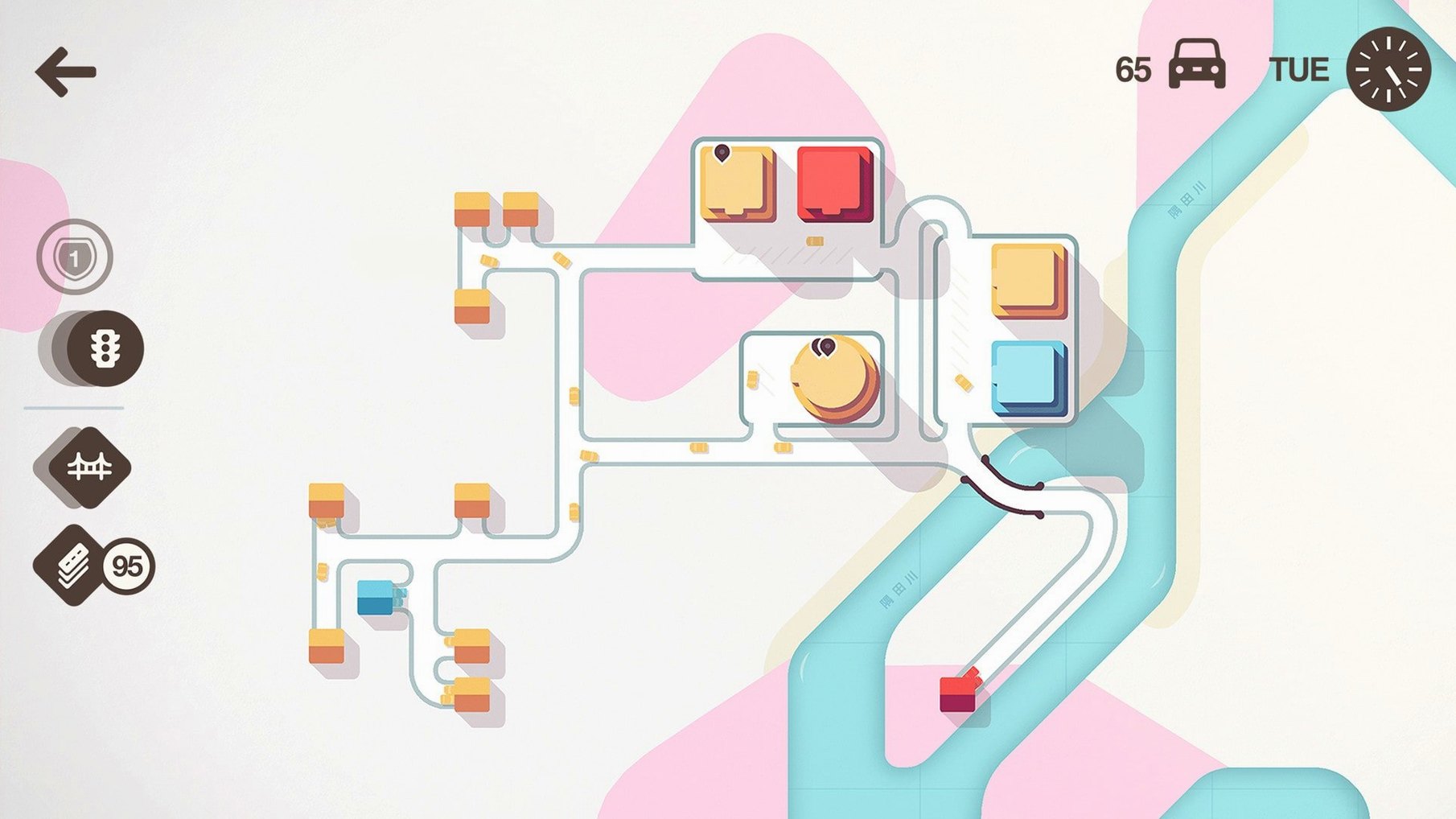
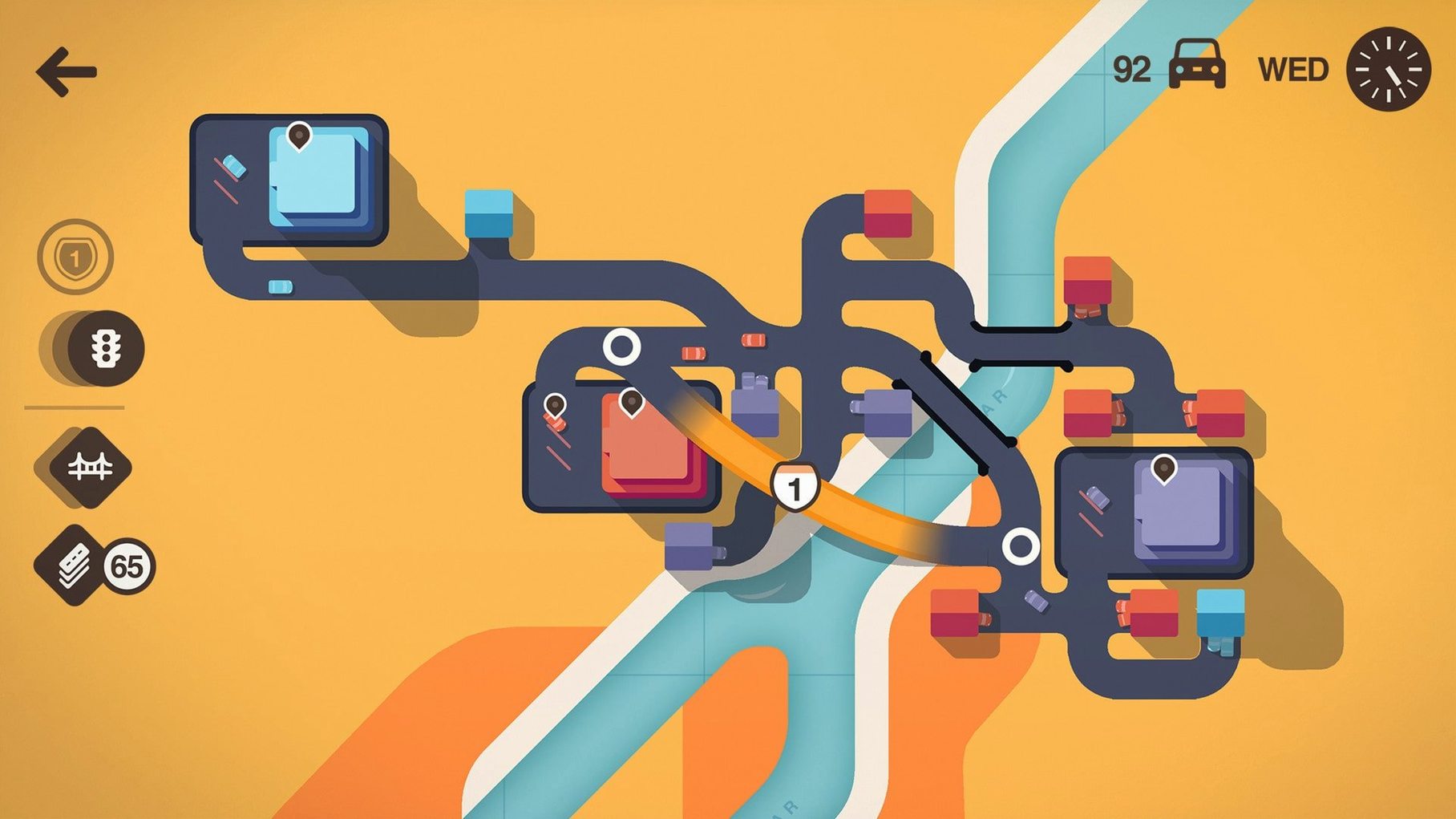
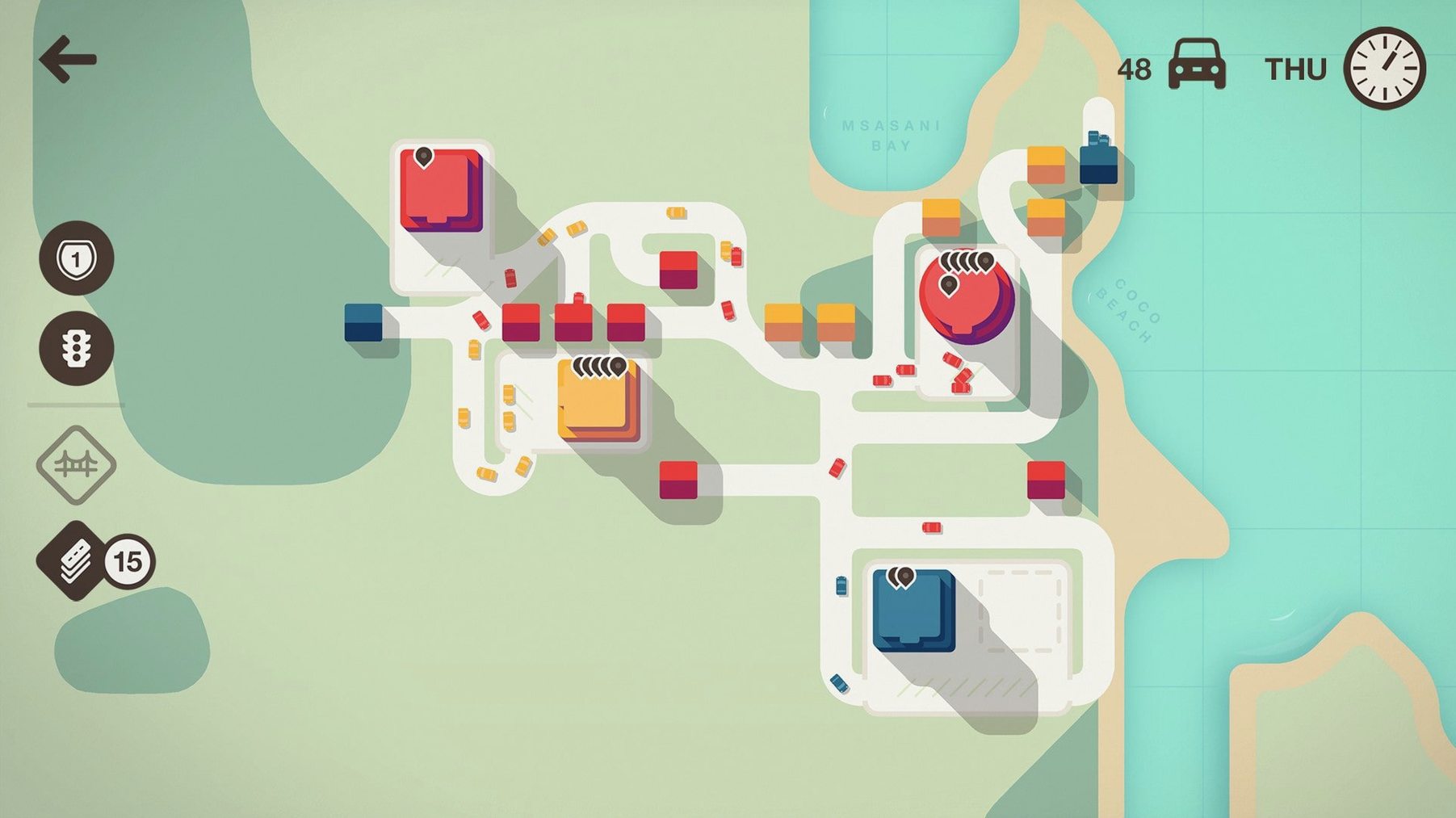
Quiet planners get the most out of Mini Motorways. If you like watching a system grow and then spotting the one junction that's causing all the trouble, you will settle right in.
- Start with two houses and a shop. The city is small. You draw one road, then another. Cars start moving and you feel clever.
- The city gets bigger without asking. New buildings appear. More cars want the same bit of road. Your neat little network starts to clog.
- You run out of road tiles. Each week you get a small pack. You place them carefully, but it's never quite enough to fix everything at once.
- You learn to live with traffic jams. A perfect flow is rare. The goal is to keep the city alive long enough to become a bustling metropolis, not to make it pretty.
The soundtrack by Disasterpeace hums along quietly while you stare at a growing snarl of roads, wondering where it all went wrong. It's a gentle sort of panic. If you need fast action or clear win states, this might frustrate you. Patient tinkerers, though, will lose whole evenings to it.
Is this like Mini Metro but with cars?
Pretty much. Dinosaur Polo Club built Mini Motorways on the same bones — draw routes between things that pop up, keep it flowing, don't let the demand overwhelm you. But roads feel looser than train lines. You can reshape them any time, thread a motorway through a suburb, bulldoze a bad idea. If you played Mini Metro and wanted a bit more wiggle room, this gives you that.
Smooth on a 2015 MacBook Pro
The current build at version 1.21.1 handles both Apple Silicon and 64-bit Intel machines. We've had it running on a dusty 2015 MacBook Pro without complaint. The graphics are clean and simple — no heavy 3D work to choke the GPU. If your Mac can run the operating system, it should cope fine.
First few days? Lock in these habits
- Let the weekly road packs sit. The game offers you two choices. If neither feels urgent, wait. Unused tiles carry over. A fatter stash on Tuesday beats a rushed motorway you regret by Wednesday evening.
- Traffic lights are a trap early on. They pause one stream to let another through, which sounds helpful until a third road joins the party and everything bunches up behind it. Roundabouts cost the same number of tiles and keep things creeping forward.
- Motorways are for distance, not density. Link a far-flung housing cluster to the industrial corner across the map. Don't waste them on a junction that's already crowded — you'll just move the jam somewhere else.
- Colour modes matter more than you'd think. Night mode is easier on the eyes for long sessions. Switch it up when you notice yourself squinting.
If you hit the point where the game won't open and the icon just bounces, don't panic. The download includes a Terminal command that clears the quarantine flag macOS slaps on apps from outside the store. Run it, re-sign, and you're back in. Some folks searching for a Mini Motorways crack Mac workaround stumble into that same hiccup even with a clean copy — it's just Gatekeeper being overprotective.
- Runs on both Intel and Apple Silicon Macs.
Questions from the bench
Is each game of Mini Motorways the same?
No, city growth is dynamic so every game throws up a different set of traffic problems to solve.
Who made Mini Motorways?
It comes from Dinosaur Polo Club, the same small team that created Mini Metro.
What languages does the interface support?
It includes Russian, English, German, Arabic, Spanish, Italian, Traditional Chinese, Simplified Chinese, Korean, Dutch, Portuguese, Turkish, French, and Japanese.






 Back up
Bench talk (0)
Sign in or get a library card to pin up a note.
Nobody has chimed in on this card. If you have used it on an old Mac, say which one.