

Shapez 2 1.2.0 — Mac version
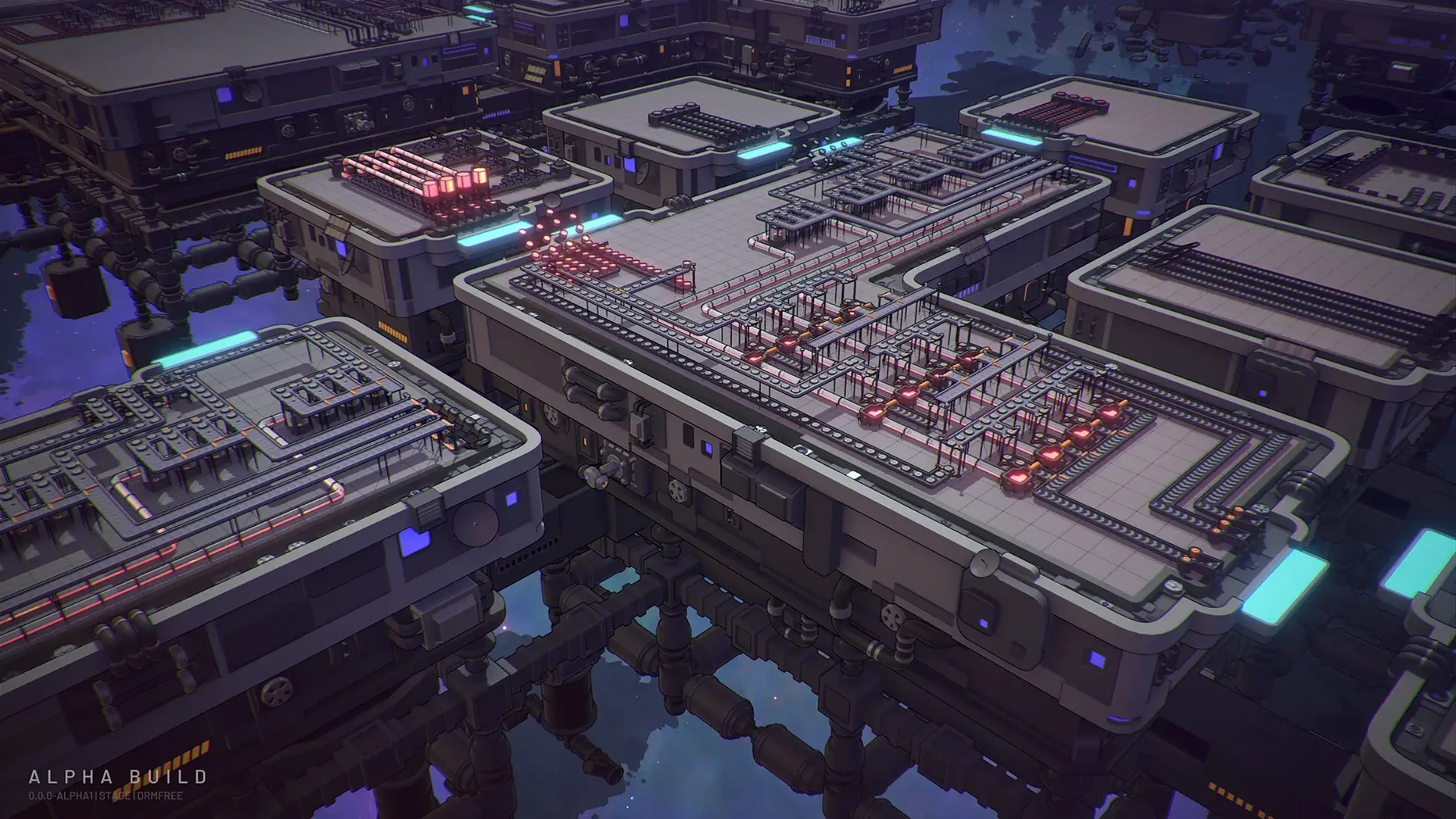
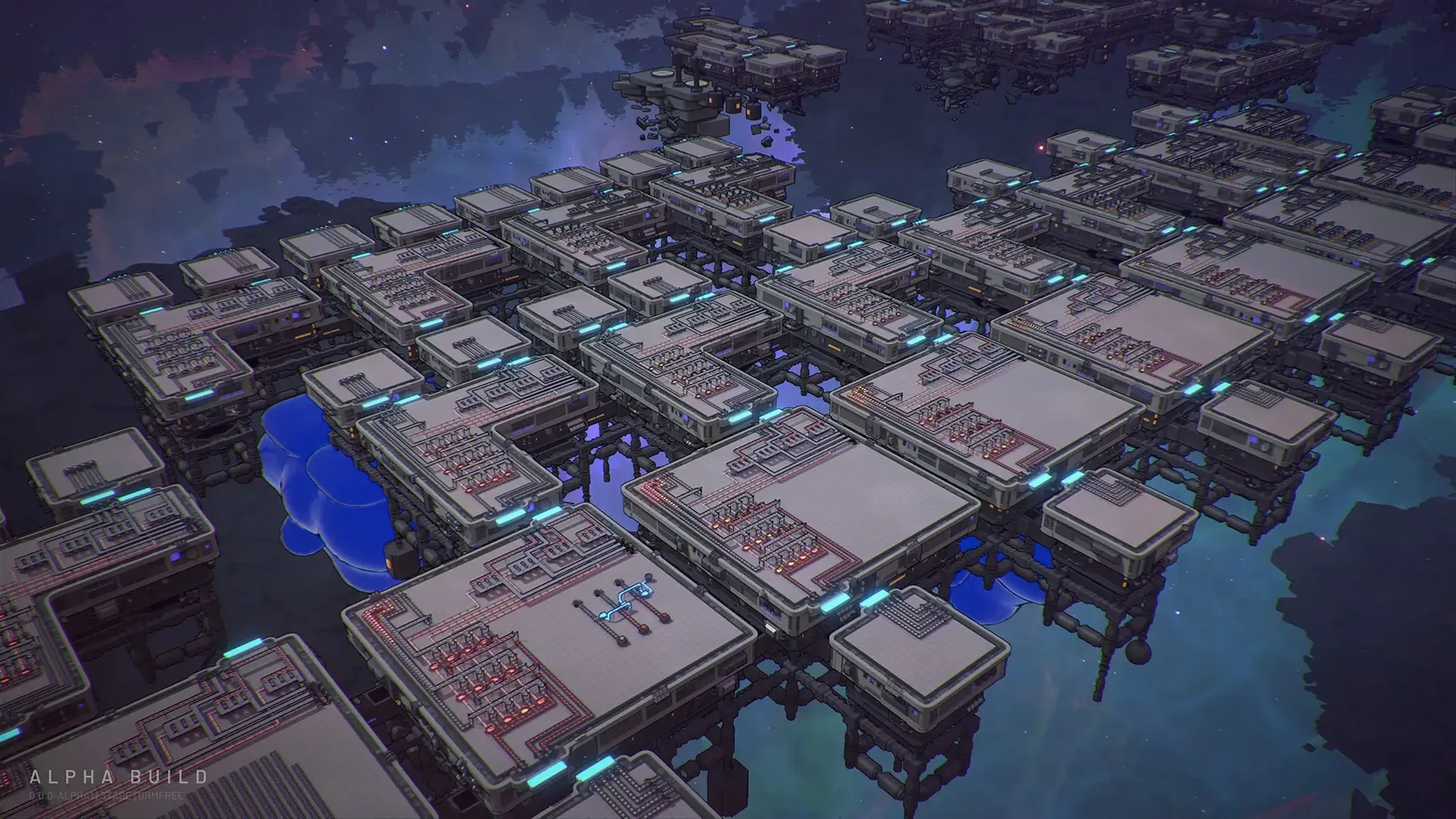
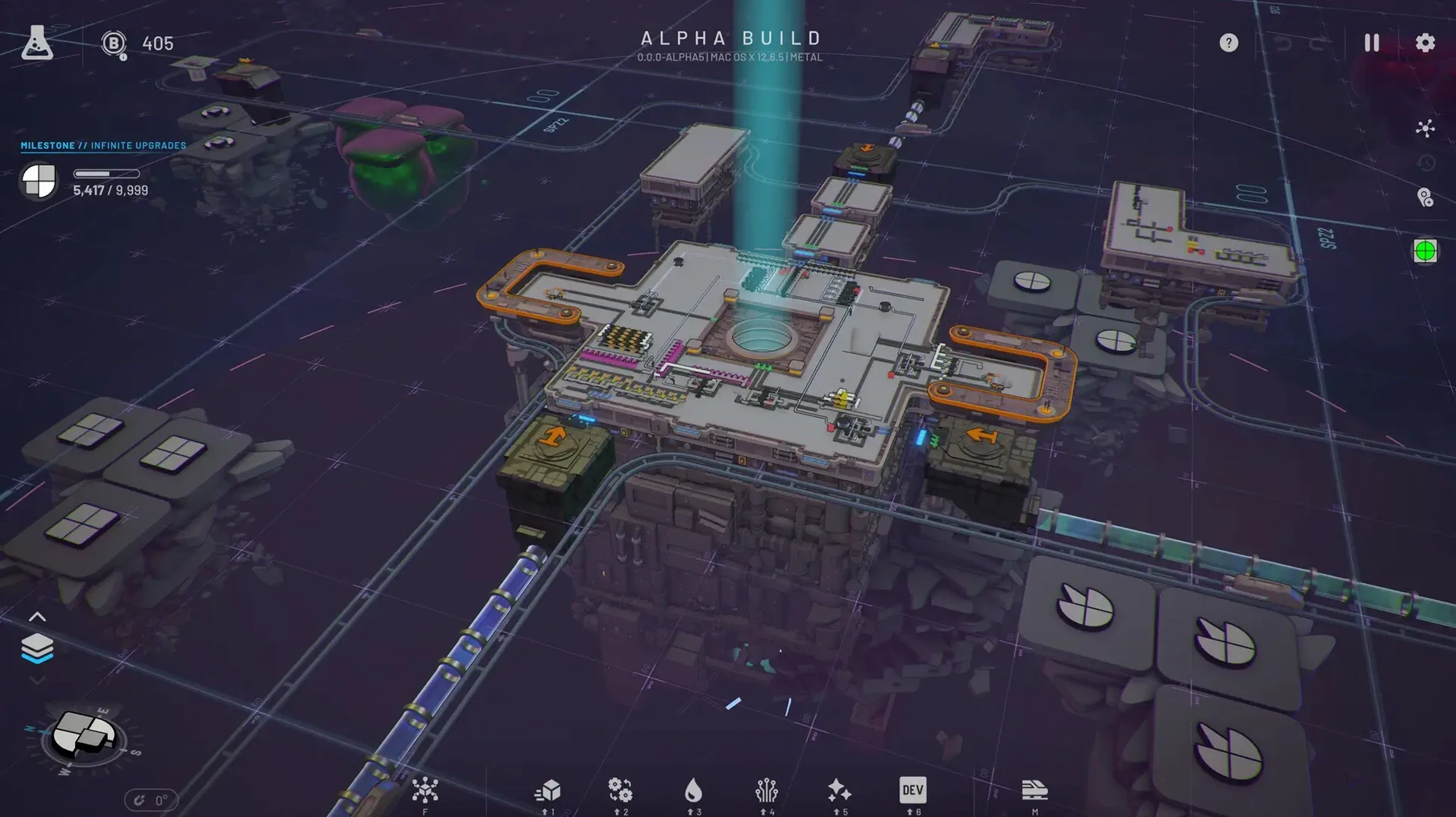
Space trains slide out of the station, hauling half-built shapes across the map. That's the moment you know your factory's grown beyond walking distance. Shapez 2 takes the original's flat puzzle and stacks it into multi-level 3D, all viewed from a familiar top-down angle.
What you're building
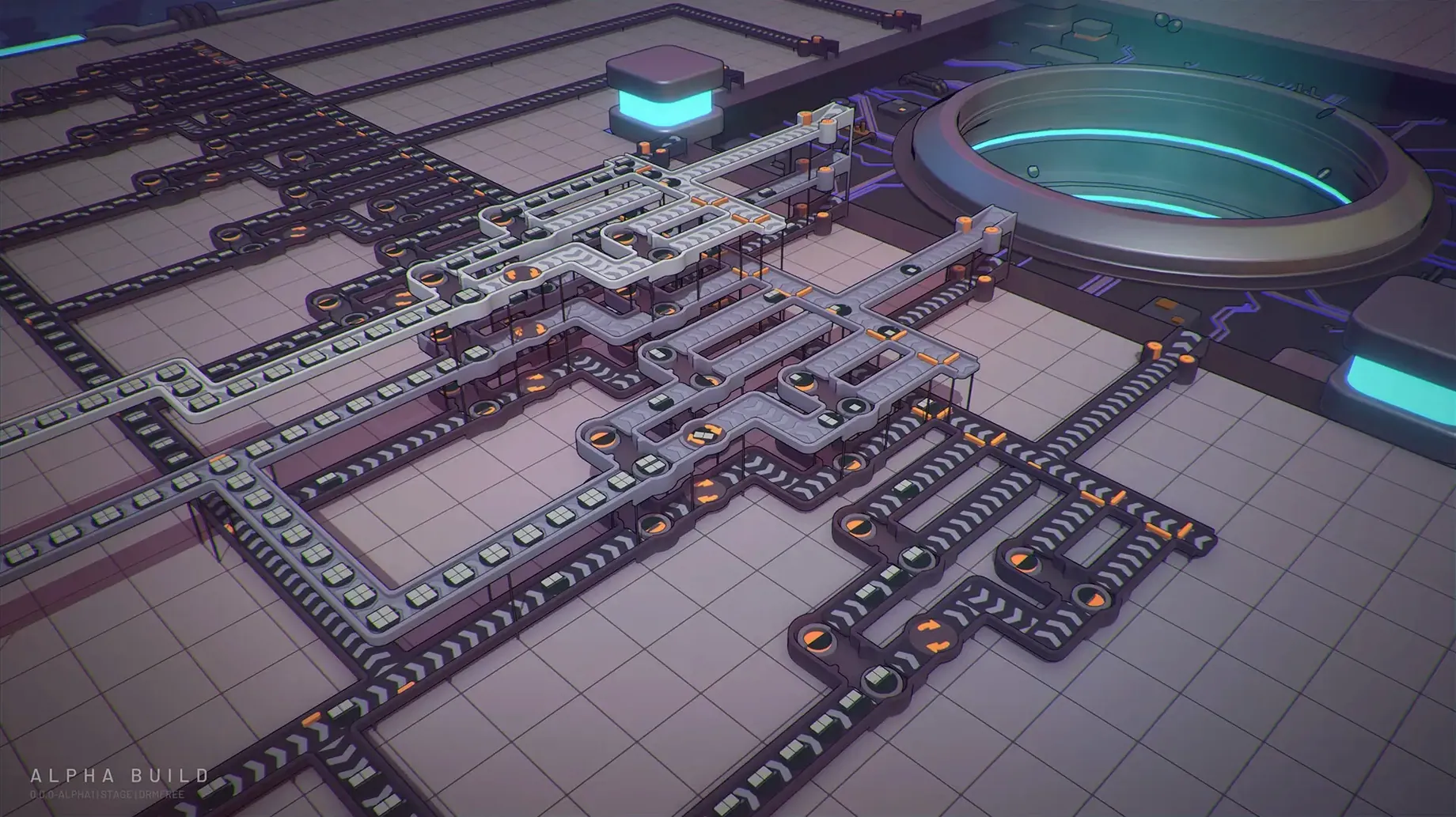
Every production task asks for a specific geometric shape. You get there by breaking shapes apart, painting the pieces, then reassembling them in new configurations. The toolset is simple on the surface but the puzzles get properly tangled once you're juggling colour, rotation and multi-step assembly lines. The 3D layers mean you can stack conveyor belts and processors vertically, which keeps sprawling factories readable. More than 50 undo and redo steps sit in your back pocket, so experimenting with layouts feels safe rather than punishing.
How the world works
Your factory doesn't sit in one screen forever. Space trains connect distant stations, letting you ship intermediate parts between specialised production blocks. It's not a cosmetic feature either — later tasks demand linking up separate extraction and processing zones. The 1.2 update moved the game to Unity 6, which tightened up performance and stability, particularly on macOS and Linux. You'll also find version and modded-status info on the operator level screen now, and blueprint migration helps carry forward older designs.
Mistakes worth avoiding early on
The biggest trip-up I see is overbuilding before you understand a shape's recipe. A player slaps down twelve painters and a maze of belts, only to realise the target shape needed cutting first, not colouring. Start small. Make one correct shape by hand, trace the steps backwards, then automate each stage. Another classic blunder: ignoring the blueprint library until things get messy. Saving a clean module the moment it works means you can drop it into later puzzles without rebuilding from scratch. And don't sleep on the vertical layers. Newcomers often spread everything across one flat plane, then wonder why the spaghetti is unreadable. Stacking sub-factories upwards keeps sightlines clear and makes troubleshooting a stuck belt much less painful.
When half-shapes clog your painter line
Shapes backing up at a painter or assembler? Check your input ratios. A cutter spits out two halves but a stacker needs four quarters to make one whole — imbalance clogs the line. Count the pieces and match throughput. Space train won't load? Make sure the station is set to the right shape filter. It's easy to forget and watch wagons leave empty. Blueprint won't place after updating to 1.2? The new migration tool handles most cases, but if an old layout uses a building you haven't unlocked yet on a fresh save, it'll refuse. Unlock it in the research tree first. Frame rate dipping on a big factory? The Unity 6 move in 1.2 smoothed things out, but you can still help it along by spreading production across separate platforms connected by trains — fewer overlapping belts on one screen means a happier Mac.
- Moved the game to Unity 6
- Added blueprint migration
- Improved performance and stability, especially on macOS and Linux
- Added game version and modded-status information to the operator level screen
- macOS ?
- Runs on Intel and Apple Silicon Macs







 Back up
Bench talk (0)
Sign in or get a library card to pin up a note.
Nobody has chimed in on this card. If you have used it on an old Mac, say which one.