

Gifox 2.10.0 — Mac version
Gifox runs on any Mac with macOS 10.15 Catalina or later — Intel or Apple Silicon, so most machines from 2019 onward are covered.
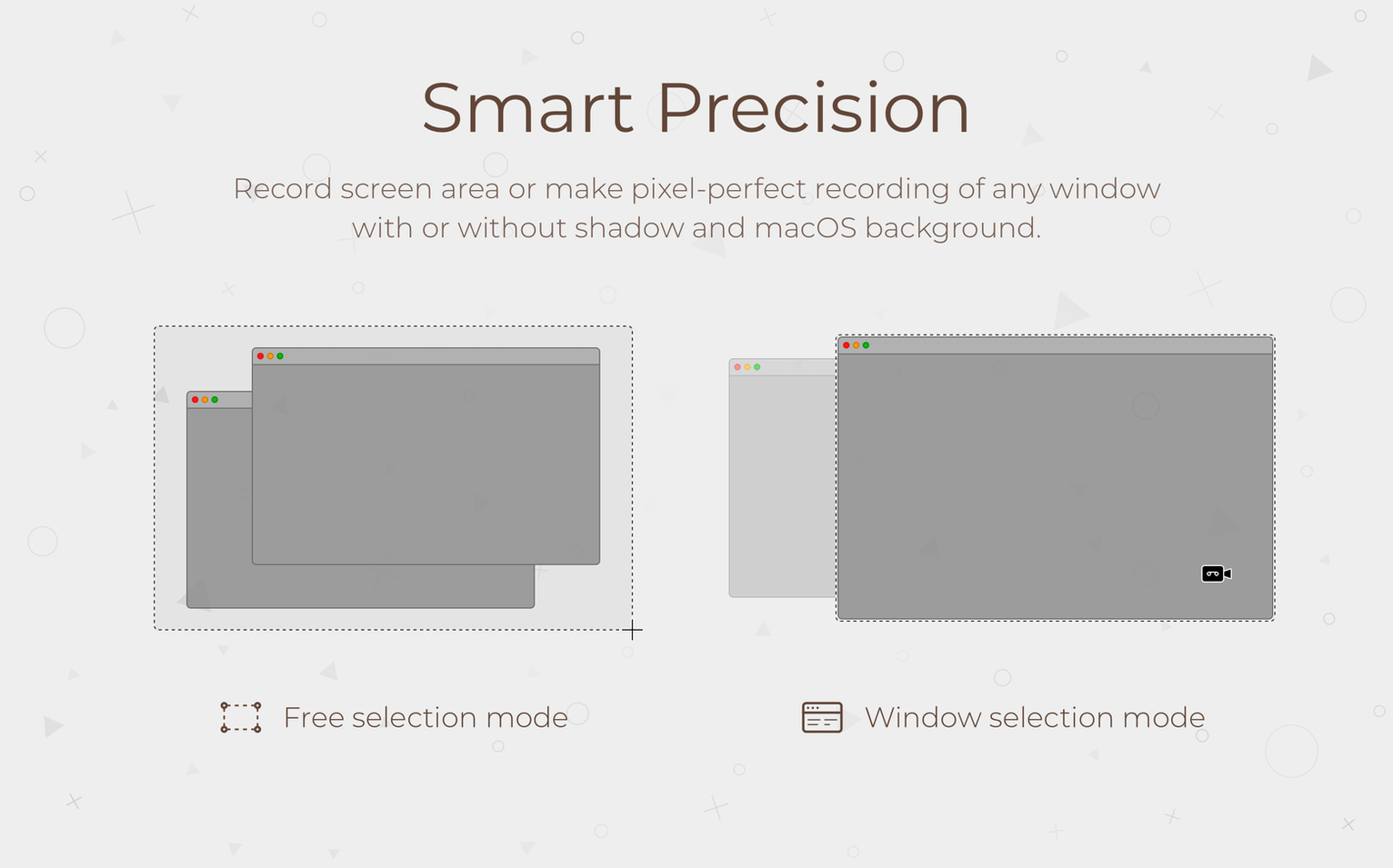
Screen recording — capture a window, a browser tab, or a patch of your desktop straight to GIF.
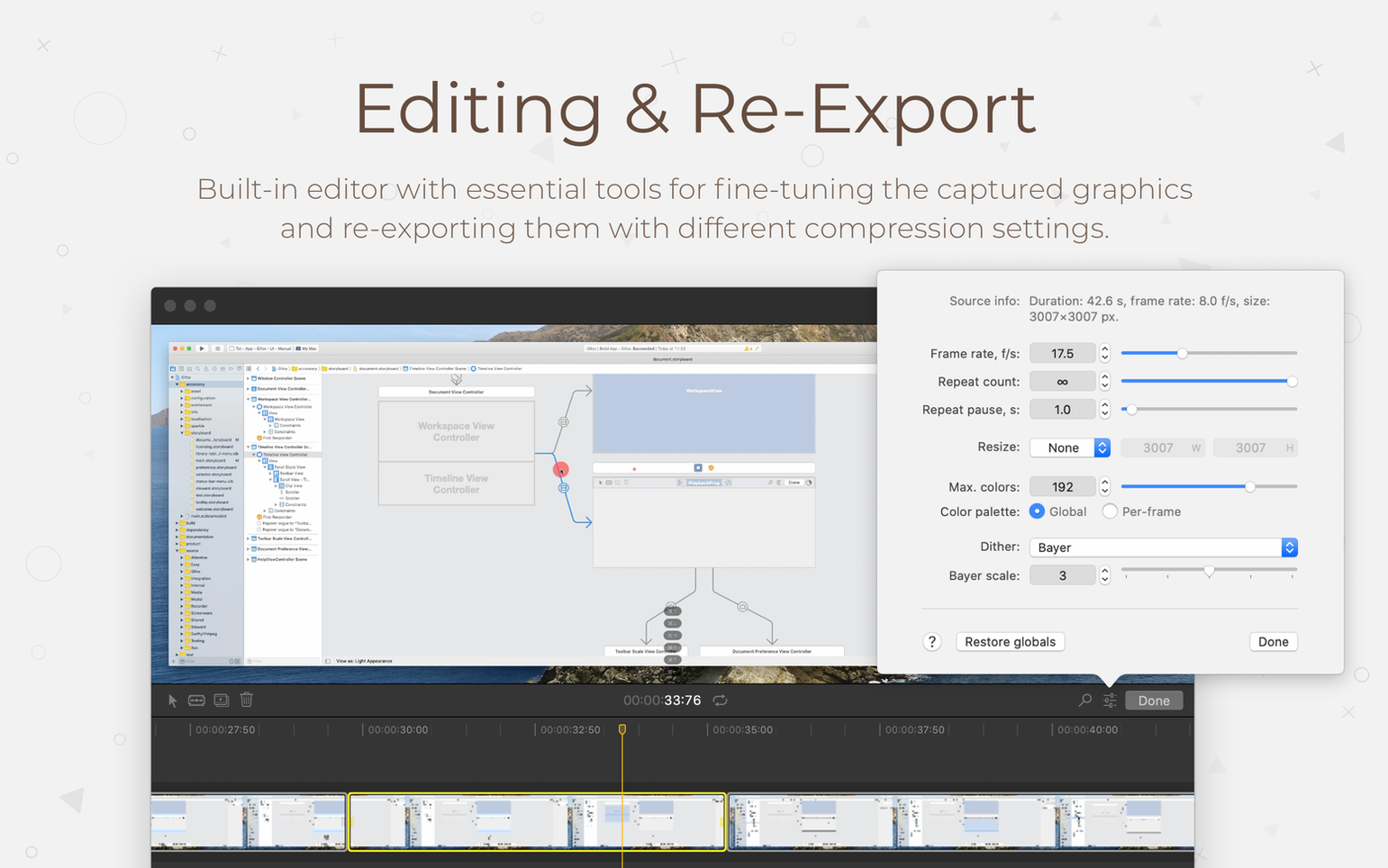
Recording to GIF conversion — record once, then pick a compression setting. Smaller file, more grain. Bigger file, cleaner motion. Your call.
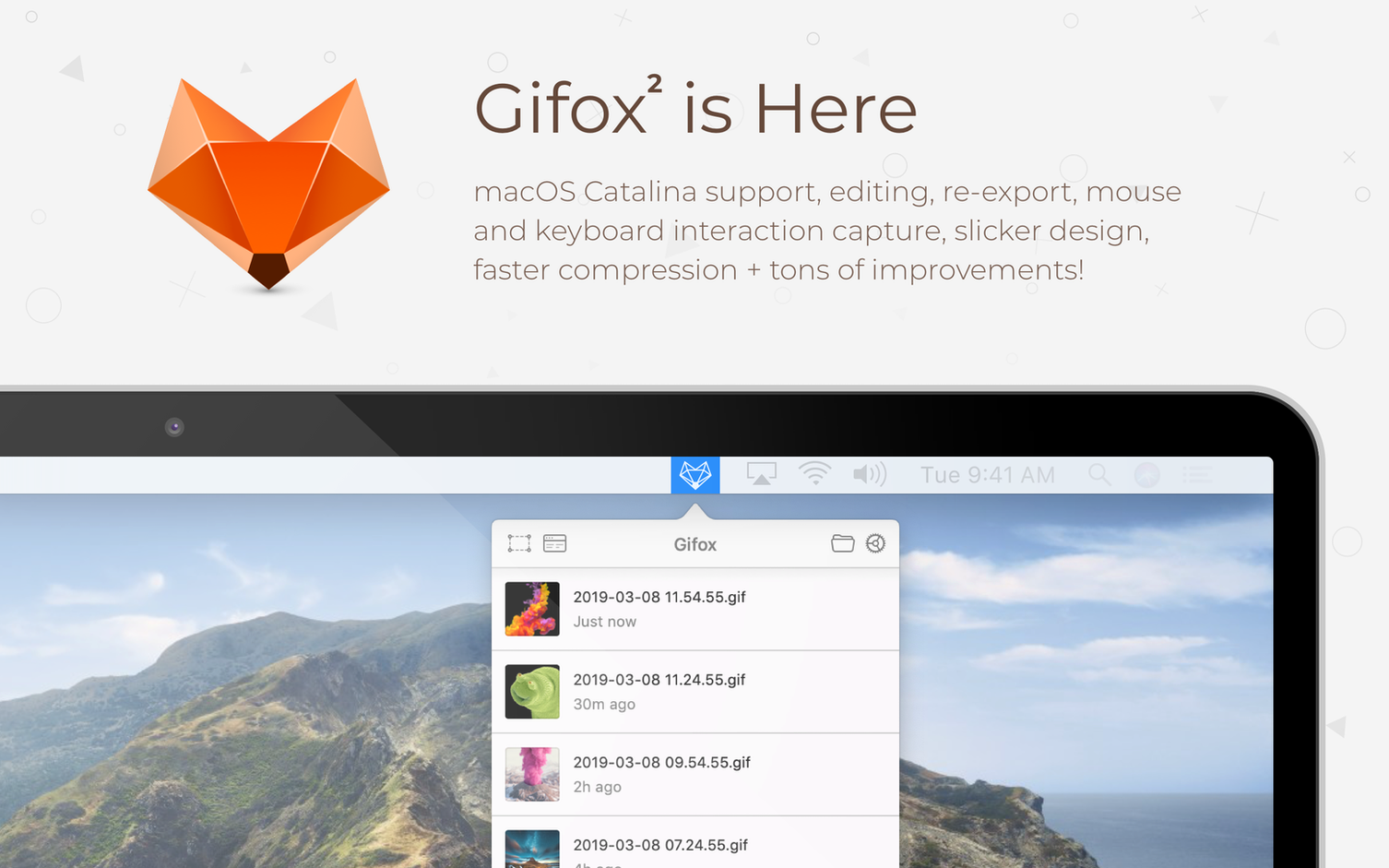
Menu bar access — recent recordings sit in the menu bar. Click one to copy, preview, or share without hunting through folders.
Share destinations — Dropbox, Google Drive, and Imgur are built in. Two clicks gets a link.
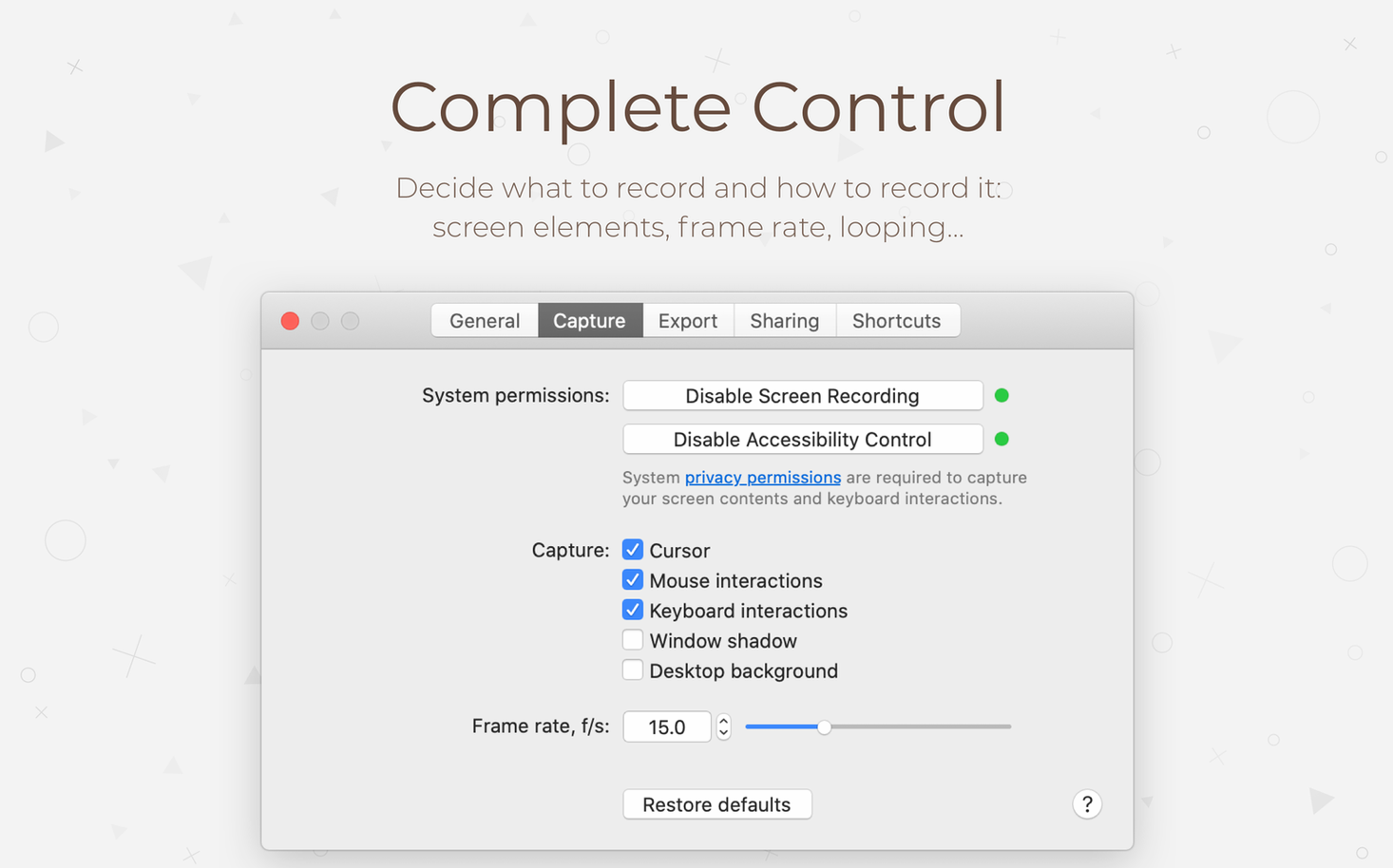
What version 2.10.0 brings is mostly about feel. The screen selection menu animates more smoothly, and new quick controls for cursor capture, window interactions, and click highlighting are right where you need them. A small but handy addition: you can now tell Gifox to stay visible in the Dock instead of hiding away.
The export directory dialogue, system permissions prompts, and crash reporter all got a visual tidy-up too. Underneath, the team put time into squashing bugs and shaving away random slowdowns. Nothing drastic — just a release that makes the everyday recording loop a bit more pleasant.
Recording a bug report — start to finish
Say a form in your browser keeps resetting when you click submit. Words won’t help the developer much. A 12‑second GIF will.
- Click the Gifox icon in the menu bar and choose Record Selection.
- Drag a rectangle around the browser window — the full thing, address bar and all.
- In the selection overlay that appears, tick Show clicks and set Cursor to visible. That way the dev sees exactly where you’re pointing.
- Hit record, fill in the form, click submit. Stop the recording the moment the page flickers.
- From the recent‑recordings list, pick a compression preset. Medium is a safe start — clear enough, small enough to attach to a ticket.
- Right‑click the thumbnail, choose Copy Direct Link (Imgur needs a quick one‑time setup in preferences). Paste the link into your bug tracker.
The whole thing takes under a minute. No video files, no upload steps — just a link that plays on anything.
Does it hammer the CPU while recording?
“Does it hammer the CPU while recording?” Not in normal use. Recording a single window at 15 fps barely moves the needle on a Mac from the last five years. If you push the frame rate past 20 and capture a 4K screen, the fan might wake up — but for everyday GIFs, it stays quiet.
“Can I record audio too?” No. Gifox records pixels, not sound. If you need voiceover, you’ll want a video tool instead. For silent demos and bug reports, it’s spot on.
“Is the free version gimped?” There isn’t a free tier. What you get is the full thing — all compression settings, all share destinations, no watermarks. The experience doesn’t nag you, which is rare for screen‑recording tools.
“Where do the recordings actually live?” By default they sit in a Gifox library folder you set during first launch. You can point it anywhere — an external drive, a cloud‑synced folder, whatever suits. The menu bar shows the last few, and the media library inside the app keeps older ones searchable without ballooning your storage.
- Smoother animations in the screen selection menu
- New quick controls for cursor, interaction, and window capture settings
- Option to keep Gifox visible in the Dock instead of hiding
- Redesigned export, permissions, and crash reporting dialogues
- Reliability improvements, performance optimizations, and bug fixes
- macOS 10.15 Catalina or later
- Works on both Intel (64-bit) and Apple Silicon Macs
Questions from the bench
Can I adjust the file size of the GIFs Gifox makes?
Yes. The app includes compression settings that let you trade off between smaller file sizes and higher image quality depending on what you need the GIF for.







 Back up
Bench talk (0)
Sign in or get a library card to pin up a note.
Nobody has chimed in on this card. If you have used it on an old Mac, say which one.