

Workspaces 2.3 — Mac version
Skip past the search field
Workspaces 2.2 added a small toggle that changes the rhythm of your day: you can make the Search panel close the moment you open an editor. One less click when you are lining up a dozen resources.
Catch plugins that have fallen behind
Version 2.3 puts an update indicator right next to any plugin that has a newer release waiting. You spot it, you fix it, no digging through changelogs.
Reopen a whole desk in one hit
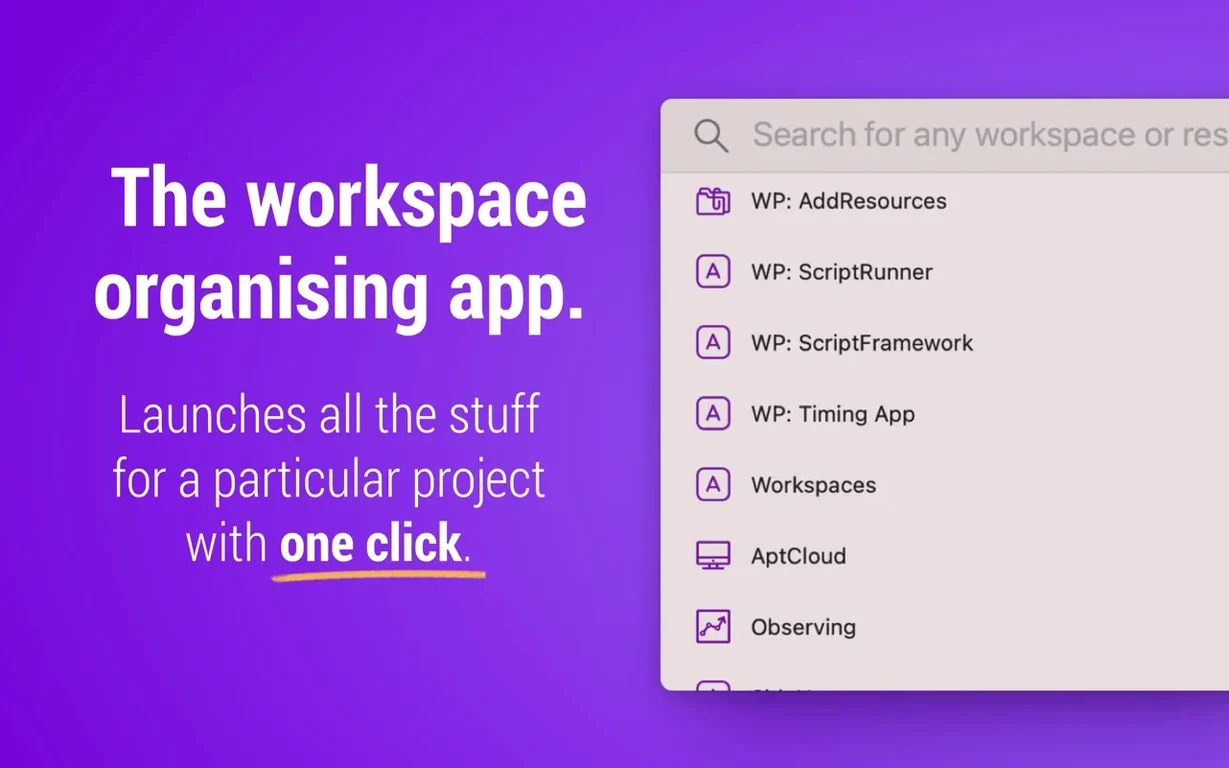
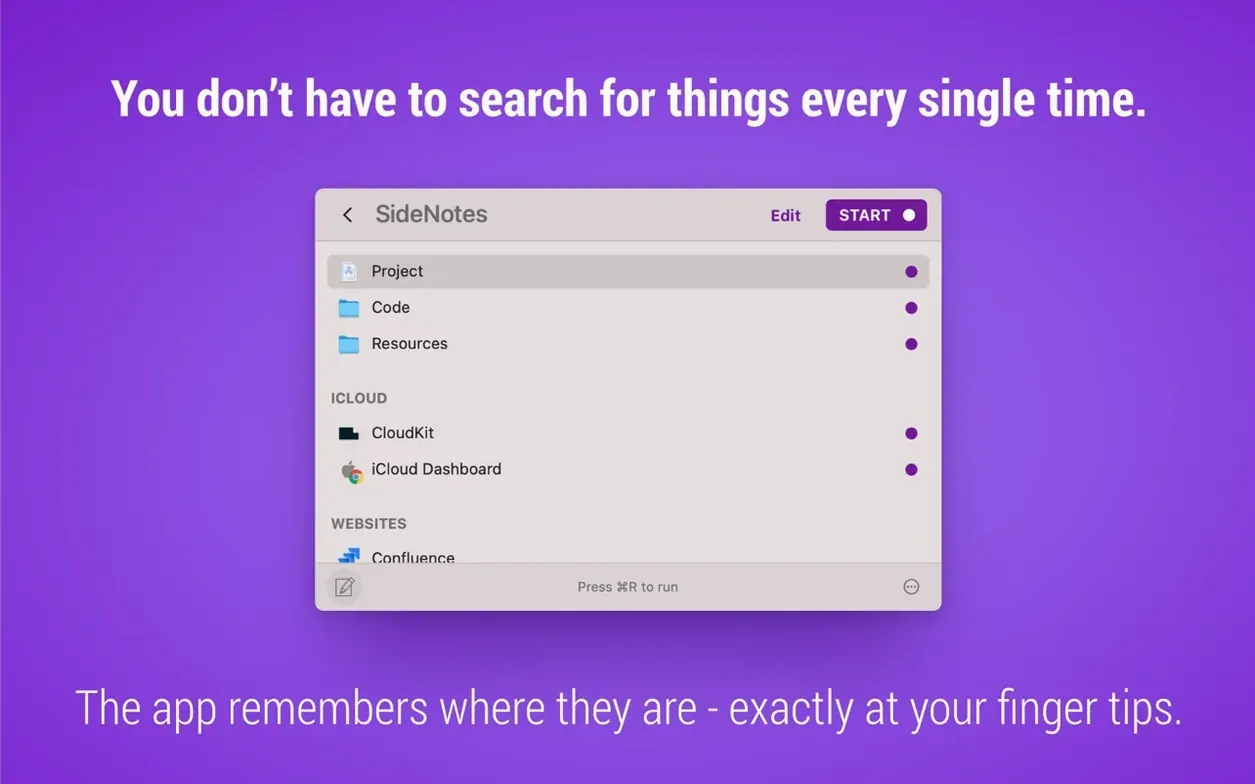
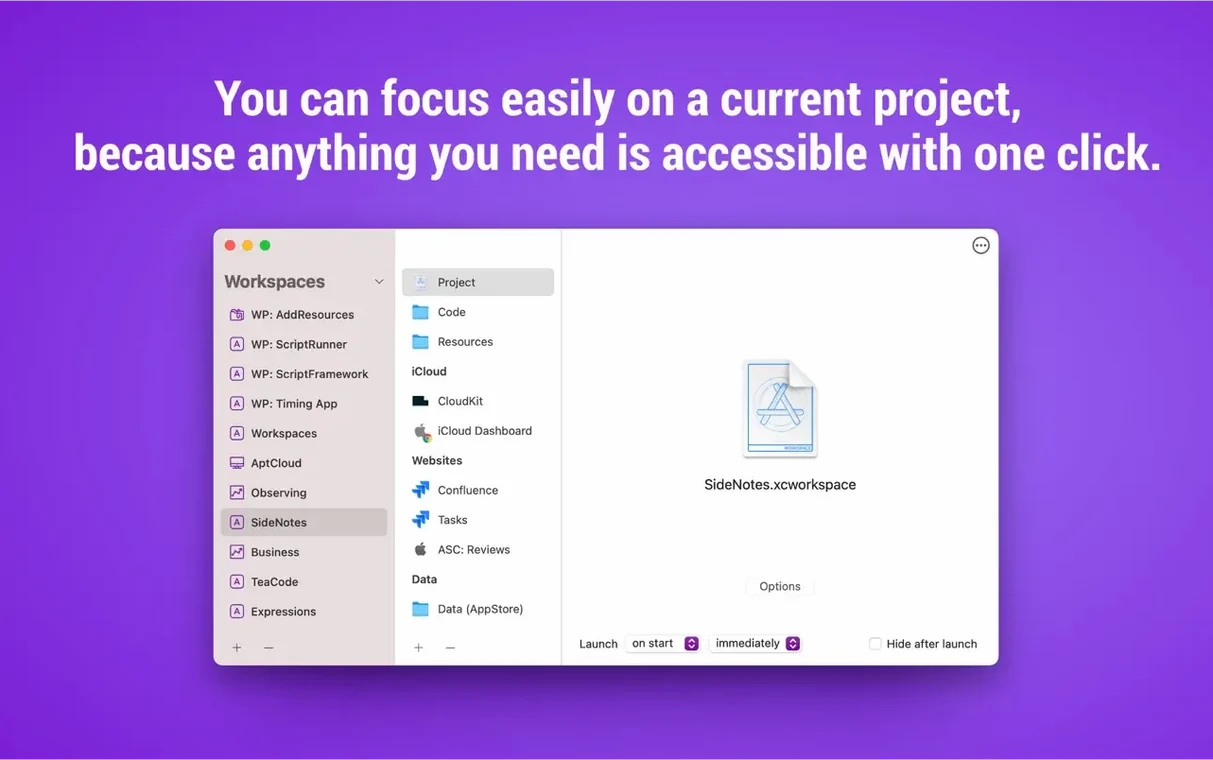
A workspace can bundle local folders, a handful of URLs, the apps you need and even saved Apple Mail messages. Double-click the workspace and the whole lot springs back into place.
Dragging in a folder instead of writing config syntax
Compared with Bunch, Workspaces feels more visual and less like writing a config file. Bunch relies on plain-text syntax to define a workspace; Workspaces lets you drag files, folders and URLs straight into a project. If you enjoy scripting every detail, Bunch gives you that. If you want to build a launch set in thirty seconds without typing a line, Workspaces suits you better.
Next to Station, the difference is scope. Station is a browser-first tool that corrals web apps into a single window. Workspaces doesn't stop at web apps — it pulls in Finder folders, local documents and Mail messages too. It is less a browser hub and more a general-purpose project starter. You lose Station's unified web-account pane, but you gain a menu bar launcher that can fire up a single resource without the whole workspace.
Against Start by DeveloperTown, Workspaces wins on depth. Start organises Mac apps into launch categories. Workspaces does that and remembers exactly which files and folders belong with them. Both live in your menu bar, both cut setup time. But Start is an app organiser; Workspaces is a full-session rebuild tool. If you only need to group apps, either works. If you re-open the same four design mockups, two URLs and a Mail thread every Monday morning, Workspaces saves more steps.
A subtle nudge when a plugin needs updating
Version 2.3 is a quiet maintenance bump, but the plugin update indicator alone keeps your toolchain honest. Before 2.3 you had to notice a plugin was stale by spotting a glitch or checking manually. Now the app nudges you.
Version 2.2 brought the bigger shift in daily use. The new Settings window tidied up scattered preferences. A menu bar context menu arrived so you can launch an entire workspace without opening the main window. Search navigation got smarter: you can step through results with the keyboard, then open a resource with a single click or Enter press. The editor gained a “run from here” ability — you tweak a workspace and test it right there, no extra clicks. Closing Search after opening the editor keeps your screen clear when you are in build mode. Several shortcut bugs and a wobbly progress indicator were also put right.
Everything launches at once—no staggering by default
Does it launch apps and files at the same time, or one after another?
It fires everything together. If your Mac can handle the simultaneous disk access, the workspace appears in seconds. On older spinning drives, staggering a few large files might be smoother, but the default is a simultaneous launch.
Can I use the menu bar icon without building a workspace first?
Yes. Drag individual resources into the app and they show up under the menu bar icon as single-click launchers. It works as a quick-jump menu even if you never save a full workspace.
Will it open Mail messages from any email account?
It opens messages saved from Apple Mail. If the message is still in your Mail database, Workspaces calls it up. It does not reach into webmail or third-party clients.
Does it affect battery life when sitting idle in the menu bar?
Hardly. It does not poll or refresh while idle; it only acts when you click a resource or launch a workspace.
- Plugin update availability indicators now show when a newer release is ready.
- macOS 10.14 or newer
- Works on Intel and Apple Silicon Macs








 Back up
Bench talk (0)
Sign in or get a library card to pin up a note.
Nobody has chimed in on this card. If you have used it on an old Mac, say which one.