

Typeface 4.5.0 — Mac version
Version 4.5 adds support for .otc font files, alongside the existing collection of system and custom fonts it already handles.
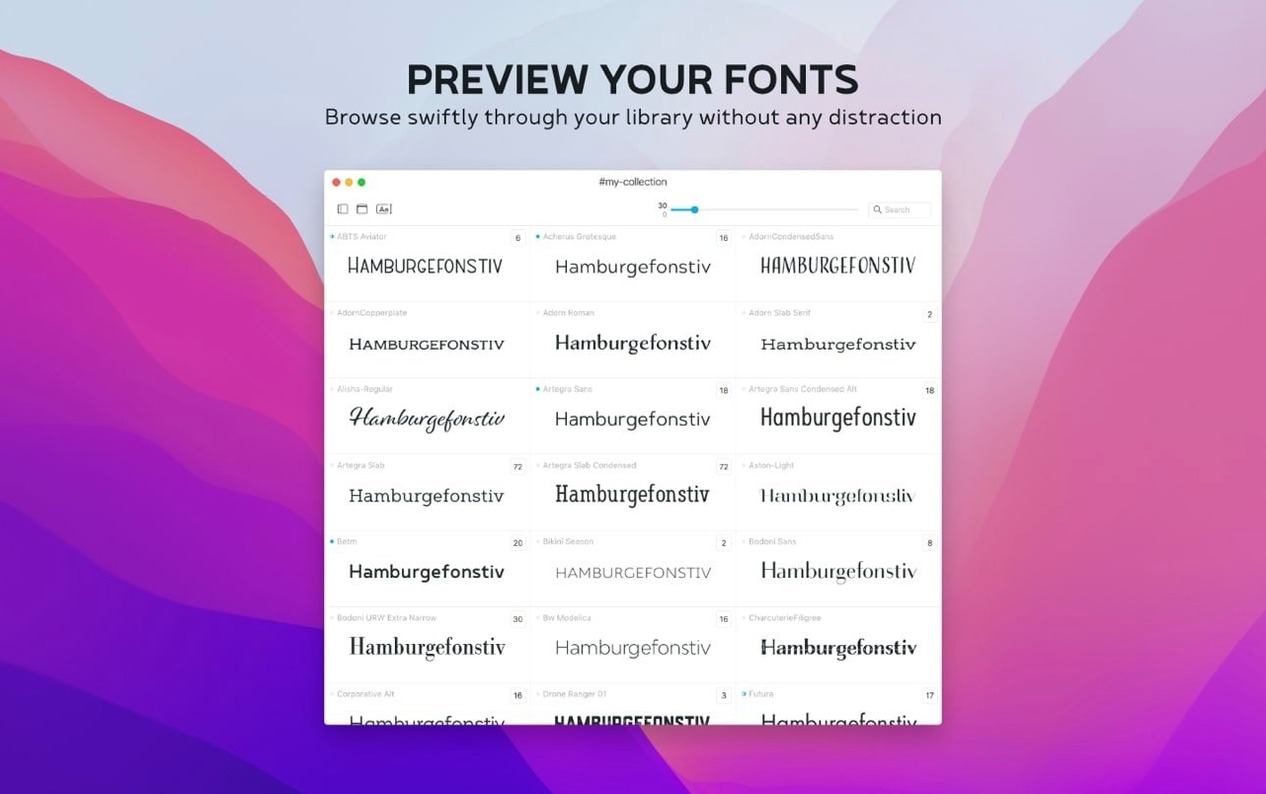
Preview your own text in every character and glyph
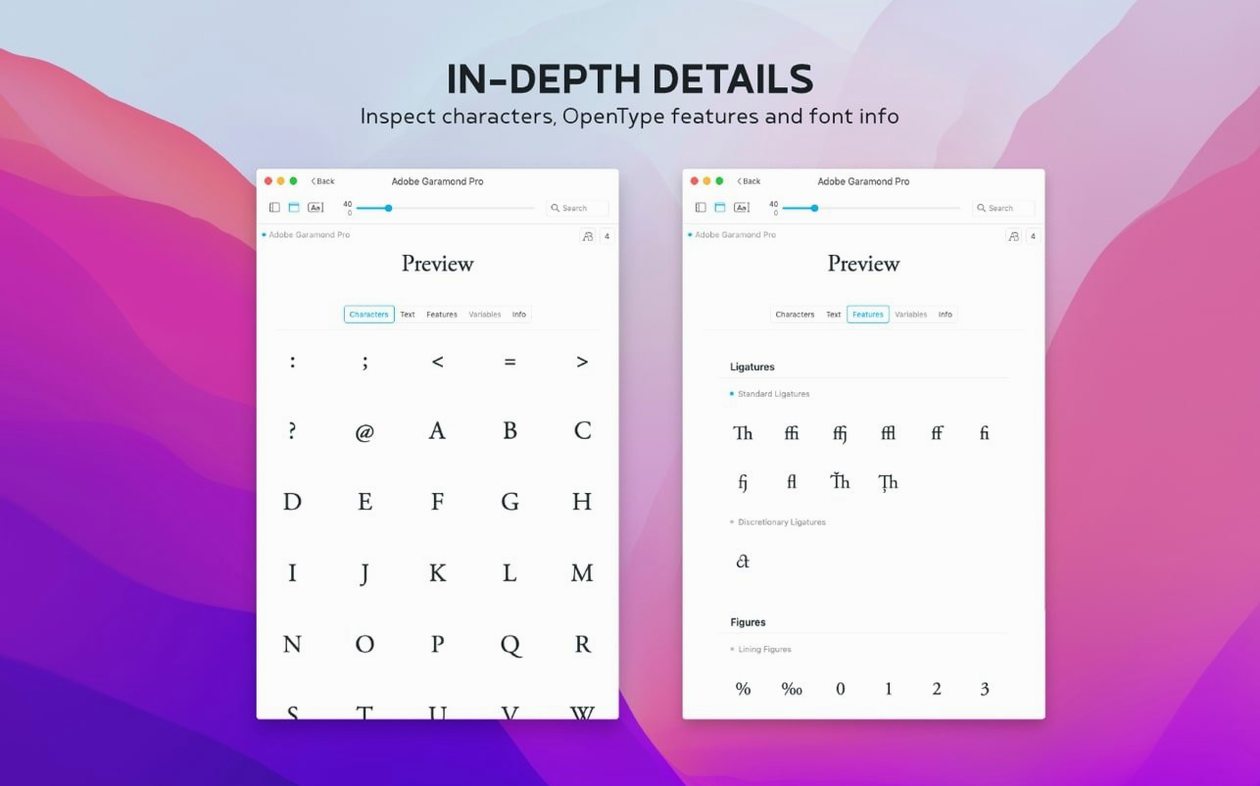
You can preview any font in different sizes and with your own text samples, then view uppercase, lowercase, numbers and special characters side by side. The glyph set view lets you inspect every character a font contains before you commit to it.
What can I find out about a font's background?
The information tab pulls together metadata, copyright history, tags and groups. Version 4.5 adds a Notes field here too, so you can jot down where you got a font or how you plan to use it.
Track down fonts with the Last Activated column
It shows all your installed Mac fonts plus any custom ones you bring in, and you can import directly from the internet or other font managers. A new Last Activated column and sorting option helps you track down a font you used recently without hunting through folders.
Fonts not showing after you import a folder
The app is straightforward, but a couple of things trip people up. Here's what I've seen at the repair café.
Fonts not showing after import. You've dragged a folder in, but nothing appears. Usually it's a file format mismatch — Typeface reads .ttf, .otf and now .otc, but older bitmap fonts or Windows .fon files won't show. Check the file extension before you assume the app's ignoring you. If the format's right, try quitting and relaunching. Sometimes macOS needs a nudge to re-index what Typeface can see.
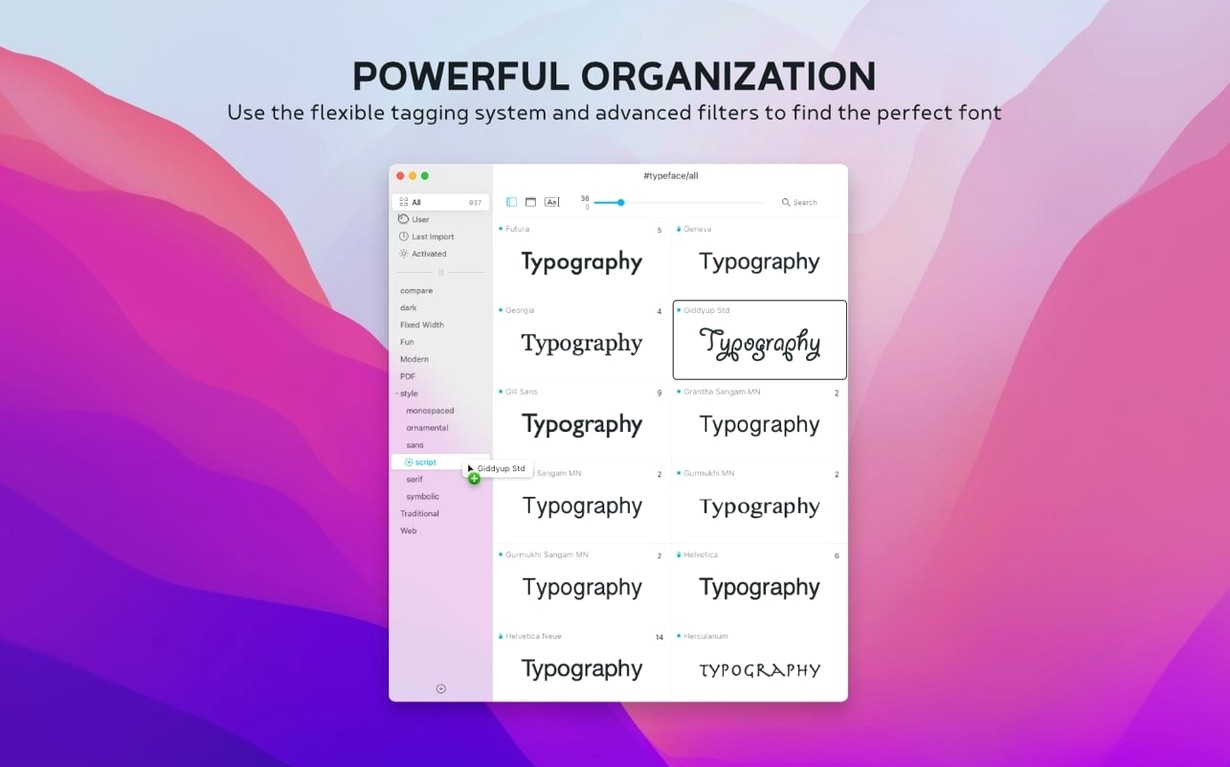
Duplicate entries everywhere. If you've imported from several sources over the years, you'll spot the same font family appearing more than once. The tags system is your friend here. Rather than deleting anything rashly, tag one set as "checked" or "archive" and filter by tag when you're picking fonts for a job. That way nothing's lost, but your view stays clean.
Preview lag with huge libraries. A few thousand fonts loaded and the scrolling gets sticky? Narrow the view to a single collection or tag before you start comparing. The app's lightweight, but asking it to render every glyph across 3,000 families is a big ask. Work in batches and it stays snappy.
Set your actual copy as the preview text
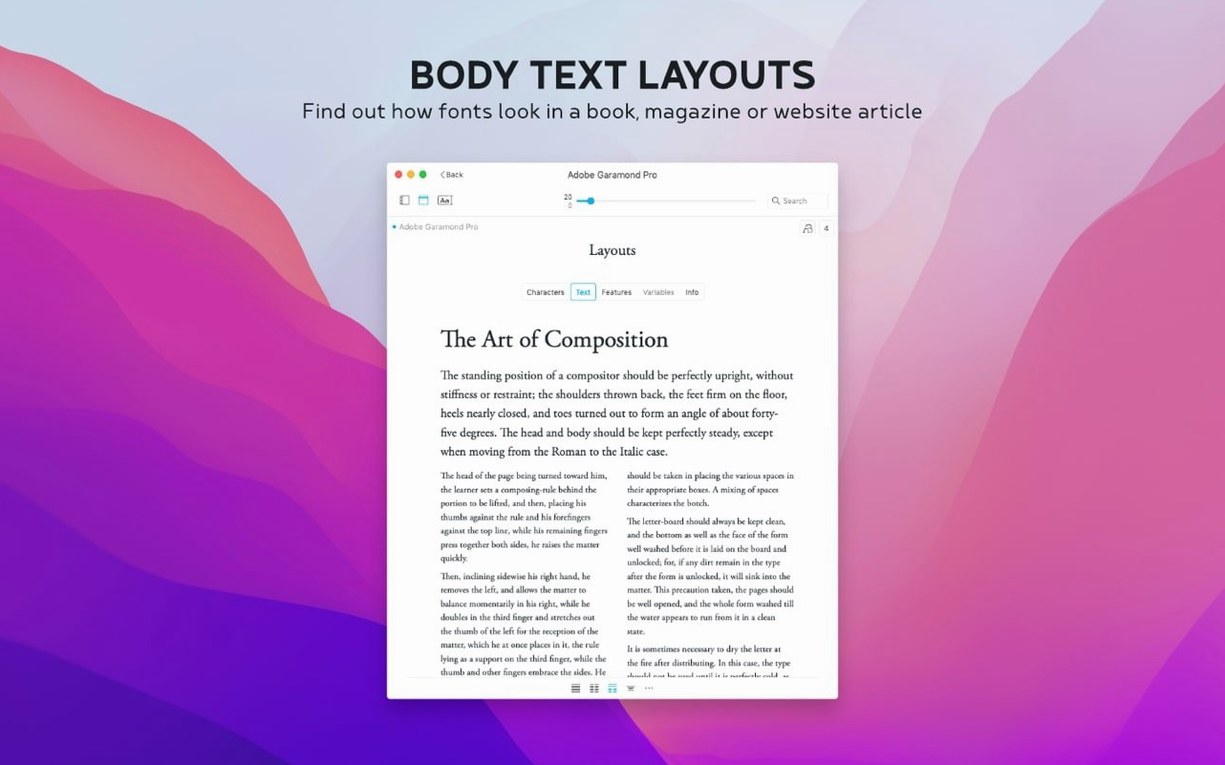
Print designers and layout folk, mostly. If you're picking a body face for a magazine spread or matching a heading to a cover, the side-by-side comparison saves you from printing test sheets. You can set your actual copy as the preview text, tweak the size and weight, and know what you're getting.
Typographers and type nerds who want to dig into glyph sets will find the character-level view properly useful — you can spot whether a font has true small caps or old-style figures without installing it in InDesign first.
People managing shared font libraries in a small studio get a lot from tags and notes. One team member tags fonts by client, another adds notes about licencing quirks, and the notes search in 4.5 pulls it all together. It's not a server-grade manager, but for a team of three or four it does the job without a database headache.
Even casual Mac users who just want to see what's already installed — Typeface makes your system fonts browseable in a way Font Book never quite managed.
Option-click a family to expand or collapse all weights
Hold Option while clicking a font family and the whole group expands or collapses. Saves you clicking each weight one by one when you're scanning through a long list.
The Last Activated column can be sorted with a single click. If you were testing fonts for a poster last Tuesday but can't remember which ones made the shortlist, sort by that column and they float to the top. A small thing, but it's rescued me more than once when I've closed the app and lost my train of thought.
Search covers notes now, not just font names. Type a keyword from your jottings — "woodcut feel" or "client Sarah" — and Typeface finds the font you tagged months ago. Combine that with tags and you've got a surprisingly flexible way to browse a collection by vibe or project, not just by family name.
If you're hunting down a particular Typeface torrent of old freeware fonts brought in, the .otc support means those bundled collections open without you needing to split them into separate files first. Drag the .otc in and the app unpacks the lot.
- Notes field added to the Info tab for fonts, with search in the overview
- New Last Activated column and sorting by last activated date
- Support for .otc font files
- macOS 12 or later
- Runs on Intel and Apple Silicon Macs








 Back up
Bench talk (0)
Sign in or get a library card to pin up a note.
Nobody has chimed in on this card. If you have used it on an old Mac, say which one.