

Big Ambitions 1.0.3682 — Mac version

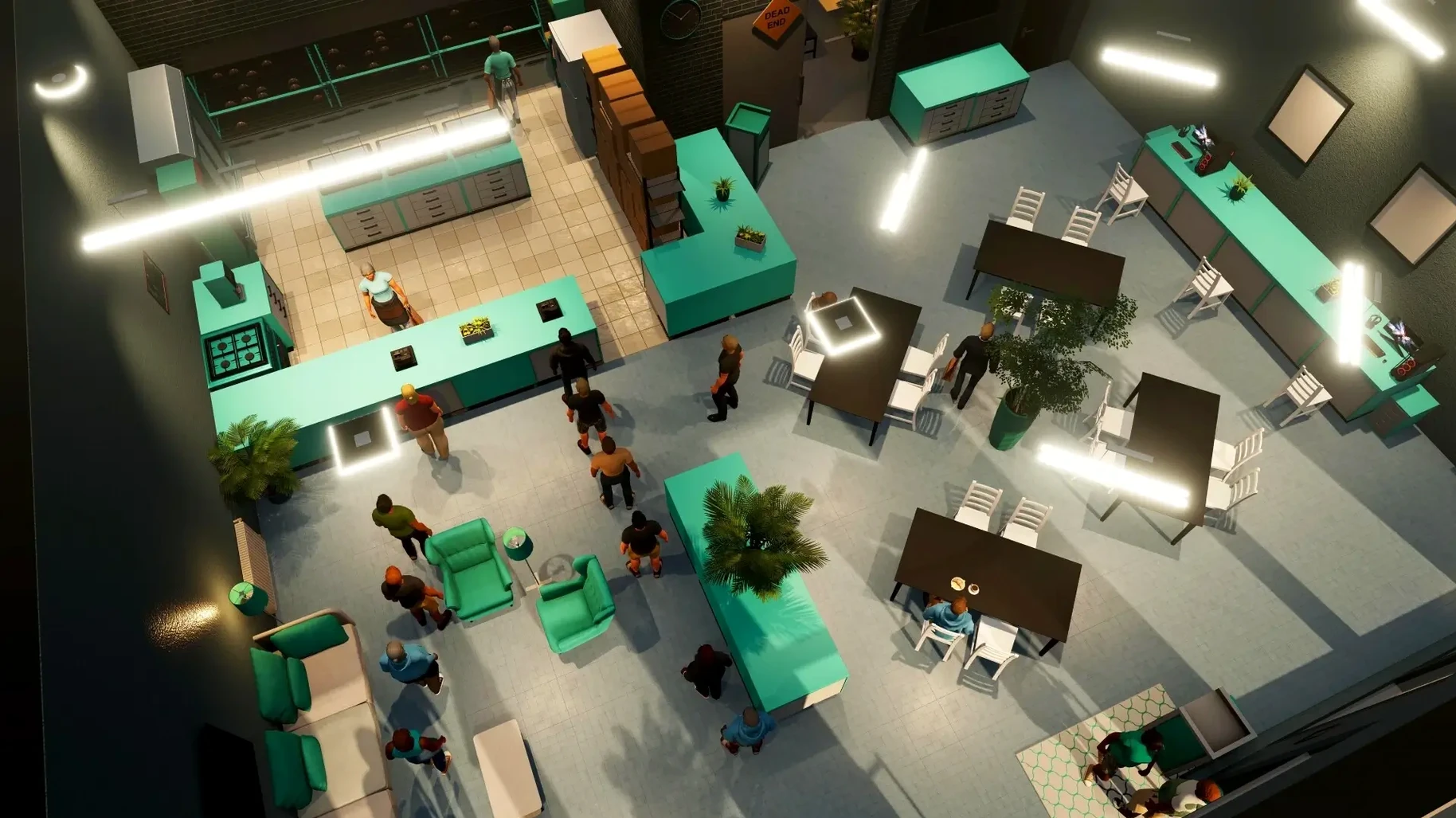
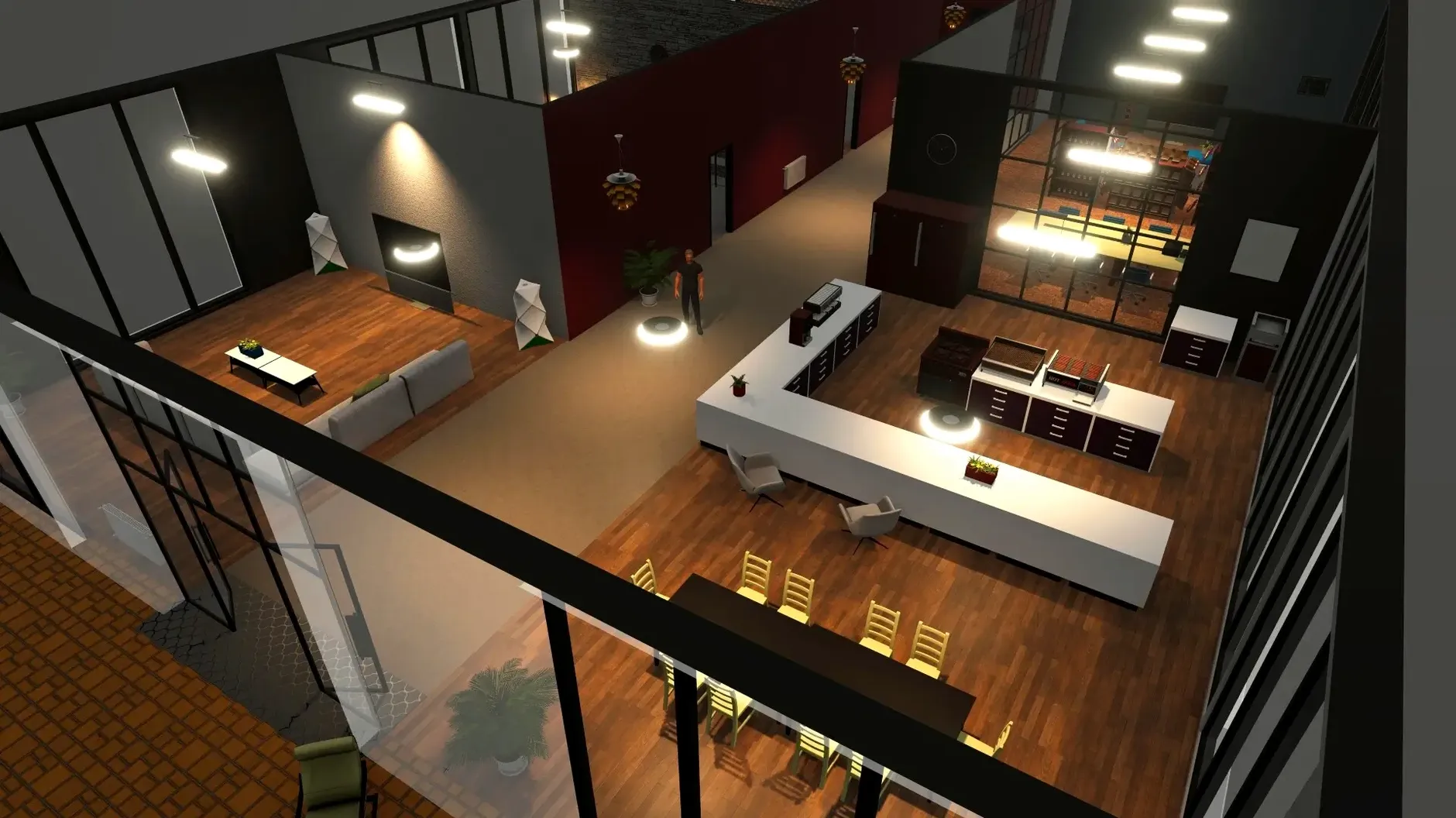
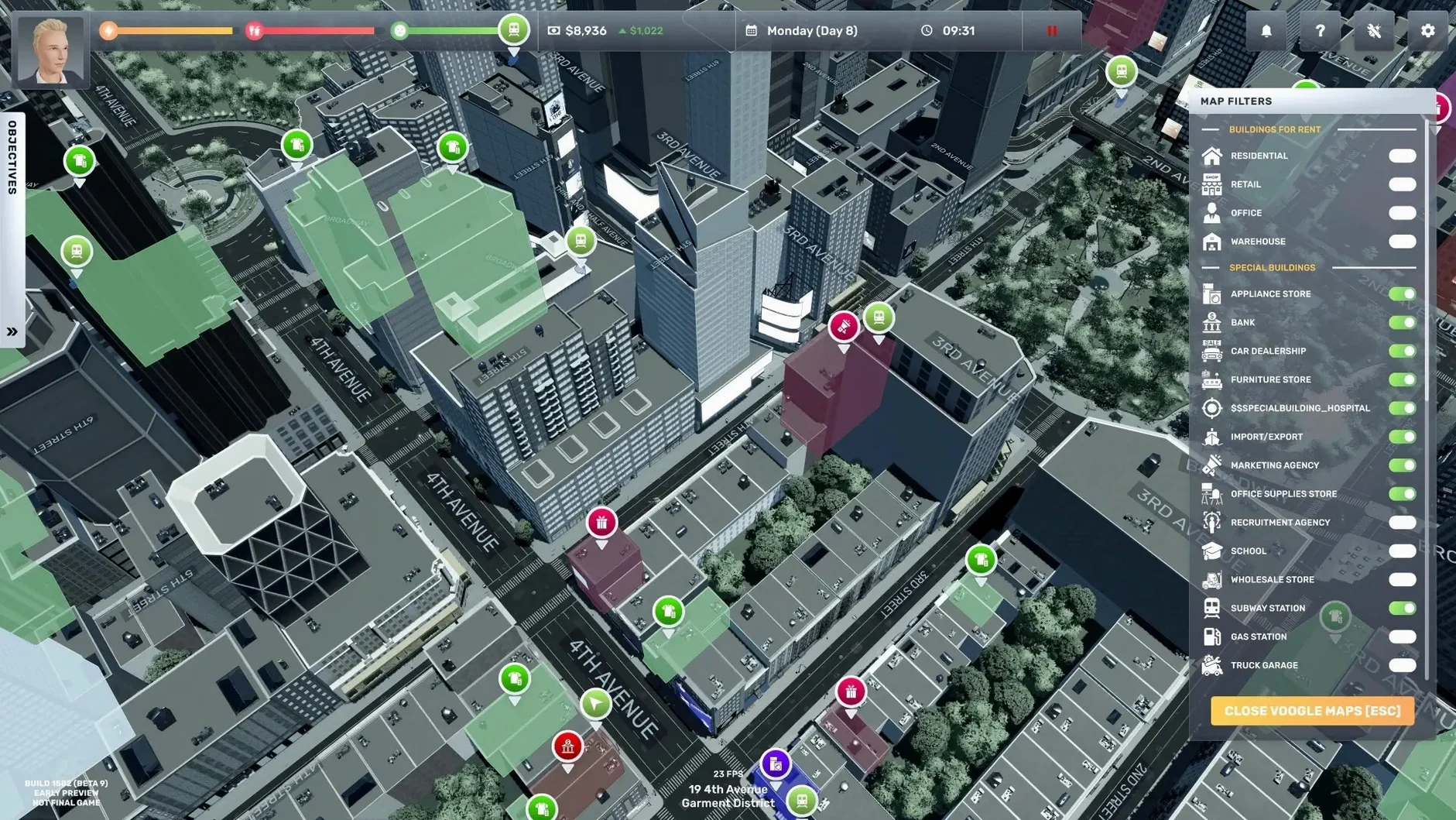
Big Ambitions attracts players who like watching numbers go up but want more character than a spreadsheet. You start with nothing, rent a tiny unit and open your first souvenir shop. Before long you're juggling supermarkets, law firms and a wine store, all while navigating the map of a living New York City. It's a slow-build satisfaction that comes from turning a small idea into a proper business empire.
You'll arrange shelves and set prices yourself
If you enjoyed the shop-running loop of old tycoon games but wished you could step inside the store, this lands. You arrange shelves, set prices, hire staff and handle deliveries yourself. The city feels busy, the voice acting gives it warmth, and the rags-to-riches arc is genuinely motivating. Players who love logistics and incremental growth will sink hours into perfecting their coffee shop layout.
Stocking fridges starts to feel like a chore
This isn't a fast game. If you need action or a tight story, the daily rhythm of stocking fridges and adjusting margins may feel like chores. The scale can also overwhelm—once you own several businesses, the management overhead piles up. It helps to enjoy the early grind for its own sake rather than rushing to the end.
A full morning: setting up a flower shop from scratch
You've saved about $2,000 and spotted a cheap retail unit in Hell's Kitchen. Here's how the first hour plays out.
- Rent the space. Open the map, filter by commercial property, and pick something under $800 a month. Sign the lease. You now have keys and an empty shell.
- Design the logo. Before you buy a single rose, hit the laptop and open the logo designer. Pick something simple—a flower icon and a clean font. This goes on your signage and bags later.
- Renovate the interior. Walk inside your new unit. Use build mode to lay flooring, paint walls, and wire up lighting. Keep it cheap. Customers care more about stock than wallpaper.
- Place fixtures. You'll need flower display racks, a counter, and a checkout. Drag them into position. Watch the door placement—you want customers to flow past the displays before they reach the till.
- Buy inventory. Open the wholesale catalogue. Order tulips, roses, and mixed bouquets. A delivery truck will drop them at the loading bay. Carry the boxes inside and stock the shelves yourself for the first week—staff can wait.
- Set prices. Check nearby competitors on the map. Undercut them by 5%. Not too much; you need margin for rent and wages later.
- Open the doors. Flip the sign and watch. The first customer walks in, picks up a bouquet, and pays. That tiny cash-register sound is the whole point.
By lunchtime in-game you've made maybe $300. Reinvest it in more stock. Repeat until you can hire a part-timer.
Bind the fast-forward key somewhere comfortable
The defaults work, but a few tweaks make the mid-game far smoother.
- Game speed toggle. The simulation runs in real time by default. Bind the fast-forward key to something comfortable—spacebar or a thumb button works. You'll use it constantly while waiting for deliveries or watching shelves refill.
- Auto-save interval. The default is generous. Bump it down to every 5 minutes. The game runs stable on Apple Silicon and Intel Macs alike, but the city is dense with AI routines. A crash during a big renovation hurts.
- Notification filters. By mid-game you own five shops and your phone pings non-stop. Go into settings and mute low-priority alerts like "employee arrived on time." Leave only stock warnings, loan reminders and health alerts active.
- Camera sensitivity. The default panning speed can feel sluggish on a trackpad. Drop it to 60% and enable edge scrolling. Much easier to zip between your supermarket in Brooklyn and your law firm in Midtown.
Hold Shift to snap fixtures to the grid
After a few dozen hours, you start noticing the quiet touches that save real time.
- Hold Shift while placing fixtures to snap them to the grid. Handy for aligning shelving rows without that one unit sitting half a pixel out.
- Right-click a stocked shelf to see its sales history. Tells you which flowers are gathering dust so you can swap them for something that moves.
- Sleep management shortcut. Your character's energy bar drains faster if you skip meals. Keep a cheap fridge in the back room and grab snacks between deliveries. It stops you collapsing on the sidewalk at 3pm.
- Delivery truck fuel. You can refuel at any petrol station on the map. Running dry on the Brooklyn Bridge while hauling $800 of wine is avoidable misery. Top up whenever the gauge hits a quarter.
- Competitor pricing updates. The laptop shows rival prices but the data goes stale. Set a Monday-morning routine to check all nearby shops and adjust your own before the week's rush. Takes three minutes and protects your margins.
- Hiring from the street. Later on you can interview candidates remotely, but early on you save agency fees by walking up to pedestrians and offering them a job. Look for people with a briefcase or smart clothes—they tend to have better stats.
These shortcuts feel natural once you've played a few sessions. People hunting down a big ambitions mac download often ask whether the controls translate well from Windows. They do. The Mac build handles keyboard and mouse identically, and trackpad gestures for zoom and rotate work without remapping. If you grabbed the Big Ambitions torrent or installed the Big Ambitions crack from elsewhere, the same settings and shortcuts apply—nothing about the Mac build hides these away. Big ambitions for mac arrived with the full release, and the ARM-native version runs cool even during long sessions with multiple businesses ticking over.
- macOS (Apple Silicon and Intel supported)
Questions from the bench
What kind of businesses can I run in Big Ambitions?
You can open and run shops and services including souvenir shops, supermarkets, coffee shops, law firms, clothing stores, wine stores and flower shops.
Is Big Ambitions a full release or early access?
It is the full release of a game that began Steam Early Access on 10 March 2023.








 Back up
Bench talk (0)
Sign in or get a library card to pin up a note.
Nobody has chimed in on this card. If you have used it on an old Mac, say which one.