

Byword 2.9.6 — Mac version
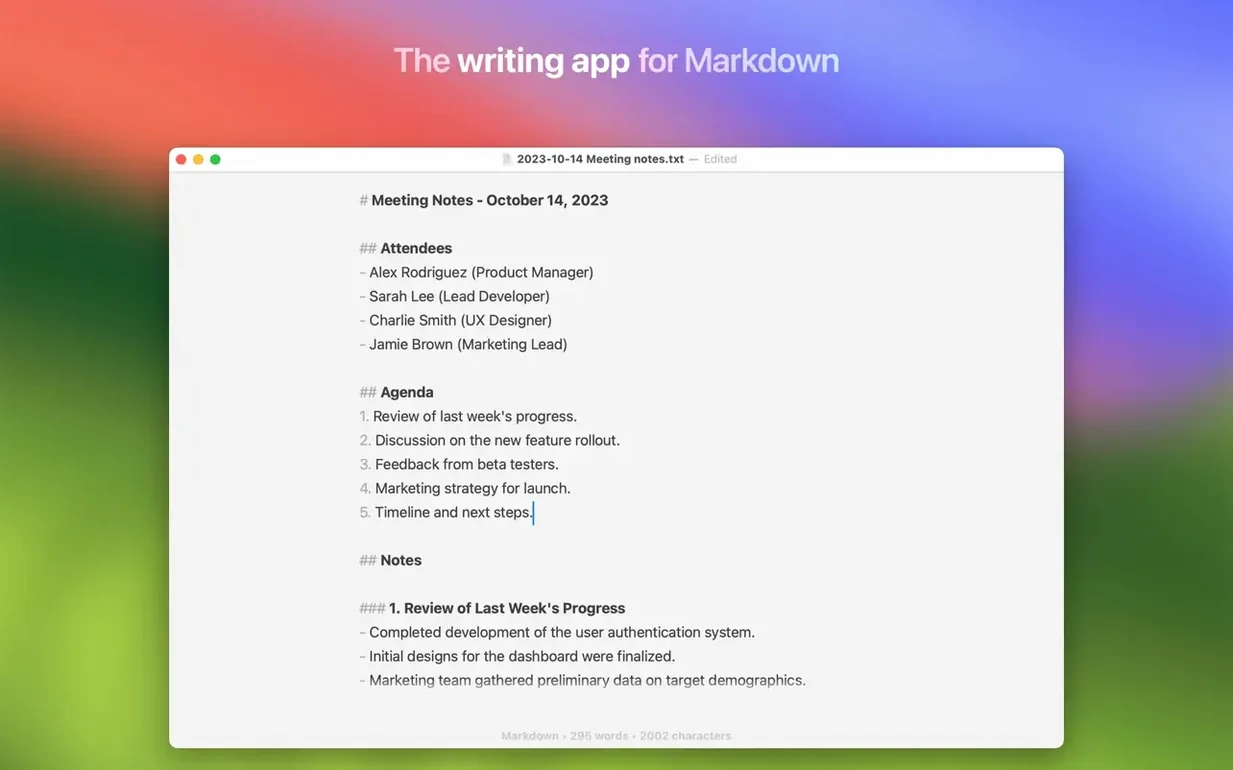
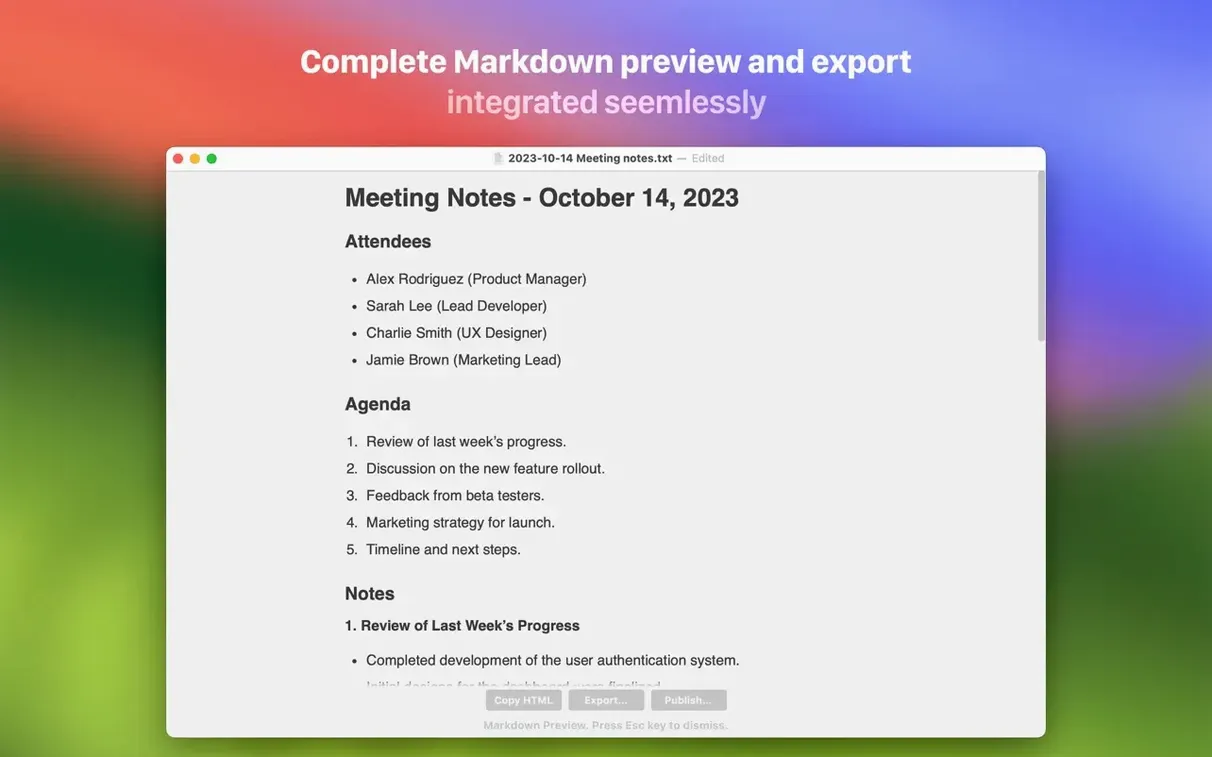
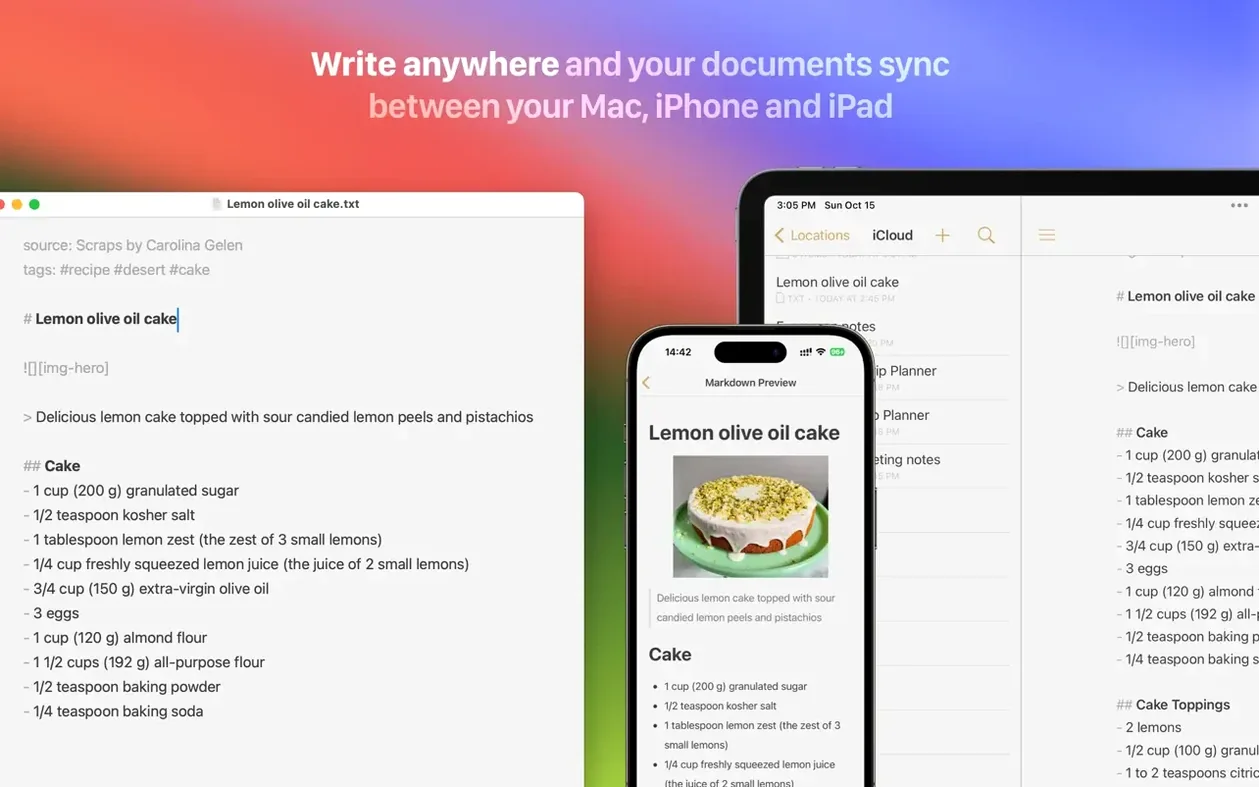
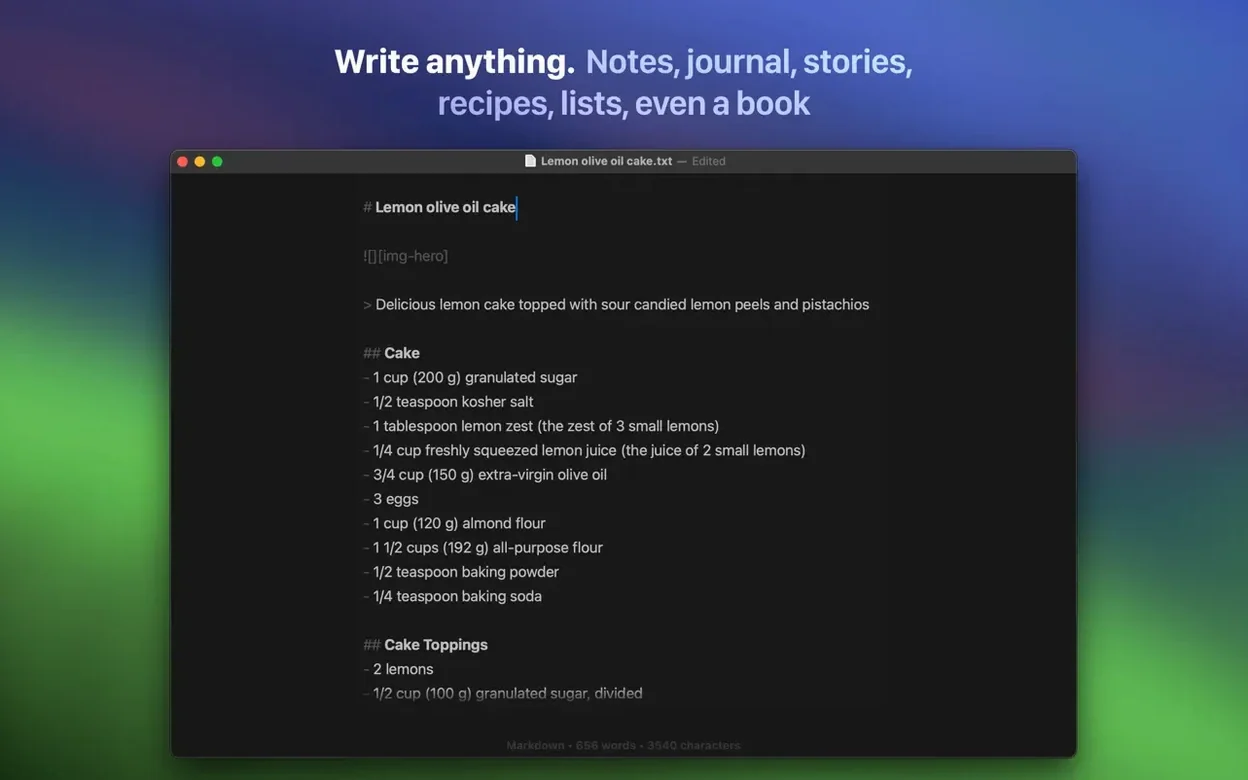
Markdown is great for getting words down without fighting formatting. But when you’re deep into a draft, the last thing you want is a cluttered interface getting in the way. Byword clears out the noise and gives you a calm, full-screen writing space — then layers in the tools that matter when you need them.
- Typewriter mode keeps the line you’re typing centred on screen, so your eyes don’t chase the cursor up and down the page. It’s a small thing that makes long sessions easier.
- Focus mode dims everything except the few lines around your cursor. Useful when you’re editing a dense section and need to see just that bit.
- Five typography presets tuned for readability, so you can switch the look without fiddling with fonts. Pick one and write.
- Hotkeys for quick edits and special selection functions — bold, italic, headings, lists — all without lifting your hands from the keyboard. The sort of shortcuts that become muscle memory after a week.
- Full-screen writing hides the UI controls while you type. Just you and the text.
- Auto-save and find and replace are both built in, so you don’t lose work or have to hunt for a separate tool.
Byword isn’t trying to replace every editor — it’s for people who write in Markdown and want a quiet, focused place to do it. Typewriter mode and focus mode are the kind of details that add up over a long afternoon.
A typical writing session with Byword
You open Byword and get a blank white page. No toolbar, no sidebar, no file list. Just the cursor blinking on a fresh line. You start typing — a title, a few notes, the beginning of an article — and the interface stays out of your way.
After a paragraph or two, you hit the shortcut for typewriter mode. The line you’re on stays centred on the screen as you add more lines above and below. This helps when you’re working on a long piece and don’t want to keep scrolling down to see what you just wrote.
Half an hour in, you want to check the structure. You switch to focus mode and the dimmed text around your current lines becomes a subtle map of where you are in the document. You use the find and replace to change a term that’s appeared in five places — all within Byword, no opening another program.
If you need to paste in text from elsewhere, you can drop it in as plain text or rich text. Byword handles both, so you don’t lose formatting from an email or a web page. When you’re ready to see how it reads, you switch between the five typography presets until one feels right — maybe for the morning light, maybe for a late night session.
Speed, stability and how it runs
Byword is a 64-bit Intel app that runs on anything from OS X 10.10 onwards. It opens instantly and sits in memory without hogging resources. Even on an older MacBook, you won’t notice it in the background. It doesn’t try to do everything, so it doesn’t slow down trying.
The auto-save is quiet. You never think about saving. If you close the app and reopen it, your work is exactly where you left it. The Versions feature keeps earlier drafts accessible, which is handy when you need to go back to a paragraph you cut yesterday.
There’s no lag when you type, no delay when you switch modes. The UI controls hide while you type, so you’re not distracted by them. When you need a setting, you move the mouse and they reappear — simple, reliable, predictable.
Writers already using Markdown will feel at home
Byword suits a few kinds of Mac users:
- Writers who work in Markdown — bloggers, journalists, note-takers — people who want to write without formatting interruptions. If you already use Markdown elsewhere, this feels like home.
- Long-form writers who spend hours on a draft and need focus tools that work. Typewriter mode and focus mode are built for this, not bolted on.
- Mac users with older machines who want a lightweight app that doesn’t demand the latest hardware. It’s a 64-bit Intel app that runs on OS X 10.10 or later, so it works on hardware that’s been retired by bigger apps.
- Anyone who wants to print or export to PDF without extra formatting steps. Byword does it in a couple of clicks.
It’s not for people who need a full word processor with tables, images, and complex layout. If you want that, you already know. Byword is for the quiet times — drafting, editing, finishing.
What the latest version changed
Version 2.9.6 refines the existing features rather than adding new ones. The auto-save is more reliable. The interface controls hide more consistently while you type. The typography presets have been tweaked for readability — subtle changes, but you notice after an hour of reading.
The app still supports plain text TXT and rich text RTF, still includes find and replace, and still offers the same eight languages. Nothing has been stripped out. It’s the same Byword, just a little smoother.
If you search for a Byword Mac torrent, you might find older versions. The 2.9.6 build is the one to look for — it’s the most stable and the most polished.
- macOS 10.10 or later
- Intel processor
Questions from the bench
Does Byword work on Apple Silicon Macs?
Byword requires macOS 10.10 or later and runs on Intel Macs. There is no mention of native Apple Silicon support in the current version.
What languages does the interface support?
Byword includes Russian, English, German, Spanish, Italian, Simplified Chinese, Portuguese, and French.







 Back up
Bench talk (0)
Sign in or get a library card to pin up a note.
Nobody has chimed in on this card. If you have used it on an old Mac, say which one.