

FrameMagic 3.8.1 — Mac version
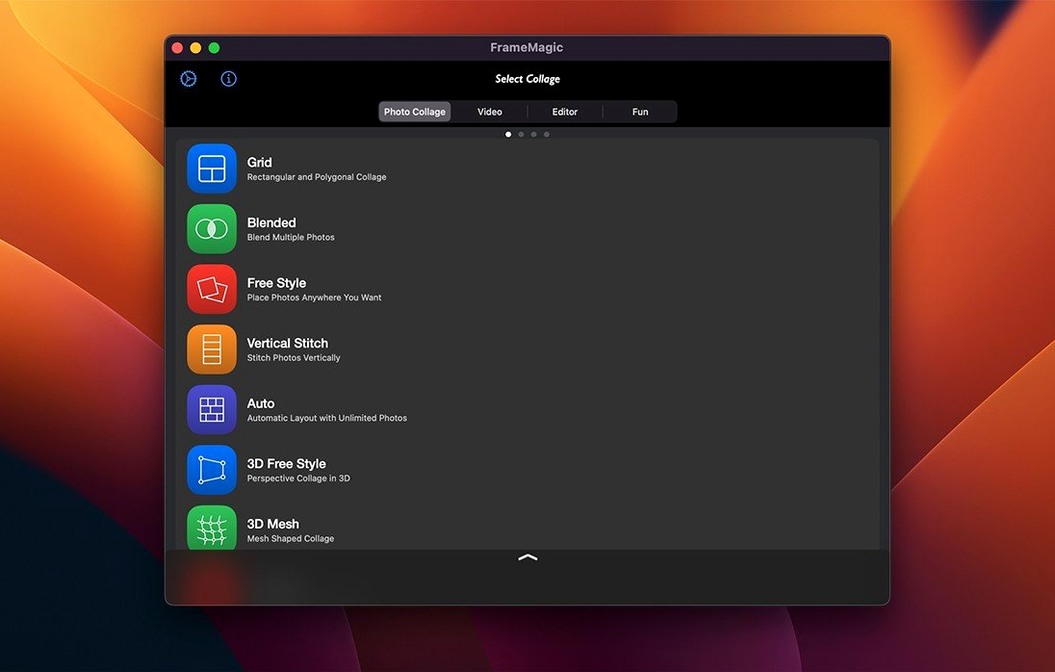
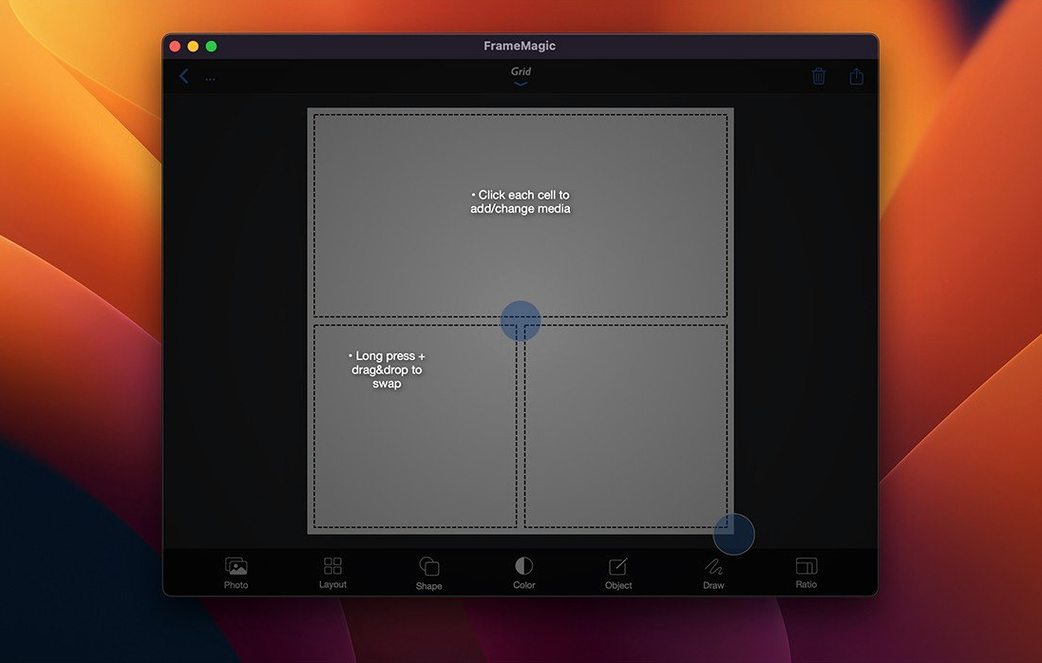
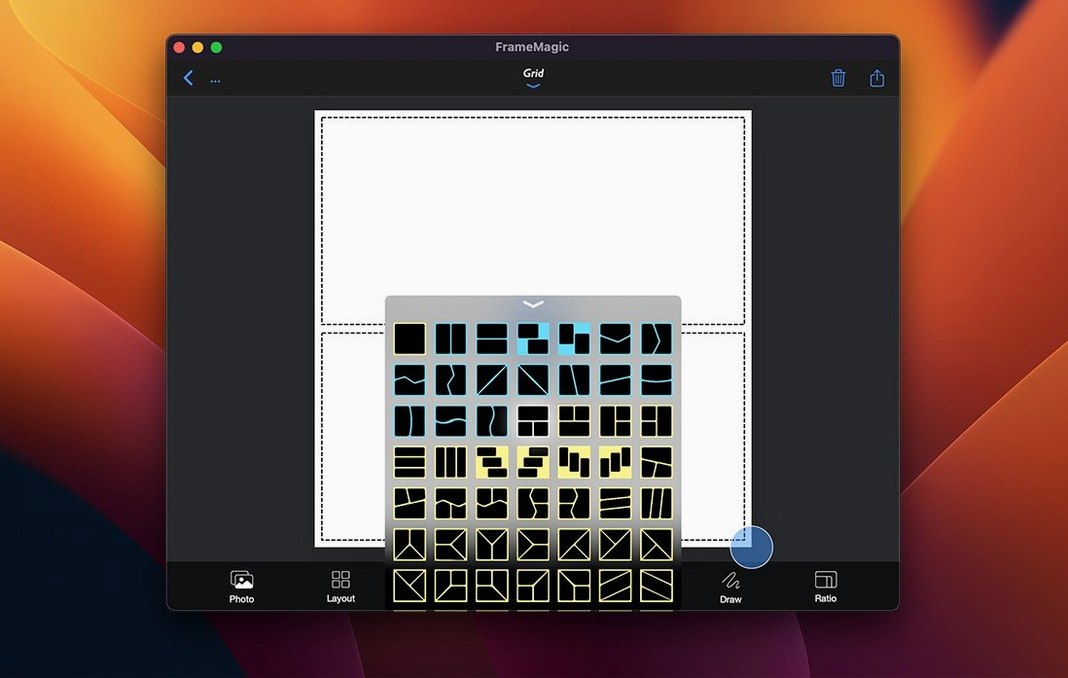
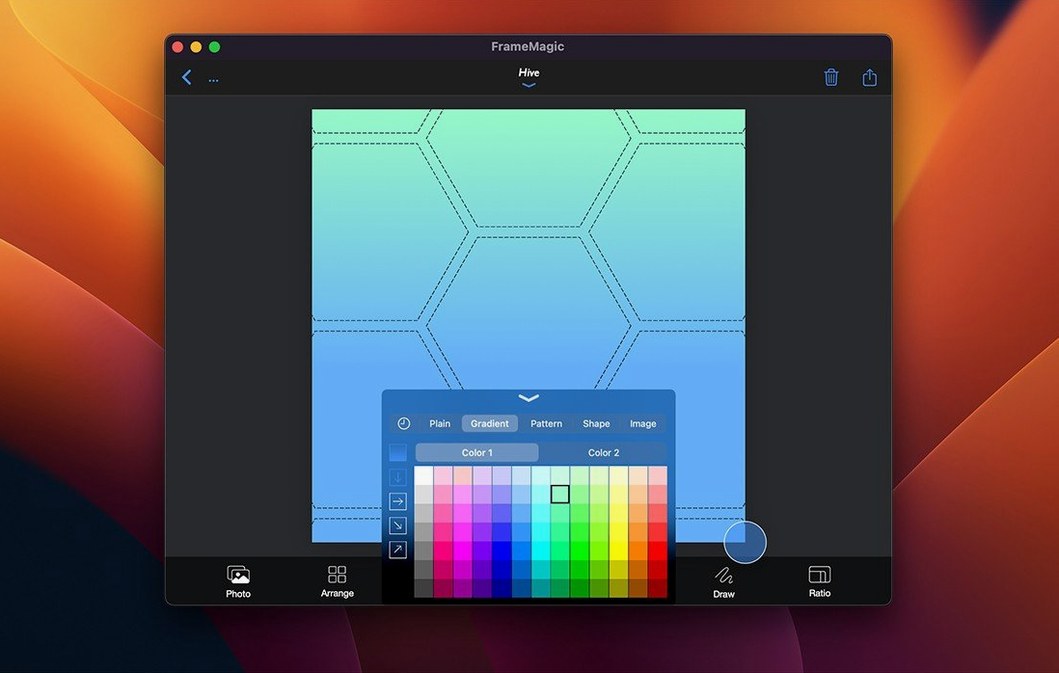
If you already know how to drag photos onto a grid to make a collage, FrameMagic Collage Maker Pro takes that same idea and adds video clips, slideshows, and a full set of editing tools.
Photo collage — Arrange multiple images on a canvas, then adjust rounded corners, borders, shadows, and backgrounds. Export up to 3200×3200 HD.
Video collage — Place up to 9 video clips in a single frame. Works in 1080×1080 HD and supports play options, music, and narration.
Video slideshow — String together photos or videos with transitions, filter effects, a text editor, and an audio track.
Effects and filters — Object removal, soft skin, dark light, bokeh, sticker, silhouette, outline, hole, background blur, motion blur, color splash, face morphing, crystal text, and picture warping.
Design controls — Layouts, colours, patterns, and a text editor. Options for rounded corners, edges, borders, and shadows.
- Bug fix for a broken line in a rectangular corner.
- macOS 11 or later
- Intel processor
- Interface languages: English, Spanish, Simplified Chinese, Korean, Japanese
Questions from the bench
What macOS version do I need?
FrameMagic Collage Maker Pro requires macOS 11 or later. It runs on Intel Macs.
What video export resolutions are supported?
Photo collages export up to 3200×3200 HD. Video collages export up to 1080×1080 HD.
How many videos can I use in a video collage?
You can add up to 9 video clips in a single video collage.







 Back up
Bench talk (0)
Sign in or get a library card to pin up a note.
Nobody has chimed in on this card. If you have used it on an old Mac, say which one.