
Legacy of Kain: Blood Omen 2 1.02 — Mac version
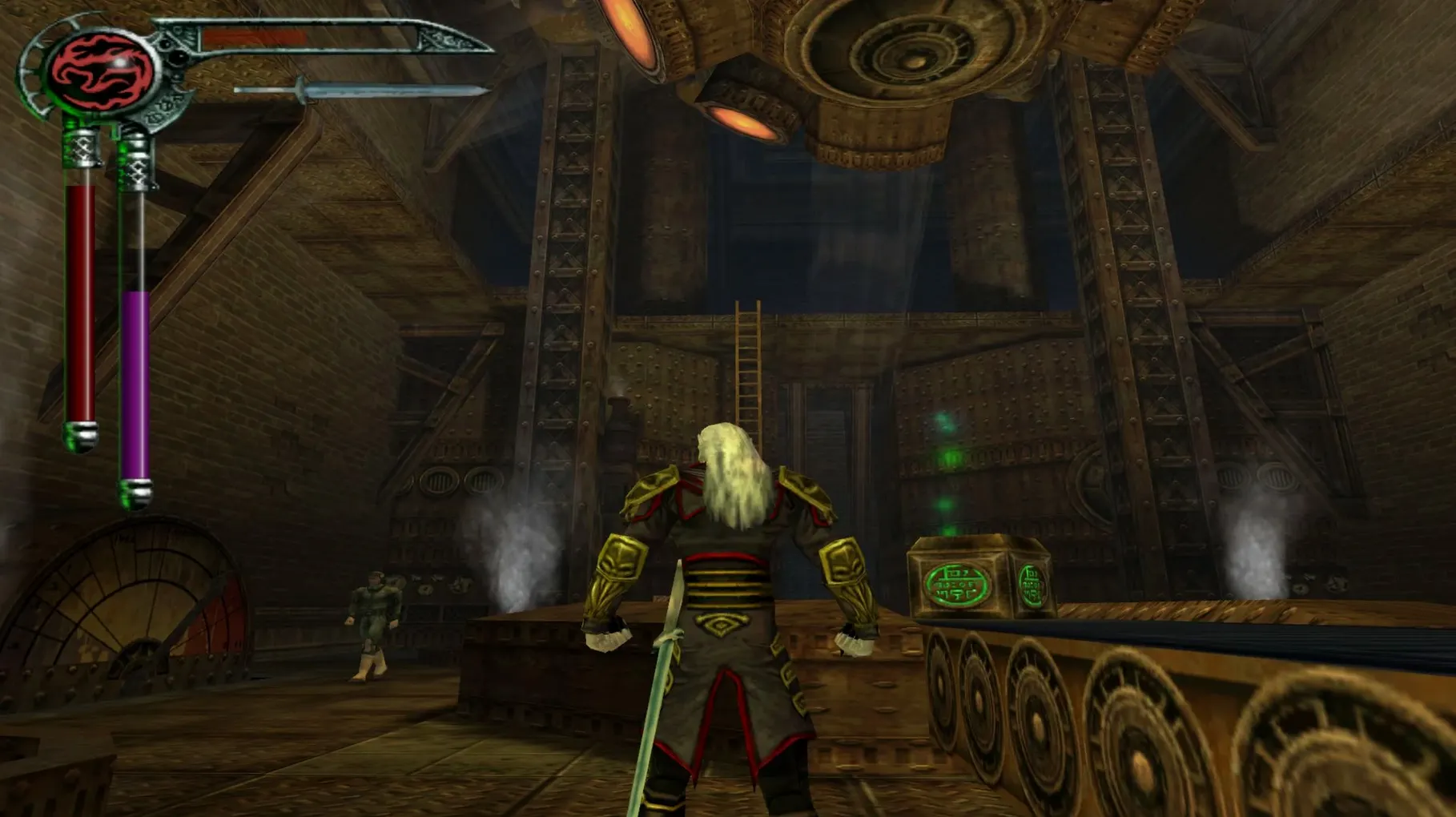
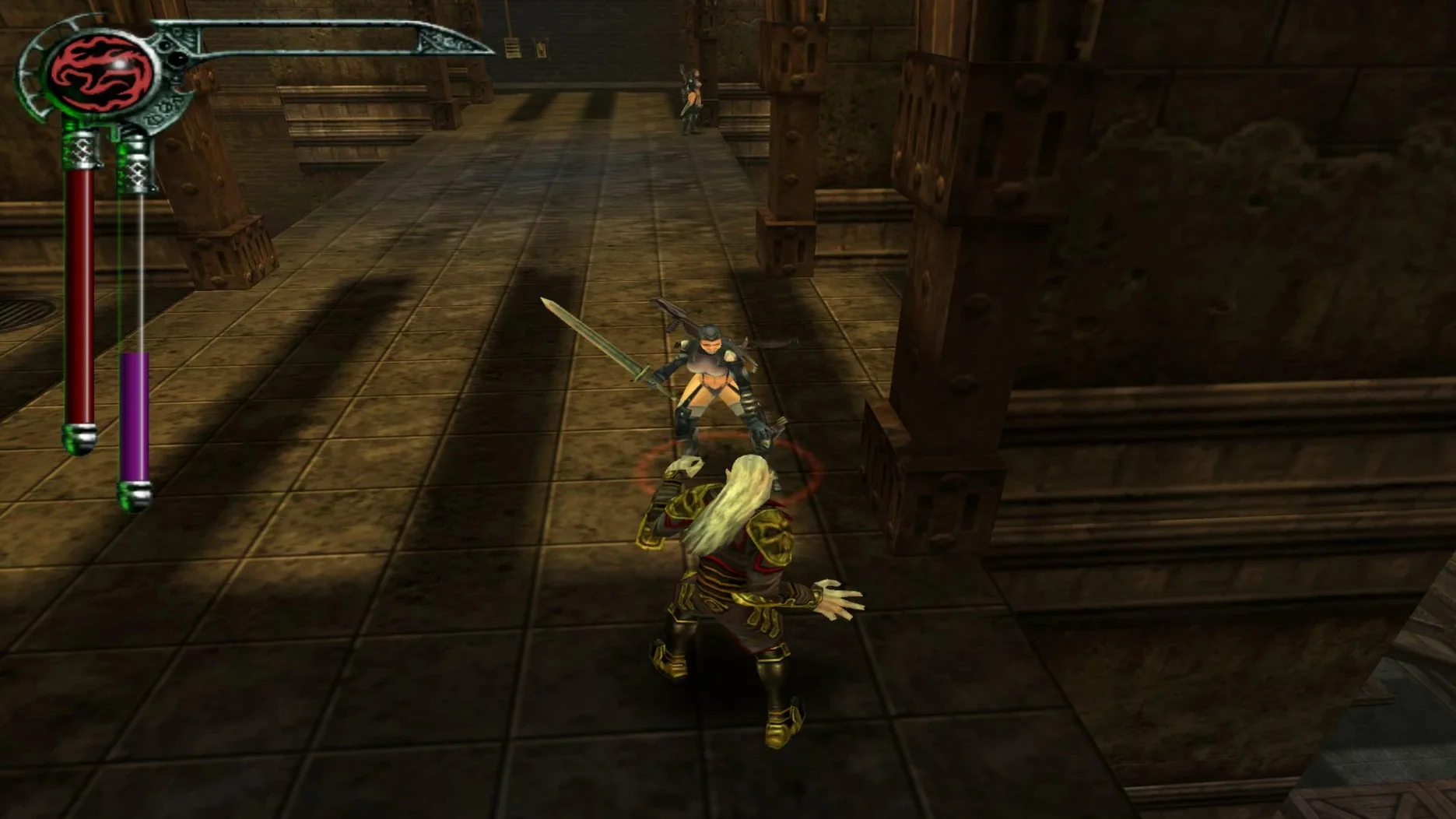
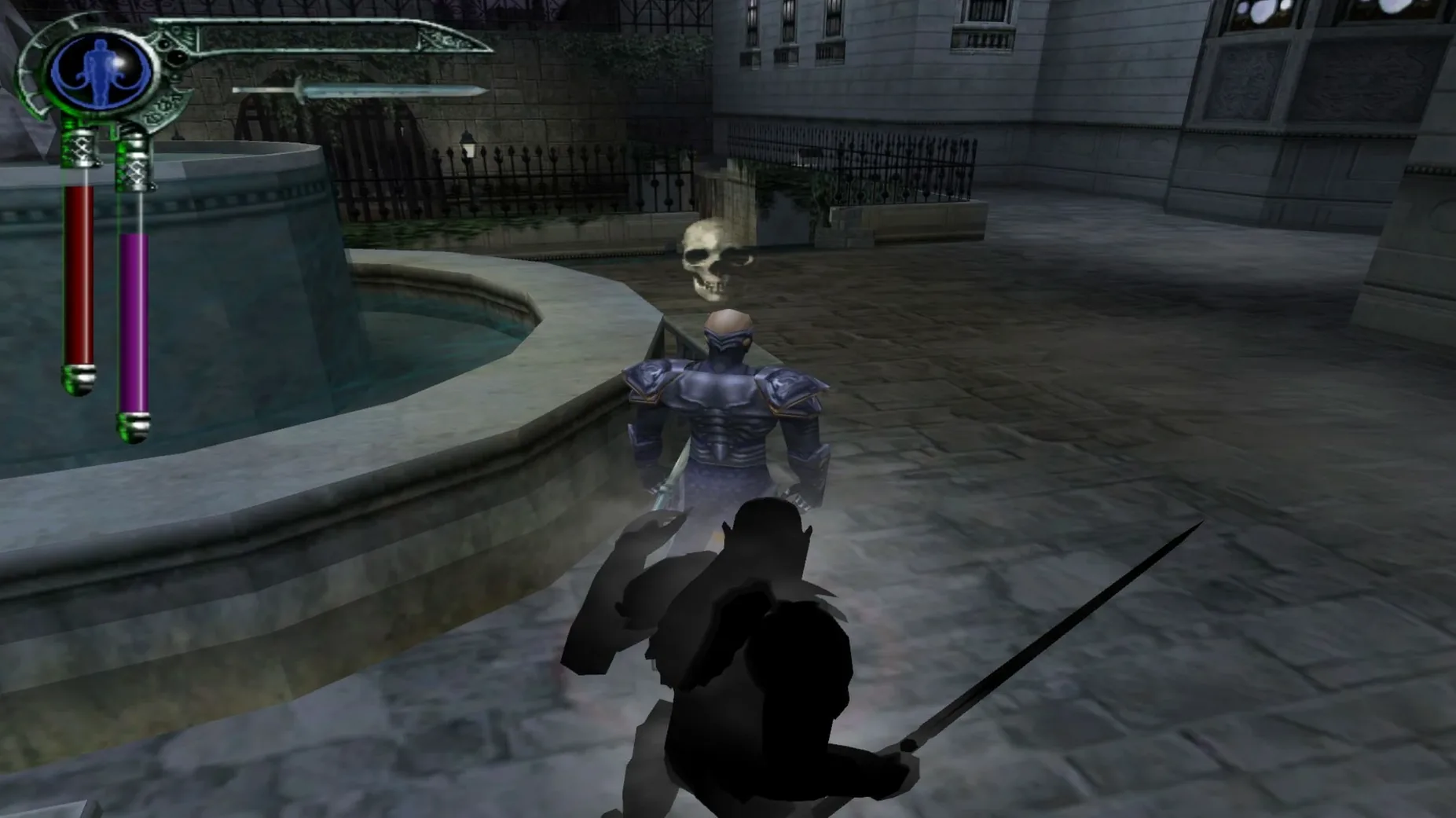
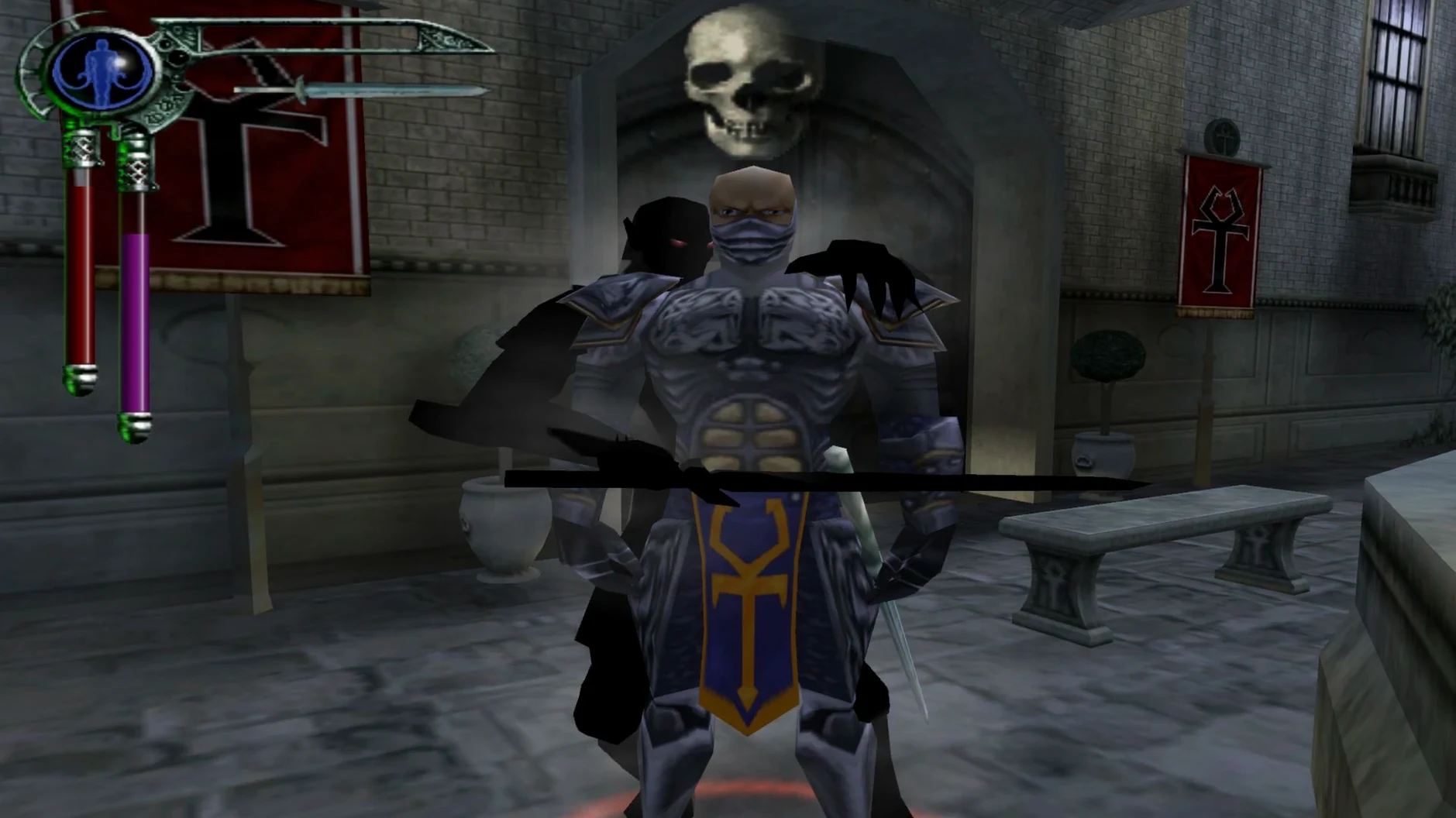
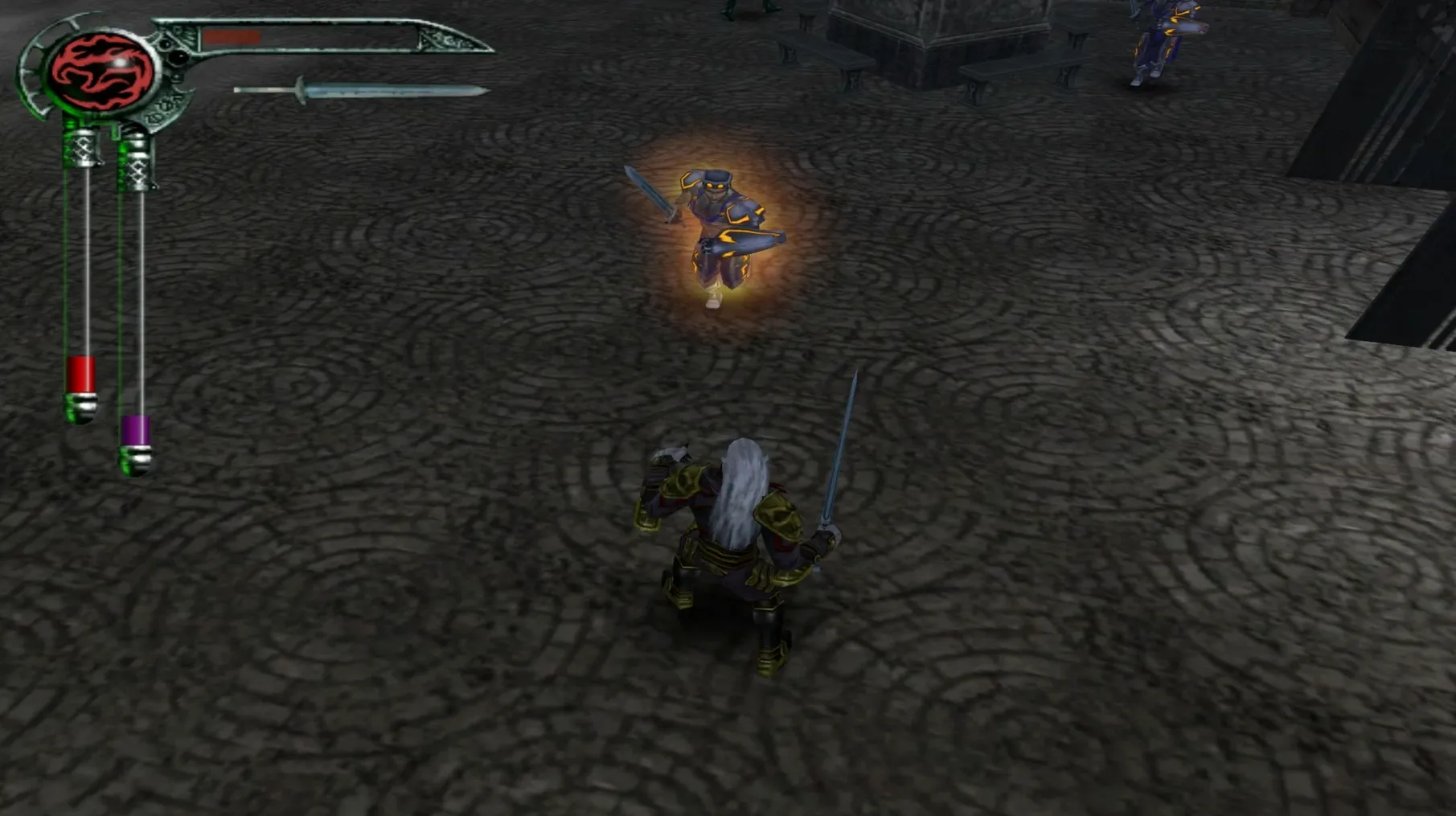
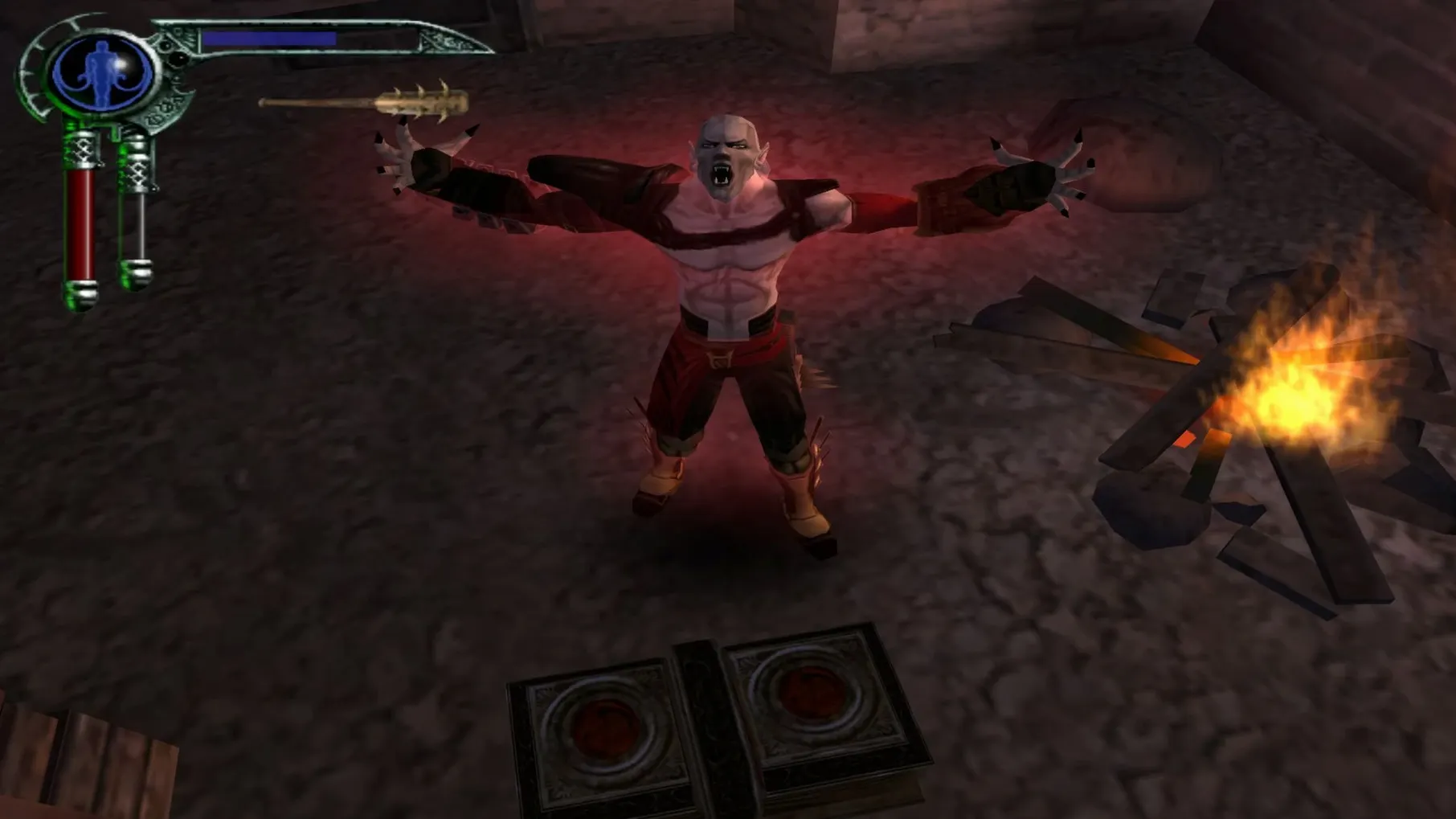
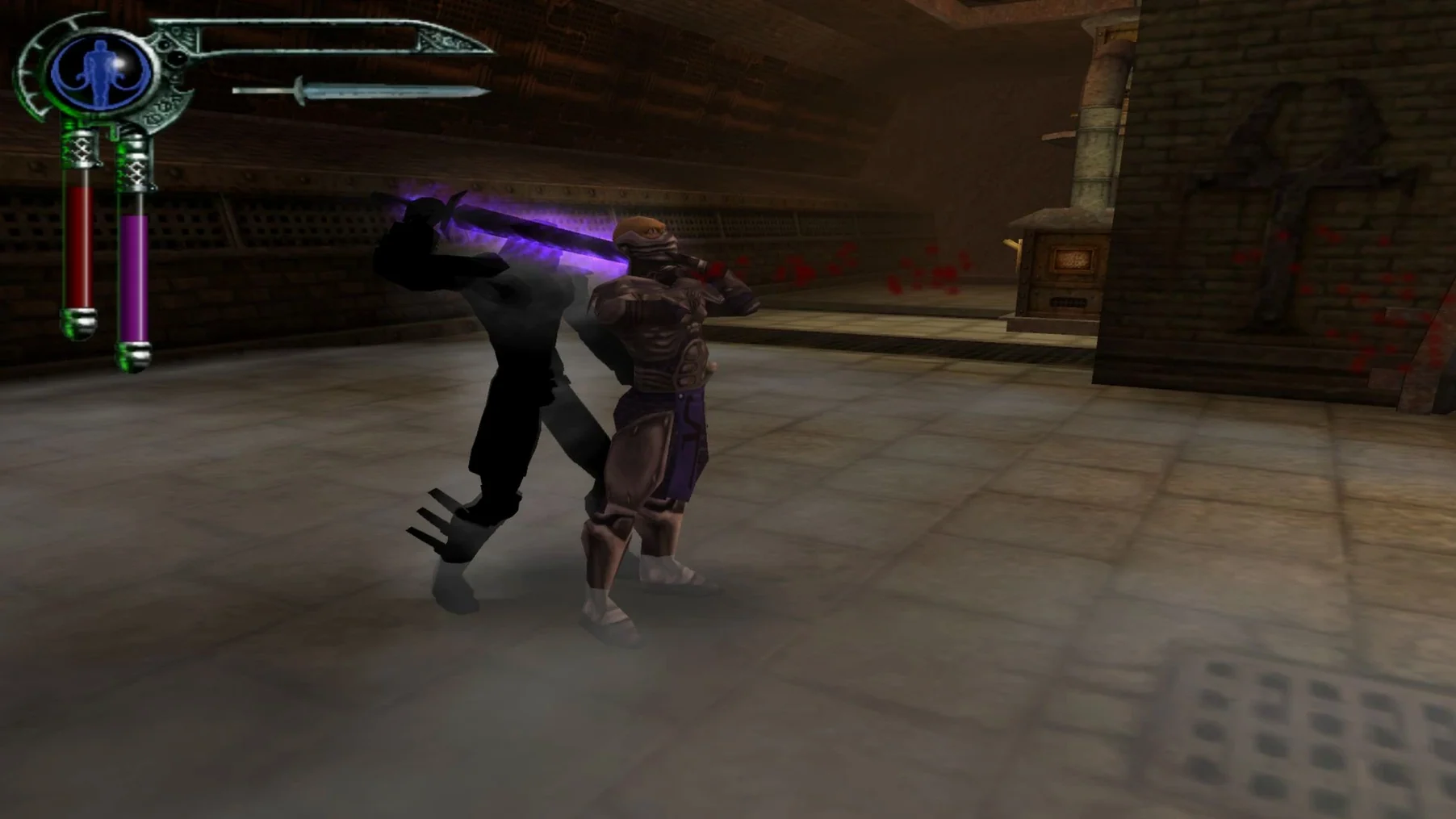
This build runs on Apple Silicon Macs, so if you're on an M1 machine or newer, you're sorted.
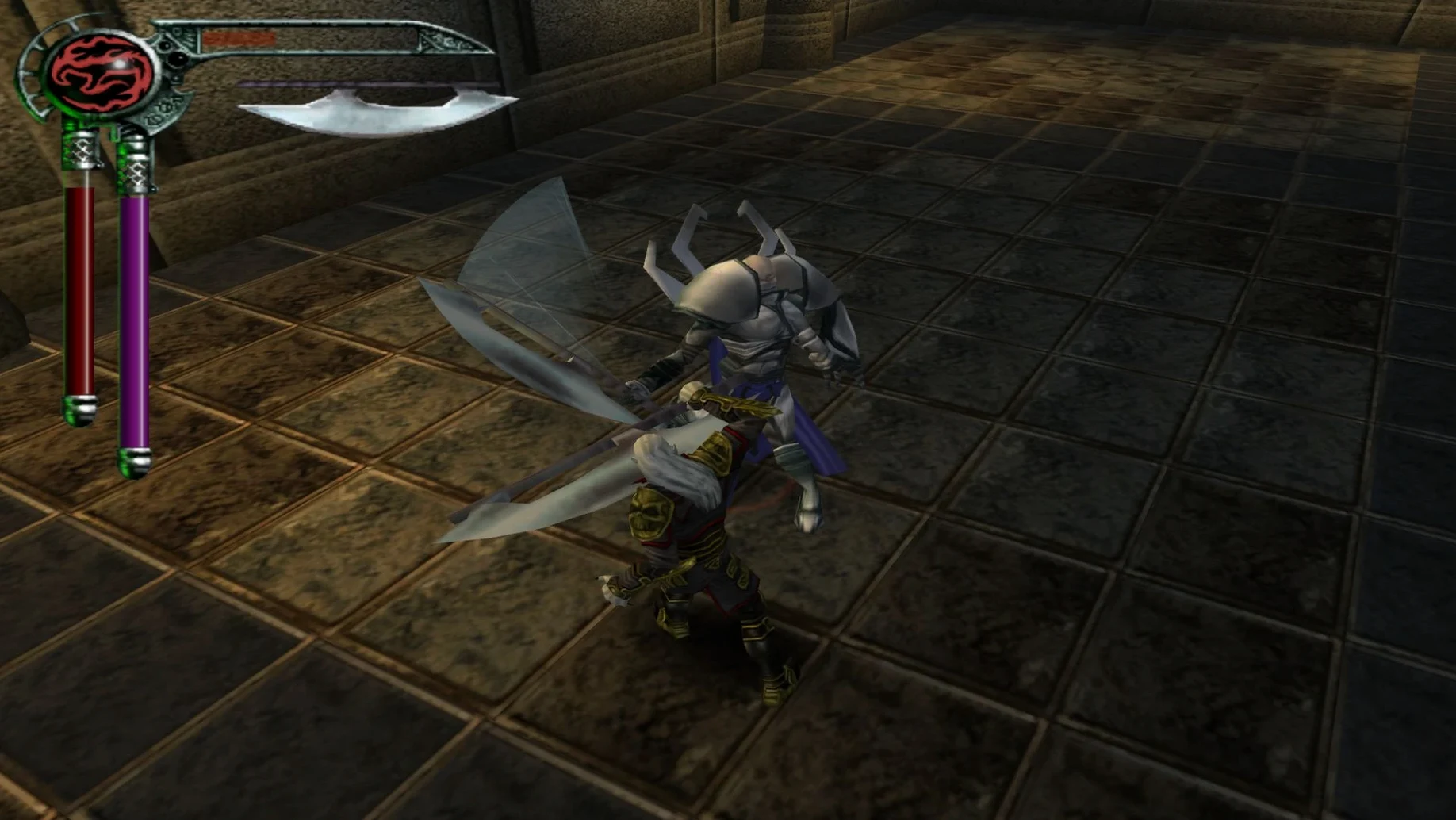
Who it's for — someone who likes a grim revenge story where the main character is just as sharp-tongued as his axe. If you enjoy third-person brawlers with a fixed camera and a late-90s gothic atmosphere, this lands well. Combat is simple but weighty, built around swords, axes and timing rather than flashy combos.
Who might bounce off it — if you want open-world exploration or modern stealth, this isn't that. The levels are linear, the platforming can feel wooden, and you'll need patience with the checkpoint system. It's a game from 2002, and it feels like one.
Story — you play as Kain, one of the last surviving vampires, waking in a world he barely knows. The tale is pure vengeance, uncovering a plot that threatens the land he means to conquer.
Dark gifts — supernatural abilities earned as you go. Fury sends enemies flying. Stealth lets you slip past or feed unnoticed. They add a bit of strategy to the brawling.
Languages — Russian and English voices, with interface text in both.
No new levels, just a wrapper that makes it launch
Version 1.02 is a Wineskin wrapper, so most of the changes are about fitting the game to the Mac rather than altering the game itself. You won't find new levels or rebalanced combat here. What you get is a build shaped to start on Apple Silicon without a fuss.
The practical upshot for everyday play: the first launch is rough, but after that it settles. The wrapper needs one crash to sort itself out, then a second run where you pick a resolution that matches your display. From the third launch onward, the game opens cleanly. Keep that sequence in mind if you move the app to another Mac or wipe your preferences — you'll go through the same dance once more.
There's also a Fix file inside the disk image. If the game throws an error at launch, run that before you start experimenting with settings. It's the sort of thing that saves you an afternoon of guessing.
Match your display resolution to stop the intro video crash
A few things make the game easier to live with than it first appears:
- Second-launch resolution pick. Choose a resolution that matches your Mac's display resolution exactly. A mismatch is what makes the game crash after the intro video on that second run.
- Drag, then launch. Copy the app to Applications before you open it. Running from the disk image can make the wrapper behave oddly later.
- Fix file as first resort. If you see an error at launch, run the Fix file before deleting preferences or reinstalling. It's there for exactly that moment.
- Dark gifts on the quick keys. Fury and stealth are easy to forget in a fight. Assign them to keys you can reach without looking, and they become part of your rhythm instead of an afterthought.
- Apple Silicon Mac



 Back up
Bench talk (0)
Sign in or get a library card to pin up a note.
Nobody has chimed in on this card. If you have used it on an old Mac, say which one.